Alma, Missouri v1.1.0.2


Welcome to Alma, Missouri.
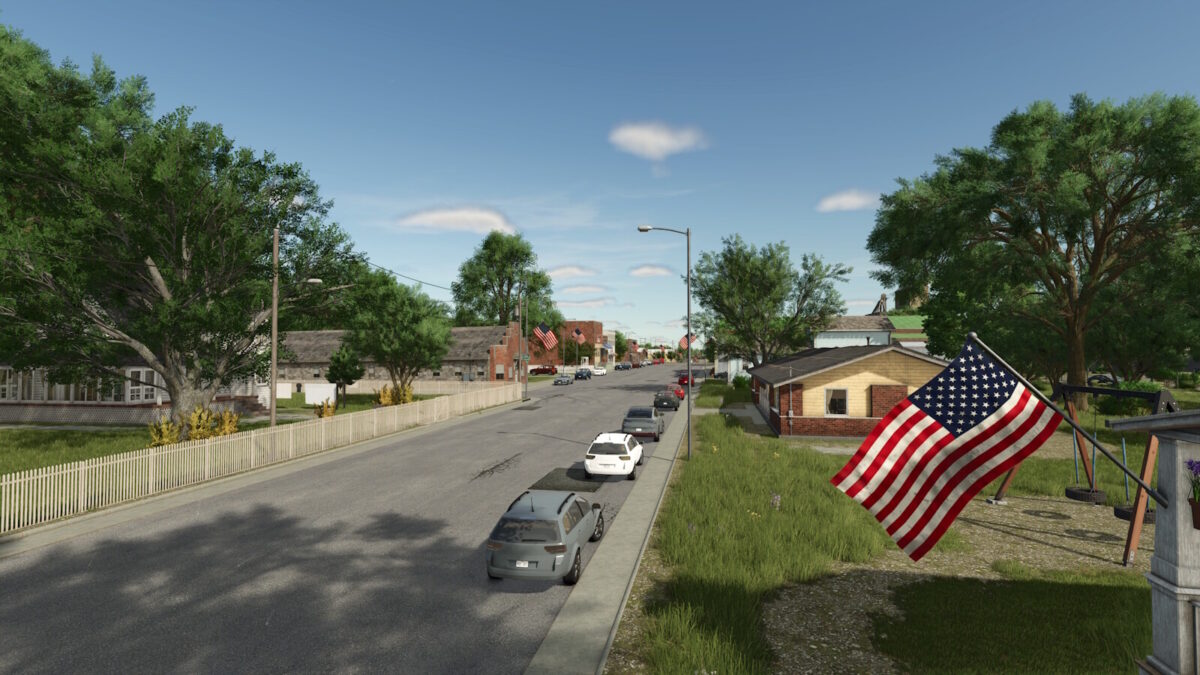
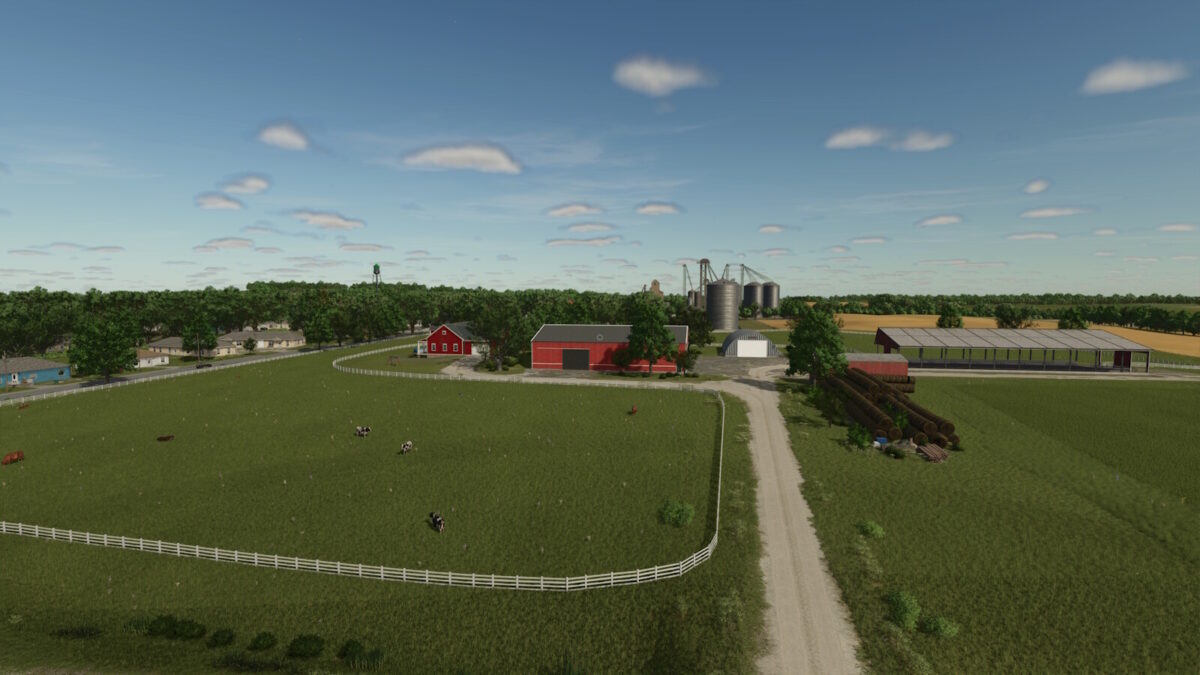
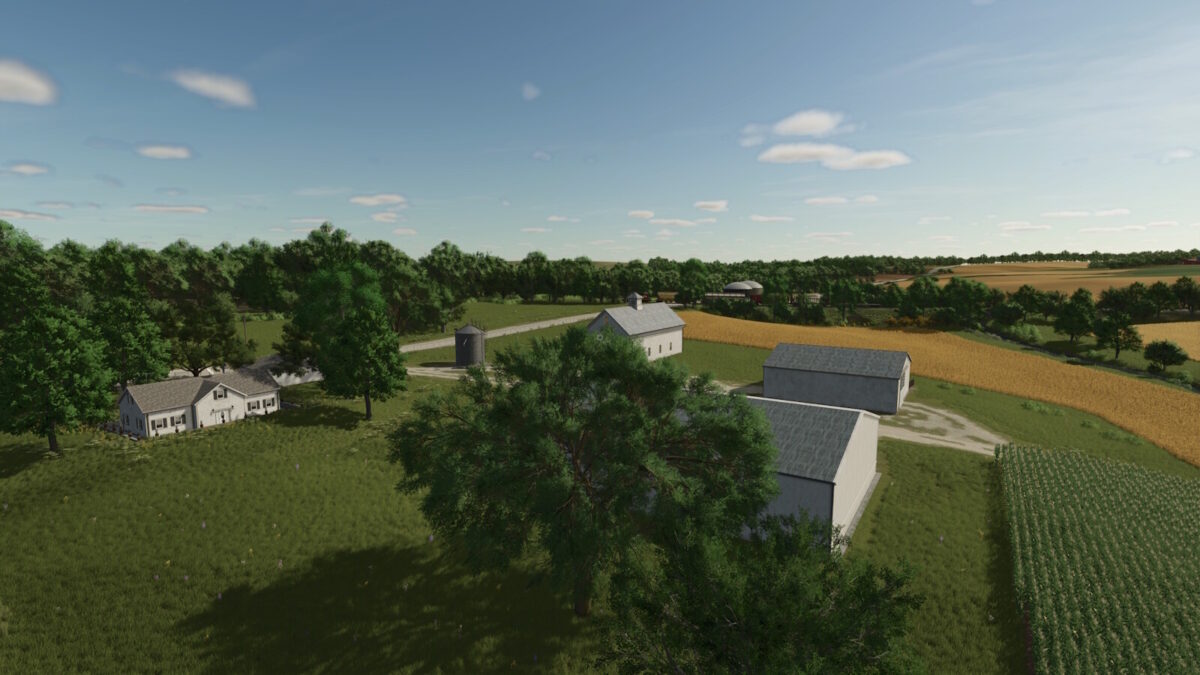
This map is based on the small beautiful town of Alma in the state of Missouri, US.
The vast majority of buildings, residential and commercial, on the main street, are modeled after real buildings found in the city, as well as traffic signs.
On the map you will find the following:
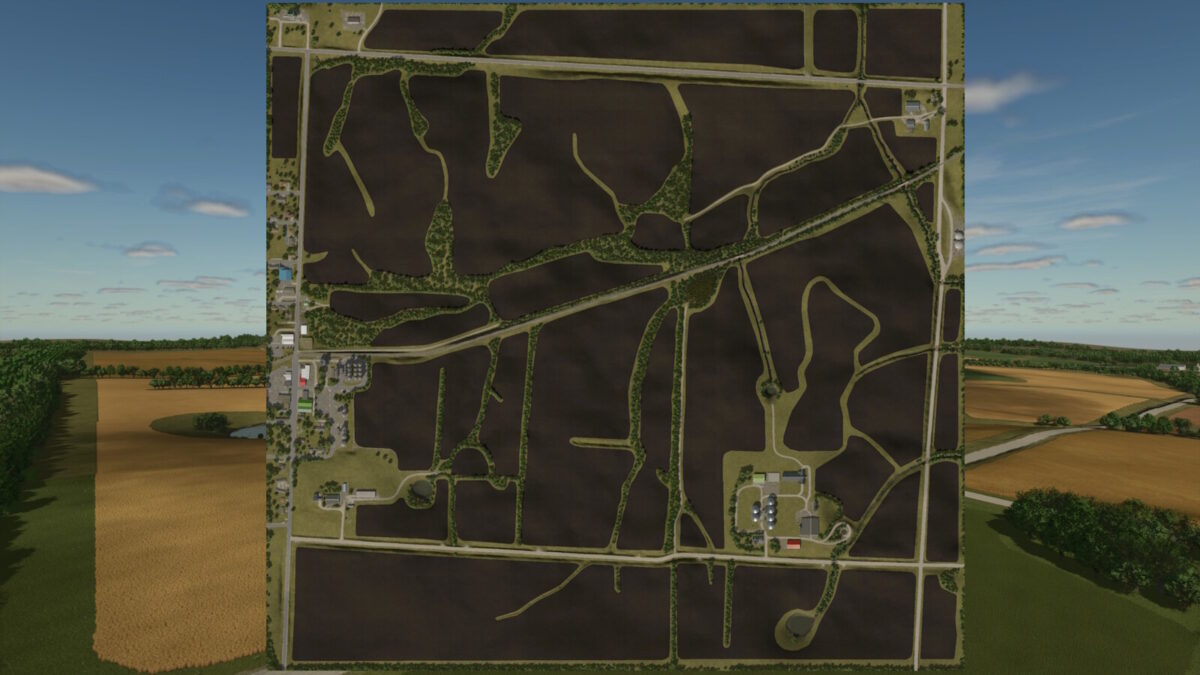
– Three preplaced farms: The main one that belongs to you at the start and two that, in order to use it, you have to buy land first.
Main farm with starting vehicles and equipment, will have Cowbarn, Horse stables, Sheep/Goat, Chicken coop and three fields.
– 47 farmlands
– 37 fields, from small to big. 5 fields with grass mission.
– 1 small forestry site.
– BGA that will not produce electricity but will produce methane that you will be able to collect and sell at the local gas station where Methane sell point is placed.
– Traffic
– Pedestrians
– Missouri licence plates
– Train that will take your goods to Marshall (Train Sell Point)
Productions available:
– Sawmill
– Dairy
– Tailor Shop
– Pizzeria
– Ketchup Production
– Popcorn Factory
– Corn Dryer that will dry your corn into dry corn, which you will be able to sell or send to the Grain mill to produce fine corn flour, and which you will also be able to sell or use in the local bakery.
To dry the corn, you will need Propane gas, which you can buy at gass station.
– Grain Mill
– Bakery with three new products, Cornbread, Sweet Cornbread and Apple Pie.
– Placeable greenhouses with new fruits, Pumpkins, Pear, Plum, Apple, Orange and Lemon
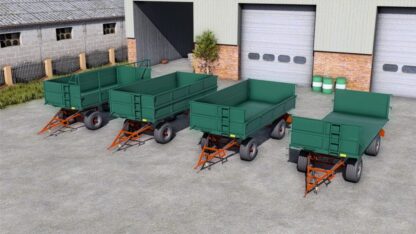
– Added 2 liquid trailers for transport Methane and propane.
Selling stations are:
– Grain Sell Point.
– Supermarket will take your food productions.
– Hardware Store will take your other productions.
– Methane sell point.
– Bale sell Point.
– Train Sell Point
Additional items on the map include:
– Working Car Washing station in the town.
Changelog 1.1.0.2:
– Added Onion support
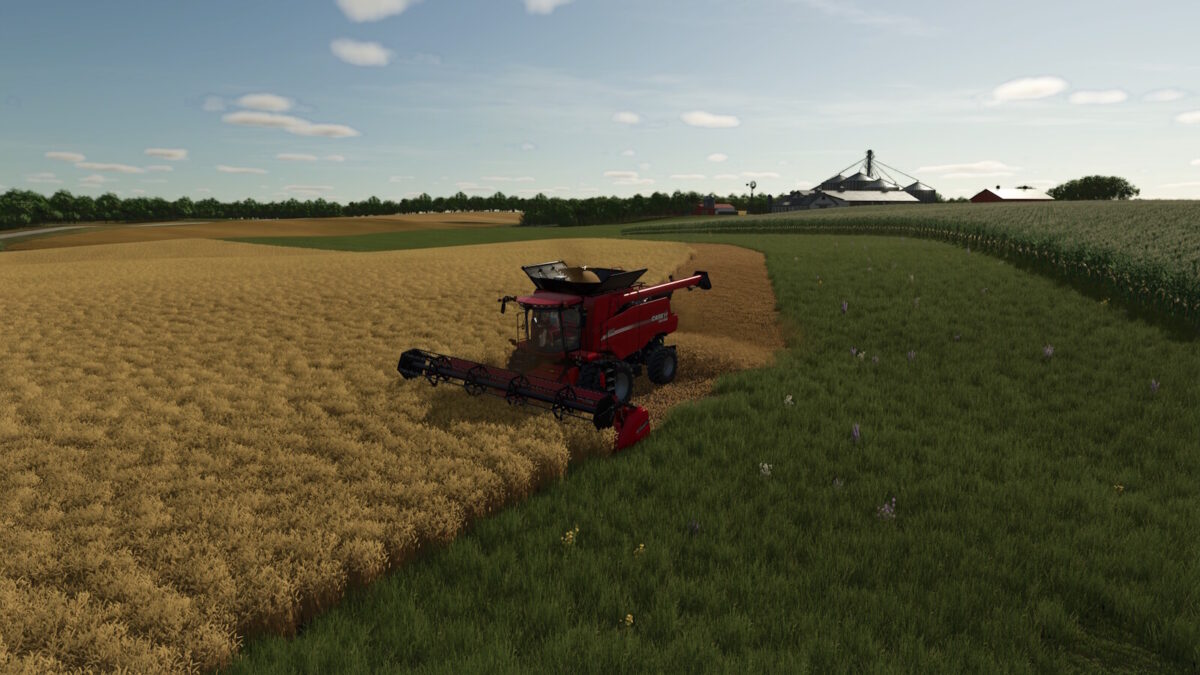
– Added new crops: Silage Corn, Rye, Winter Wheat and Winter Barley
– Adjusted the sowing and harvesting calendars for Wheat and Barley
– Added fully functional traffic lights and pedestrian signals to one town intersection
– Added traffic on gravel roads for appropriate vehicle types
– Added additional pedestrian splines
– Reworked gravel road textures
– Removed the gravel roads from the town farm and the pig farm
– Reworked meadow foliage
For these changes, a new save will not be required.
Credits:
celobuki