

AllRound Extension v 1.0.0.1


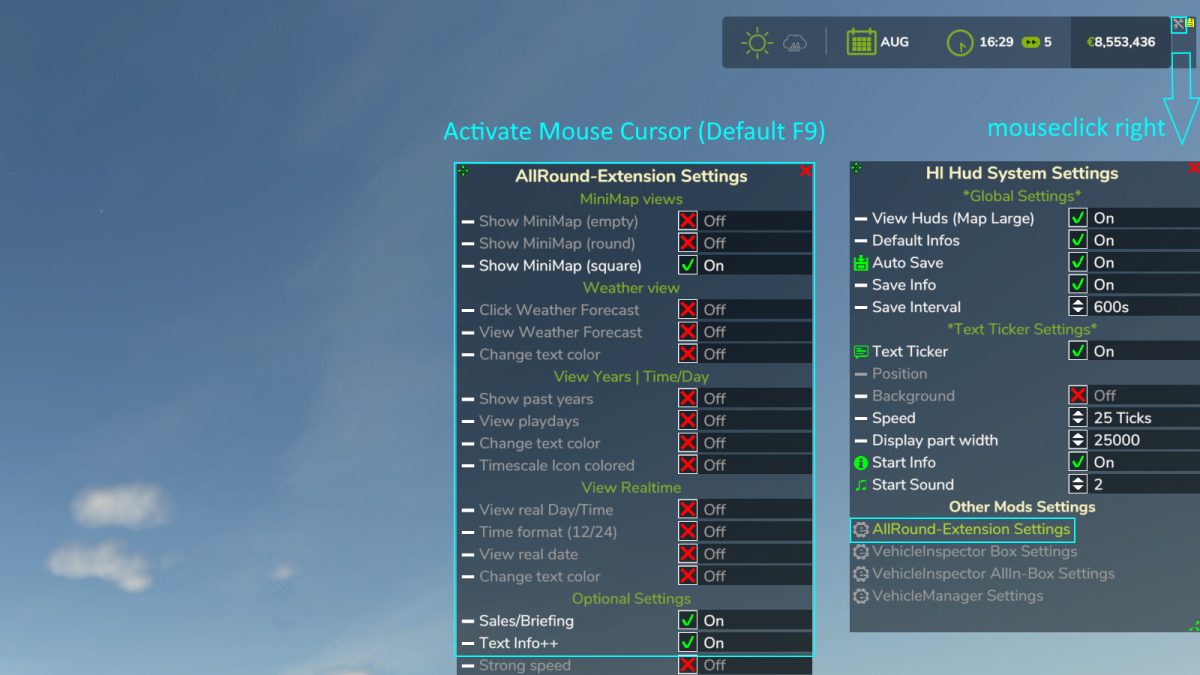
Optional game extensions/changes and adjustments:
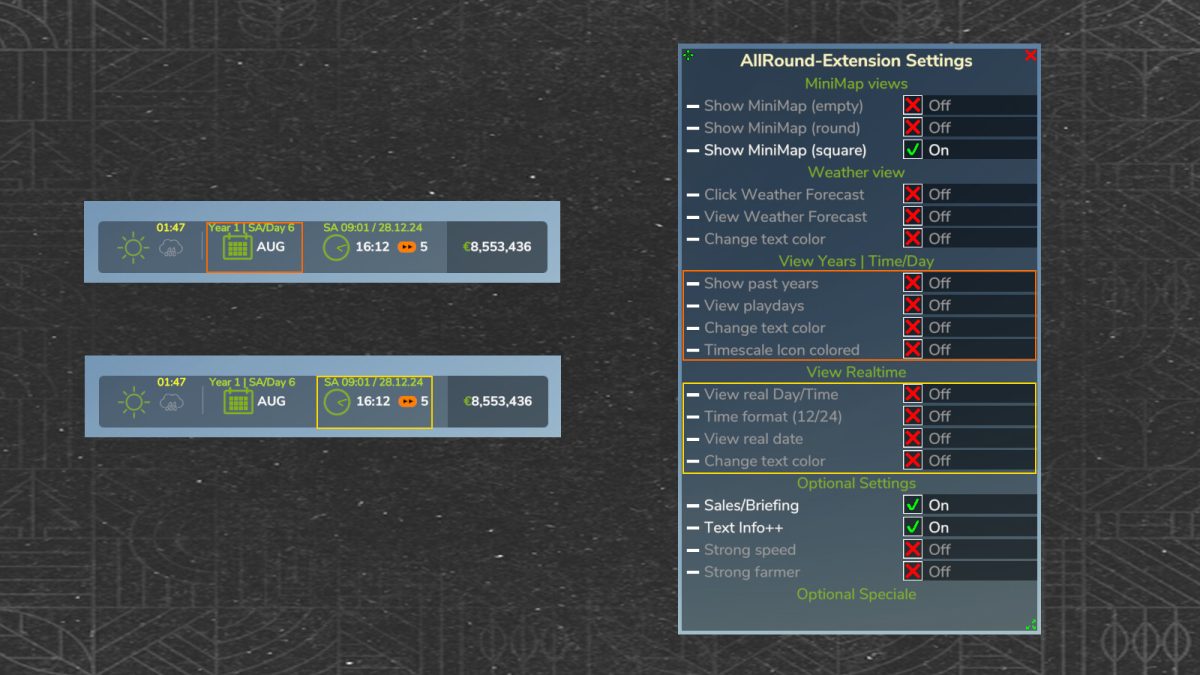
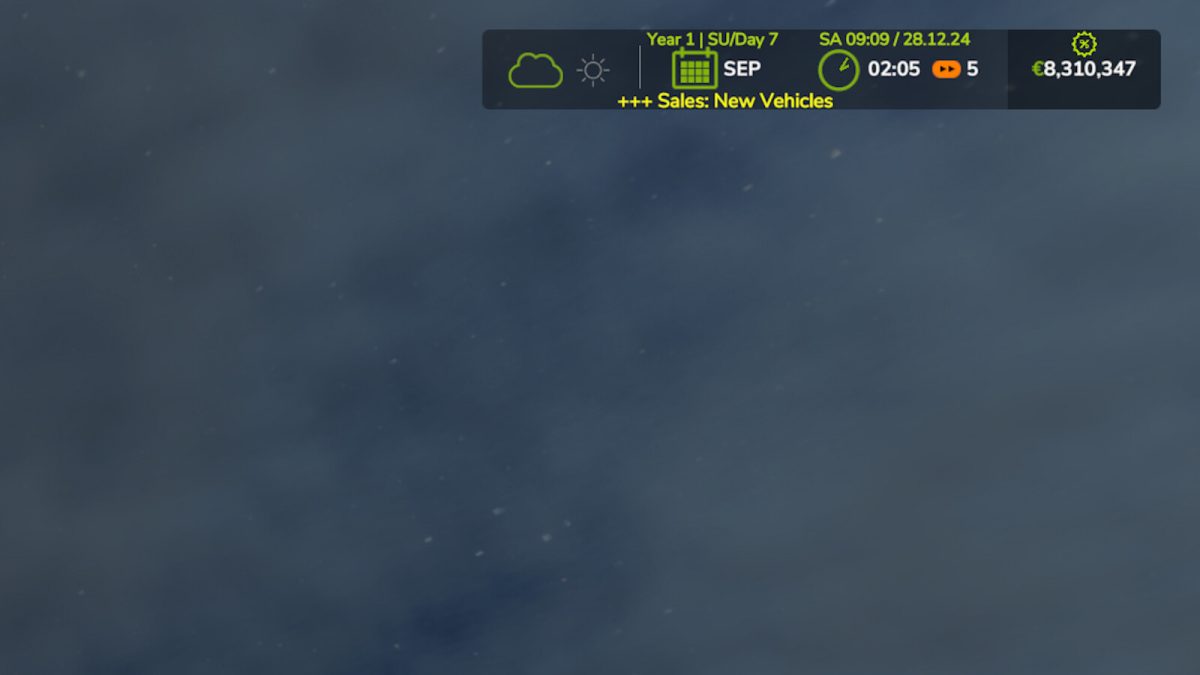
– Real date/day/time
– Ingame play years
– Ingame play days
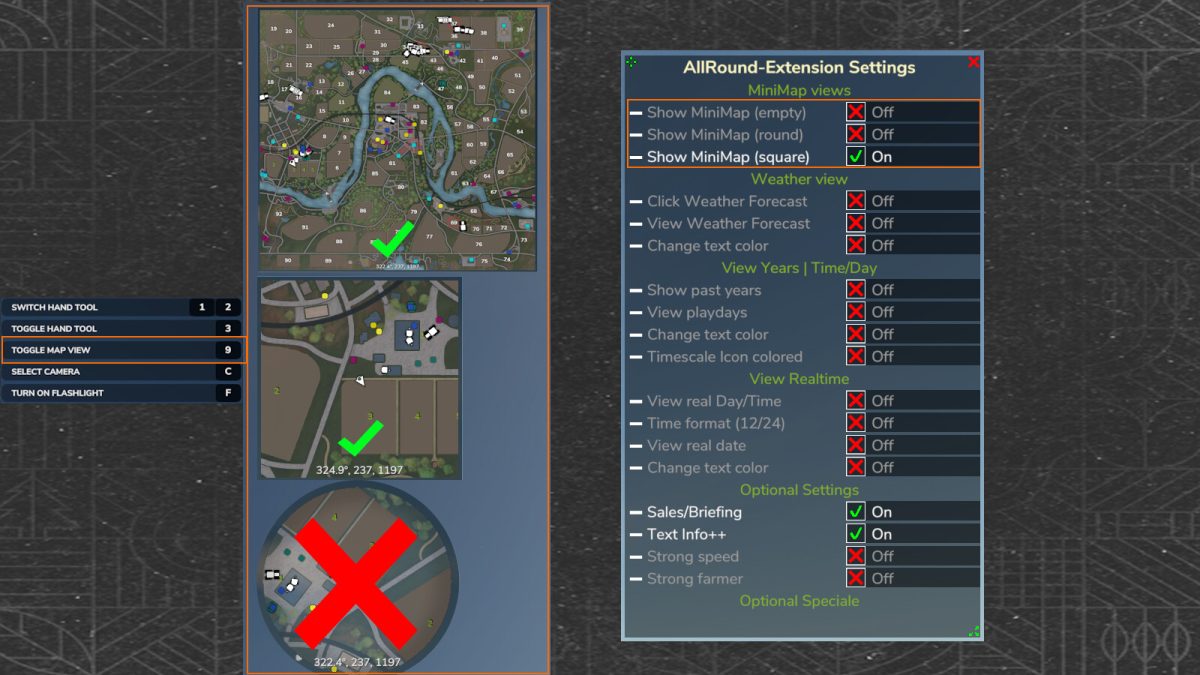
– Ingame changing minimap views (switch)
– Information about new special offers in the shop (vehicle sales)
– And much more
Version 1.0.0.1:
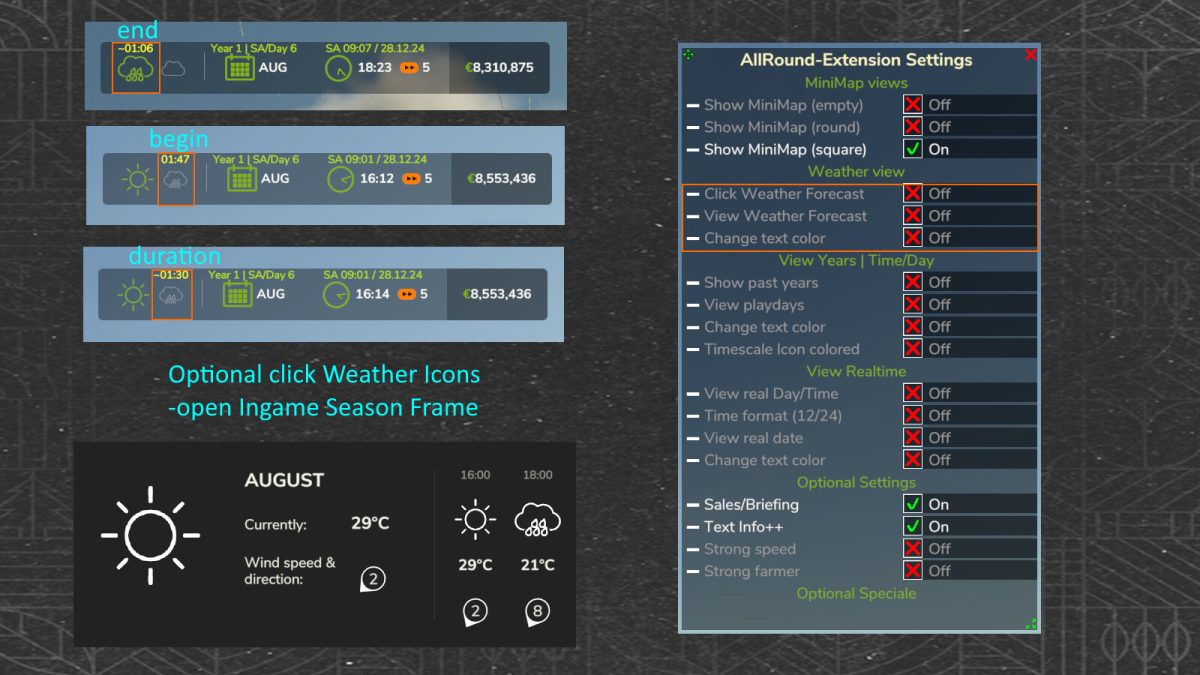
* New, optional view info reminder when it starts to rain/hail/snow
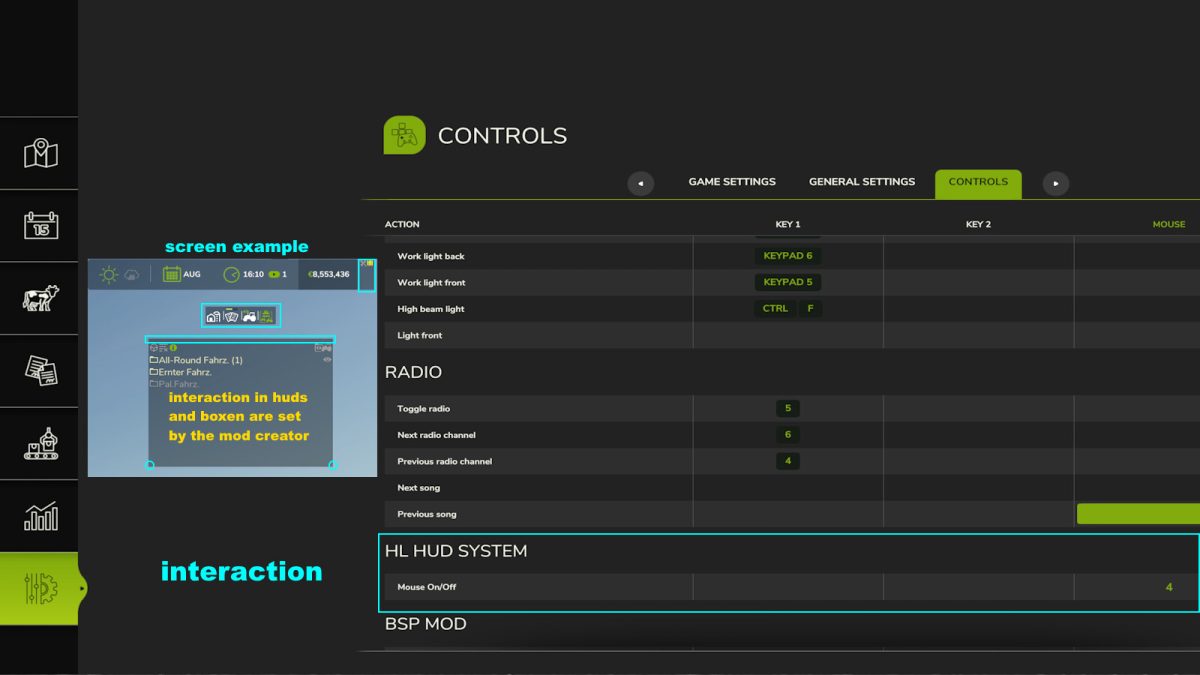
* New, optional view the current daily playingtime 1x a hour (over HL Hud System On/Off)
* New, optional view mousecursor marker (better find mouse cursor)
* New, optional player super strength On/Off over Key (Default none, only on foot)
* New, optional mouse click TimeFrame set timescale up/default/down (is master user)
* New, hand tool speed/distance + 50%
* New, save/load last player super strength state
* New, save/load last player super speed state
* New, edit optional player running super speed
* New, set shop sale system change 70%
* Fix, MP player super strength state
* Fix, mouse click WeatherFrame
Credits:
HappyLooser


