

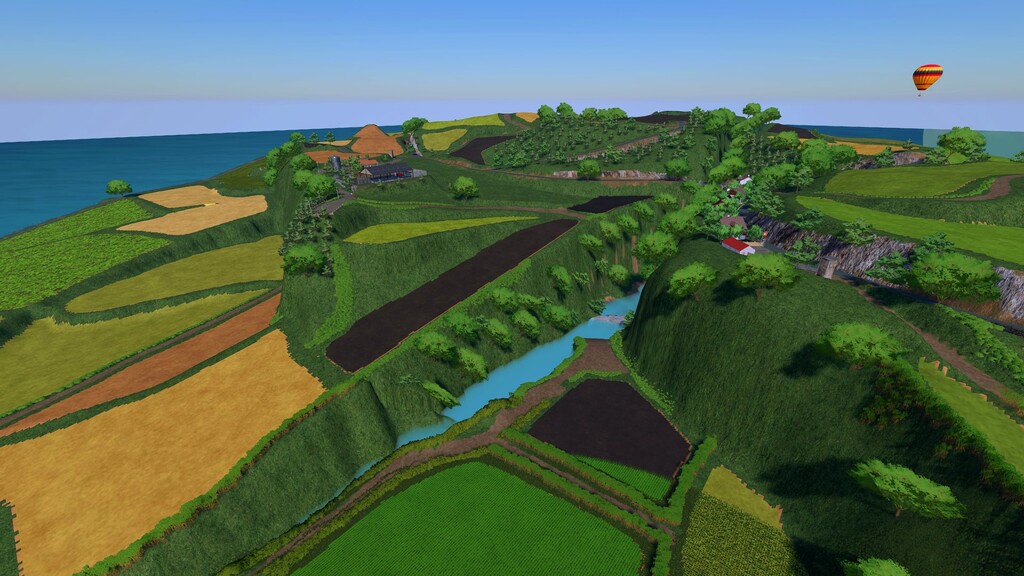
Agro Azores Map v 1.0


101 Green Pastures:
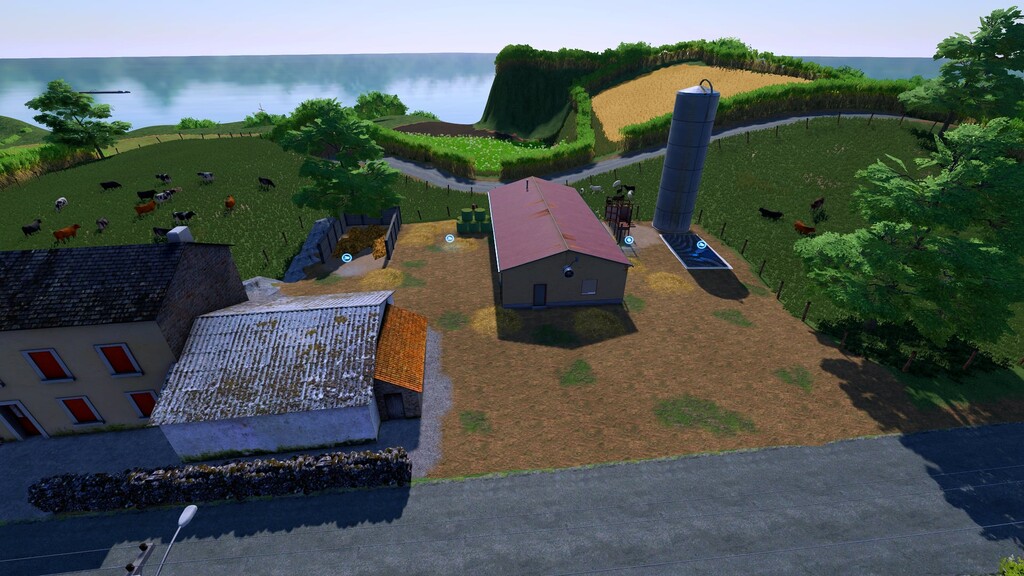
– Enjoy a wide variety of pastures distributed throughout the lush, mountainous landscape, ideal for ranchers of all levels. Here, caring for livestock becomes an engaging and rewarding experience
Complete Farm:
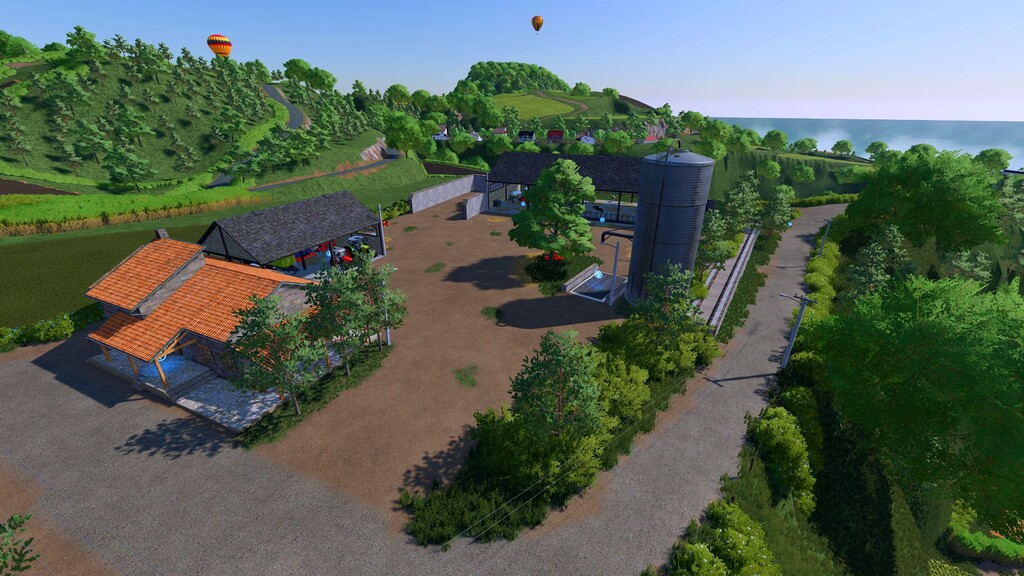
– The farm comes fully equipped, offering everything you need to manage a thriving operation, from animal husbandry to crop production
Factories and Processing:
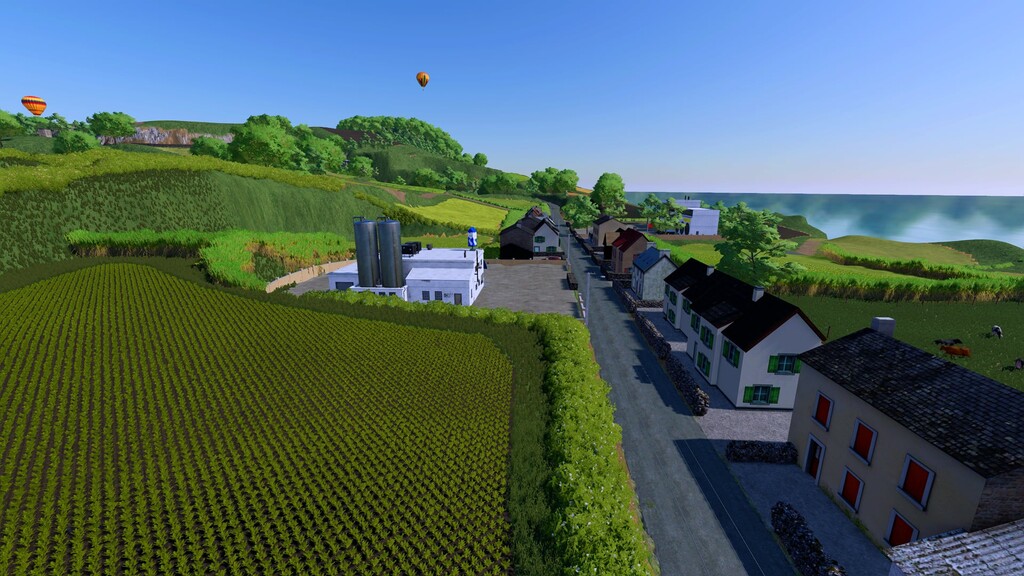
– Expand your activities with local factories that allow you to process your production and increase profits, whether processing dairy, meat or other regional products
Mountainous Relief:
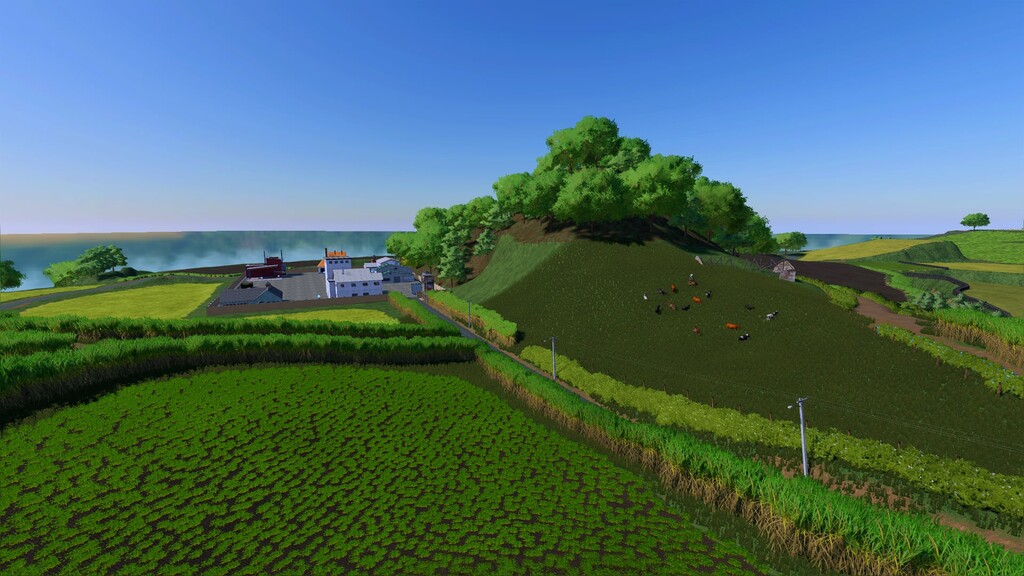
– Prepare yourself for the challenge of working in rugged terrain full of ups and downs. Ideal for those who enjoy a dynamic and slightly more challenging agricultural experience
Gas Station and Herculano Store:
– Refuel your vehicles easily at the gas station and have access to a specialized store (Herculano) to purchase the best agricultural equipment and implements
Rich Vegetation and Authentic Details:
– Explore the natural beauty of the Azores, with abundant vegetation including reeds and hydrangeas, recreating the unique atmosphere of this region.
– The map is a true work of art, designed to be visually stunning and culturally immersive
Intimate Environment:
– With a compact and well-structured layout, Agro Azores offers an immersive gaming experience, ideal for players who prefer a more cozy environment close to nature
Credits:
FSPT, Lostgamer, AzoresModding David_Adonse, Luis_Fresco, Ra


