

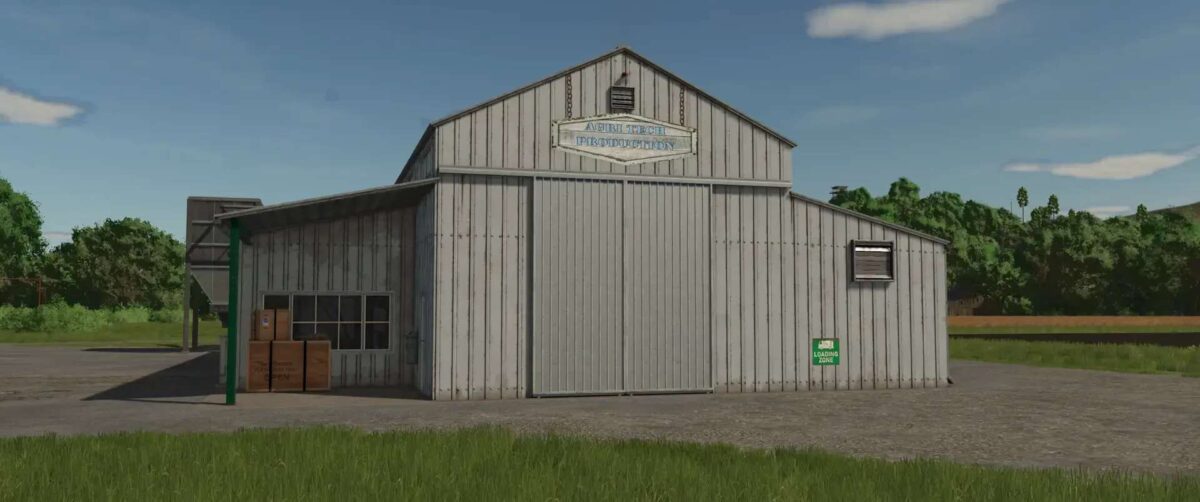
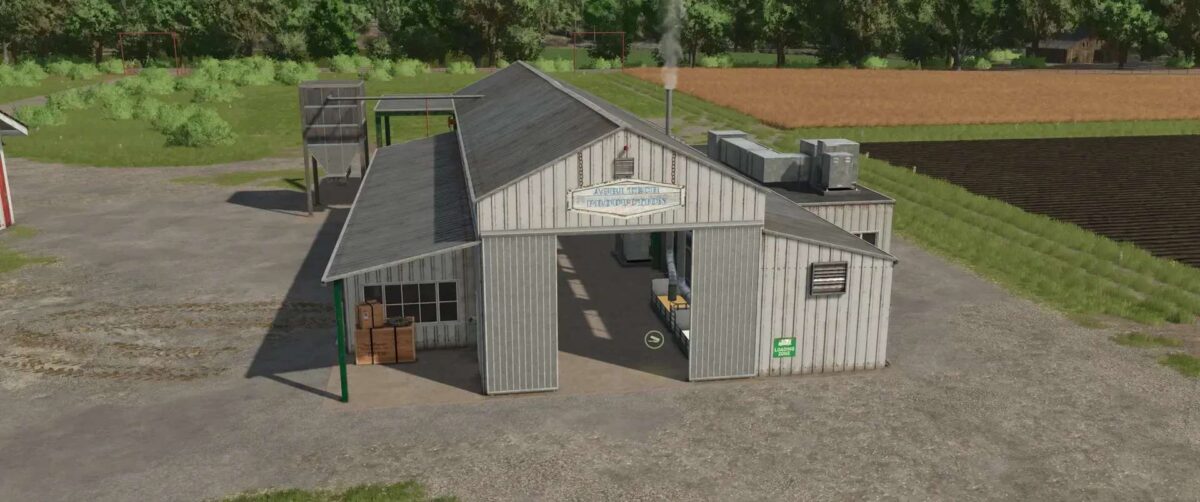
Agri Tech Production v 1.0


Production of liquid lime and seeds.
Two important agricultural products are produced in this production:
– Liquid lime and treated seed varieties such as wheat and barley
Production of liquid lime:
– A mixture of high quality lime and water is used to produce liquid lime. This combination ensures that a homogeneous, liquid substance is created that can be used for various agricultural applications
– The liquid lime is filled into an IBC tank (Intermediate Bulk Container), which allows for easy handling and storage
– This makes the liquid lime easy to transport and can be used directly on site in agriculture
Production of seeds:
– Wheat and barley are the focus for the production of treated seed varieties
– A special dressing agent is added, which is available in the shop and is also offered in an IBC tank
– The seeds can be efficiently removed from the silo, ensuring a reliable and continuous supply
– This production process offers farmers the opportunity to produce both high quality liquid lime and optimized seeds
Credits:
Angelcom


