

Advanced Maintenance v 1.0.0.1


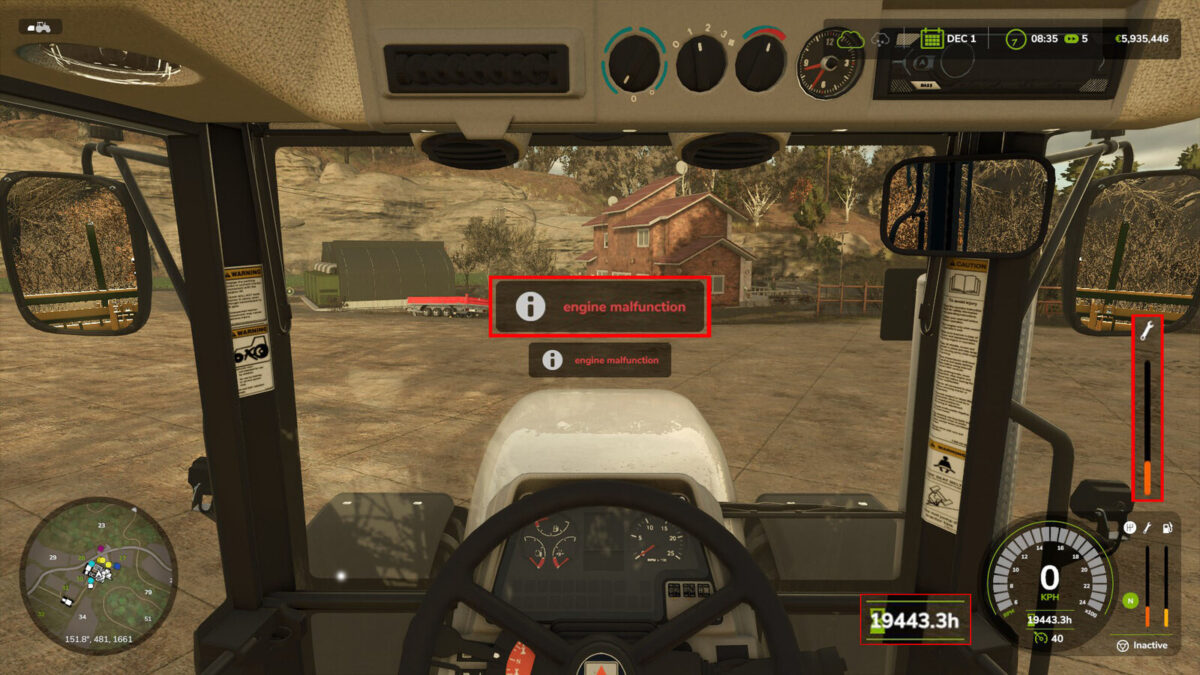
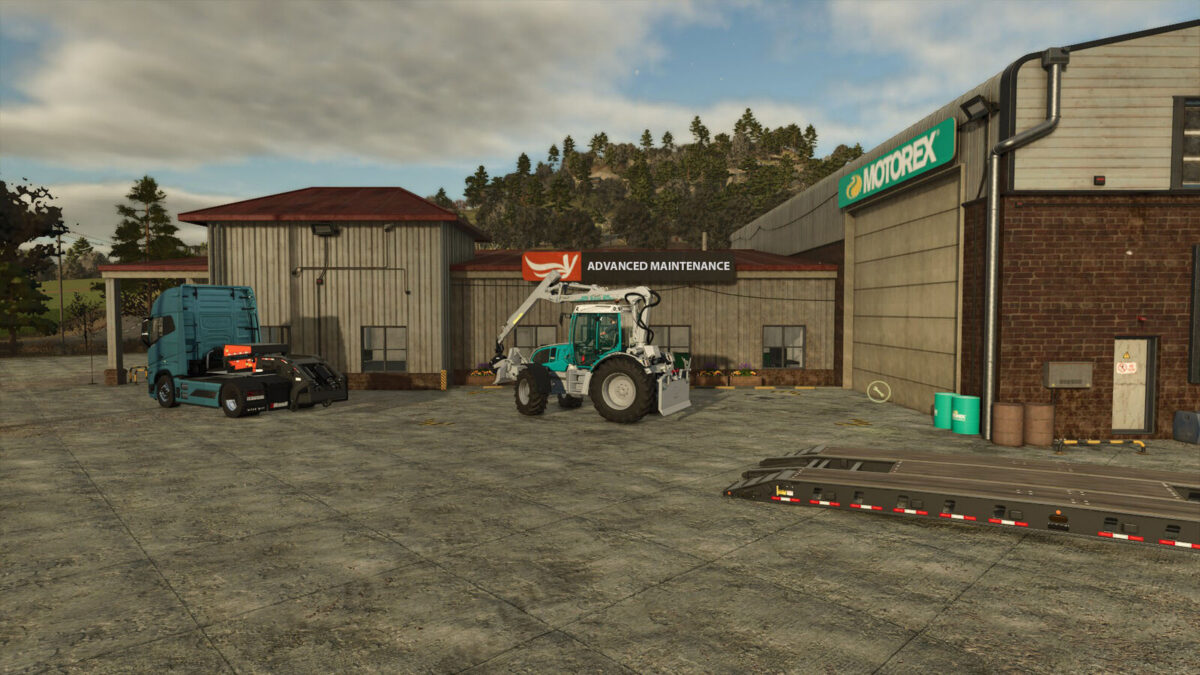
Advanced Maintenance v 1.0.0.1 introduces a realistic approach to vehicle and tool upkeep in Farming Simulator. This mod adds engaging gameplay mechanics centered around breakdowns, maintenance management, and the resultant consequences on operations.
You’ll encounter random shutdowns for vehicles based on their maintenance level and usage hours, integrating a layer of strategy into your farming operations. To mitigate breakdowns, it’s essential to keep your maintenance levels above 50%. Should a vehicle’s maintenance drop to 0%, it will become non-operational and require repairs at a shop.
The mod features a combined maintenance bar for tracking the condition of both vehicles and tools. This encourages players to engage in regular maintenance routines to ensure that all equipment operates efficiently. The mod is designed to be compatible with all vehicles and tools within your gameplay.
Version 1.0.0.1:
* Comes with fixed errors that enhance the performance and reliability of this mod, ensuring smoother gameplay
Credits:
MechMoxer


