Adjustable Mirrors v4.0.1.0


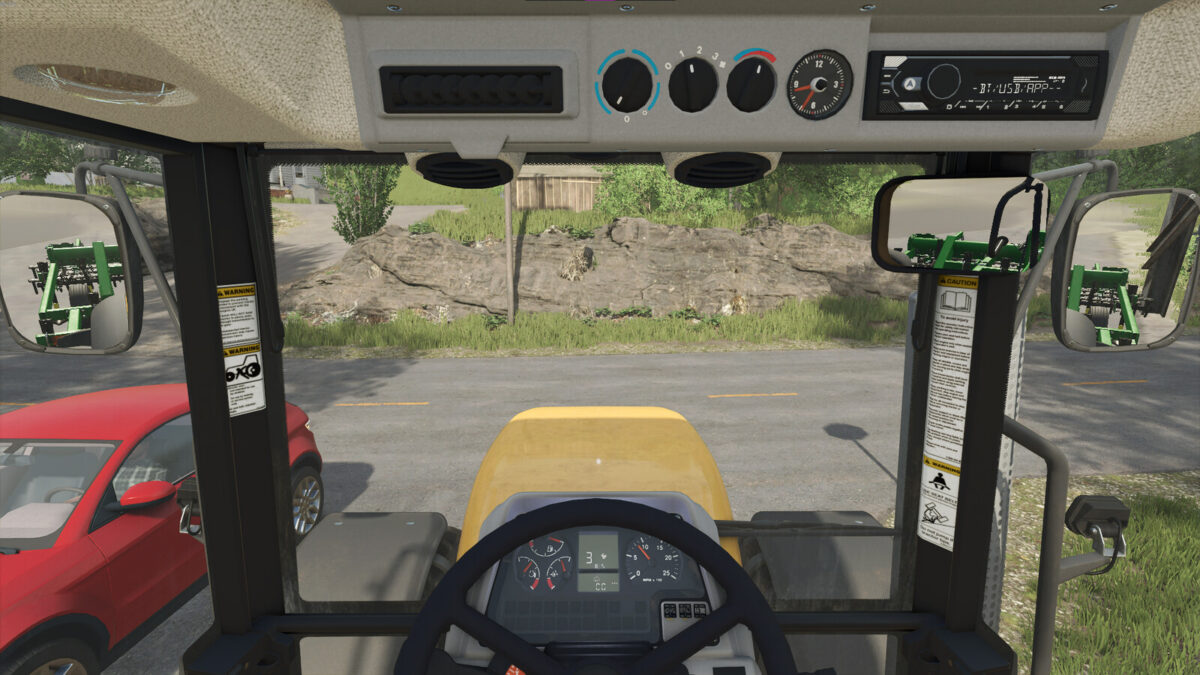
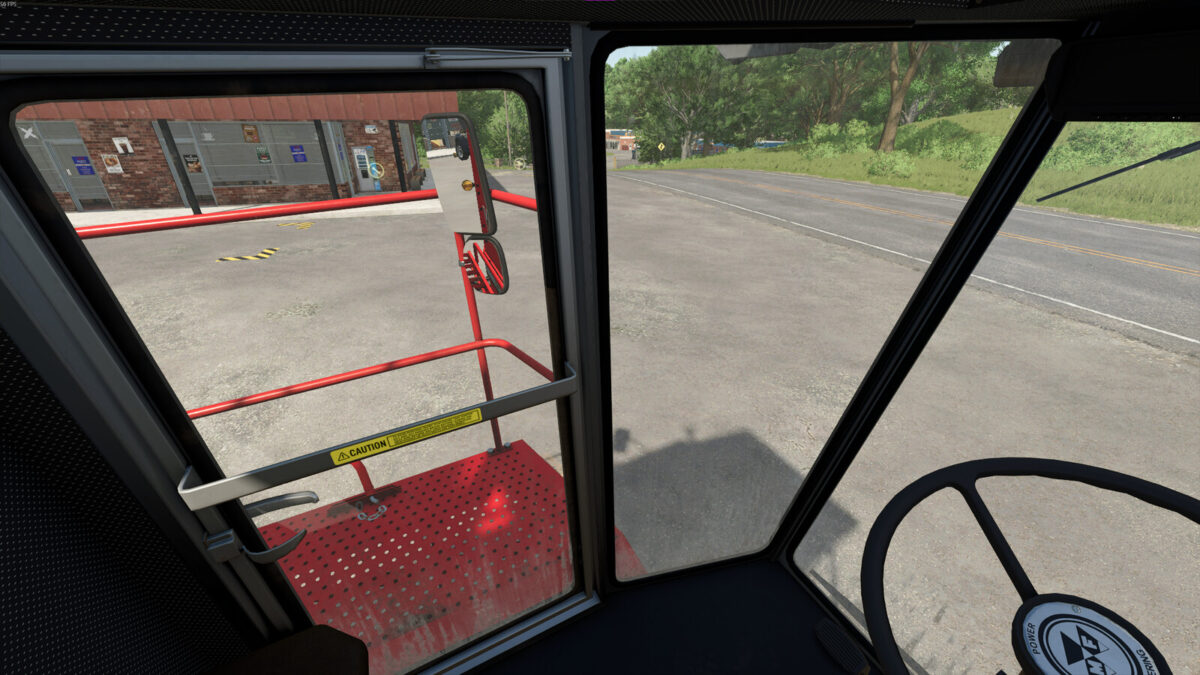
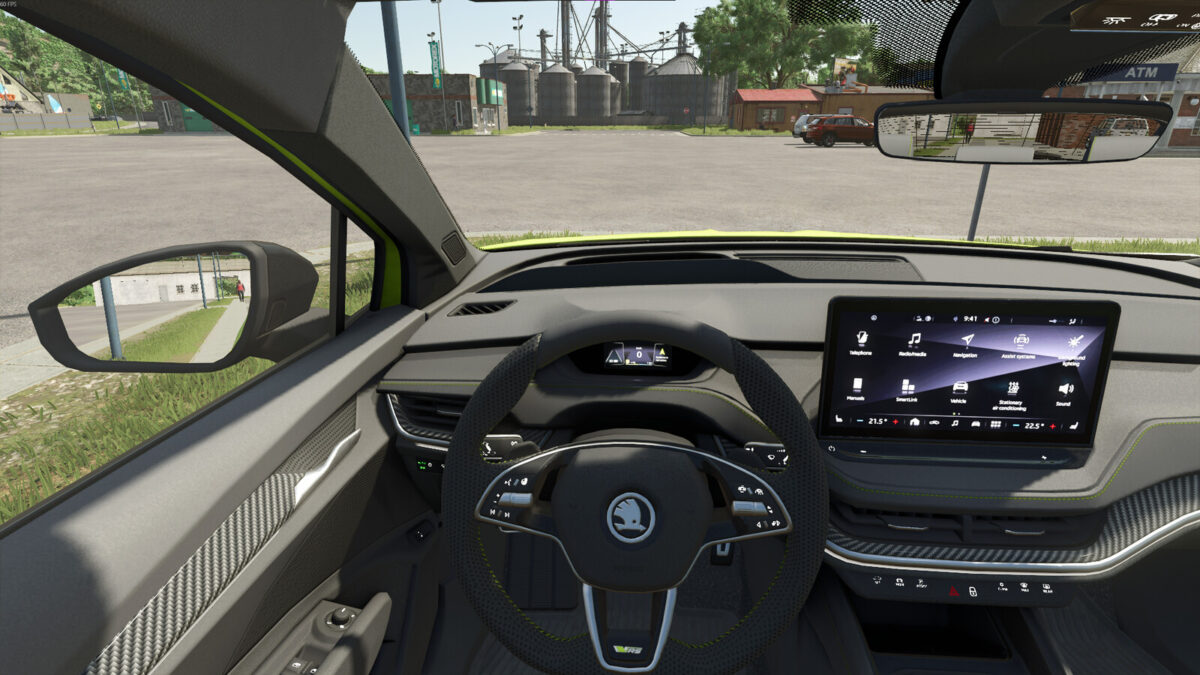
This mod enables you to adjust the mirrors of you vehicles and actually make them useful when using the in-cab view.
Everything is fully multiplayer compatible and mirrors will be synched between all clients and saved by the server.
Find the source code here.
Default bindings are as follows:
– “Adjust Mirrors on/off” : [rctrl + keypad_0]
– “Change mirror” : [rctrl + keypad_5]
– “Tilt the mirror down” : [rctrl + keypad_2]
– “Tilt the mirror up” : [rctrl + keypad_8]
– “Tilt the mirror left” : [rctrl + keypad_4]
– “Tilt the mirror right” : [rctrl + keypad_6]
Changelog 4.0.1.0:
– Fixed a crash when loading savegame data with a mismatched mirror count
– Fixed multiplayer mirror synchronization issues
– Mirror settings are now preserved across minor version updates (only reset on major version changes)
Credits:
StjerneIdioten