

Additional Game Settings v 1.0


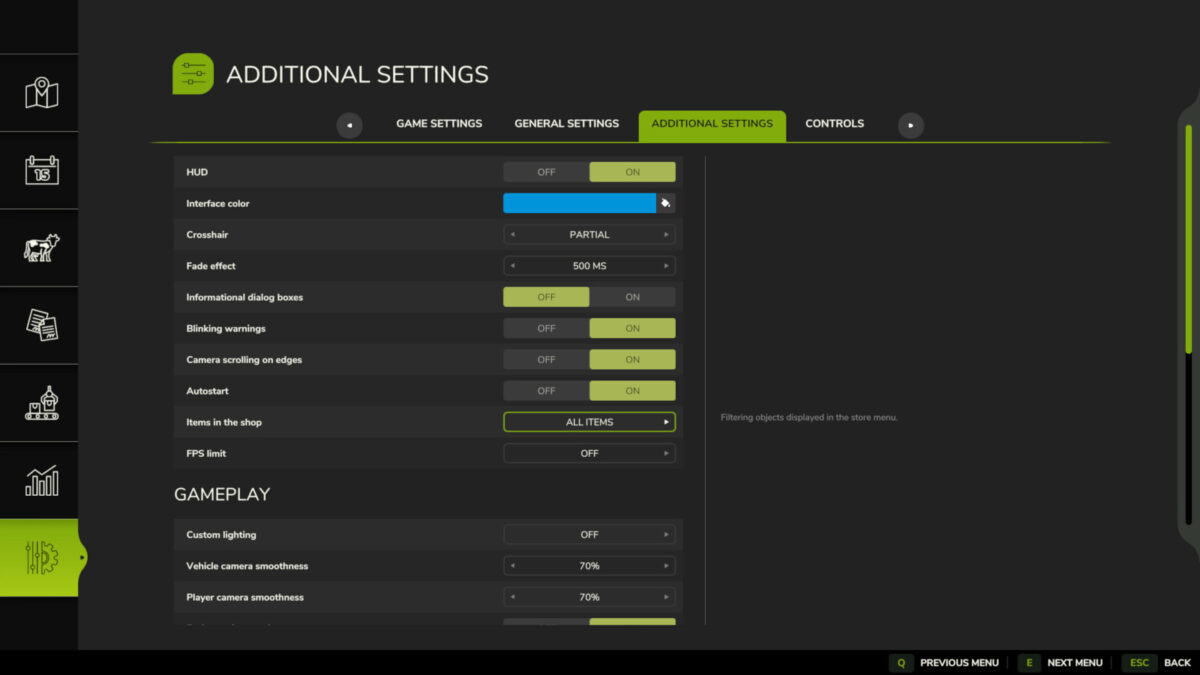
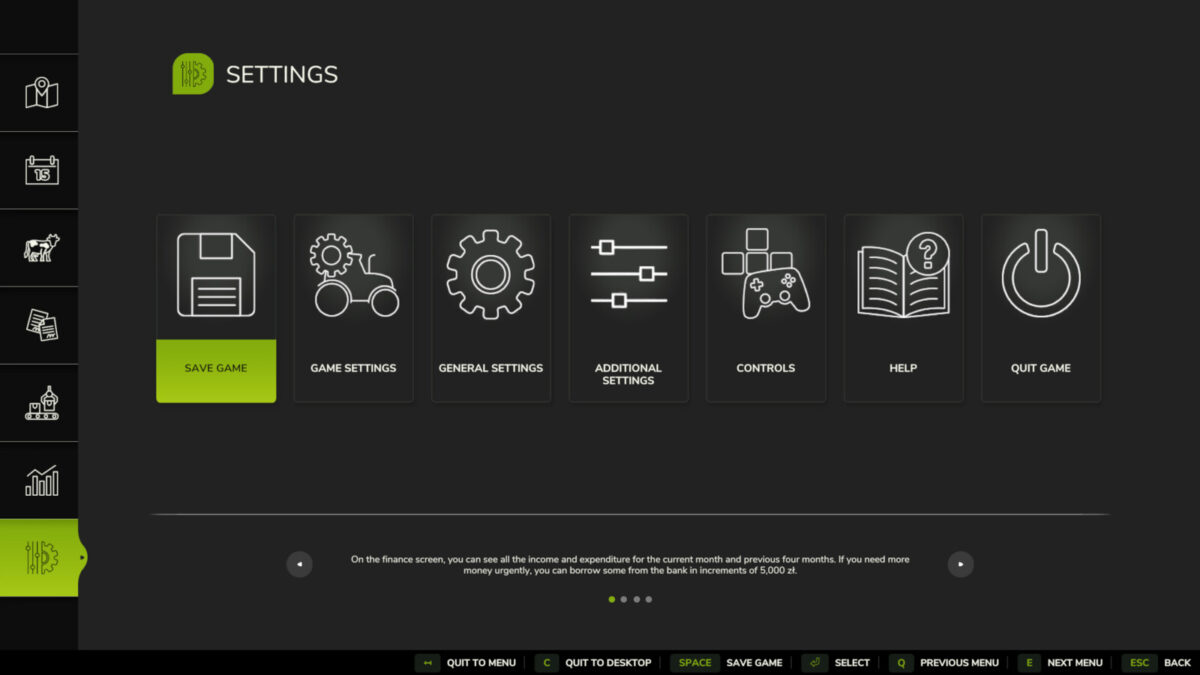
This mod adds a new settings tab to the pause menu.
Available functions:
– Enable/disable the interface,
– Change the interface color (custom colors can be added to the file “…/modSettings/FS25_additionalGameSettings/uiColors.xml”),
– Enable/disable the crosshair,
– Display a transition effect when switching cameras,
– Enable/disable unnecessary informational windows,
– Enable/disable blinking notifications,
– Enable/disable mouse camera movement in object placement mode,
– Enable/disable automatic game save start,
– Filter objects in the shop (all/base/mods/DLC),
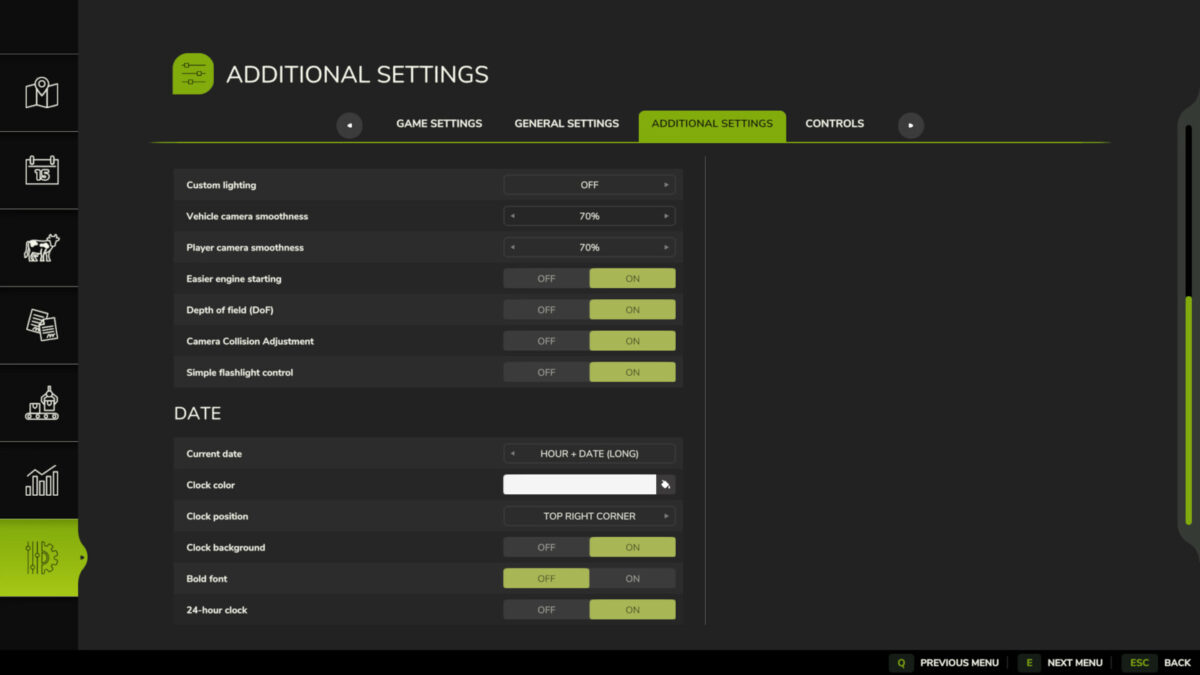
– Toggle lighting from other maps (custom lighting can be added to the folder “…/modSettings/FS25_additionalGameSettings/lighting”),
– Smooth camera movements,
– Start the vehicle engine by pressing the acceleration key,
– Enable/disable depth of field (DoF),
– Enable/disable camera collision,
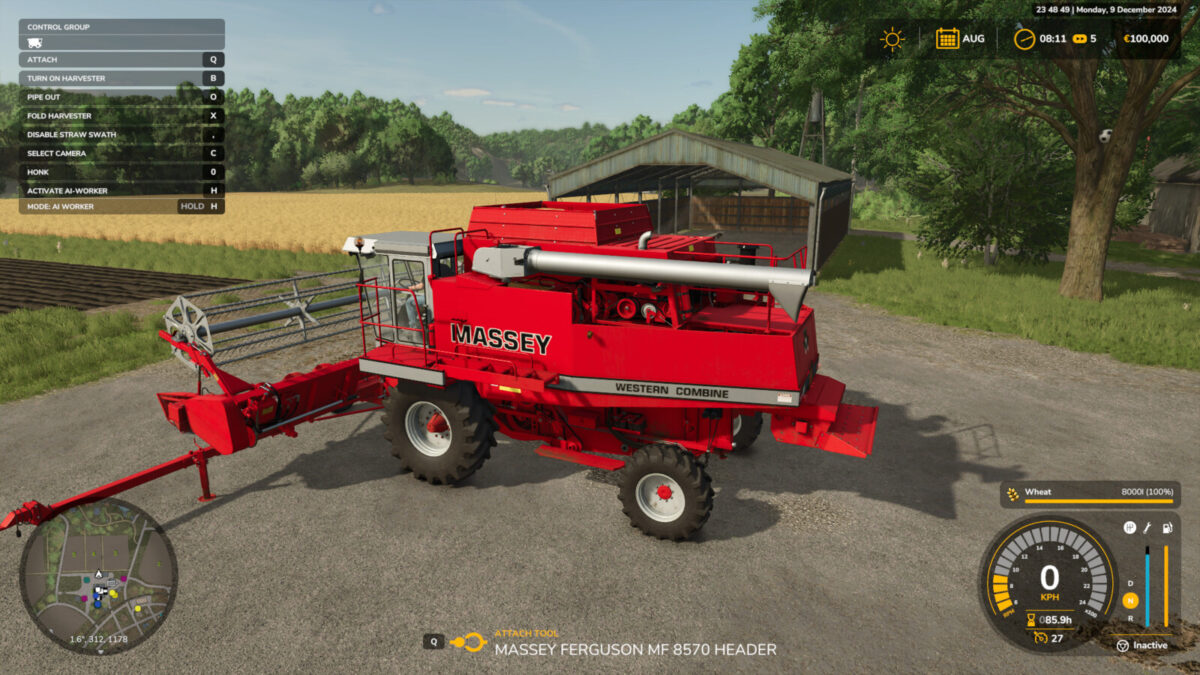
– Display the current date (customizable format/position/background/color/font boldness),
– Added “Quit to desktop” button.
Credits:
Rockstar


Conflict with FS25_BetterContracts. Setting screen is complete whit