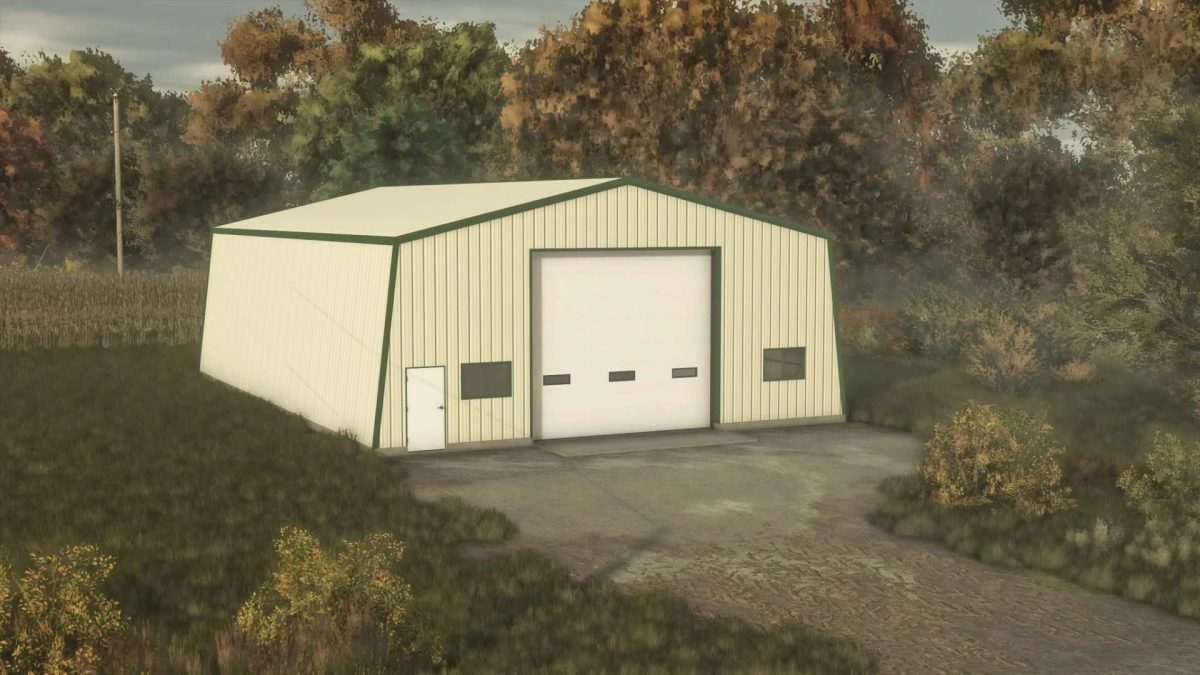
68 x 45 meters Metal Shop v 1.0


The 68 x 45 meters Metal Shop v 1.0 is designed for Farming Simulator 25 players looking to enhance their farming operations with an industrial touch.
This workshop provides a space for the production of metal parts and tools, which can be essential for both farming and construction tasks.
Players can utilize raw materials such as iron or steel to create a variety of valuable products, thereby adding greater functionality and efficiency to their gameplay.
The workshop’s layout allows for easy maneuvering of vehicles and equipment, making it a practical addition to any farm setup.
– Dimensions: 68 x 45 meters
– Produces metal parts and tools
– Converts raw materials like iron or steel
– Enhances farming and construction tasks
– User-friendly layout for vehicle maneuverability
Credits:
Ljr