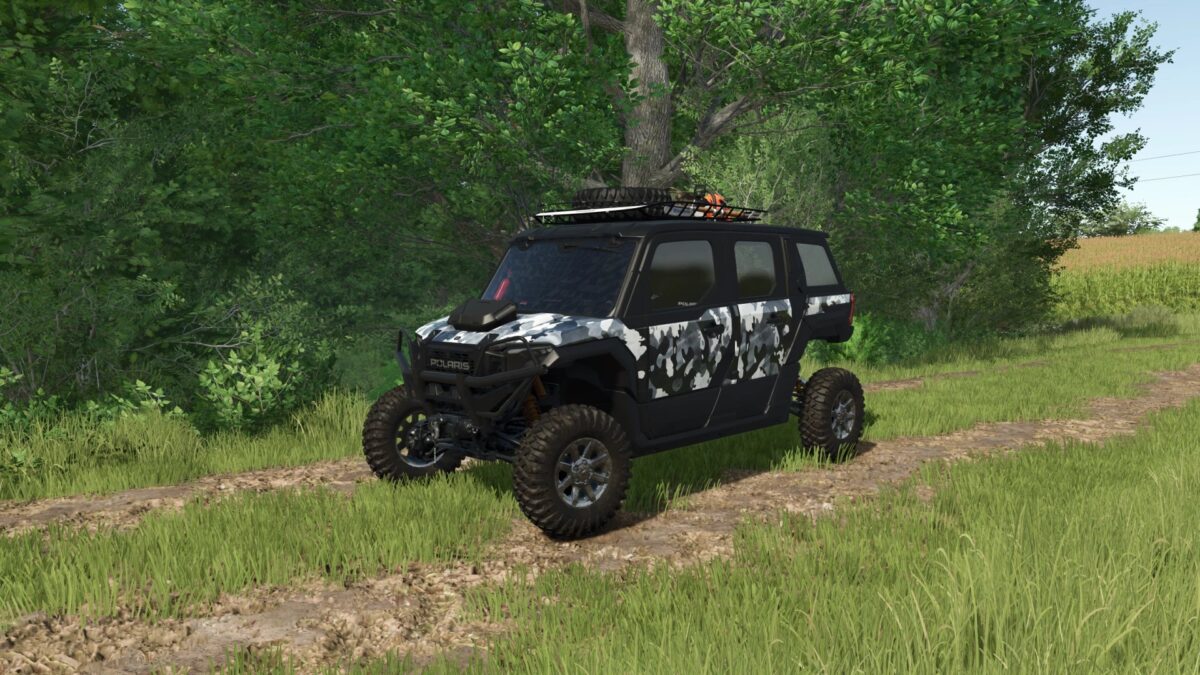
2025 Polaris Xpedition ADV 5 NorthStar v 2.0


Adventure meets luxury in the all new 2025 Polaris Xpedition ADV 5 NorthStar.
Built for the toughest terrain and the longest rides, this 5 seater side-by-side features a fully enclosed cab with heat, A/C, Ride Command+ and a premium JBL audio system.
Powered by a 999cc ProStar engine with 114 horsepower, it delivers smooth power through an automatic transmission
and on demand AWD.
With 14 inches of ground clearance, FOX QS3 shocks, and over 200 miles of range, it’s ready for any expedition rain, snow, or mud.
Version 2.0:
* Tracks added
* IC fixed
* Plates fixed
* Tool Chainsaw Holder added
* Windshield Wiper Rot fixed
* Starlights fixed when back is removed
* Roofrack is now Color selectable and stuff on top is Optional
* Red Light fixed when dog Box is selected
* Reduced File Size
* Other small improvements and fixes
Credits:
Hashy