

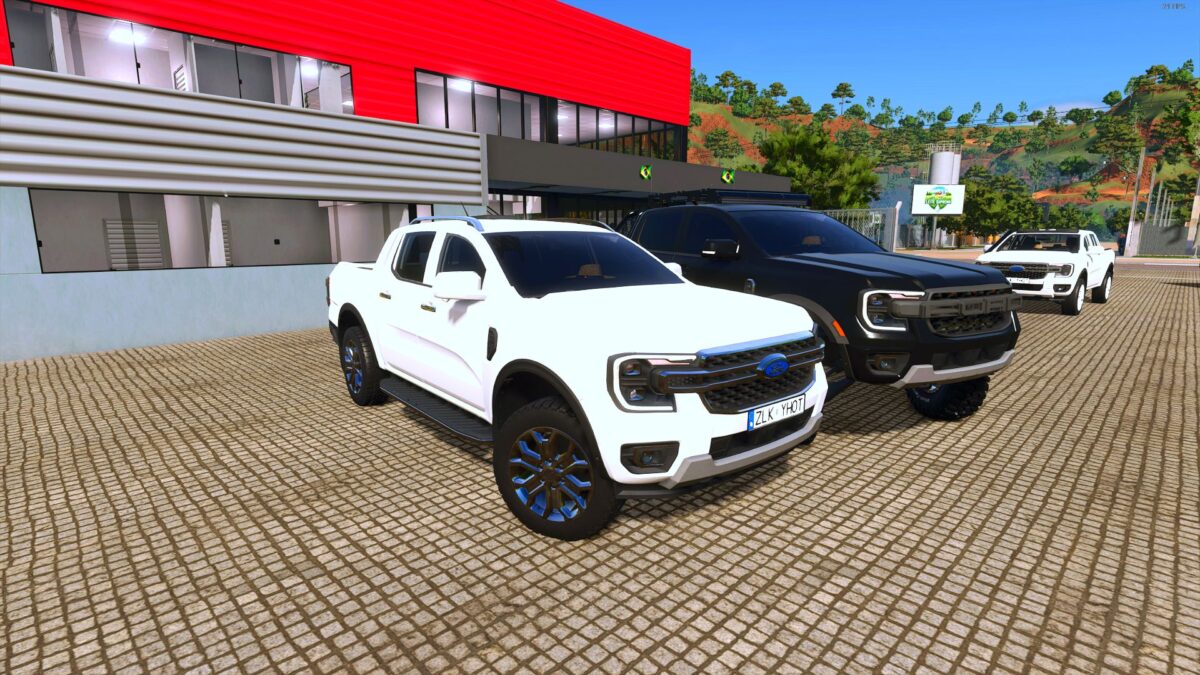
2025 Ford Ranger Limited Edition v 1.3


– 2025 Ford Ranger Brazilian Edition
– Power range: 170-250 HP
– Fuel capacity: 120 liters
– Speed: 120 km/h
– Weight: 5.3 tons
– Automatic and manual transmission options
– Customizable with various wheel options and accessories
The 2025 Ford Ranger Limited Edition is designed for those who need a versatile pickup for their farming activities. This model offers a robust power range from 170 to 250 HP, ensuring you can tackle various jobs around the farm. With a fuel capacity of 120 liters, it provides decent range and efficiency for your long days in the field.
You can choose between automatic and manual transmission options based on your driving preference. The vehicle’s top speed of 120 km/h allows for quick transportation across your farm or when hauling goods. Weighing in at 5.3 tons, it is sturdy enough to carry pallets or assist in pulling stuck tractors, making it a practical addition to your equipment lineup.
Customization is also a key feature, as the Ford Ranger comes with several optional wheels and accessories that allow you to tailor it to your needs and style. This truck combines functionality with aesthetic options, providing a practical solution for your farming needs
Version 1.3:
* Fixed bugs with trailers not being hitched to hitches
Credits:
Eduu, MCD custom, Radichkov, DR3RS


