2024 Lizard Superduty Pickup v 1.2


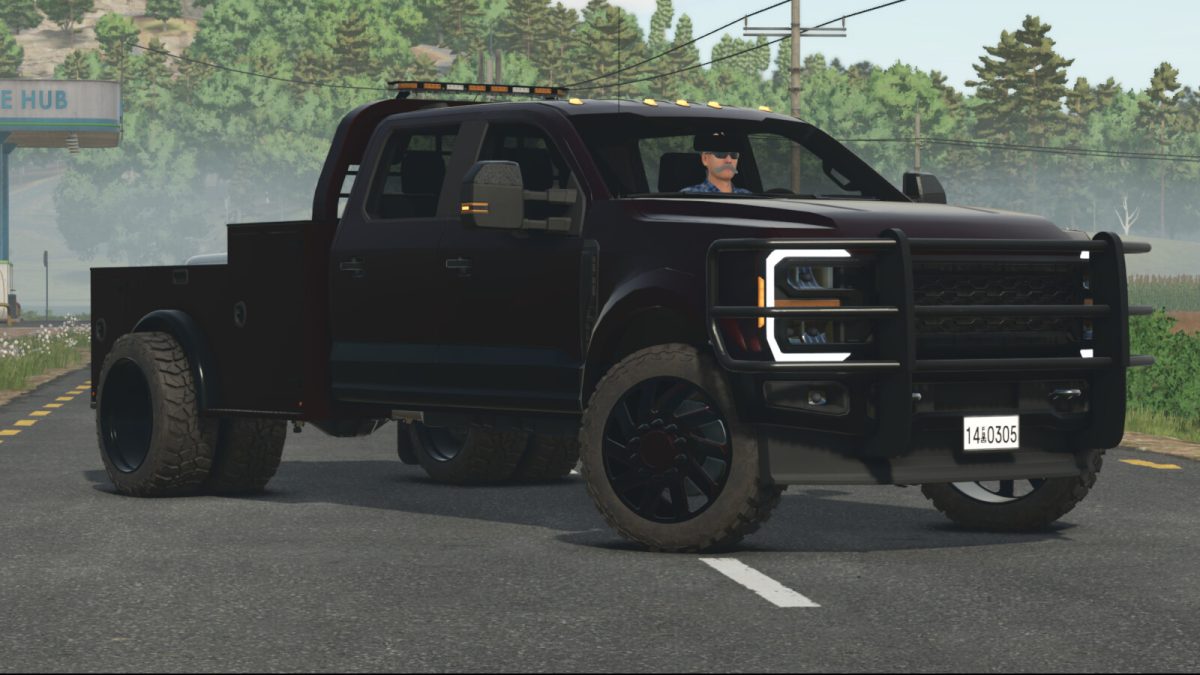
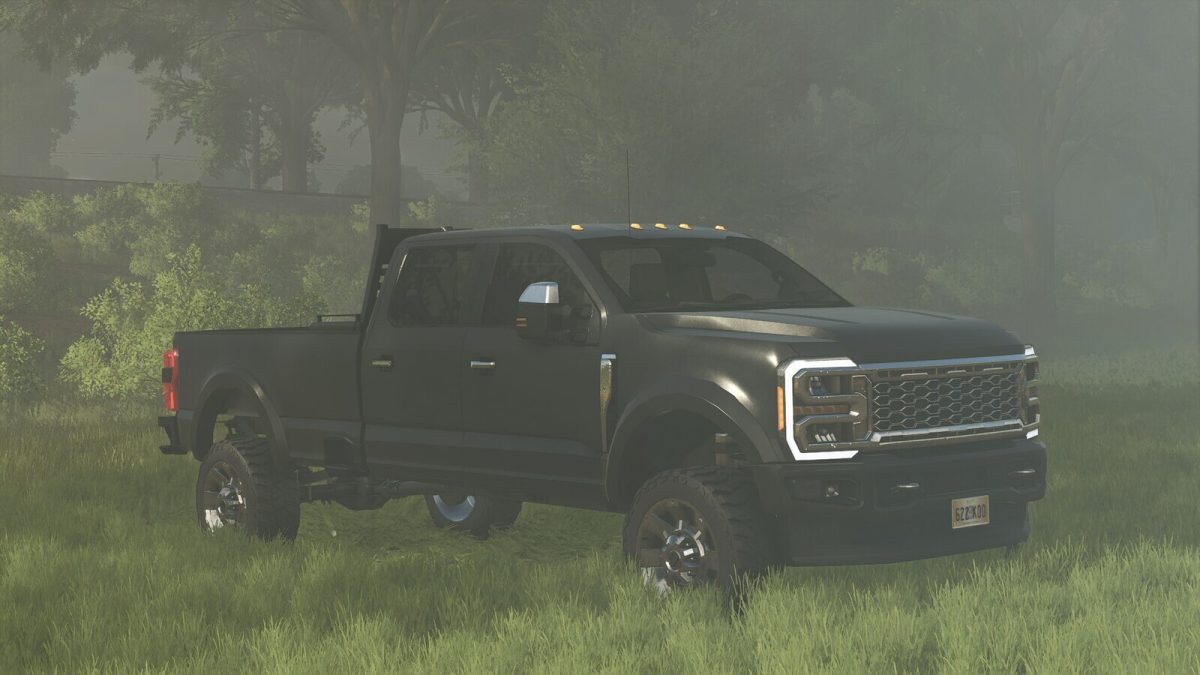
The 2024 Lizard Superduty is a robust and highly versatile pickup truck designed for
a wide range of heavy-duty tasks. It features advanced attachers for various implements, including
beds, plows, bumper pull trailers, and goosenecks, providing exceptional utility for both work and
recreation. The truck’s detachable bed comes with a connection point, allowing for seamless
interchangeability of different bed types to suit various needs.
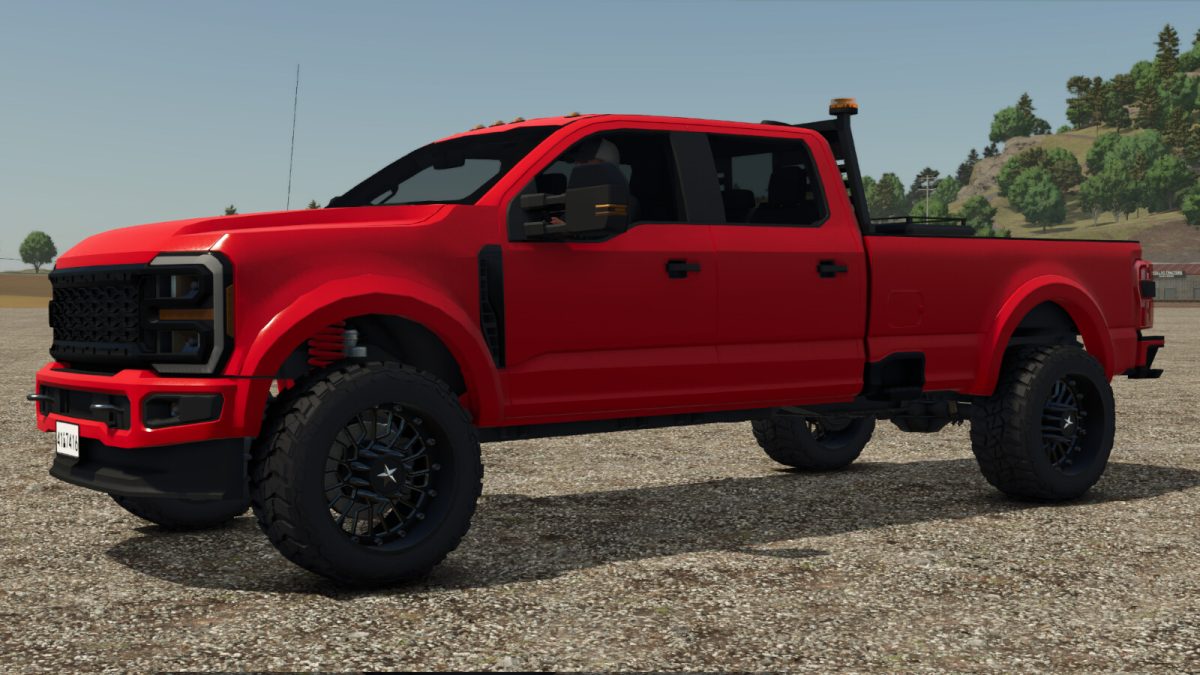
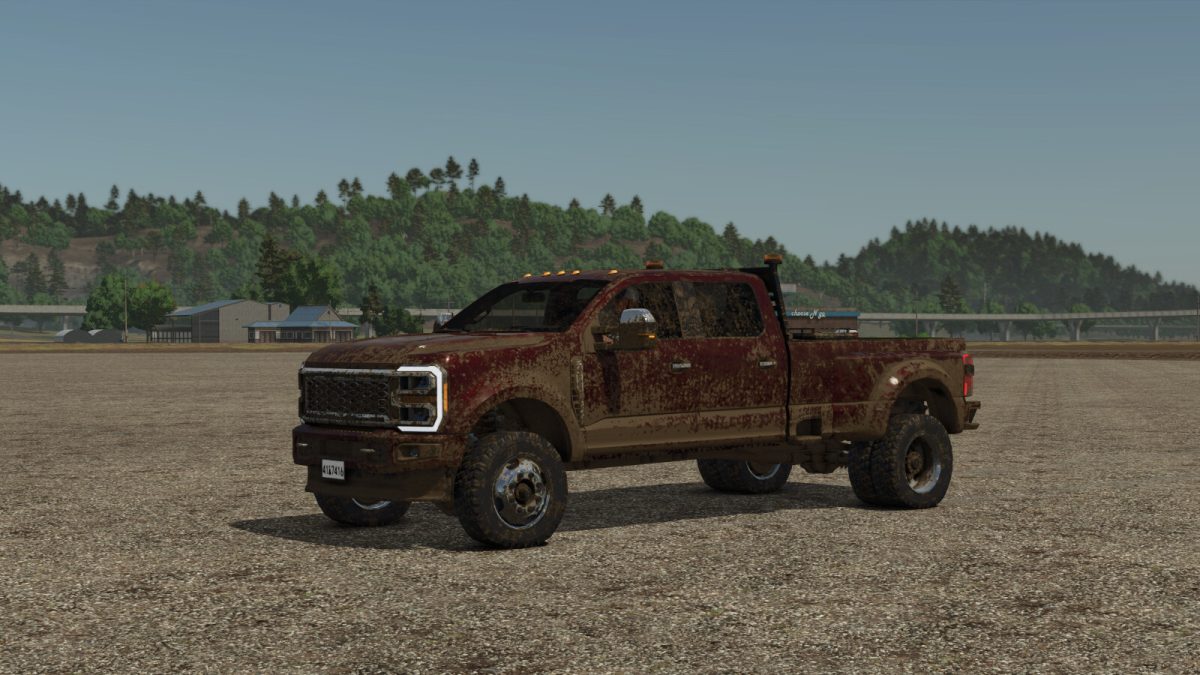
With a choice of body colors, two-tone finishes, wheel configurations, and trim options, the 2024
Lizard Superduty offers a high level of customization to meet individual preferences. Additionally,
the truck offers options for both single and dually wheels to maximize stability and performance under load.
Whether you’re hauling heavy equipment or handling tough terrains, the 2024 Lizard Superduty combines
strength, style, and versatility, making it the ultimate tool for any demanding job.
The Superduty Bed is an attachable part of the vehicle used for transporting goods and pallets as well as
connecting to multiple trailer types with its optional attachers. With a choice of body colors, two-tone finishes
and trim options it can match the Superduty pickup. The Bed also has a wide variety of options including rack,
strobe lights, toolbox, tension belts, and different attachers for gooseneck and 5th wheel type trailers. The Superduty
Bed also has an optional fuel tank for transporting and refueling your equipment and vehicles.
Lizard Superduty
Category: Cars
Power: 740HP
Max: 115 kph
Price 42500 $
Superduty Bed
Category: Misc
Capacity; 0-250L
Price: 5000
Version 1.2:
* Adjusted steering and suspension
* Adjusted attachers and visuals for bed pack compatibility
* Added Custom dual wheel set
* Added Bed attachers for bed pack
Credits:
Roughneck Modding Crew