

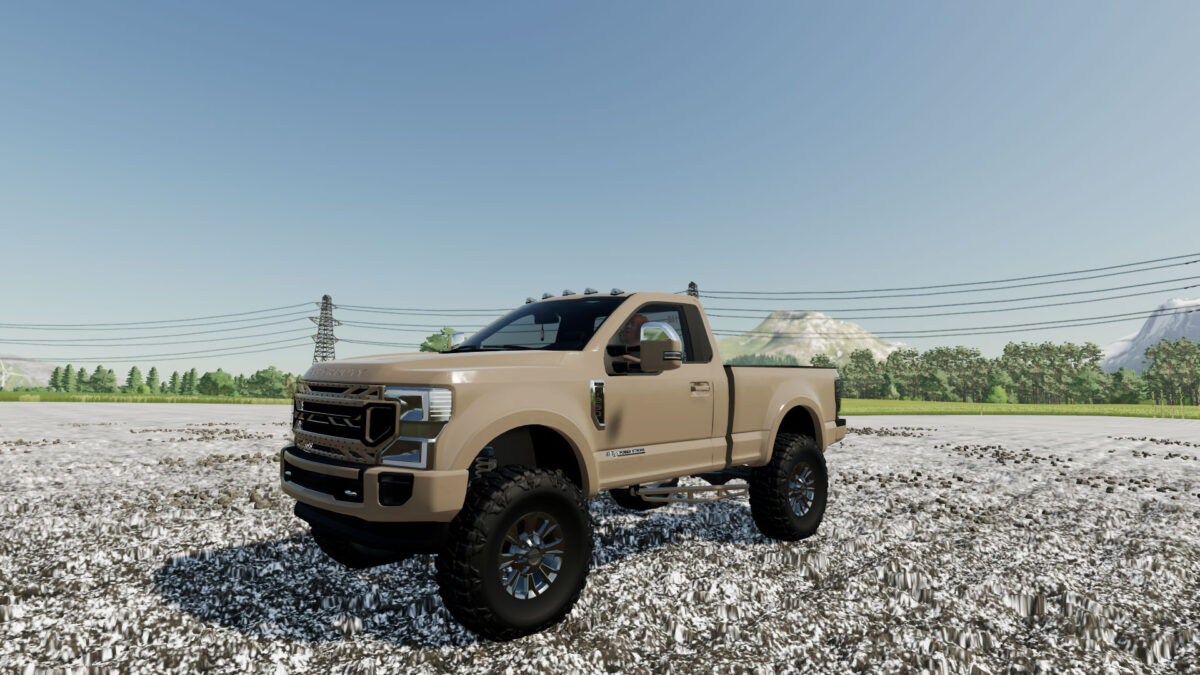
2020 Ford F-250 Single Cab v 1.0


The 2020 Ford F-250 Single Cab mod brings a robust and reliable pickup truck to your farming simulator experience. Featuring a powerful engine and advanced towing capabilities, this truck is designed to handle tough agricultural tasks with ease. Its sleek design and functional bed make it perfect for transporting equipment, supplies, and livestock around your farm.
Equipped with customizable options, including various wheel and paint choices, the F-250 allows players to personalize their vehicle to suit their style. Whether you need to haul heavy loads or navigate narrow farm roads, this mod enhances your gameplay by providing a versatile and durable vehicle for all your farming needs.
– Power 160 hp
– Speed 200 km/h
– Selectable Wheels
– Selectable Design
– Selectable Color
Credits:
6.6L_Modding


