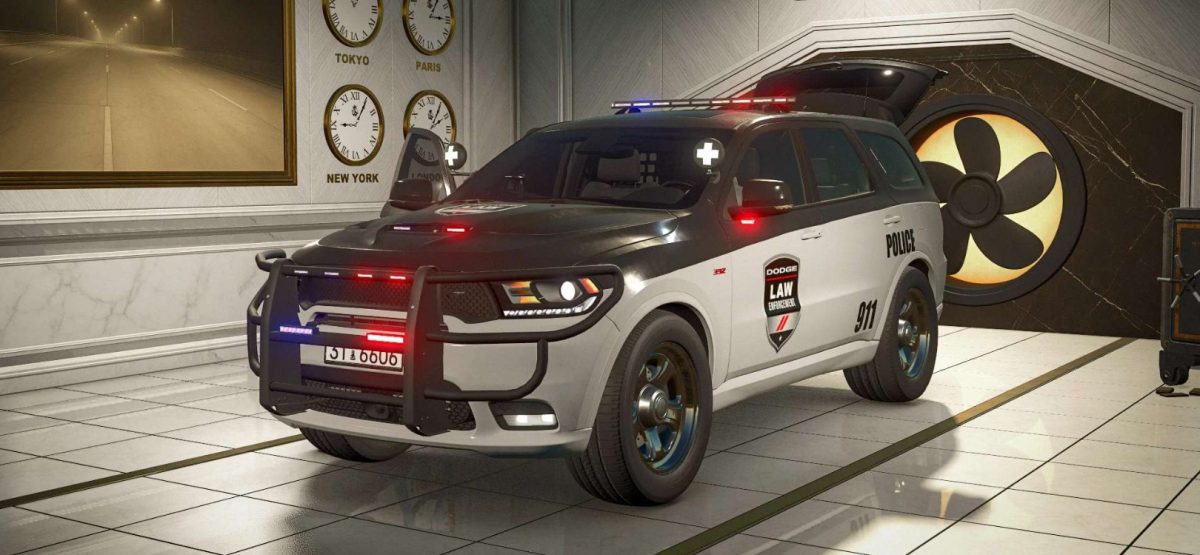
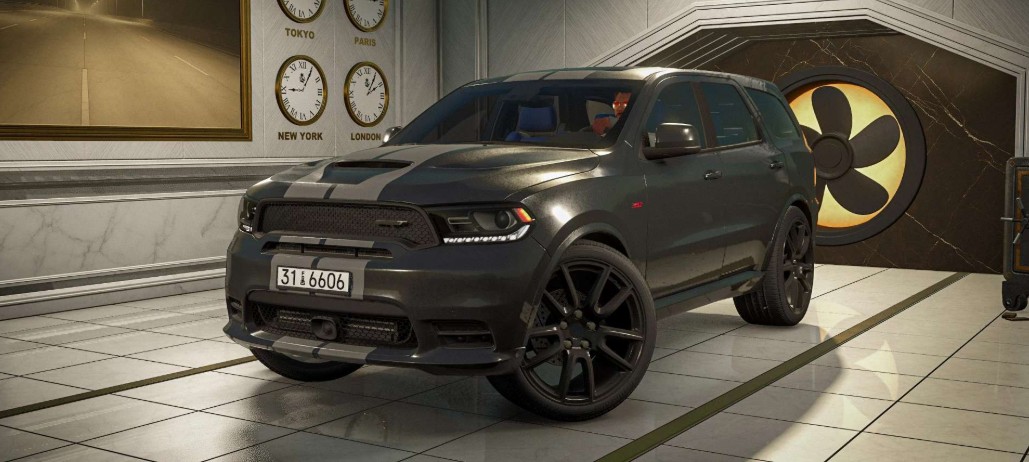
2018 Dodge Durango v 1.0


Category: Car
Price: 65,000 $
Power: 295 – 360 HP
Max speed: 190 – 209 KM/H
Diesel capacity: 93 Litres
Weight: 2.5 Tonnes
Transmission: Automatic
Shop options:
– Chassis color options
– Interior color options
– Stripe color options
– Rim color options
– Weapon box
– Stripe
– Laptop
– Emergency lights
– Pushbar
– Spolight
– Prisoner Cage
– Vehicle design options
– Emergency decal options
Interactive Control:
– Front left door (Open/Close)
– Front right door (Open/Close)
– Mirrors (Fold/Unfold)
– Rear left door (Open/Close)
– Rear right door (Open/Close)
– Hood (Open/Close)
– Trunk (Open/Close)
– Weapon Box (Open/Close)
– Ignition (Start/Stop)
– Radio (on/Off)
– Aircon (On/Off)
– Hazards (On/Off)
– Turnlight left
– Turnlight right
– Lights toggle
– Siren
– Top bar
– Body light
– Spotlight left
– Spotlight Right
– Front light
– Rear light
– Real GPS
Interactive Control (recommended)
Vehicle Years (optional)
Exhaust Extension (optional)
Real GPS
Credits:
My GameSteam