

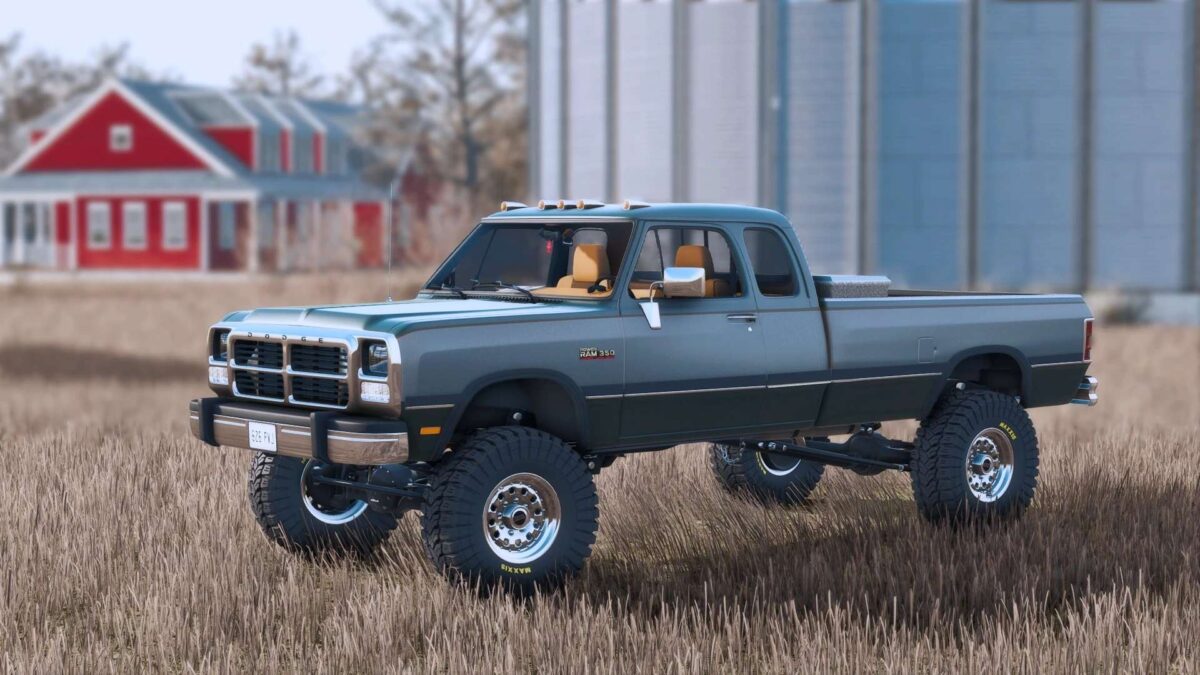
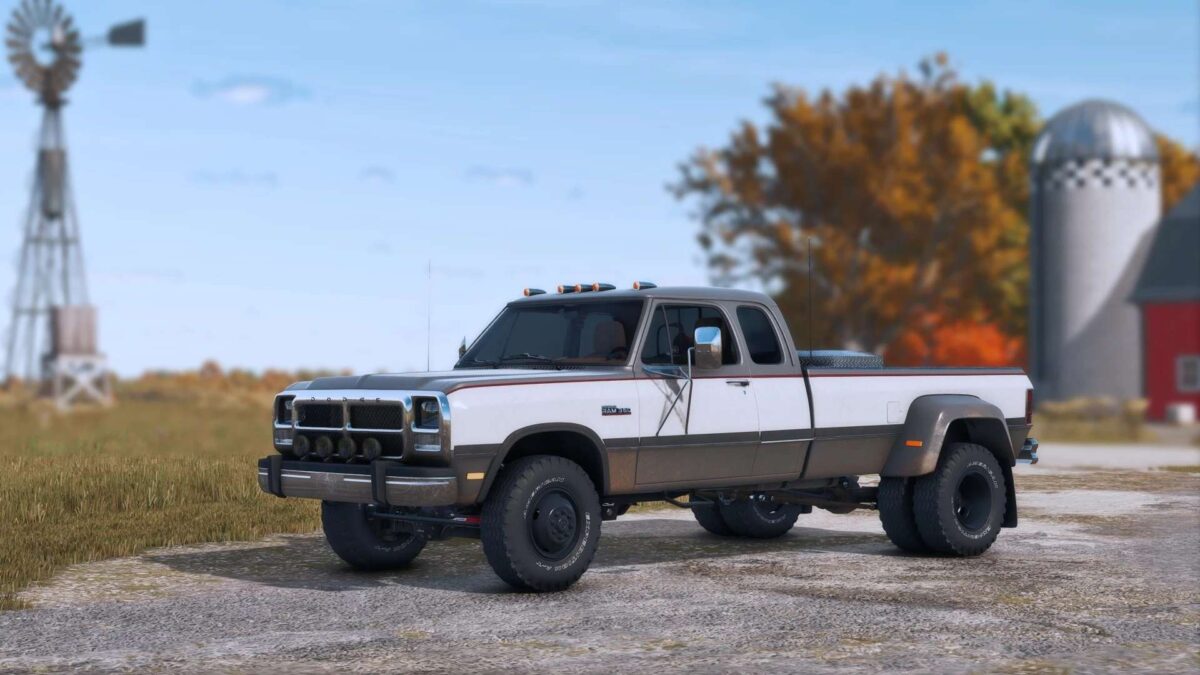
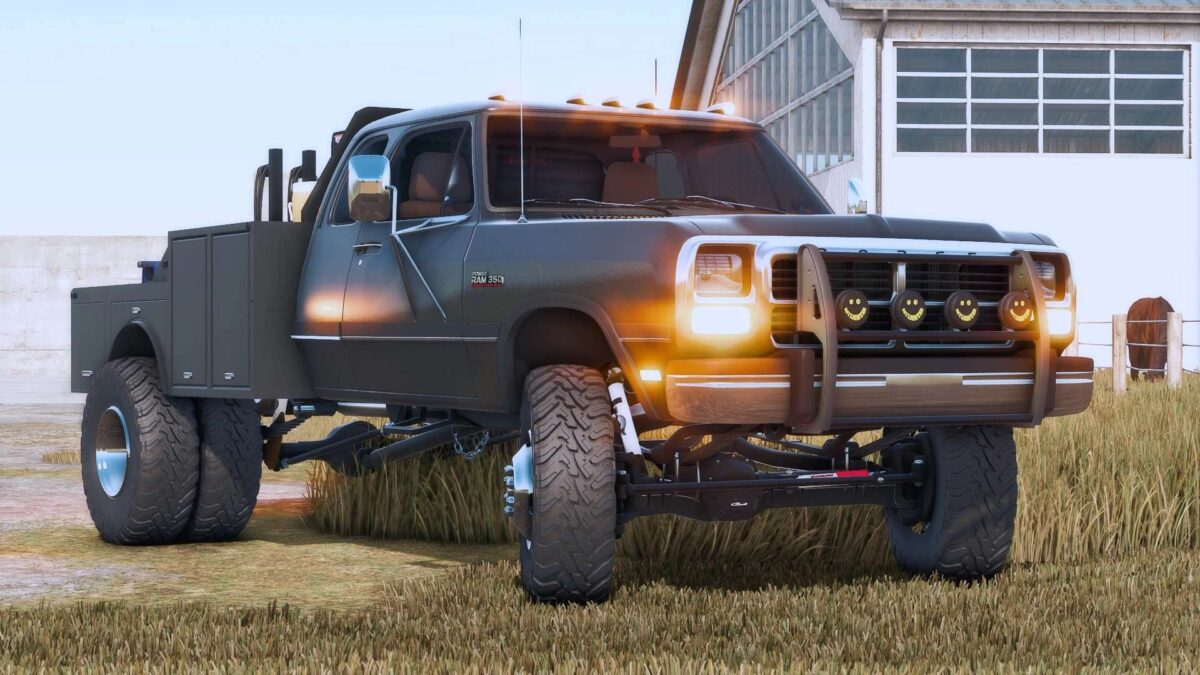
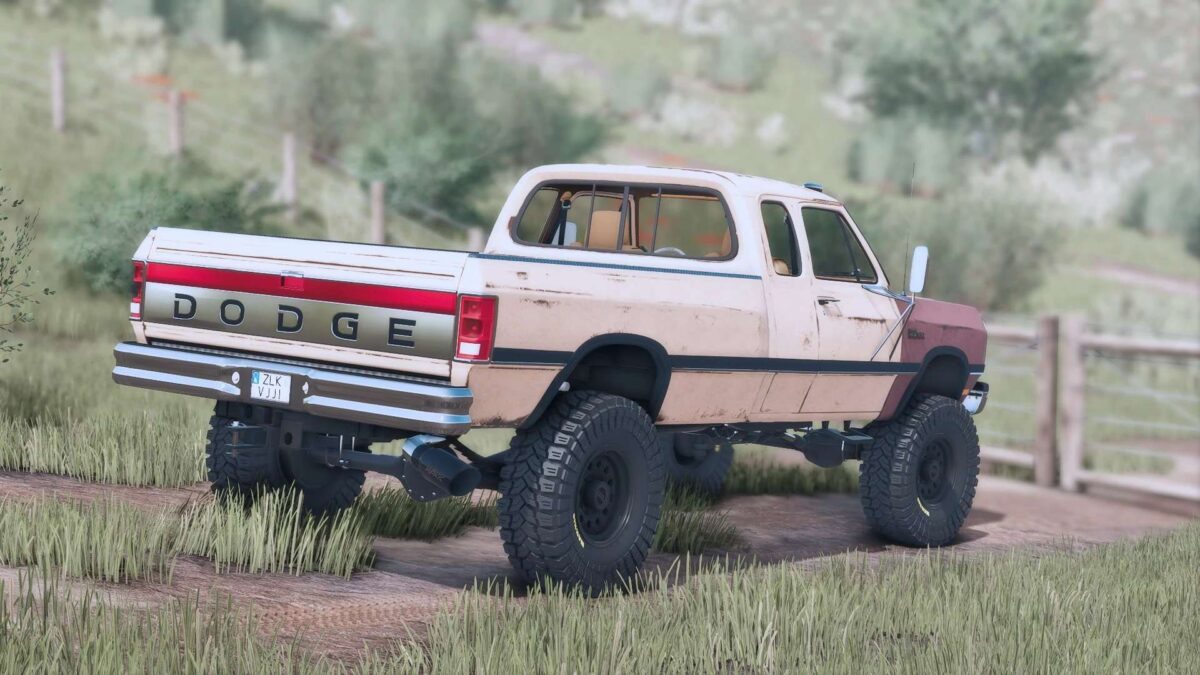
1993 Dodge Power Ram 350 v 1.0


– New exclusive and detailed dynamic suspension, with custom dirt maps, realistic addons (susp links, trac bars, shocks options and else).
– SRW, DRW, Flatbed and Welder Bed as options.
– DRW and SRW wheels configs.
– Paint condition option (brand new paint, rusted out with realistic rust textures and visuals).
– Custom dirt/wear maps.
– Exclusive 12v Cummins sounds.
– New exclusive service toolbox set, with functional fuel tank, new animations, laptop with machinery info, details and else.
– Interior and exterior animations (doors, hood, tailgate, toolbox, and else).
– New custom lightining.
– Mirrors options.
– Side trim and two tone paint options.
– Side stickers options (Yellowstone, Dutton Ranch, Landscaping Company).
– Stock bed addons (headache racks, toolboxes, topper, cover and else).
– Gooseneck, 5th wheel and plow mount attachers.
– Tailgate options
– Exhaust options
– Front and rear bumpers options.
– Front grill options
Credits:
sun


