

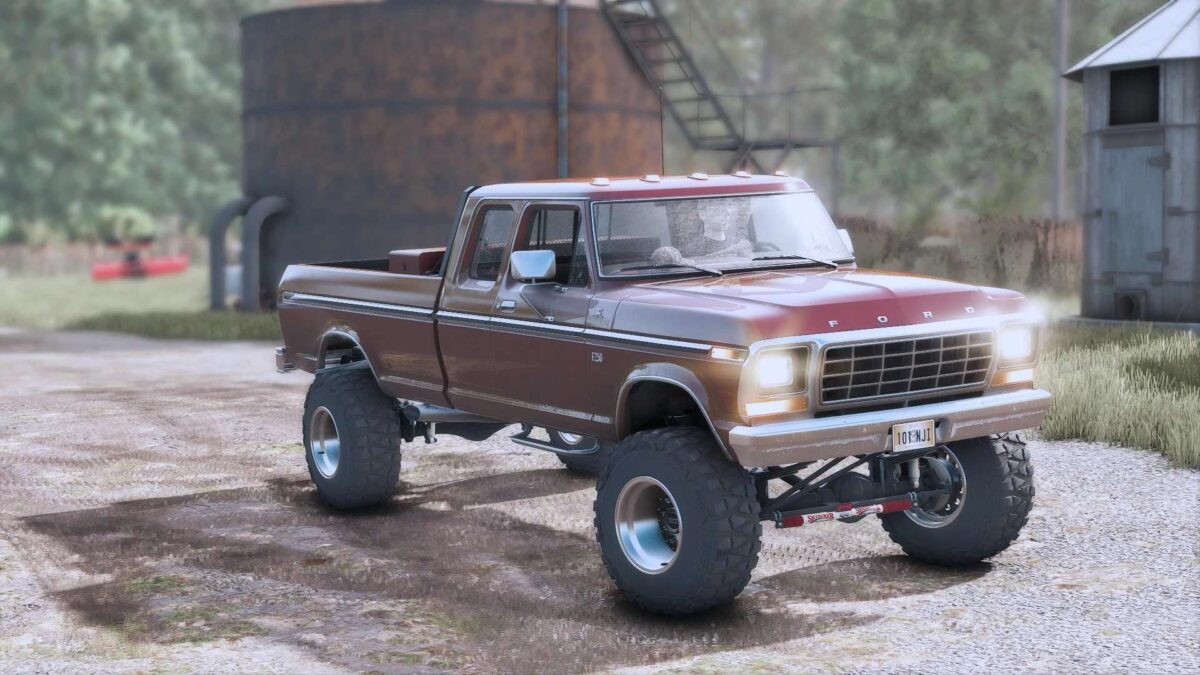
1978 Ford F250 v 1.0


Featuring
Realistic custom textures for dirt, rust and wear for everything, body, interior, frame, tires, rims, options and else.
Dynamic suspension with fully animated Rockwell 5-ton military axles with rear wheel steering, adjustable air suspension, custom built frame, Atlas transfer case and etc.
Dynamic stock suspension with Skyjacker Suspensions 4 & 6 in lift kit.
Full animated and realistic interior.
Detailed engine bay with Ford FE 390 V8 or 5.9 Cummins engine options with their respective manual or auto transmissions.
Realistic custom sounds for both engines.
Interactive Control animations (doors, windows, hood, interior and else)
Front loader.
Other options as:
– Stock bed addons options (toolboxes, back rack and etc…)
– Bumpers options
– Side steps options.
– Lights options
– Gooseneck and bumper hitch options.
– Functional transfer tank.
– Plow mount attacher.
– Exhausts options.
– Interior addons.
Credits:
sun


