

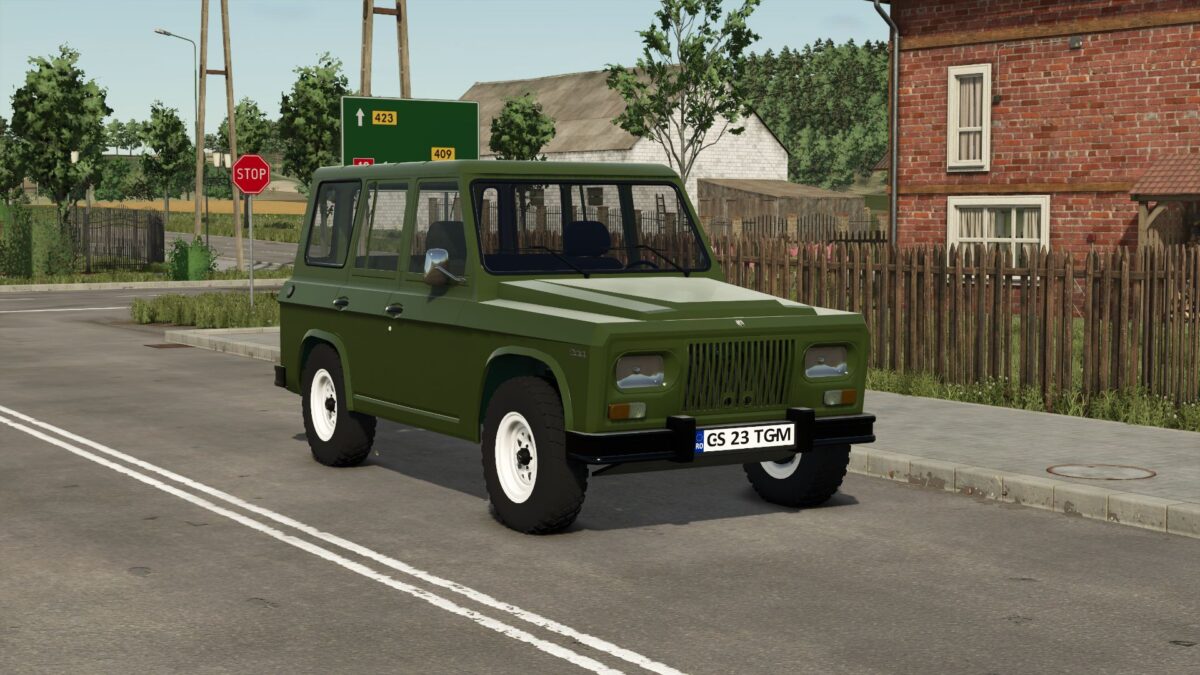
1972 Aro 244 v 1.3


The 1972 Aro 244 mod for Farming Simulator 25 brings a piece of Romanian off-road heritage into the game. This vehicle is known for its rugged design and dependable performance in challenging terrains. Featuring a distinctive boxy shape and robust construction, the Aro 244 showcases the classic looks of its era while being adapted for the farming simulator environment.
Players can utilize this vehicle to navigate tough landscapes on their virtual farms, whether tackling unpaved roads or traversing muddy fields. The mod includes various functionalities that enhance the driving experience, such as realistic engine sounds and detailed interior modeling.
Additionally, the Aro 244 is customizable, allowing players to modify features based on their preferences and farming needs. This mod provides a fun and engaging way to incorporate a historical off-roader into Farming Simulator.
– Romanian off-roader from 1972
– Rugged design for challenging terrains
– Realistic engine sounds
– Detailed interior modeling
– Customizable features
Version 1.3:
* Added Color select
Credits:
BlueWolfDVM


