

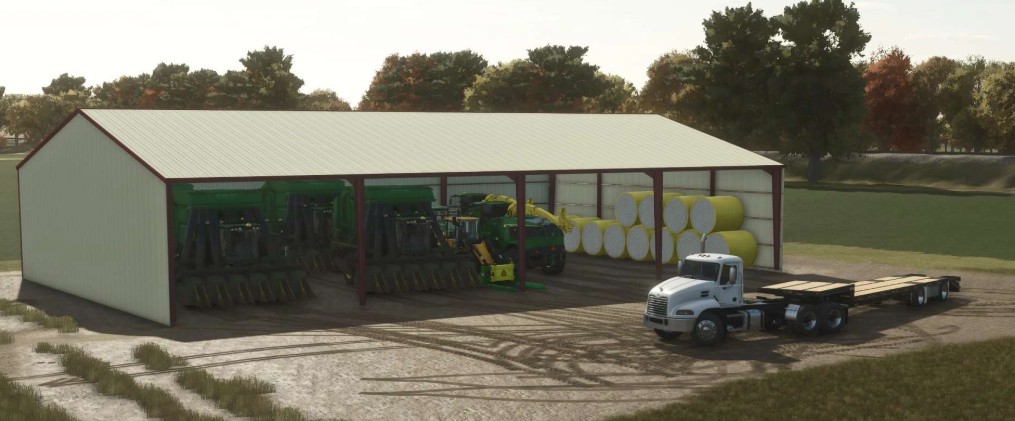
120 x 75 meters Metal Frame Shed v 1.0


The 120 x 75 meters Metal Frame Shed v 1.0 is designed to enhance your farming experience in Farming Simulator 25.
This spacious shed features a sturdy metal frame and three-sided design, making it ideal for storing various equipment or crops.
Players can easily select from multiple color options to customize the shed to fit their farm aesthetic.
The shed is particularly useful for organizing machinery and providing shelter during adverse weather conditions.
Its considerable size allows for efficient storage solutions, helping players manage their farming operations with ease.
– Dimensions: 120 x 75 meters
– Three-sided design for easy access
– Metal frame construction for durability
– Color selectable options available
– Suitable for storing various equipment or crops
Credits:
LJR Modding


