
FS25 Misc

Automatic Silage Additive v1.0.0.0

Automatic Silage Additive v1.0.0.0

Automatic Silage Additive v1.0.0.0

Automatic Silage Additive v1.0.0.0

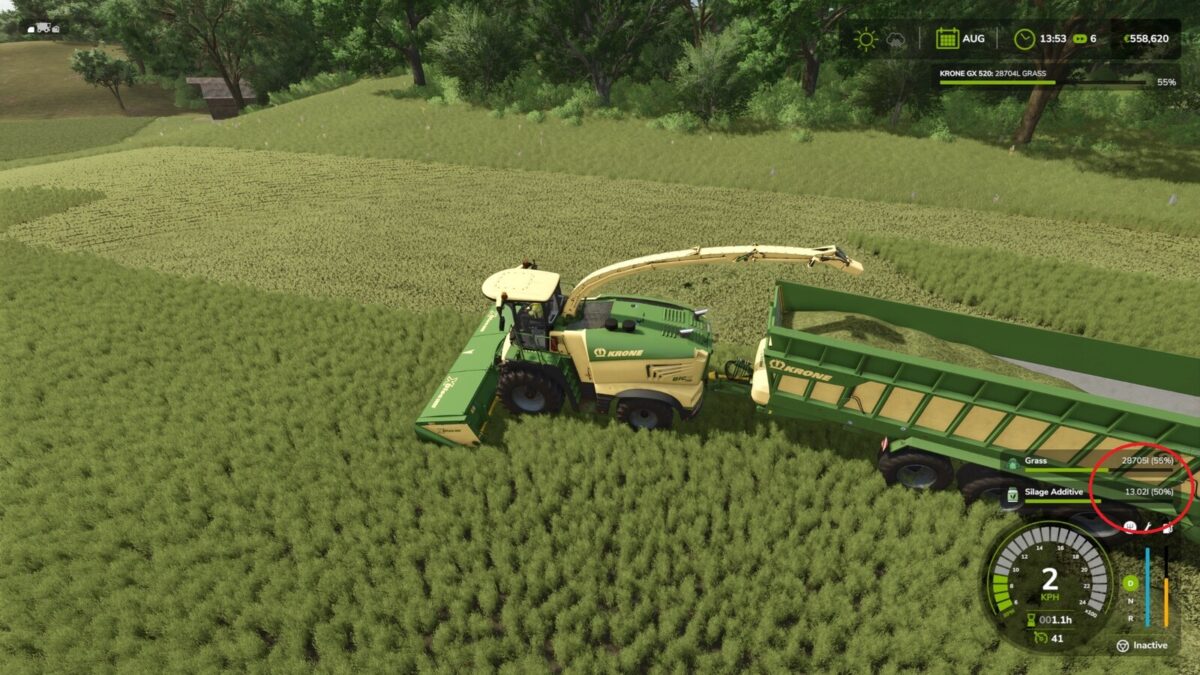
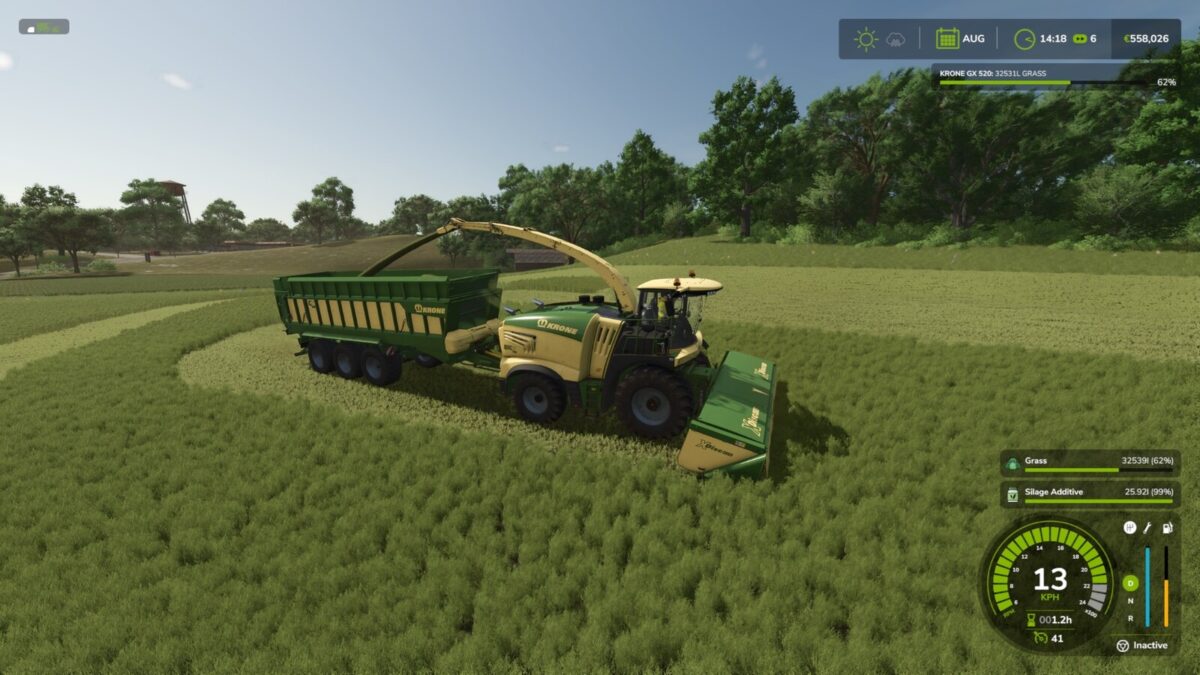
Script mod for the automatic supply of silage additive in supported machines.
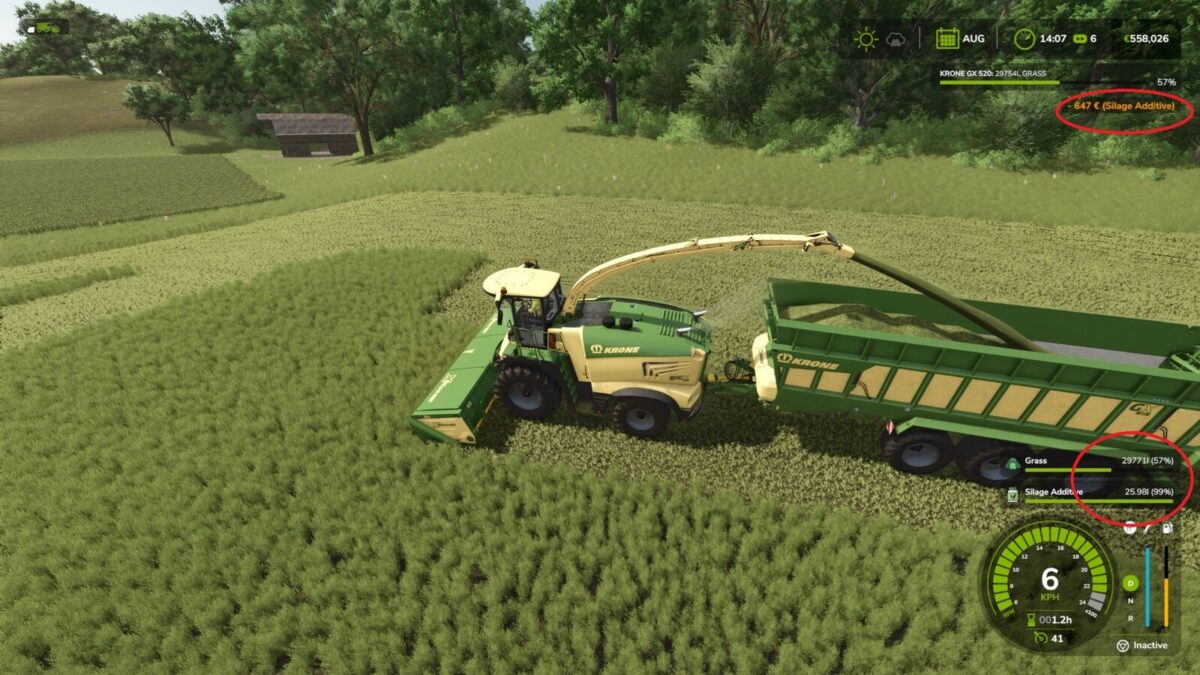
– When the additive tank drops below 50%, it is automatically refilled to 100%.
– Refills are checked when the fill level changes.
– Every successful refill is charged immediately to the owning farm.
– The price is calculated from the actual shop price and pallet capacity.
– Multiplayer compatible: refilling and billing are handled server-side.

Credits:

Dude23

How to install FS25 Misc?
Firstly find a mod which you like and want to download. Then download a mod to your PC. Mods are usually in .zip format file. But sometimes it can be in .rar. If a mod file is a .zip format no needed additional actions. If a file is in .rar, then you must unarchive mod with software like WinRar or Zip7. Windows 10 users no need to use software for archives, Win10 itself has a feature to unarchive files.
The next step is to find mods folder in your PC. Usually, it is in Documents/My Games/Farming Simulator 25/2025. Open the "mods" folder and put downloaded .zip archive or unarchived .rar file to this folder.
Last step. Enjoy of FS25 mods!

Leave a Reply

Your email address will not be published. Required fields are marked *