

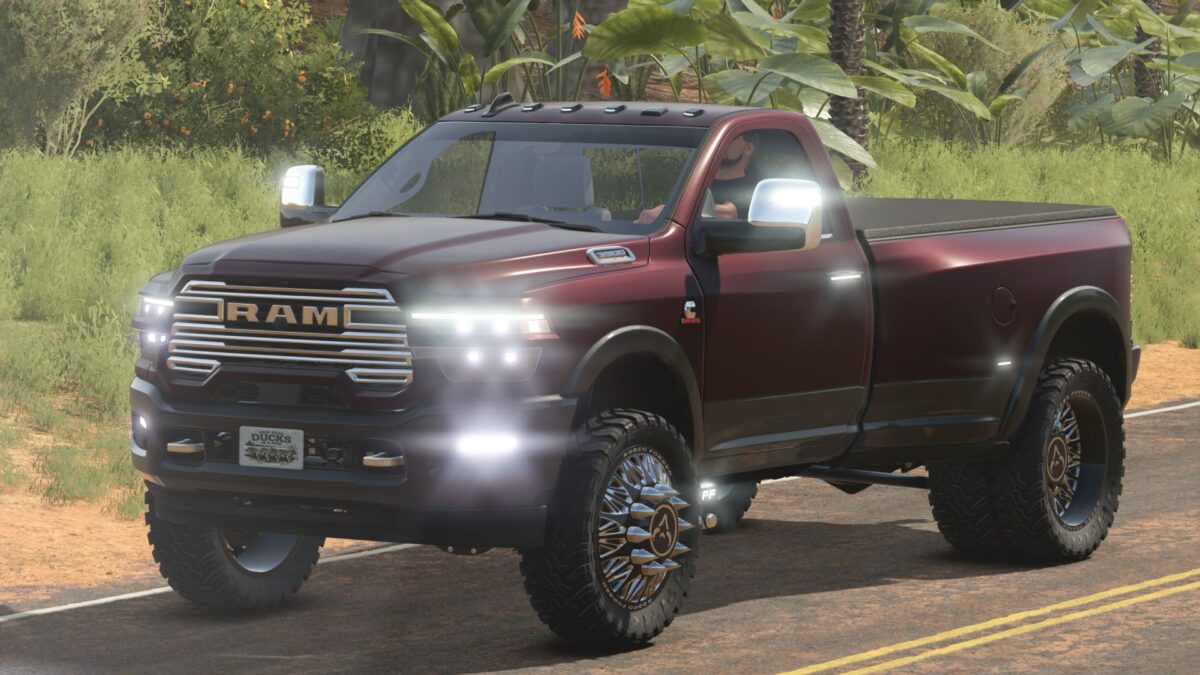
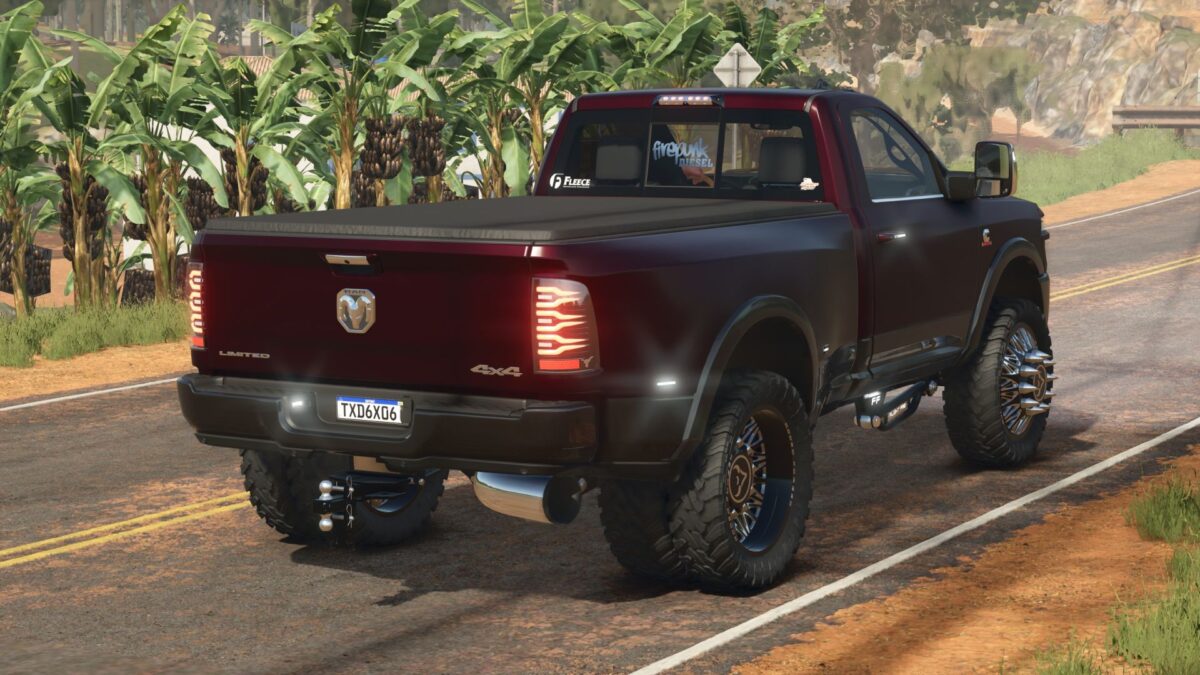
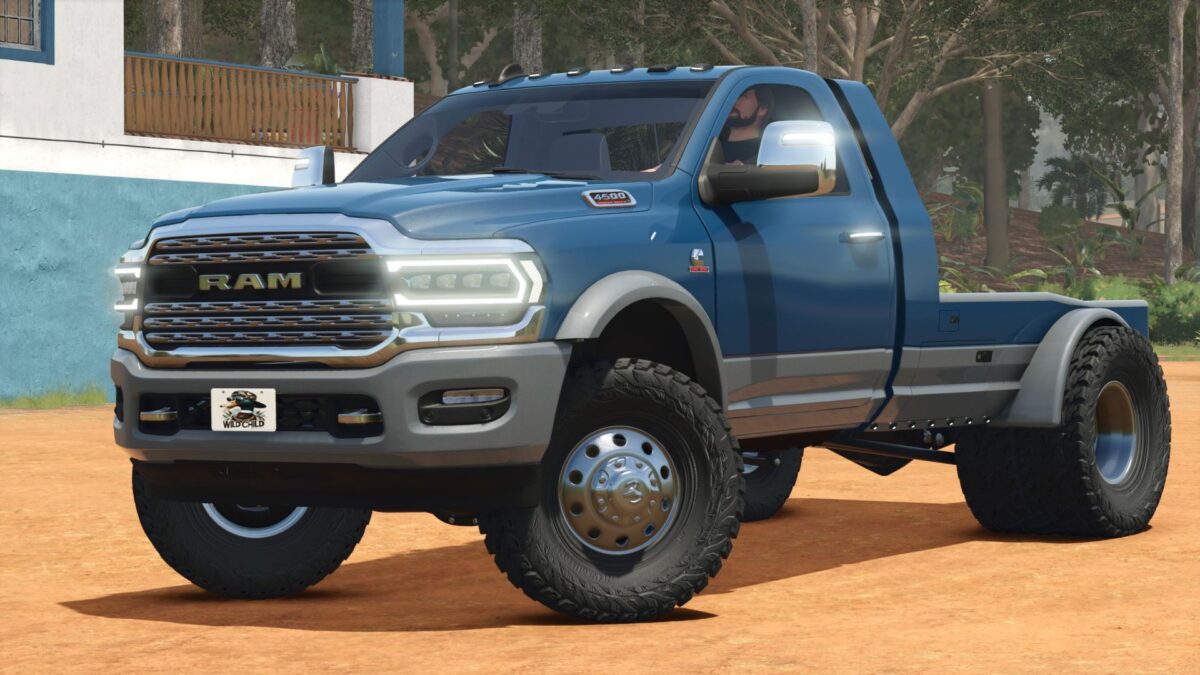
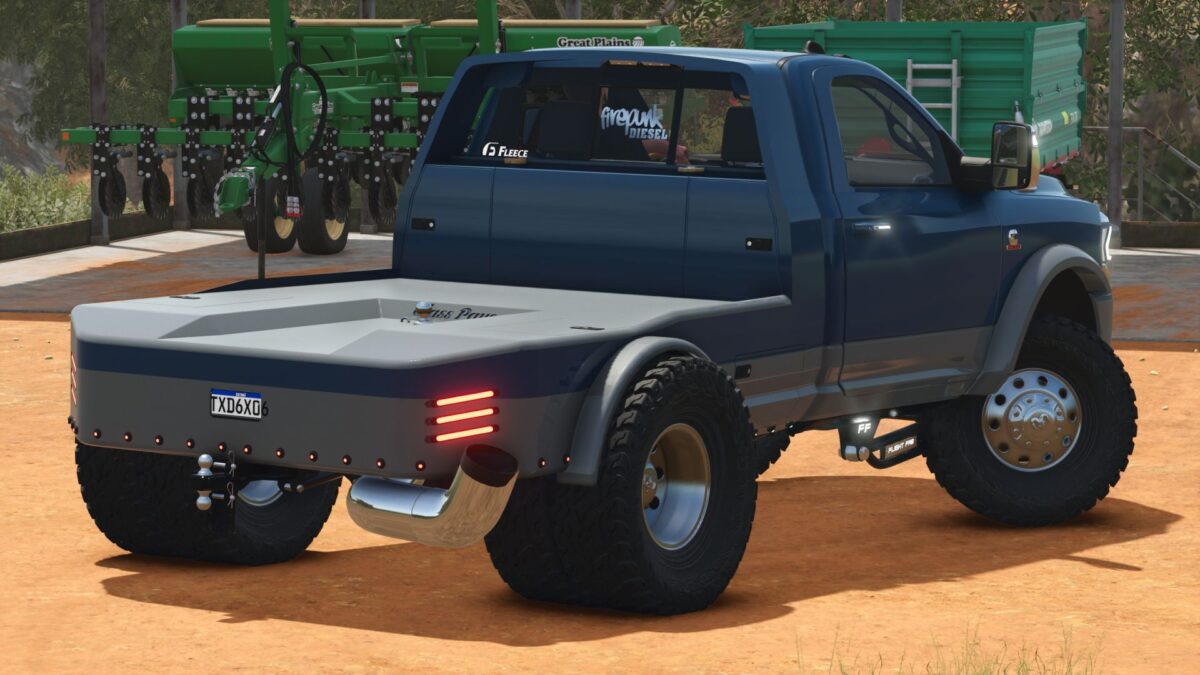
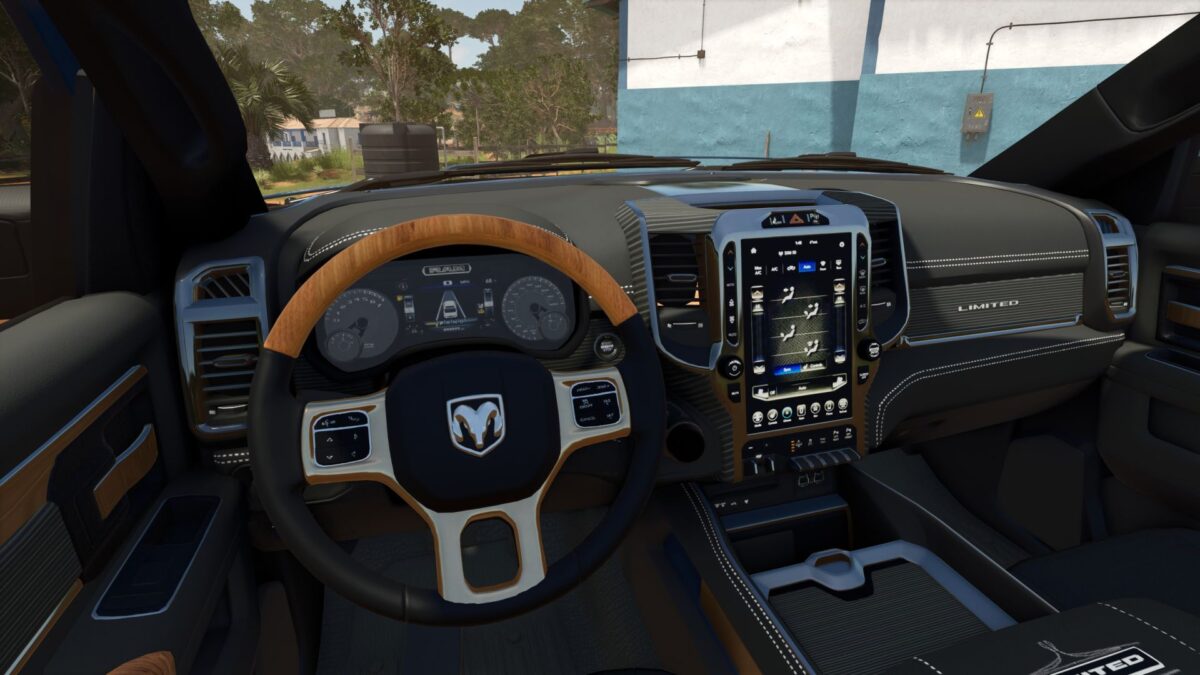
Dodge RAM 3500/4500 2019-2023 v1.0


Features & customization:
6.7 Cummins with standard and turn-up exhaust options.
Single rear wheel and dually setups.
14 wheel configurations, including factory wheels, American Force, and Rodeo Forged options.
Pickup beds and multiple flatbeds, including Pronghorn UTD, CM, and ClassPays.
Early and late 5th-gen front clip options.
Stock and Ranch Hand bumpers, with cooler rack and penny light options.
Stock or AlphaRex headlights and taillights, plus Boost Auto cab light options.
Stock or 2024-style mirrors, multiple grille choices, and optional illuminated door handles.
Stock, Wicked, and Flight Fab radius arms, with optional traction bars.
Fuel transfer tank and cake feeder configurations.
Adjustable drop hitch, gooseneck towing, and tension belts.
Body, two-tone, frame, grille, trim, flatbed, and wheel color choices.
Window tint, tonneau cover, fender flares, badges, and decorative front plates.
Credits:
Deer Valley Farms


