
FS25 Animal Trailers

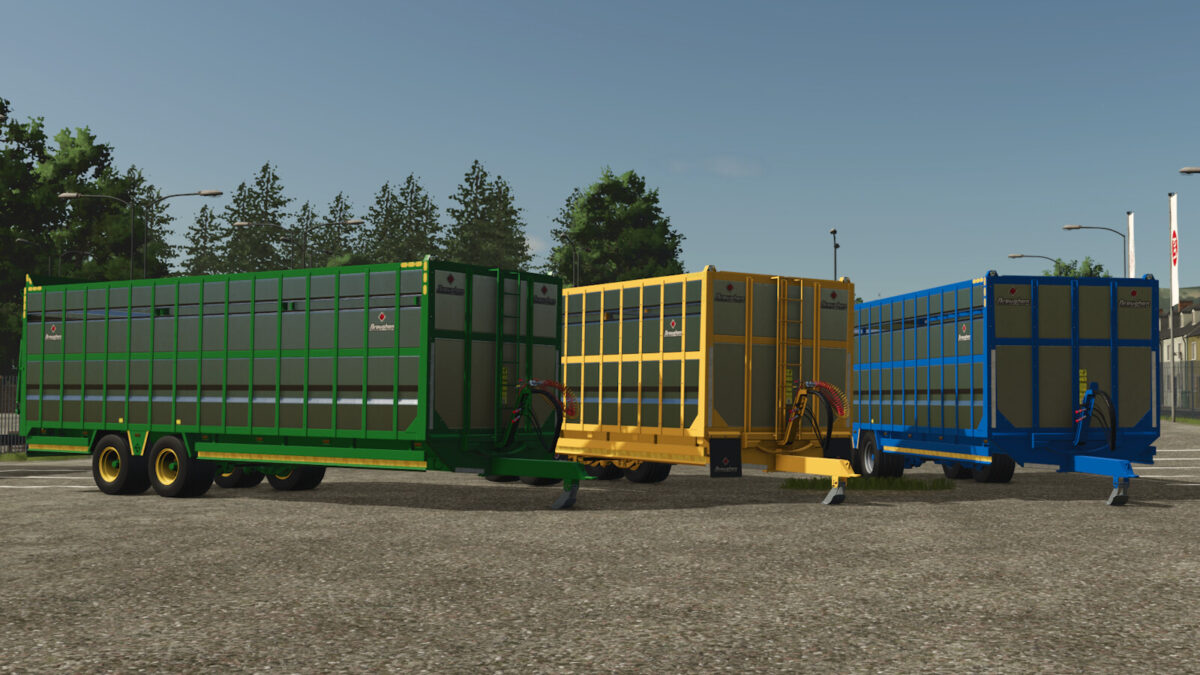
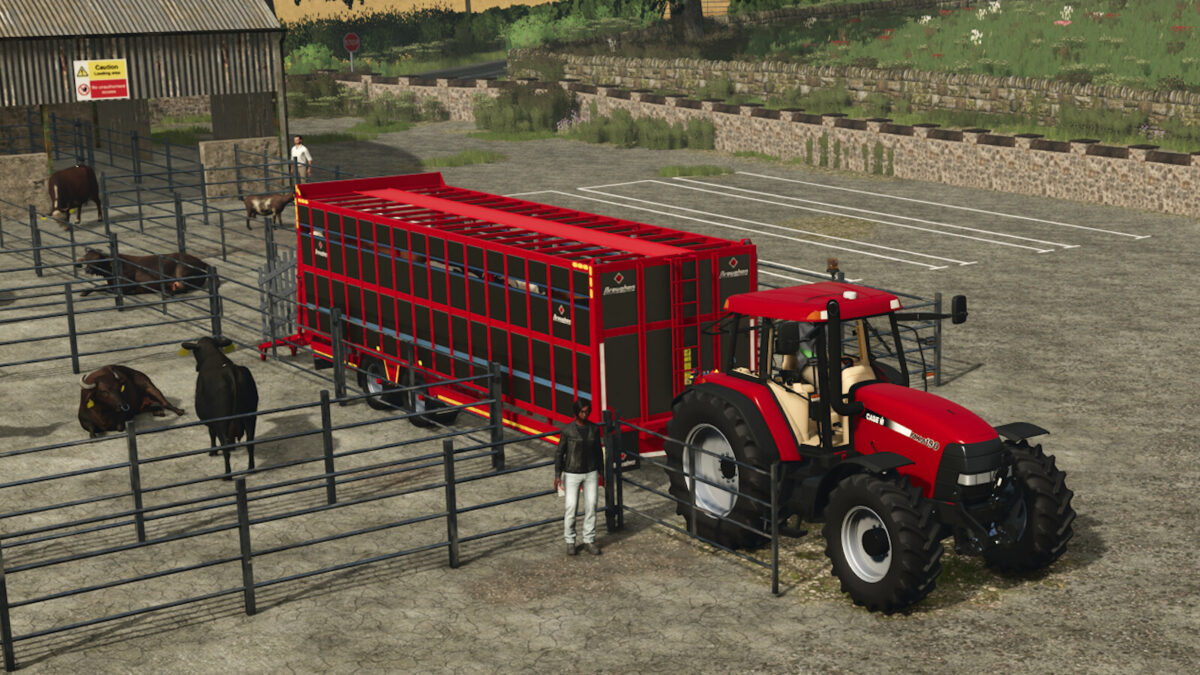
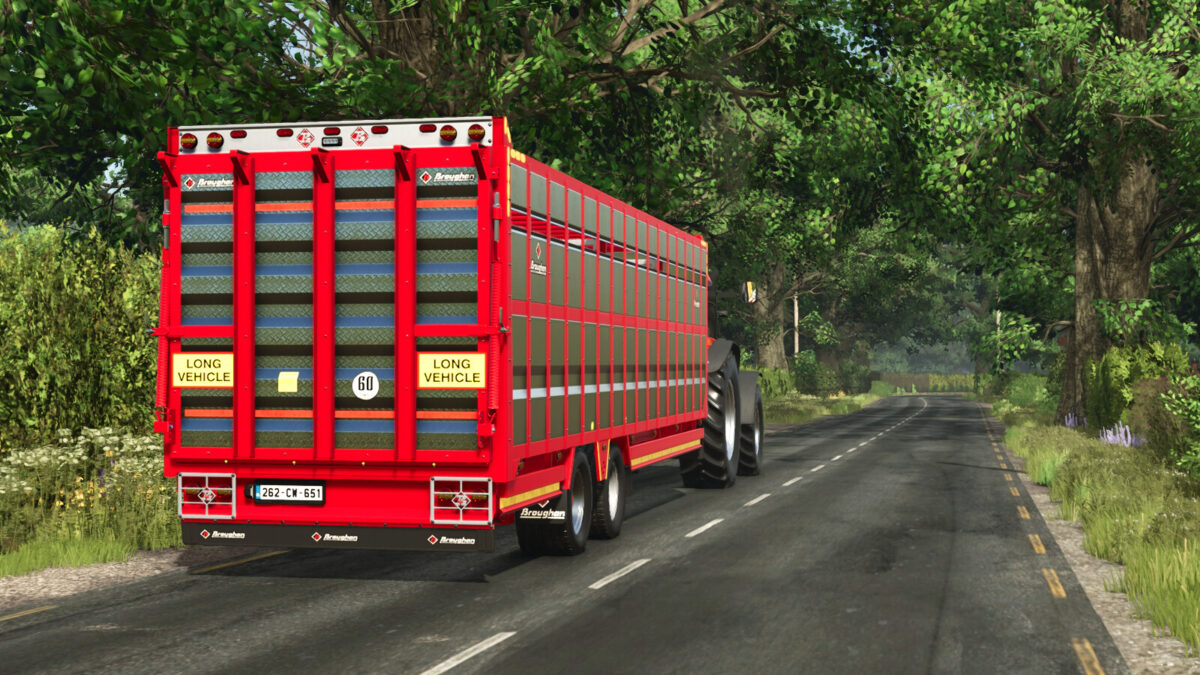
Broughan 28F Animal Trailer v1.0.0.0

Broughan 28F Animal Trailer v1.0.0.0

Broughan 28F Animal Trailer v1.0.0.0

Broughan 28F Animal Trailer v1.0.0.0

Broughan 28F Animal Trailer v1.0.0.0

Broughan 28F Animal Trailer v1.0.0.0

Broughan 28F Animal Trailer v1.0.0.0

Broughan Engineering Ltd designs, engineers and manufactures a full range of high quality, bespoke agricultural trailers,
located just outside. Tullow in County Carlow Ireland and owned by brothers and founding directors Patrick and Paul Broughan.
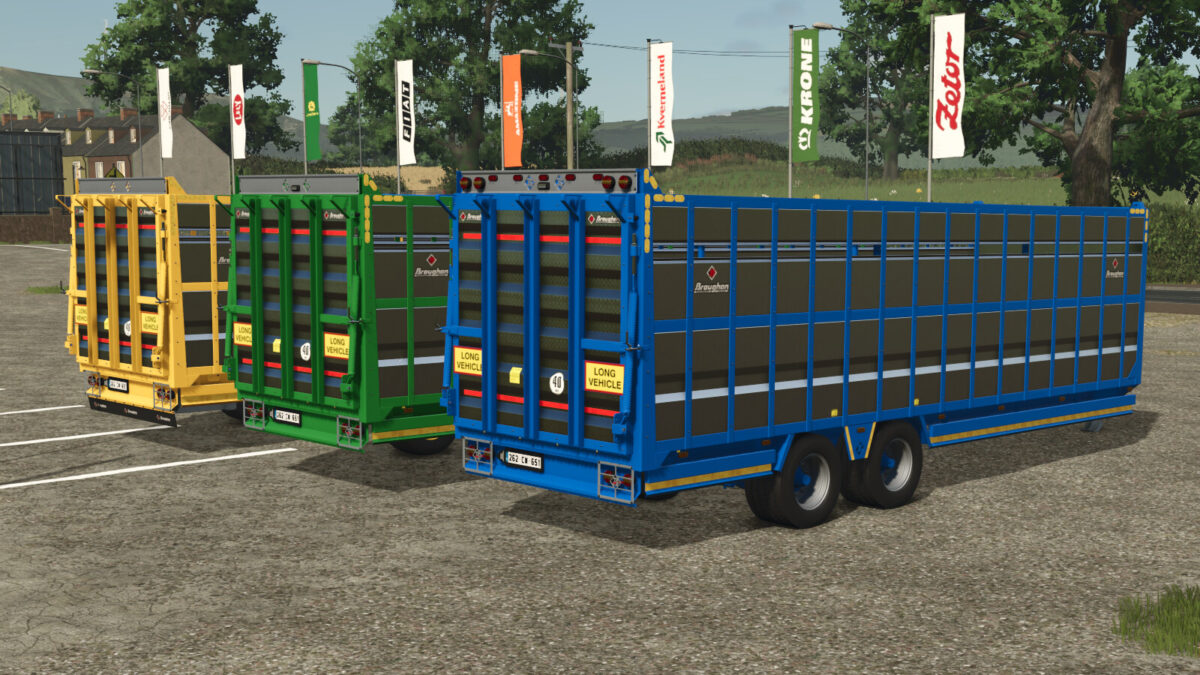
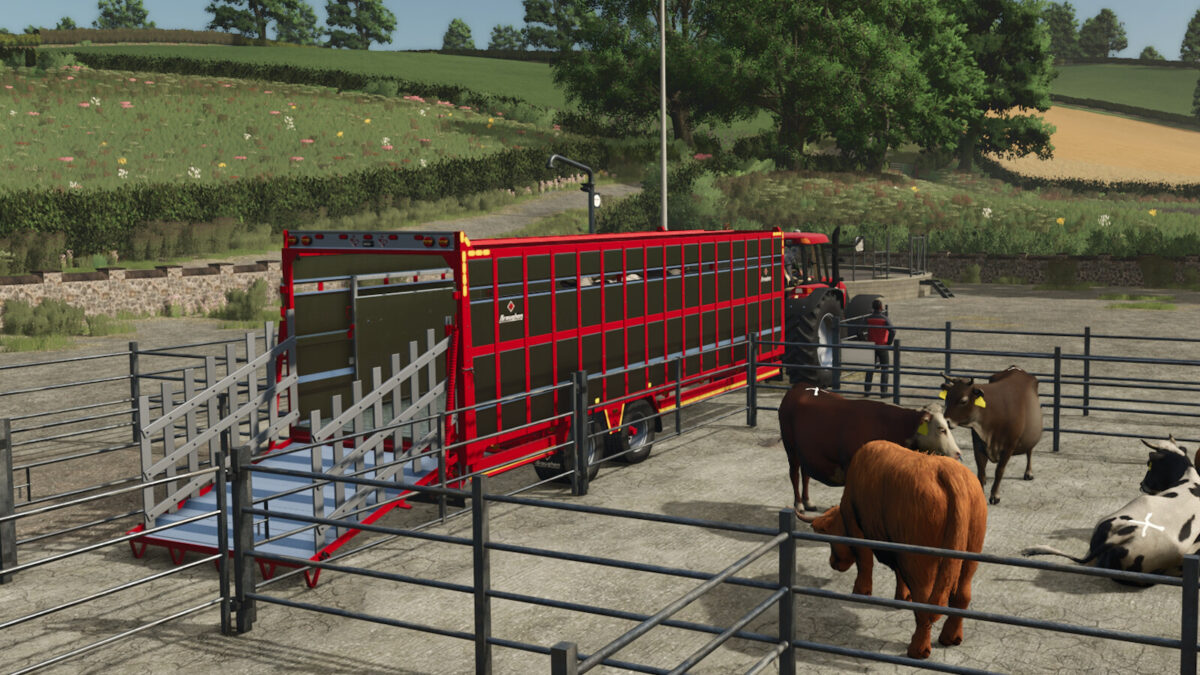
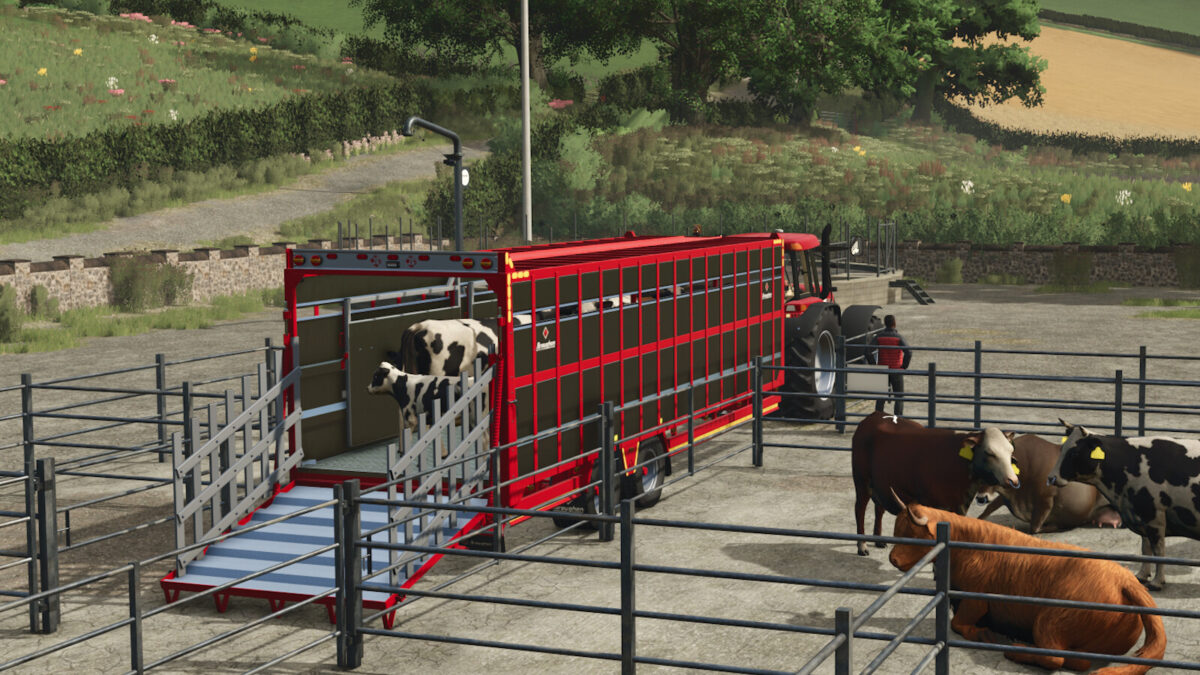
28 ft animal trailer with aluminium sides and chequered floor and ramp.
Standard Features:
– LED Lights
– Ladder
– Aluminium Loading Gates
– Interior Loading Lights
– Slurry Tank
– Dividing Gate
– Side Markings
– Crash Bar
Optional Features:
– Air Brakes
– Air Suspension
– Steering Axles – 10 Stud Commercial
Category: Animal Transport
Price: $28,525
Capacity: 22 Sheep, 26 Pigs, 10 Cows, 6 Horses

Credits:

4D Modding - Eire Agri Modding

How to install FS25 Animal Trailers?
Firstly find a mod which you like and want to download. Then download a mod to your PC. Mods are usually in .zip format file. But sometimes it can be in .rar. If a mod file is a .zip format no needed additional actions. If a file is in .rar, then you must unarchive mod with software like WinRar or Zip7. Windows 10 users no need to use software for archives, Win10 itself has a feature to unarchive files.
The next step is to find mods folder in your PC. Usually, it is in Documents/My Games/Farming Simulator 25/2025. Open the "mods" folder and put downloaded .zip archive or unarchived .rar file to this folder.
Last step. Enjoy of FS25 mods!

Leave a Reply

Your email address will not be published. Required fields are marked *