

Dynamic Market v 1.2


The base game’s price logic is fully retained in Standard mode and forms the foundation.
Building upon this, an independent market adjustment is calculated, generating monthly price movements for each product group.
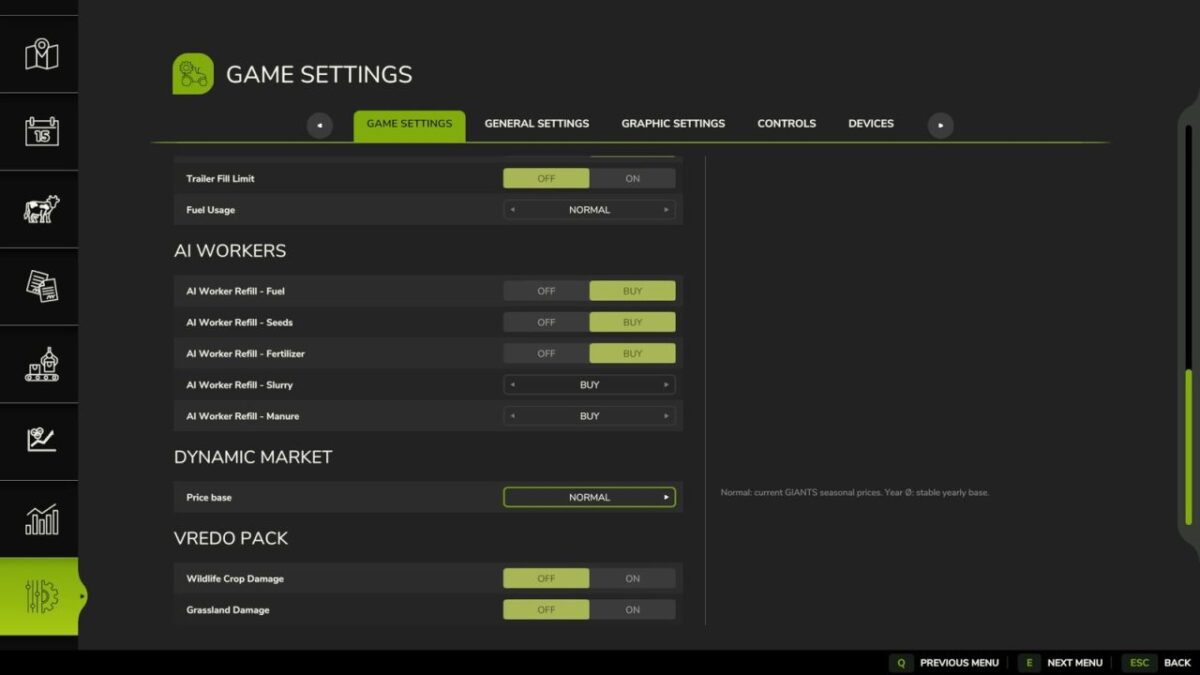
An annual average mode can be activated optionally.
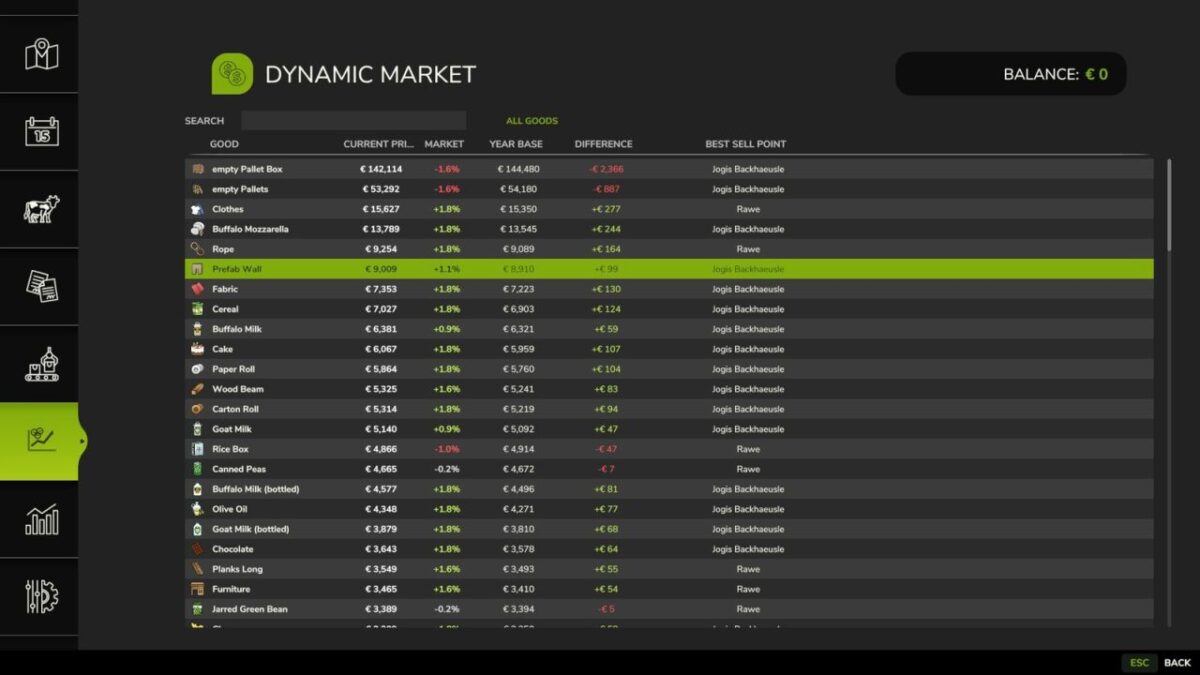
In this mode, the Giants seasonal price curve is deactivated and replaced with a stable annual average.
This annual average is based on the standard Giants pricing logic, including difficulty level and the influence of the sales outlet.
It serves as a constant benchmark throughout the year, allowing players to determine the best time to sell without relying on predictable seasonal peaks.
Grains, oilseeds, vegetables, fodder crops, timber, animal products, and manufactured goods each follow their own price trends.
This results in diverse market reactions instead of uniform fluctuations across all products.
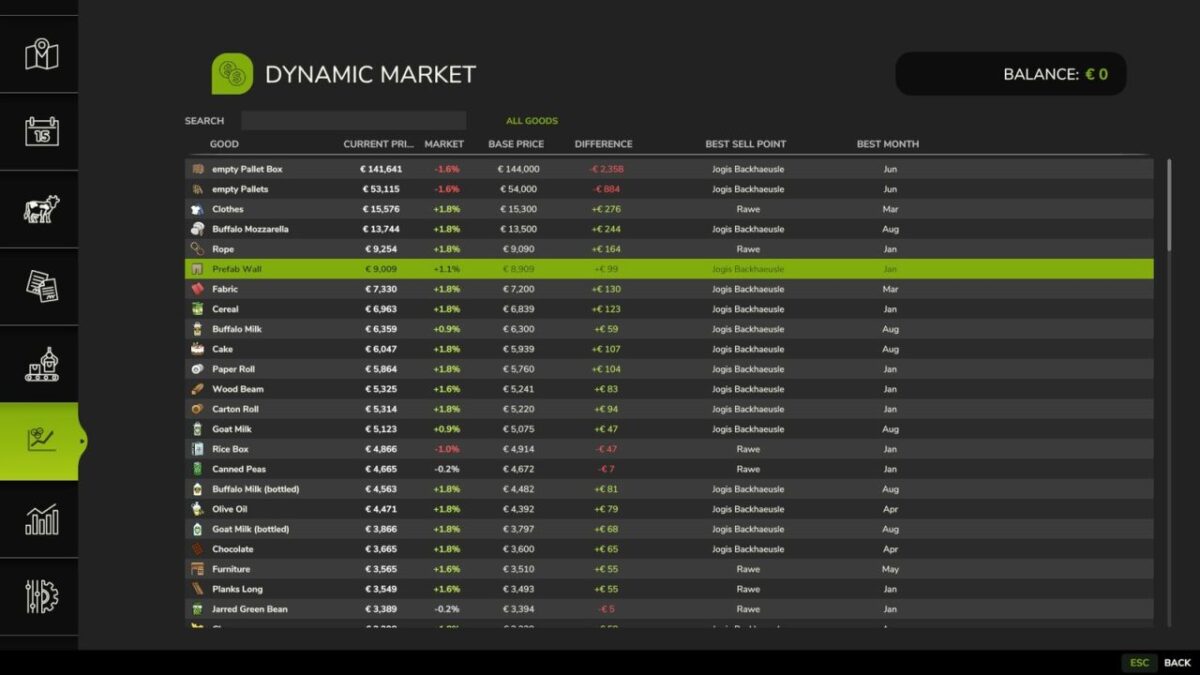
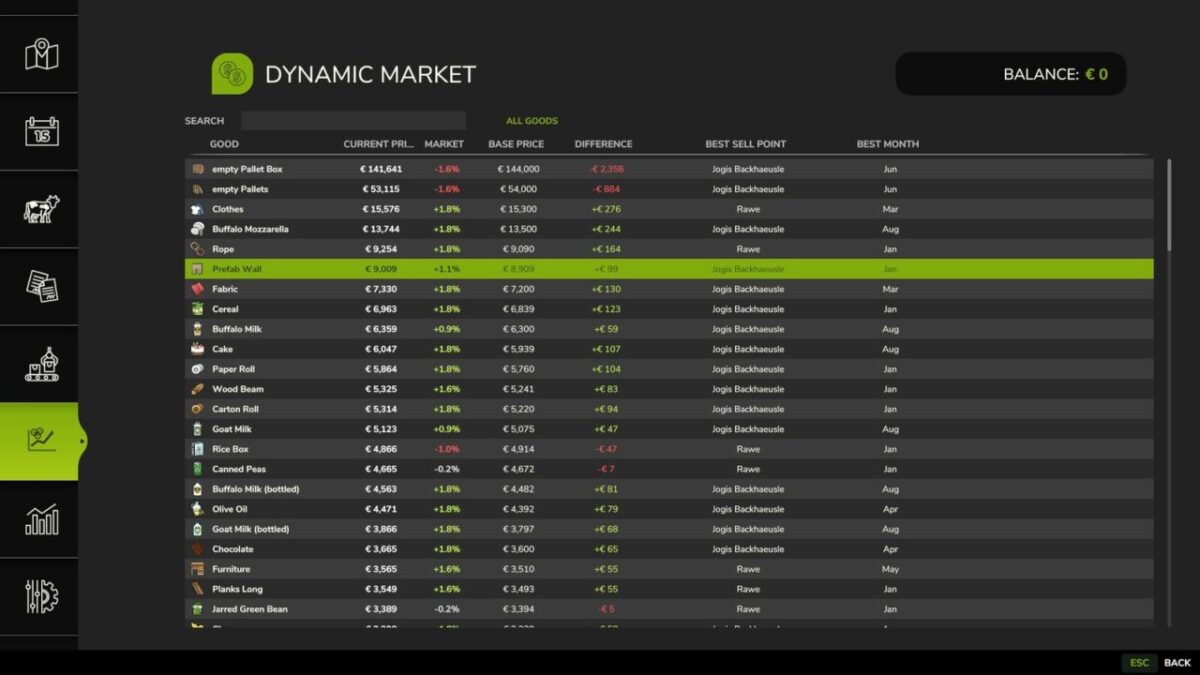
A dedicated market page displays the base game price, the dynamically adjusted selling price, or the annual average (depending on the mode), the percentage deviation, the sales outlet, and the best selling month from the base game.
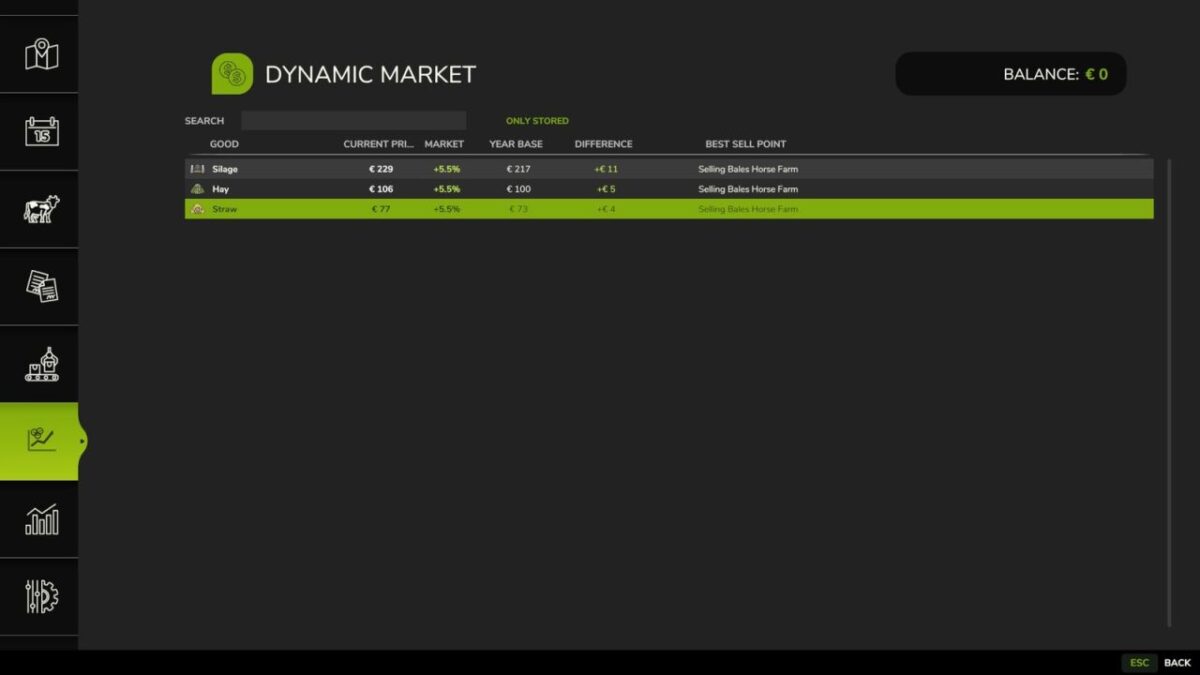
Search and inventory filters enable quick navigation through all products.
All calculations are performed server-side in multiplayer to ensure identical prices for all players.
Features:
Additional dynamic monthly market level based on base game prices
Optional annual average mode to replace the Giants seasonal curve
Annual average based on Giants pricing logic, difficulty level, and point of sale
Separate price trends for each product category
Comparison between base game price and dynamic market results
Display of percentage deviation
In-game market overview with search and inventory filters
Automatic detection of sellable products from maps and mods
Manual assignment of product categories for your own or incorrectly detected products
Server-side price calculation in multiplayer
Version 1.2:
* New: Display the storage locations of goods with a keystroke, including map markers for the storage location and the best sales point
* New: The “Sale Value” column now shows stock x current price instead of just the price difference to the base price
* New: Stock from production buildings and animal feed in barns no longer counts towards the displayed stock
* Fixed: Market prices were recalculated every 5 seconds, even without a time period change
* Fixed: The “Normal” price mode now retains the original seasonal curve instead of smoothing it
* Fixed: Product group names and market notes now consistently use the provided translations
* Fixed: Crops and other combined product groups no longer had a seasonal price influence
Credits:
Nalathan


