

Distribution Redux v 1.0


Take full control of your farm’s logistics!
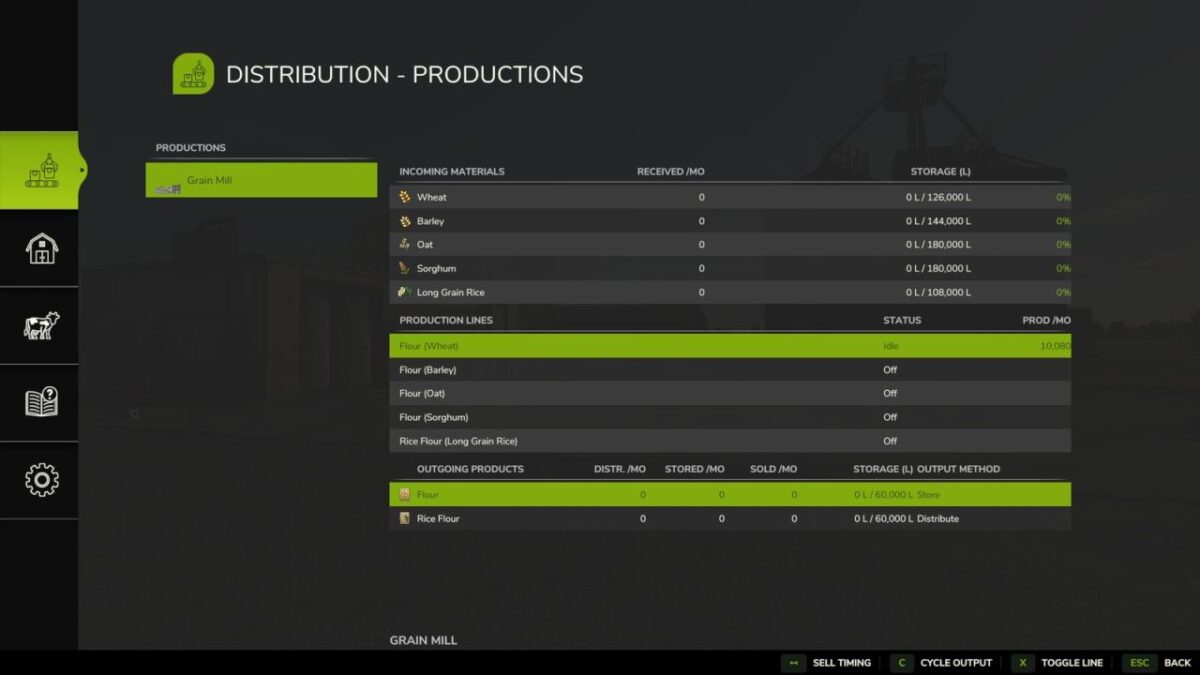
Distribution Redux replaces Farming Simulator 25’s hourly distribution with a demand-driven, proximity-aware system that you control building by building – directly on your existing base game facilities, with no additional placeables required.
Every in-game hour, the system:
– Supplies factories and animal husbandries with only the materials they actually need
– Prioritises the nearest available source
– Automatically distributes water to supported productions and animal pastures
– Sells or stores surplus materials based on your chosen settings
Output Modes
Configure each product or production output independently:
– Hold
– Distribute
– Sell
– Distribute + Sell
– Distribute + Store
– Store
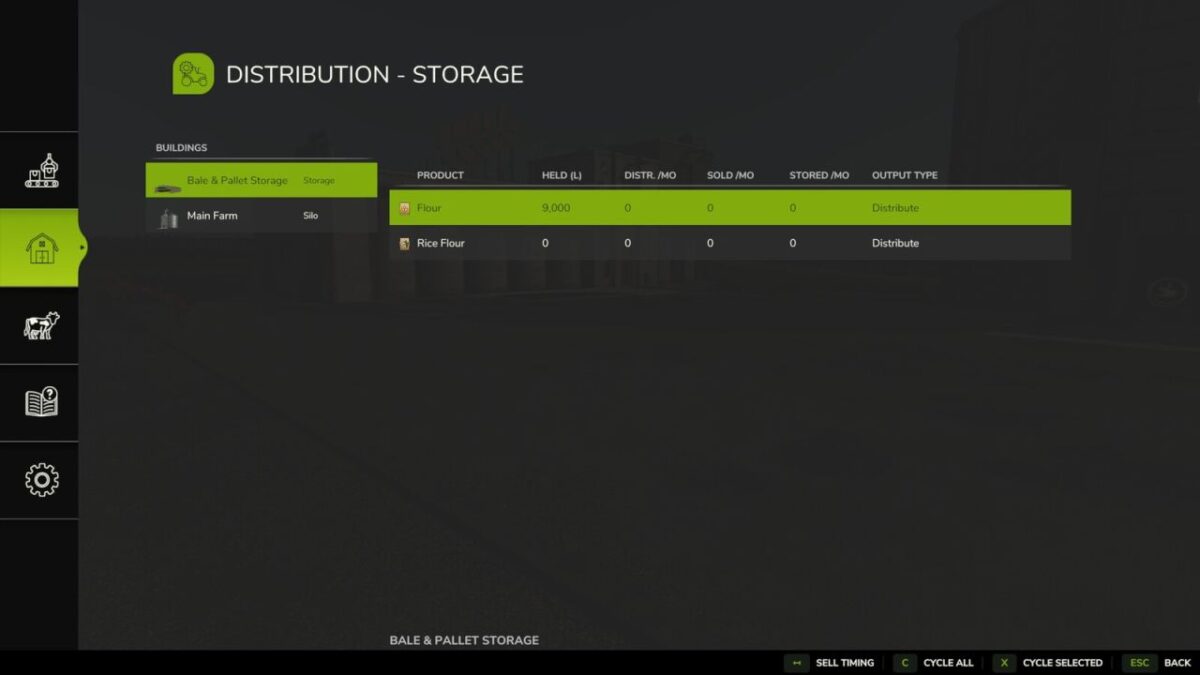
Store sends all produced goods to a central storage location for later use or distribution.
Features
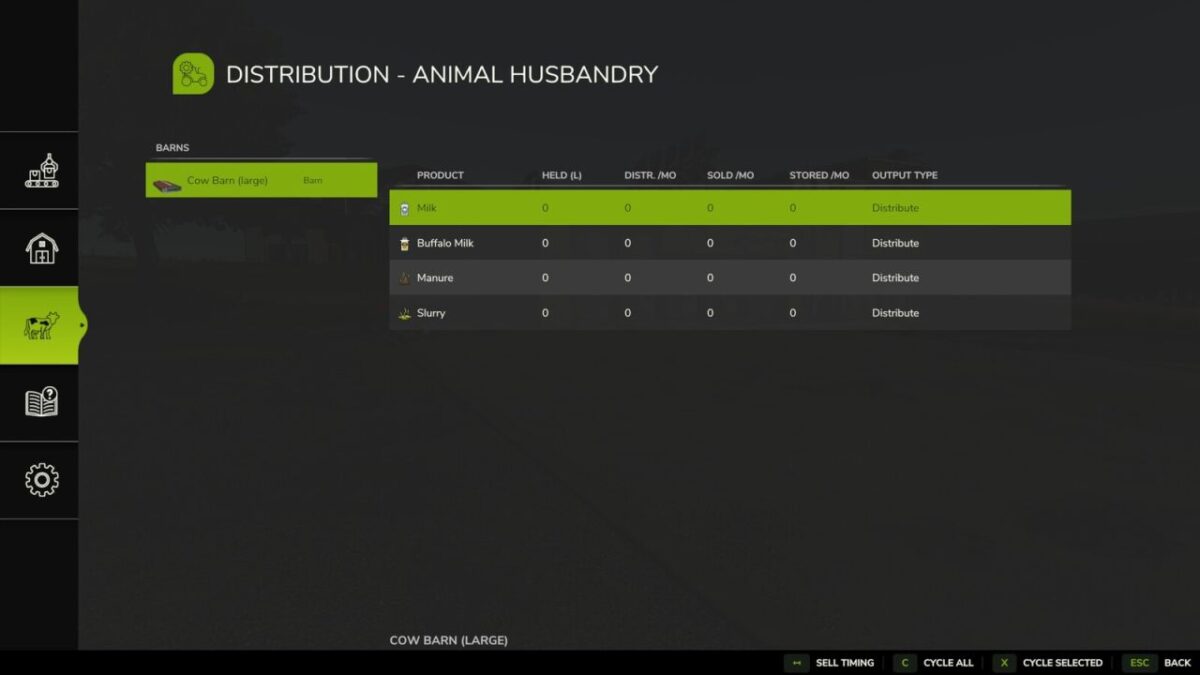
– Works with base game silos, animal husbandries, productions, storages, sheds and heaps
– No additional buildings or placeables required
– Automatically distributes feed, straw bedding and water
– Surplus materials fill the nearest storage first, then overflow to additional storage locations
– Adjustable distance-based distribution and watering costs
– Supports proximity-based or whole-farm distribution
– Granular control: include or exclude silos, pallet sheds and animal husbandry
– Per-building and per-product controls
– Settings are saved with your game
– Multiplayer supported
Compatibility
Designed for base game assets and maps but will support most mods if they are standard design.
Some modded buildings may behave differently and compatibility cannot be guaranteed. If you discover a mod that is not supported, please get in touch and I’ll see what can be done.
Credits:
Bones


