

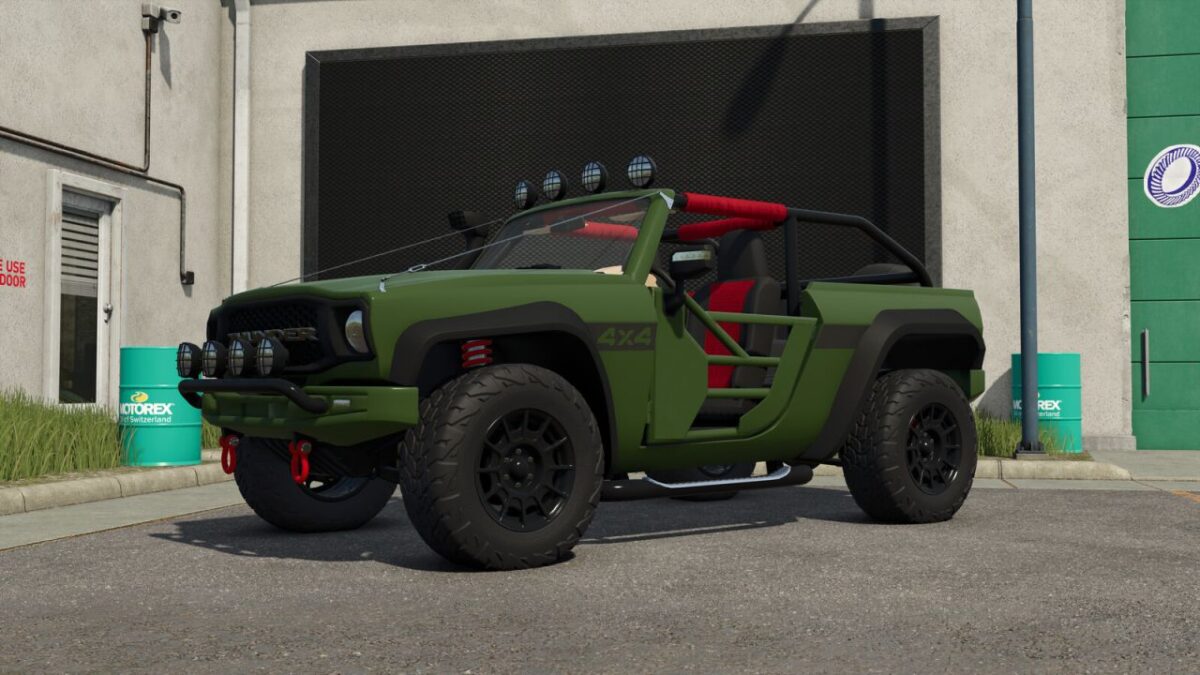

Thunder 4×4 Offroad v 1.0


Category: Drivables / Cars & Bikes
Features
9 types of tires
4 types of rim
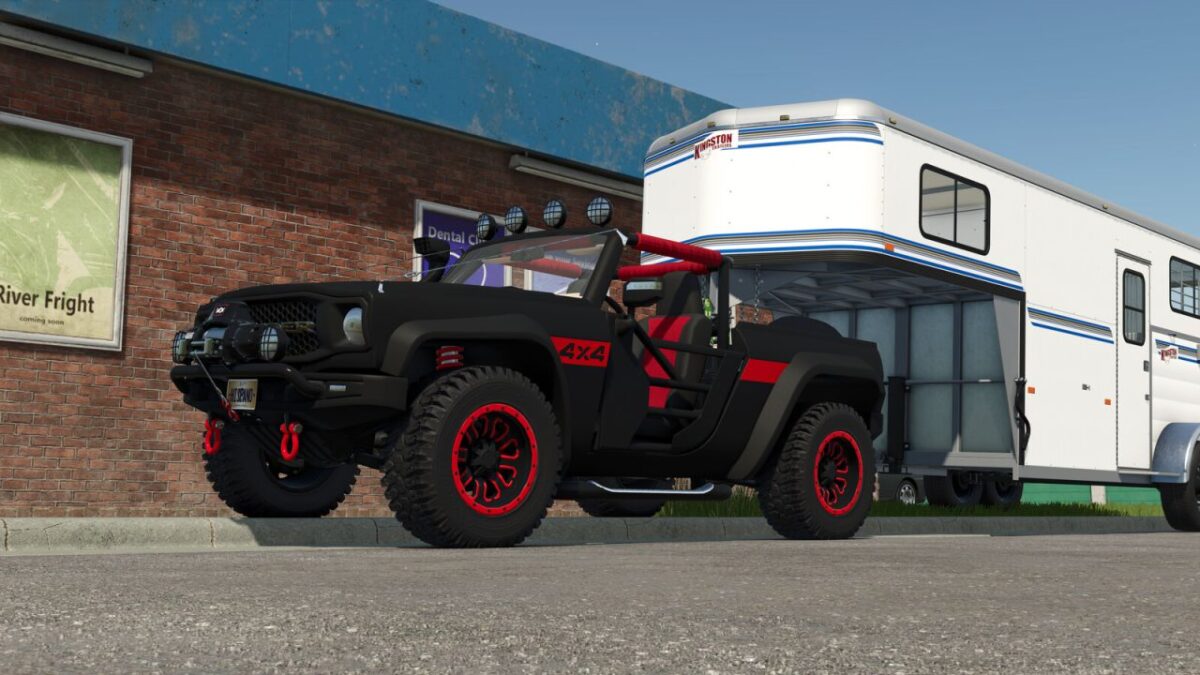
Rear hitch configuration: Trailer, TrailerLow and Goosenek
Exhaust tail configuration: 2 types.
Side air intake configuration: With or without side air intake
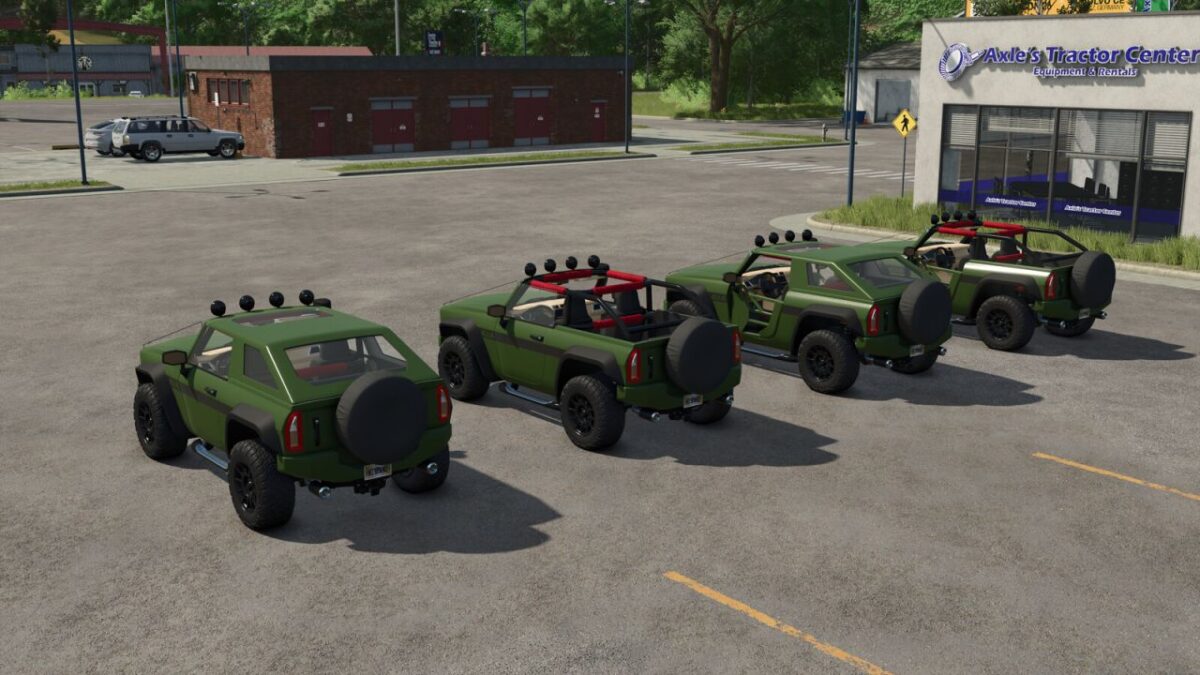
Spare tire configuration: With or without + Stickers
Anti-tipping bars configuration: With or without
Tension cables configuration: With or without
5.5t winch configuration: With or without
Window tinting configuration: 0%, 25%, 75% and 100%.
Bodywork configuration: Tubular doors, full doors, closed bodywork (roof)
Side stripes configuration: With or without
Extra lighting configuration: Front lights, Top lights or none at all
Color configurations
Four wheel independent damping.
The windows and roof glass can be opened (X key).
Exterior and interior mirrors can be adjusted with the mouse.
Sun visors can be lowered and raised with the mouse.
The rear door is opened with the Z key (open cover), it can only be opened when the gooseneck hitch is selected.
Power and Speed: 300 hp (75 mph) and 600 hp (125 mph)
Base Price: 47.300 $
Credits:
Hispano


