
FS25 Misc

Server Journal v 1.1.1

Server Journal v 1.1.1

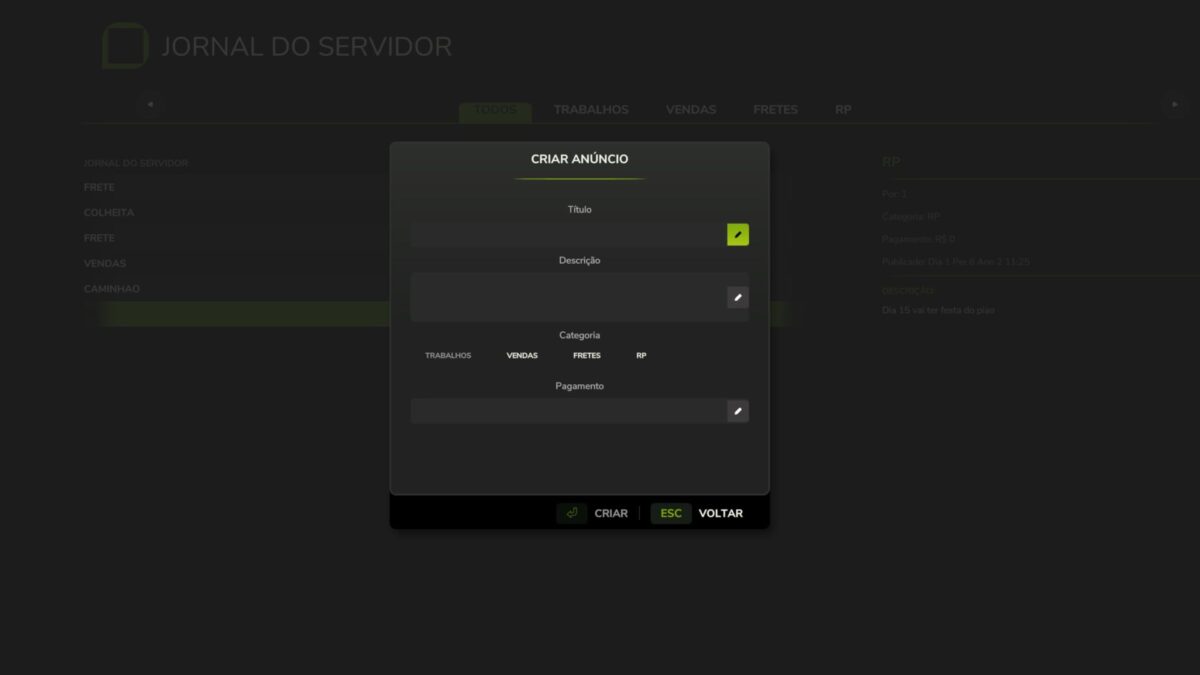
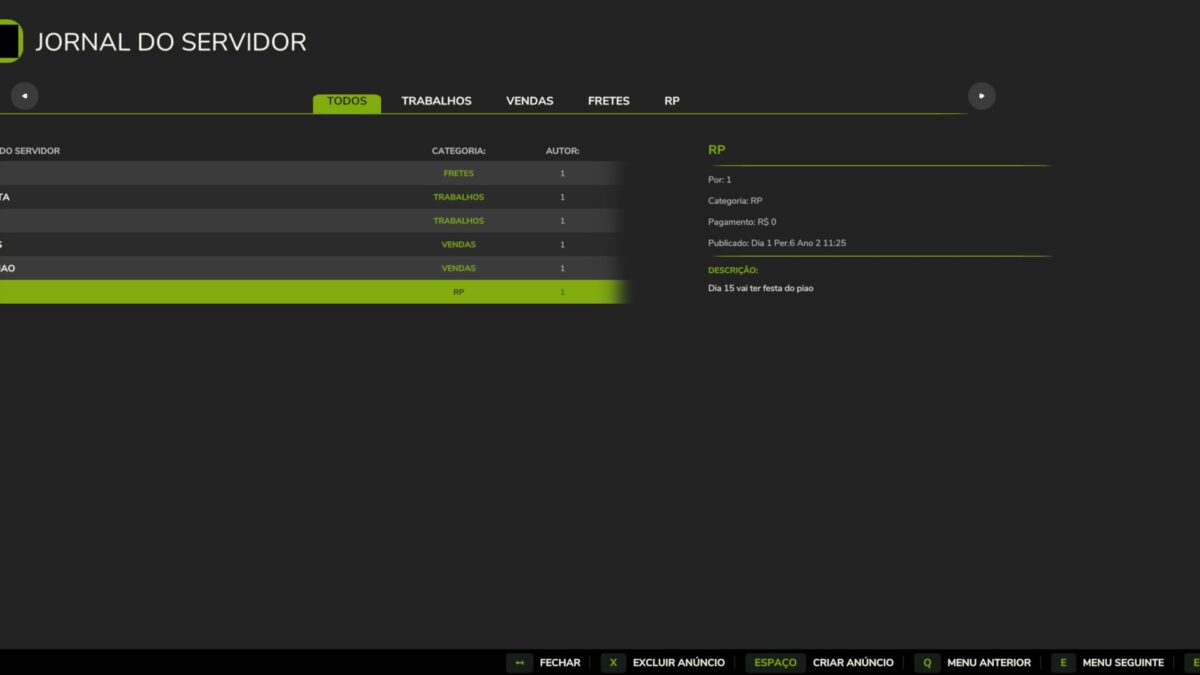
Server Journal is a multiplayer bulletin board mod for Farming Simulator 25 that lets players create and view real-time announcements on the server.
Data is server authoritative and persists in the savegame, ensuring all players see the same information even after reconnecting.

Features
– Real time post creation and listing with multiplayer sync
– Category filters: Jobs, Sales, Freight, and RP
– Savegame persistence via XML
– Native GIANTS Engine UI with custom pause menu icon
– Configurable keybind (default J) in Options > Controls
– i18n support: EN, PT, BR

Version 1.1.1:
* Header Icon Customization
* Pointed the page title header icon (`headerIcon`) to the custom `icon_JournalTab.png` instead of the base game contracts image slice

Credits:

Anderson BOB

How to install FS25 Misc?
Firstly find a mod which you like and want to download. Then download a mod to your PC. Mods are usually in .zip format file. But sometimes it can be in .rar. If a mod file is a .zip format no needed additional actions. If a file is in .rar, then you must unarchive mod with software like WinRar or Zip7. Windows 10 users no need to use software for archives, Win10 itself has a feature to unarchive files.
The next step is to find mods folder in your PC. Usually, it is in Documents/My Games/Farming Simulator 25/2025. Open the "mods" folder and put downloaded .zip archive or unarchived .rar file to this folder.
Last step. Enjoy of FS25 mods!

Leave a Reply

Your email address will not be published. Required fields are marked *