

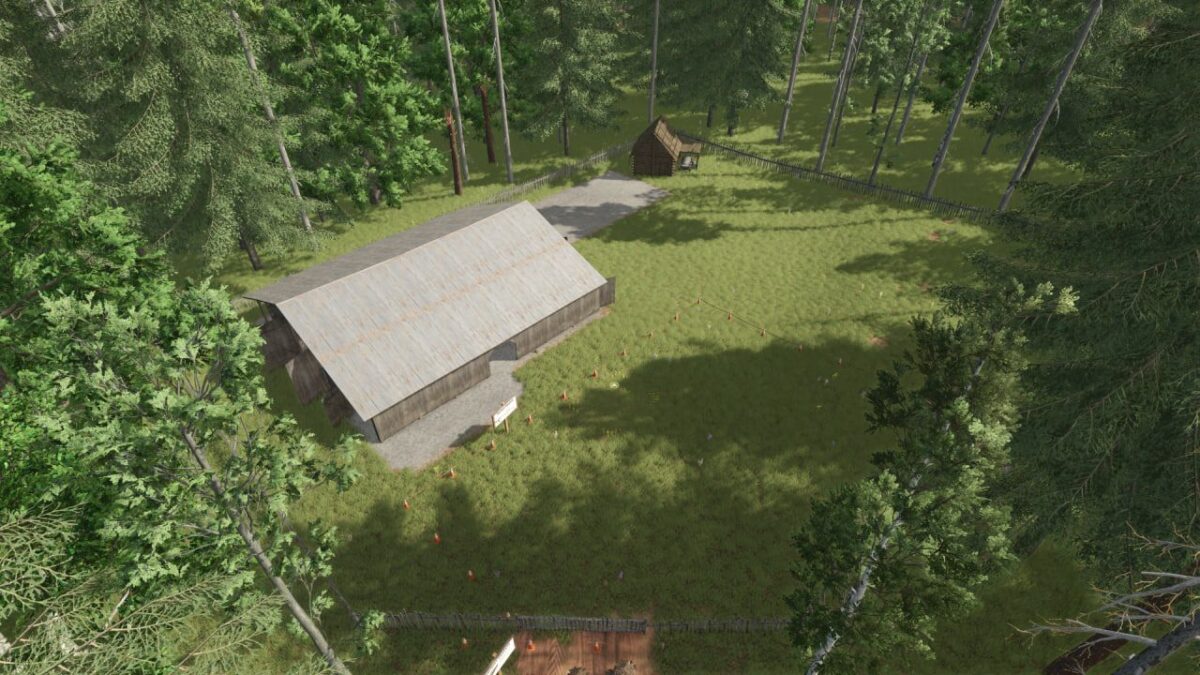
Abandoned Taiga Map v 1.0


– Forest map with 101 thousand trees (birch, pine, spruce, oak, beech)
– 30 plots of 5 hectares each
– 30 plots of 10 hectares each
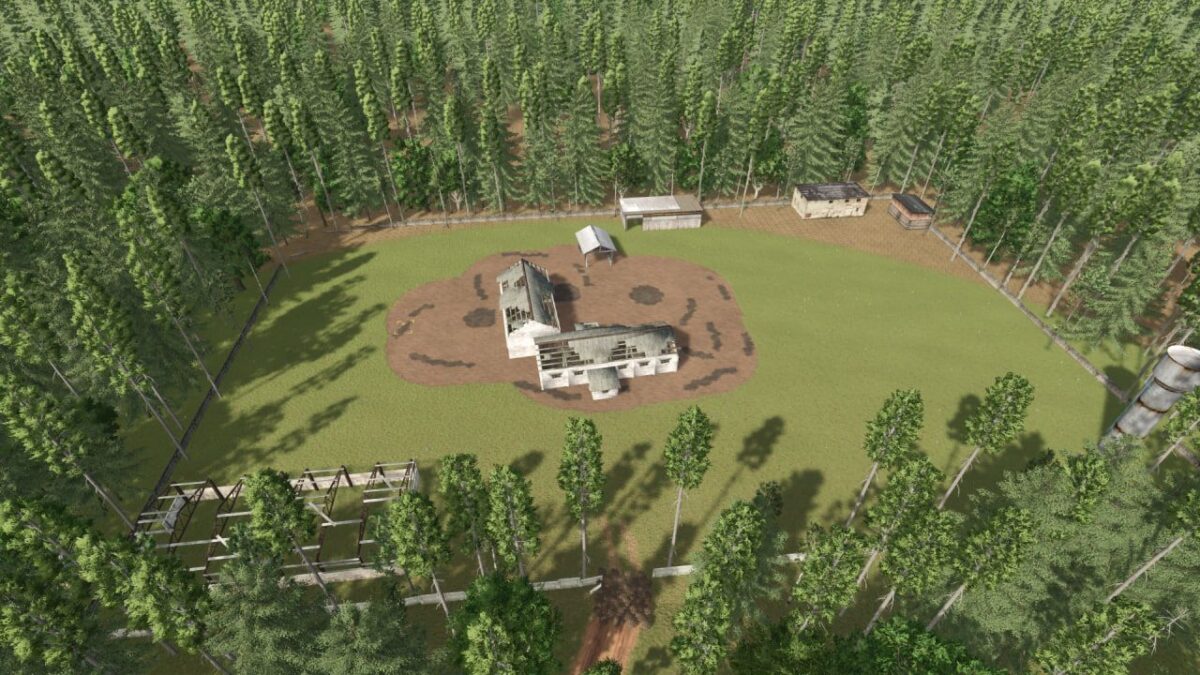
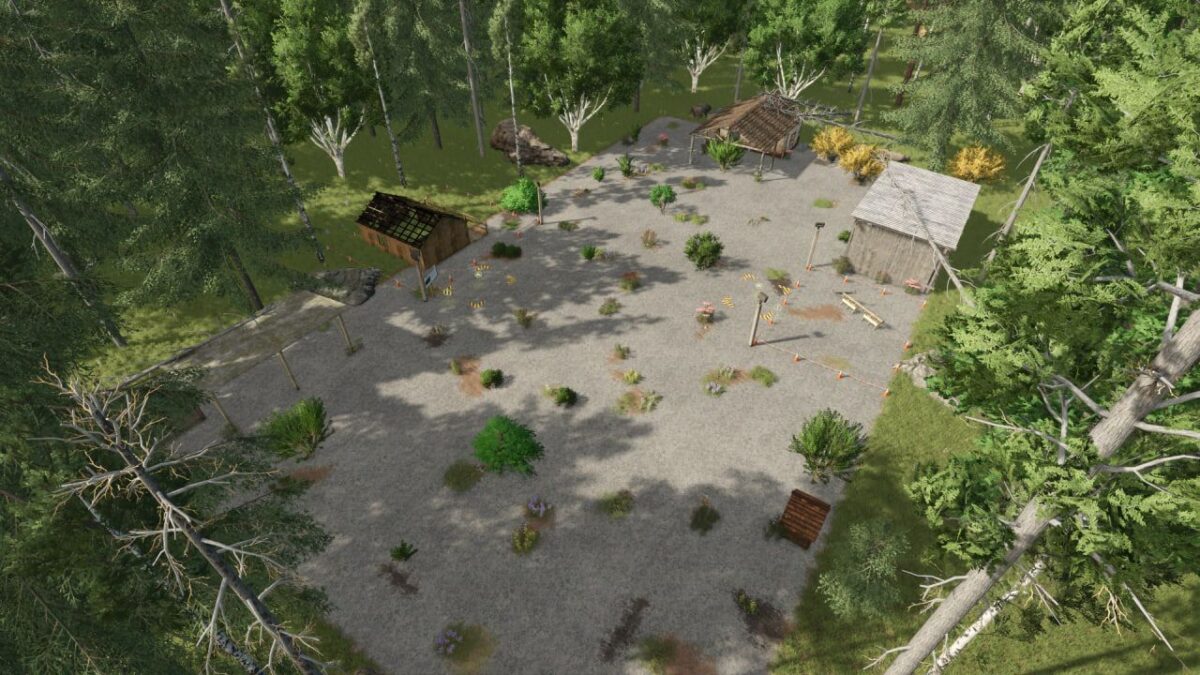
– An old base where you need to restore the house and build a small sawmill
– An old barn that needs to be rebuilt
– An old sawmill, which is also subject to reconstruction
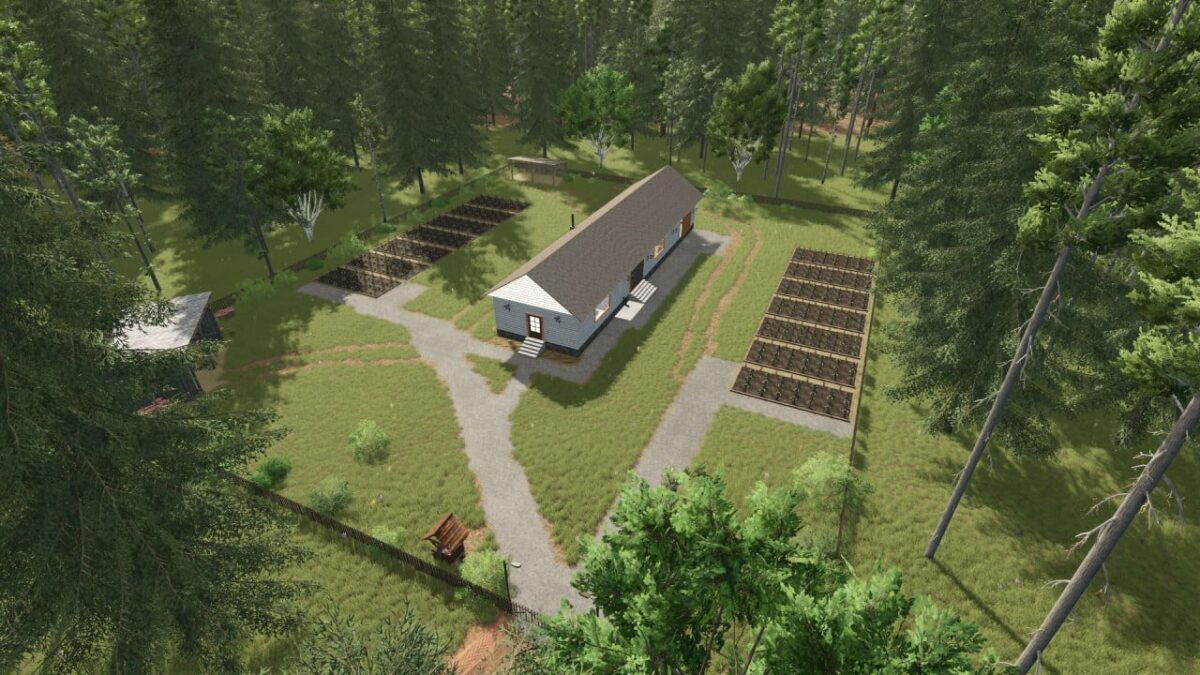
– A farm with beds and storage of preserves
– Two small collections
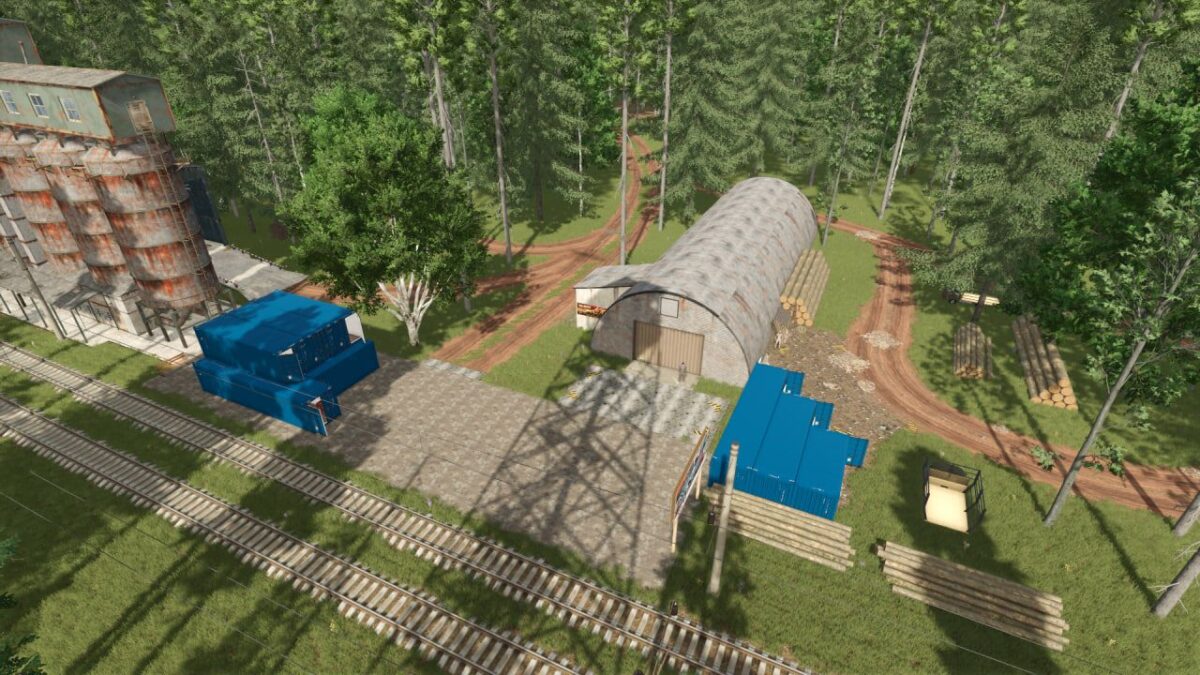
– All purchase/sale points are located at the railway station
– For construction and restoration, you will need to purchase sheet metal from Semenych’s warehouse, and tools and construction iron from the store
– You can sell bulk products at Stepanych’s elevator
– Mikhalych is in charge of the tree and processed and packaged products are accepted by Dmitrich
– The territory cleared from the forest can be developed for fields, animal pens and production
– For this purpose, there is a set of projects for independent construction of production facilities, warehouses, and animal pens
Credits:
MaxKra1985


