

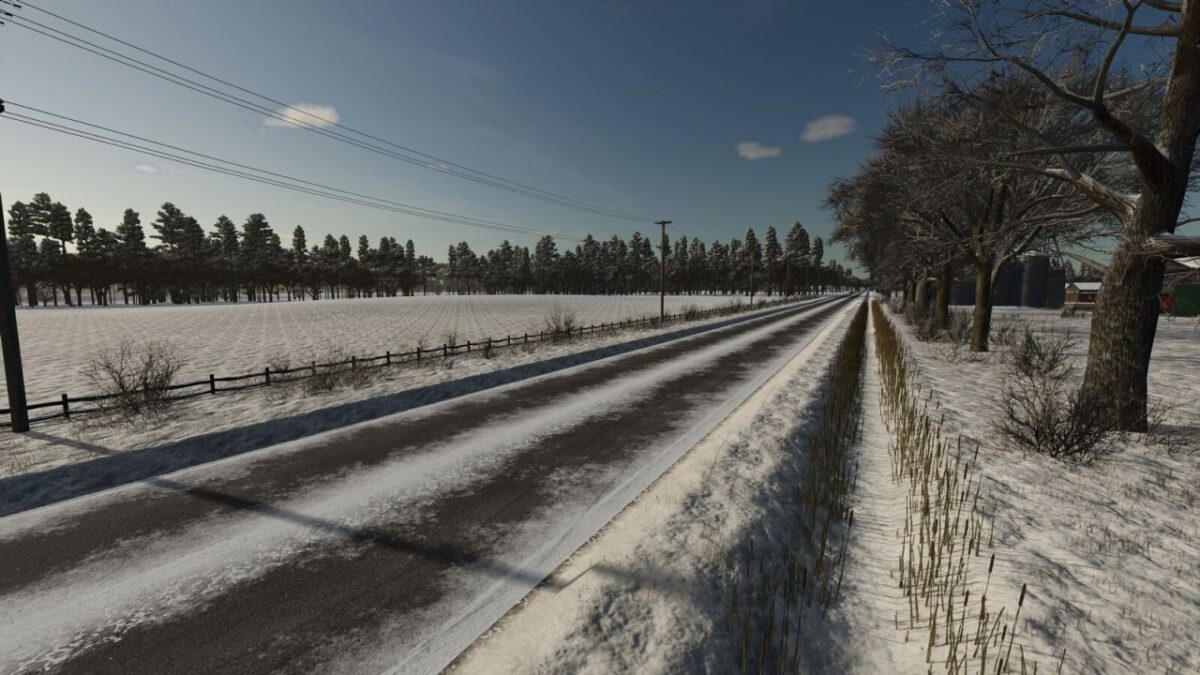
St. Lawrence Map v 1.0


– The map includes 17 fields. Most are 7-8 ha, with the smallest around 2 ha and largest around 14 ha. (1 ha = 2.47105 acres)
– Farmland prices are affordable. Farmland 100 is free and covers the main road and other parts of the map in case you wish to edit them
– Many farmlands include a small patch of forest to satisfy your forestry needs
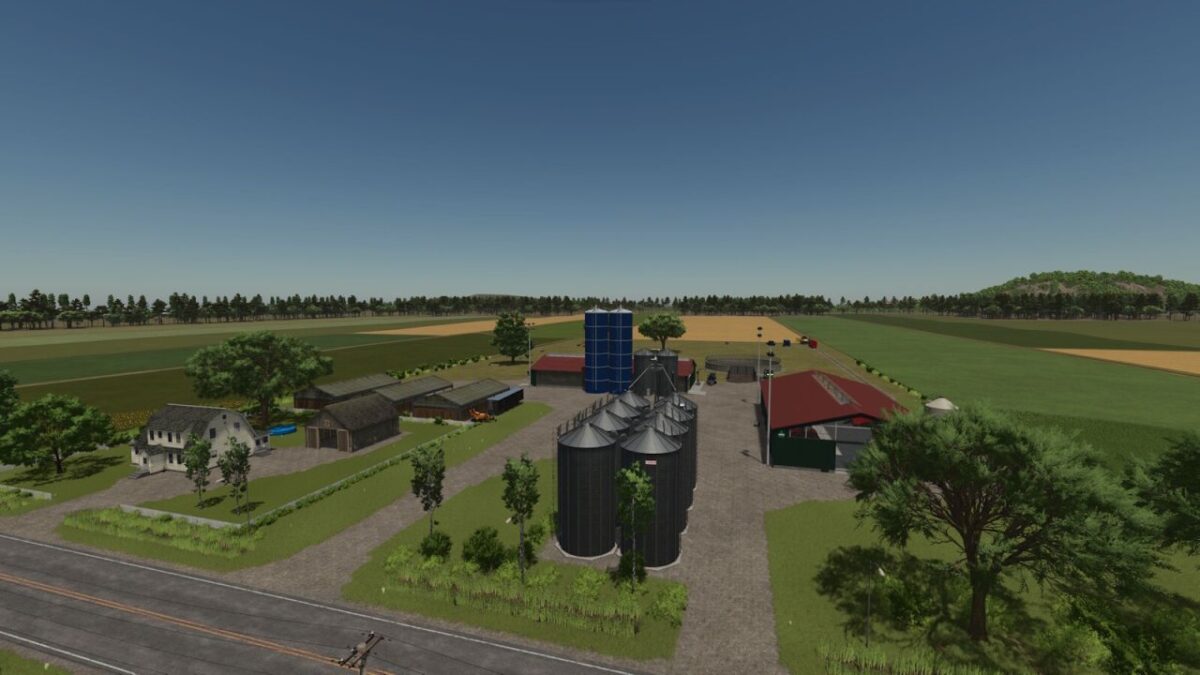
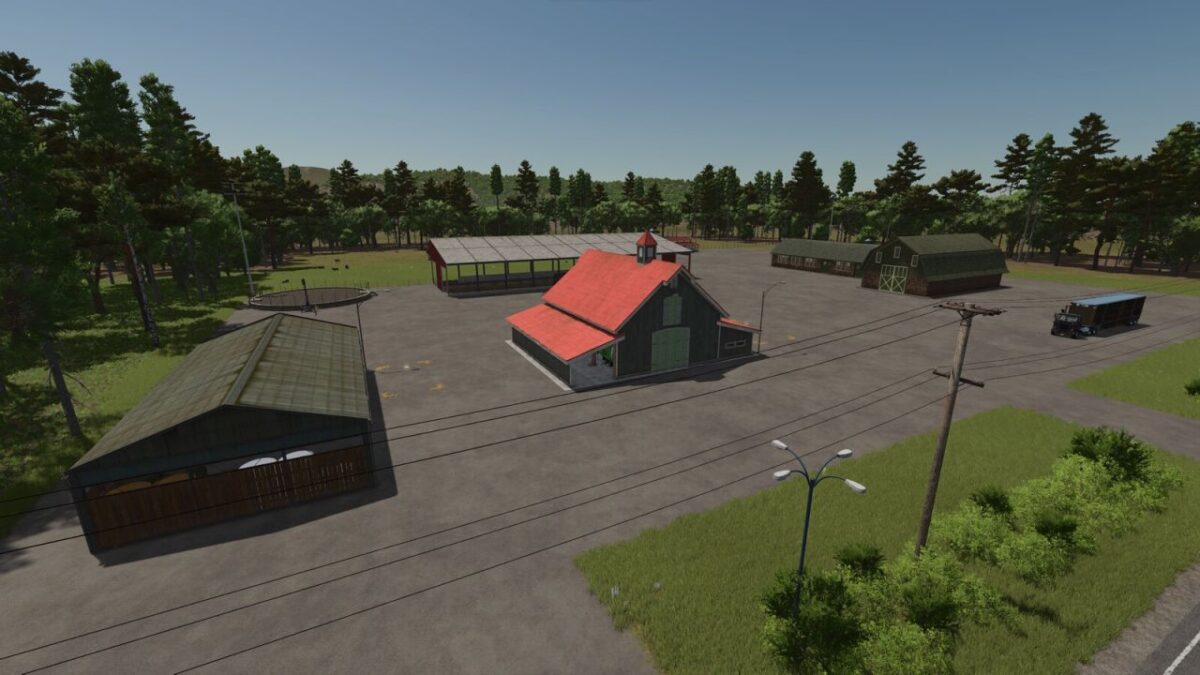
– Designed with single player in mind, the starting dairy farm is well equipped, including a custom fermenting silo and TMR mixer connected to the cow pen
– A vehicle workshop trigger has been added to the vehicle garage
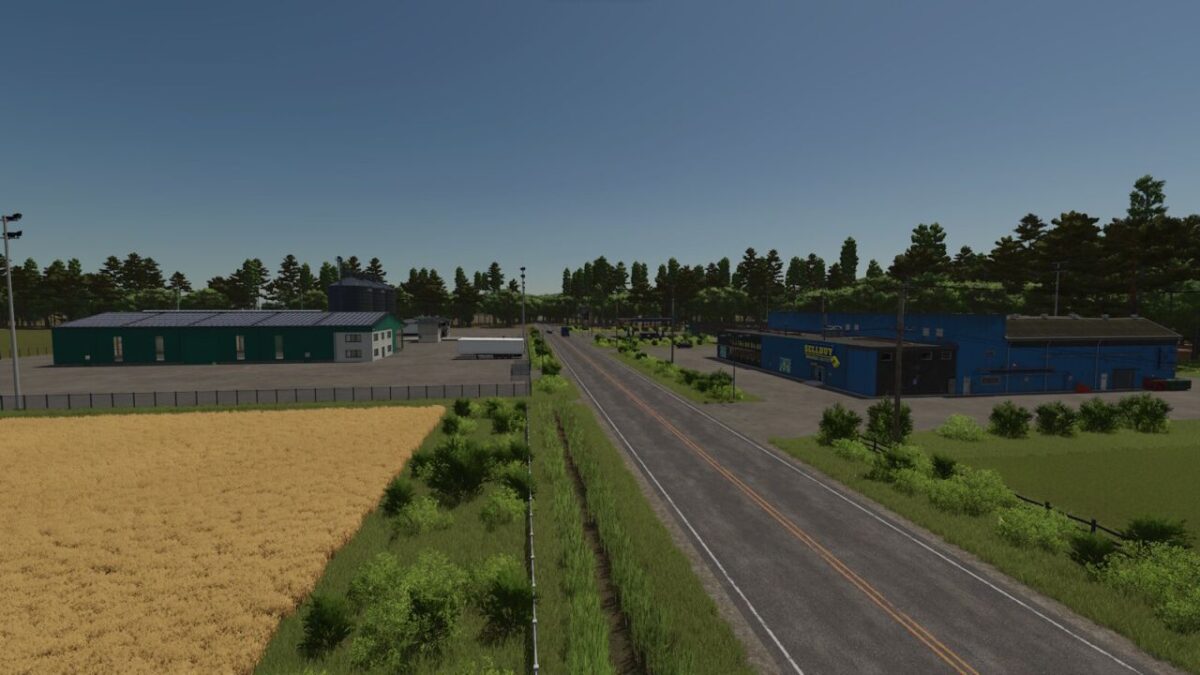
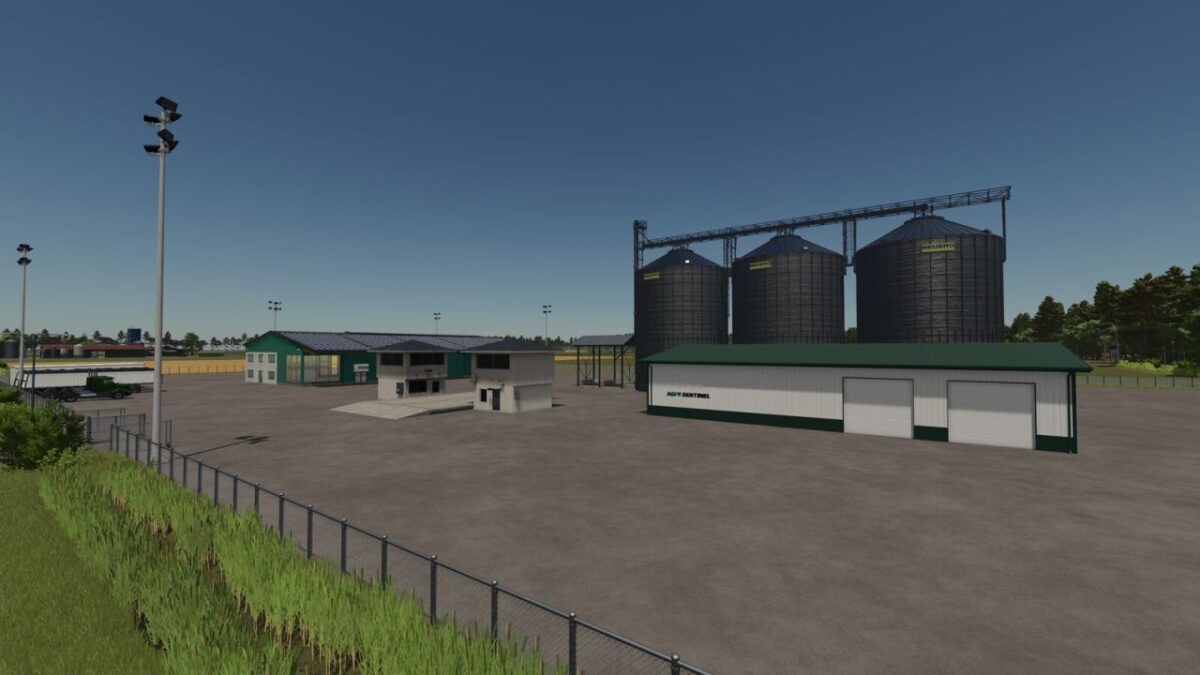
– The map includes an animal dealer, a gas station, a vehicle dealer, a warehouse, and an export dealer that should cover all your needs
– It does not include factories. You can add them at your convenience
– Precision Farming ready with custom soil map
– Alfalfa added to the map for diversity. It behaves like grass
Credits:
MLFSMOD


