

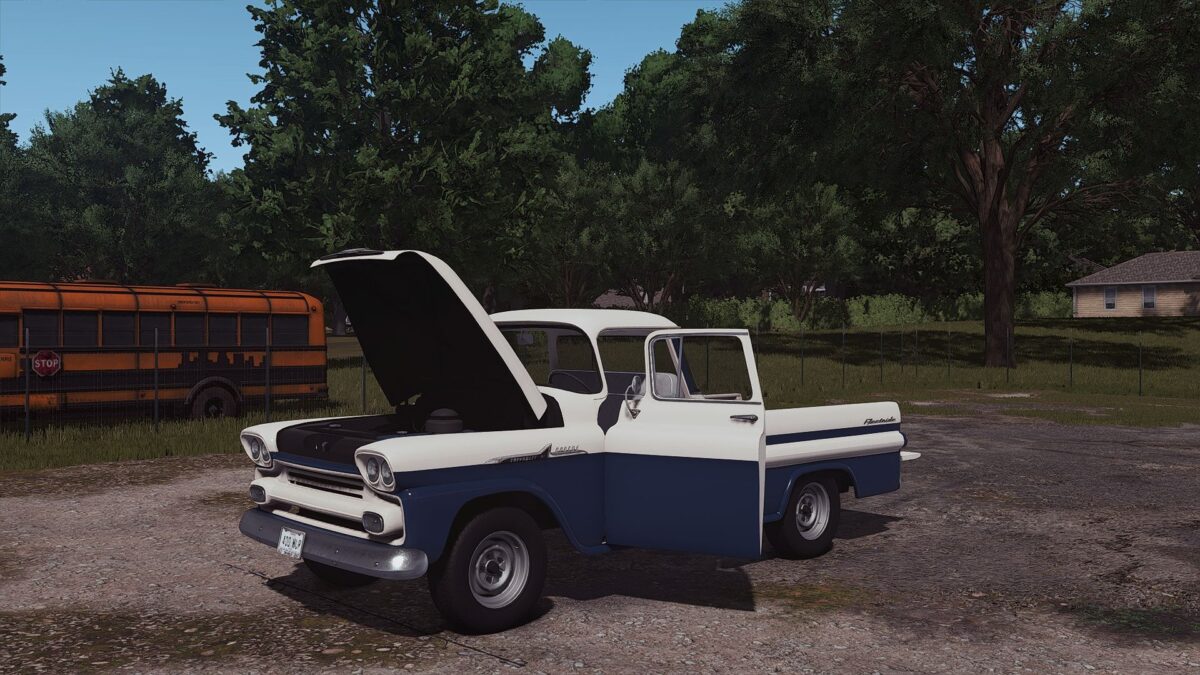
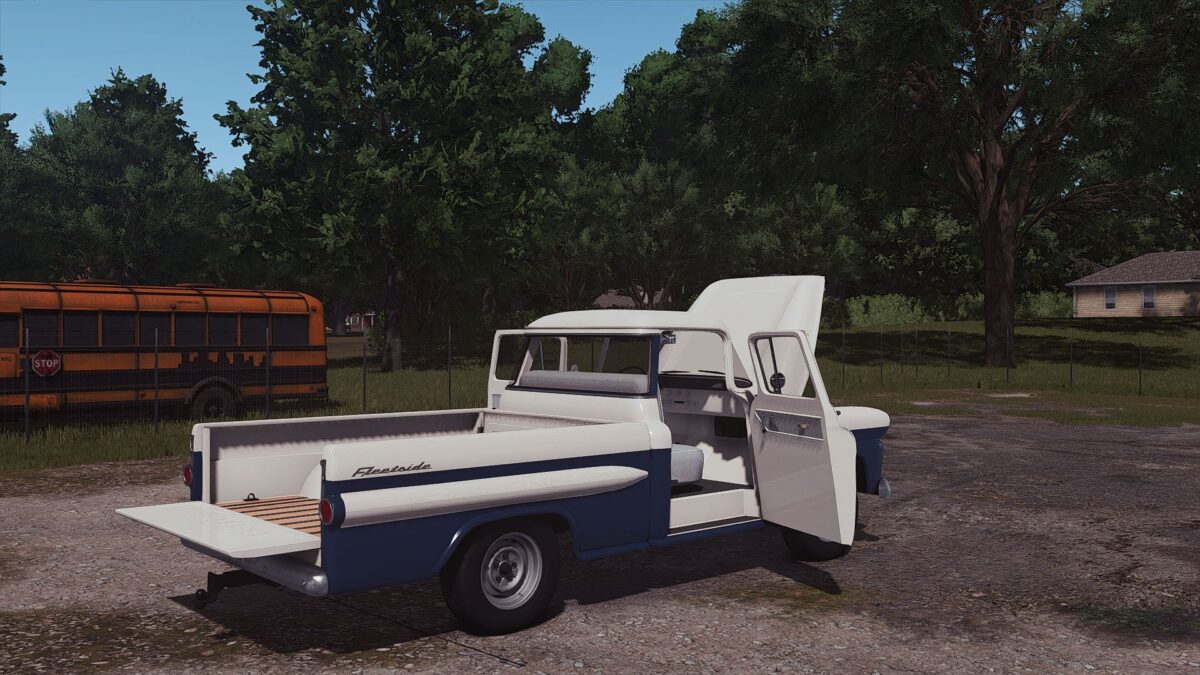
1958 Chevrolet Apache v 1.0


Specifications:
Brand: Chevrolet
Model: Apache
HP: 160
Year: 1958
Price: 4500$
Configurations:
Exterior Color
Two Tone Color
Hood Color
Visor Color
Front Mask Color
Front Bumper Color
Back Bumper Color
Tailgate Color
Tailgate Logo Color
Bed Type (Pickup, Stakebed, Flatbed)
Front Bumper (Yes or No)
Visor
Cab Lights
Extra Blinkers
Mirrors Type
Tailgate (Yes or No)
Pickup bed addons
Pickup bed junk
Beacon
Interior Posters
Door upholstery (Yes or No)
Stakebed front wall (Yes or No)
Flatbed floor material
“For Sale” Sign
Animations:
Doors
Hood
Windows
Stakebed walls (can be removed)
Interior animations (pedals, needles, shifter, etc)
Additional Features:
FS25 Standards (material system, wetness, lights)
Tension belts
License plates
Custom dirt and wear (rust)
Brand colors
Custom sounds
Plow mount
Goosneck hitch (drive to the trailer and it will attach)
Credits:
E55 Modding


