

Decorative Pack for Productions v 1.0


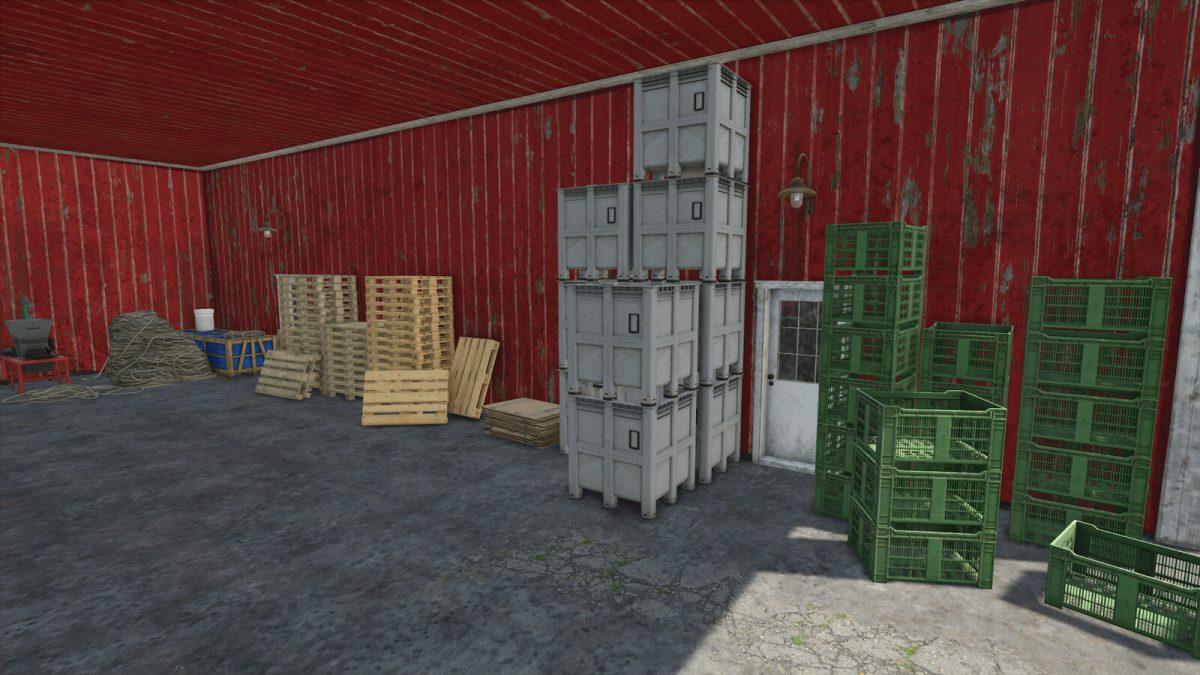
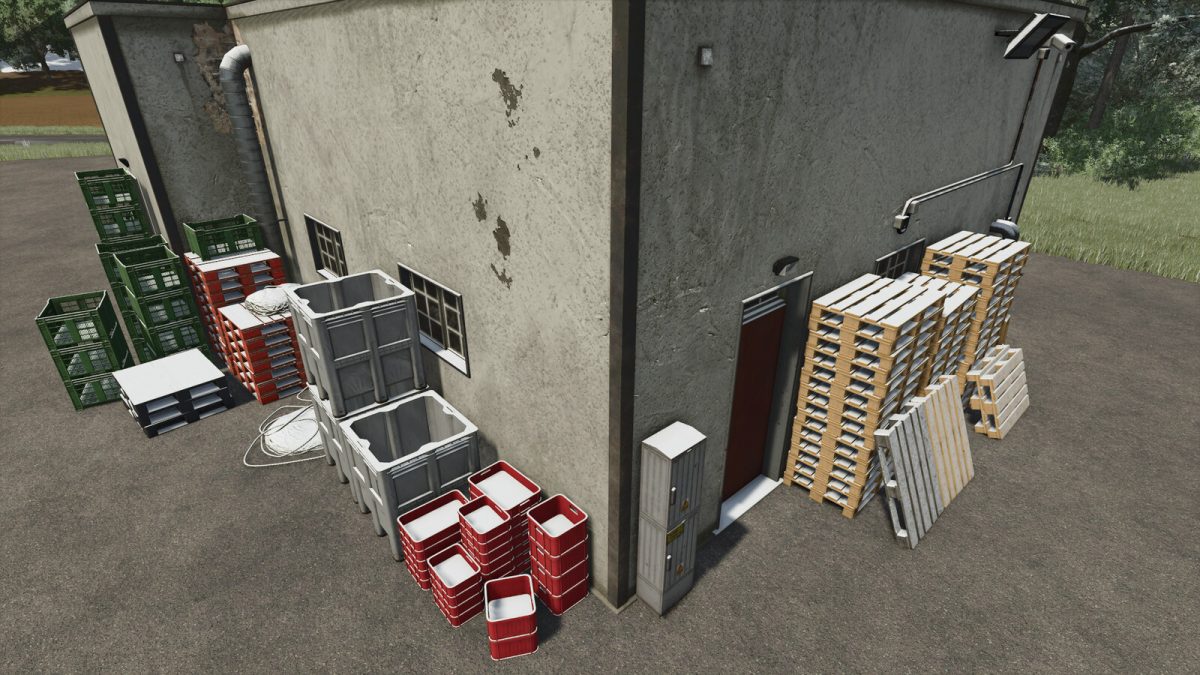
Use this decorations package to decorate your farm, your production points or whatever you want in the map.
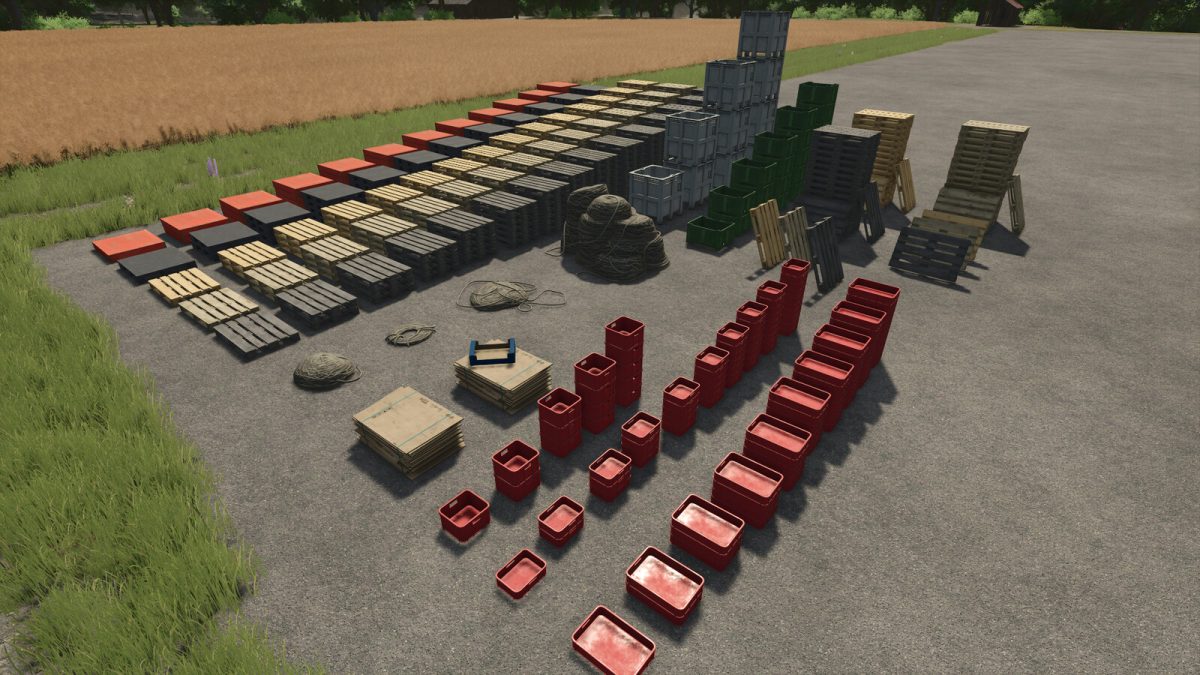
The pack include different types of stacked pallets and crates, ropes and cardboards.
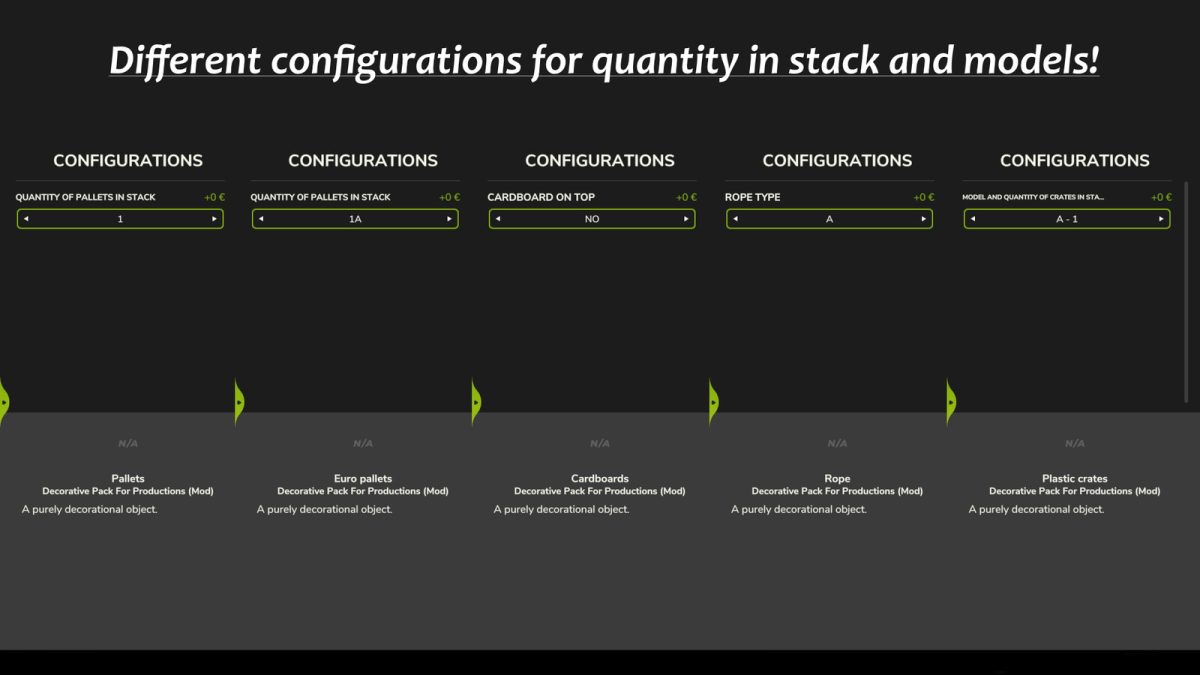
The quantity of the items in stack can be decided by you using the “configuration” key before placing objects.
All the items are located into “placeable – decoration – decoration” tab.
No daily upkeep or income per hour for all models, they are just decorative.
Tip: use free placeament mode for closer placeament to other objects!
The pack include:
– Pallets:
Price: 20$
Configuration: number of pallets in stack (1 to 12).
– Plastic pallets:
Price: 10$
Configuration: number of pallets in stack (1 to 12).
– Euro pallets (new):
Price: 10$
Configuration: number of pallets in stack (1 to 18) + 2 inclined versions of the pallet to be placed near other objects (1B and 1C).
– Euro pallets (middle):
Price: 7$
Configuration: number of pallets in stack (1 to 18) + 2 inclined versions of the pallet to be placed near other objects (1B and 1C).
– Euro pallets (old):
Price: 5$
Configuration: number of pallets in stack (1 to 18) + 2 inclined versions of the pallet to be placed near other objects (1B and 1C).
– Cardboard stack:
Price: 30$
Configuration: cardboard on top (yes/no).
– Ropes:
Price: 50$
Configuration: 4 different models (A to D).
– Plastic box pallets:
Price: 100$
Configuration: number of pallets in stack (1 to 4).
– Platic boxes:
Price: 30$
Configuration: number of boxes in stack (1 to 6).
– Plastic crates:
Price: 5$
Configuration: 3 differrent models (A to C) and number of boxes in stack (1 to 5 for model A, 1 to 10 for models B anc C).
Credits:
Piersi


