

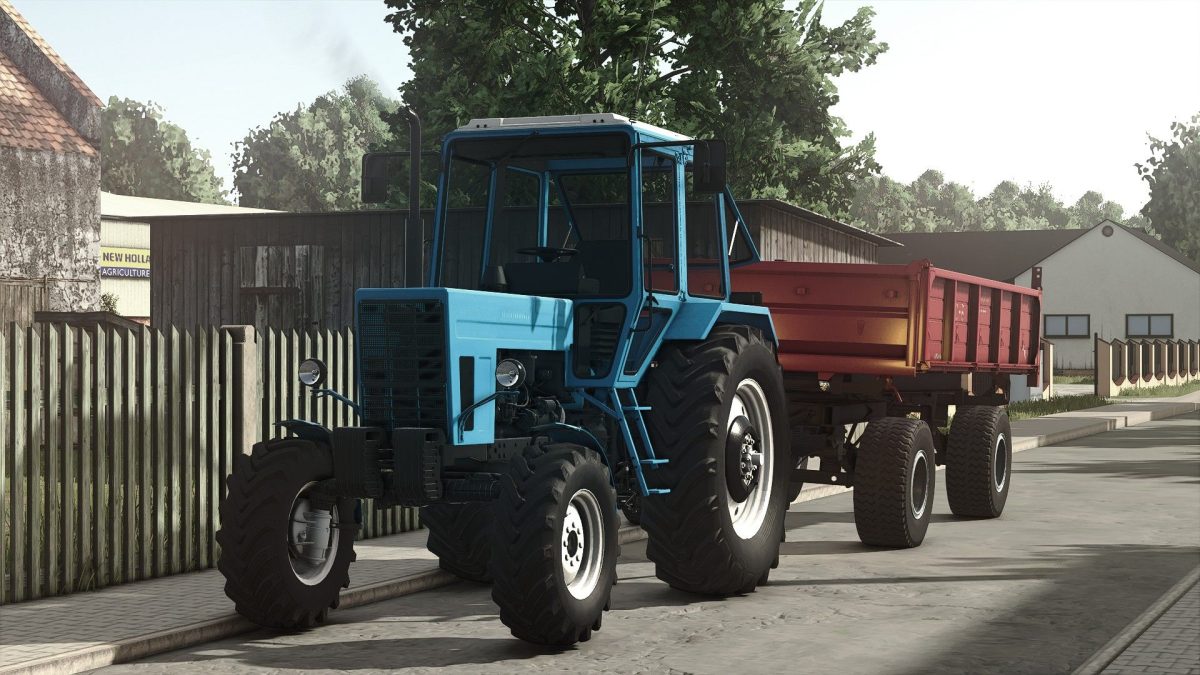
MTZ Belarus 82 v 1.3


MTZ Belarus 82 v 1.3 is a representation of the classic Belarusian tractor, designed for Farming Simulator 25.
This mod allows players to enjoy a blend of functionality and nostalgia with its detailed design and realistic features.
The tractor is priced at 1500 in-game currency and offers a power output of 80, making it suitable for a variety of farming tasks.
An interesting feature of this mod is the mouse control for the back and side windows, allowing players to enhance their immersive experience by interacting with the cabin environment.
This level of detail helps to simulate real-life operations more accurately.
The MTZ Belarus 82 v 1.3 is an excellent addition for those looking to diversify their equipment lineup with a robust and iconic tractor from Eastern Europe.
– Price: 1500
– Power: 80
– Mouse control for back and side windows
Version 1.3:
* Fixed rims color configuration, color no longer resets to default when restarting savegame
Credits:
Starlexs, Petya20, BearFarm


