

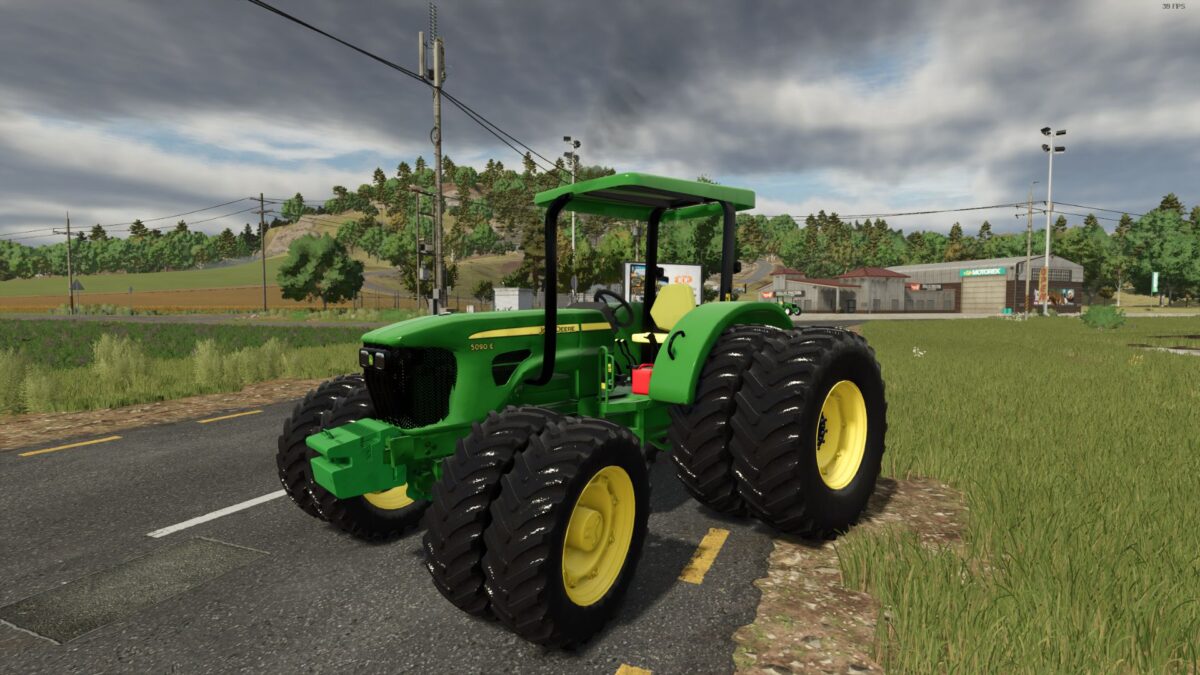
John Deere 50E Series v 1.3


The John Deere 50E Series v 1.3 mod for Farming Simulator 25 introduces a versatile and reliable small tractor designed to enhance your farming experience. Priced at 30,000 and weighing in at 5.1 tons, this tractor reaches a maximum speed of 40 km/h, making it suitable for various tasks on your farm.
One of the notable features of this mod is the functional hood that can be opened, allowing for enhanced realism and maintenance visibility. The mod offers several engine configurations, ranging from 75e to 90e, including a tuned version that boosts the power to 120 horsepower.
In terms of wheel configurations, users can choose from standard, weights, flipped astra, and narrow tires, providing flexibility based on individual farming needs. Three weight options are available (360kg, 560kg, and 760kg), allowing users to customize the tractor’s performance further.
Additional enhancements include the option to add fenders, Brazilian flag, toolbox, and an add-on thermos bottle for a personal touch. There’s also the choice of rim colors to match your style.
Version 1.3:
* Many improved errors
Credits:
Eduu


