

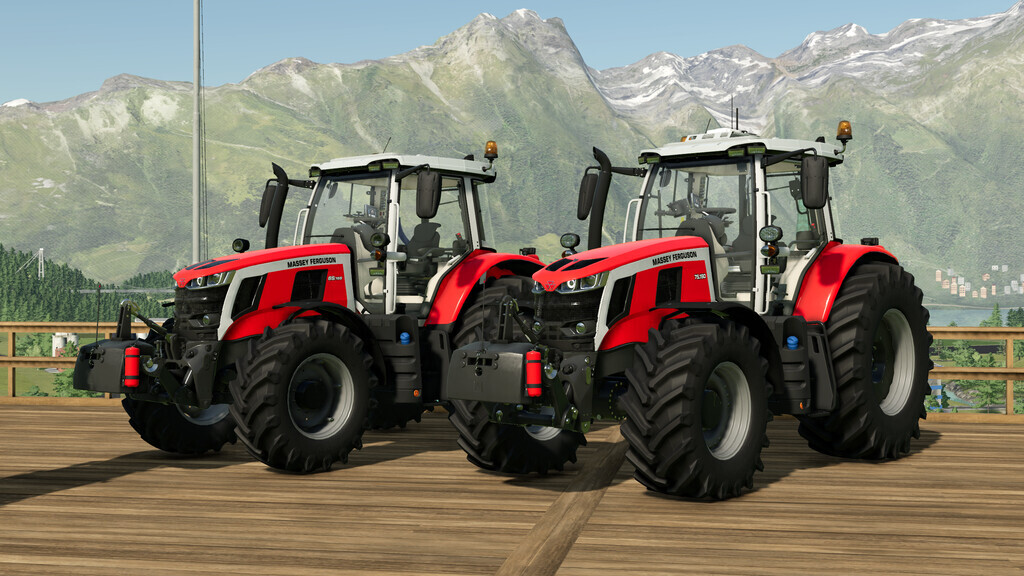
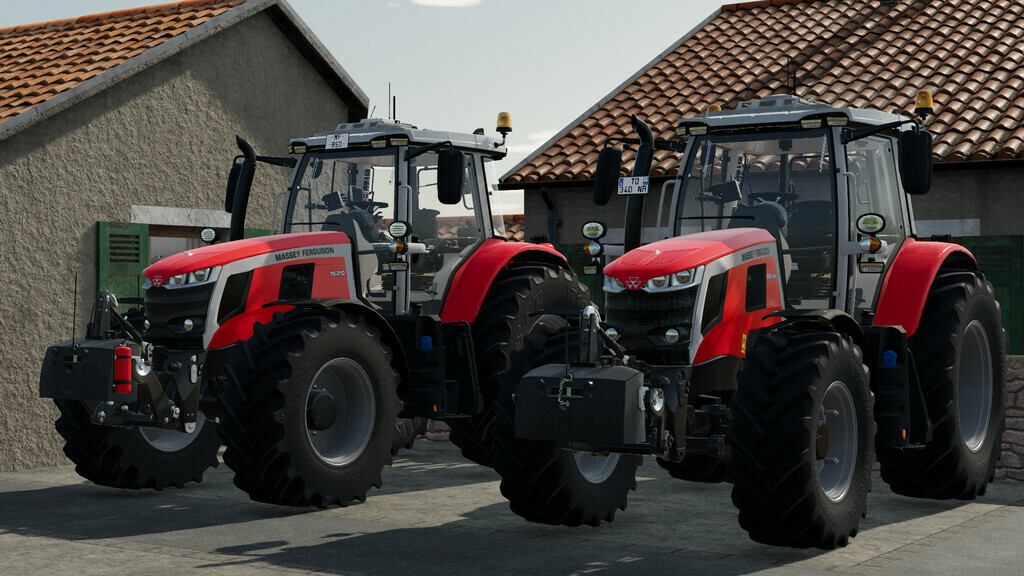
Massey Ferguson 6S/7S v 1.1


– Base Price 130.000$ [MF 6S]
– Base Price 160.000$ [MF 7S]
– Motor Configurations:
6S.135 – 135 HP
6S.145 – 145 HP
6S.155 – 155 HP
6S.165 – 165 HP
6S.180 – 180 HP
7S.155 – 155 HP
7S.165 – 165 HP
7S.180 – 180 HP
7S.190 – 190 HP
7S.210 – 210 HP
– Specifications:
Main and design color option.
Front weight and front 3 point hanger option.
New generation GPS and GPS infrastructure option.(In roof option.)
Wheel Offset option.
Joystick and shuttle animation.
Left door animation.
Transparent grids.
– Tire Configurations:
Trelleborg
Michelin
Mitas
BKT
Continental
Vredestein
Nokian
Version 1.1:
* Added new store item (MF 7S)
* Added daytime lights (MF 6S)
* Added passenger support (MF 6S)
* The base price increased (MF 6S)
* The block weight improved
* Chassis color changed
* Screen decals changed
* Shadow bugs fixed
* Grid bugs fixed
* Added new details
Credits:
KRKZ-modding


