

Fed Mods Pack v 1.0


The Pack consist of:
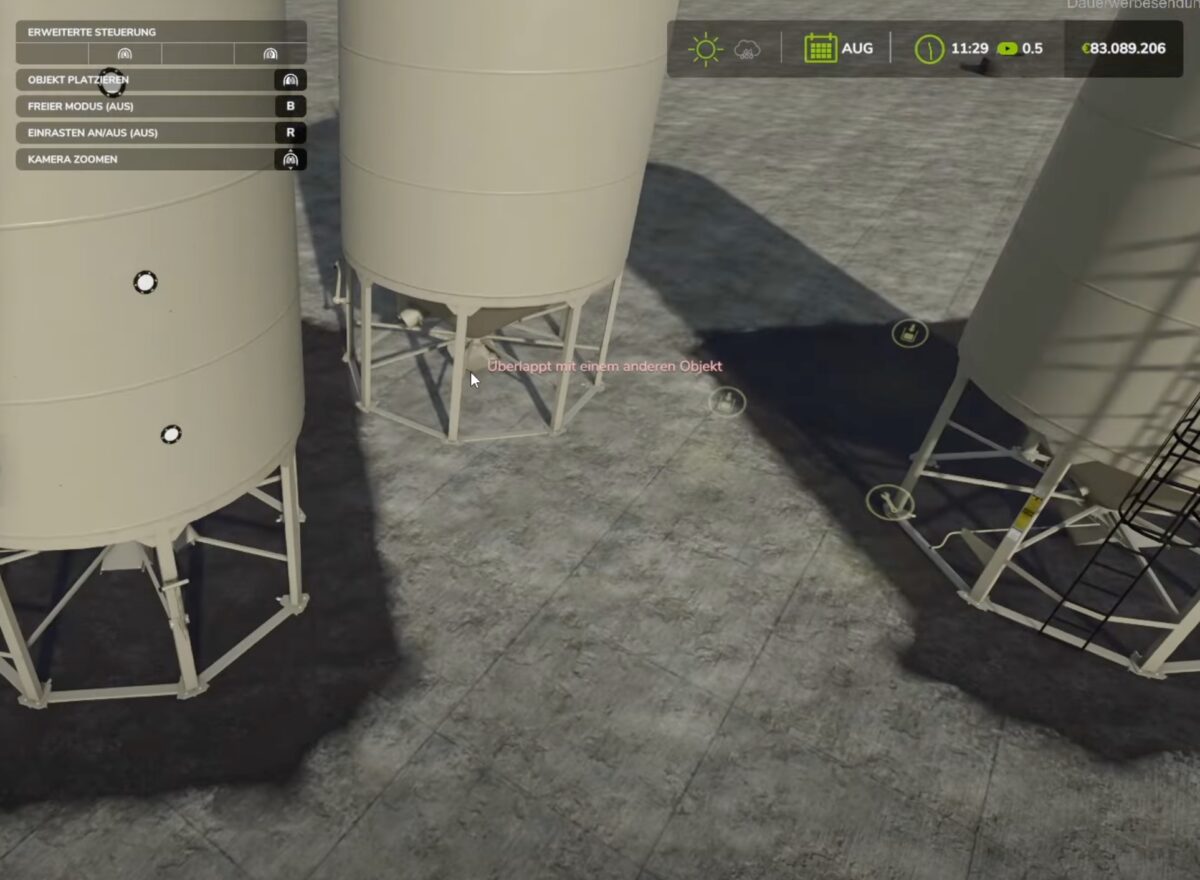
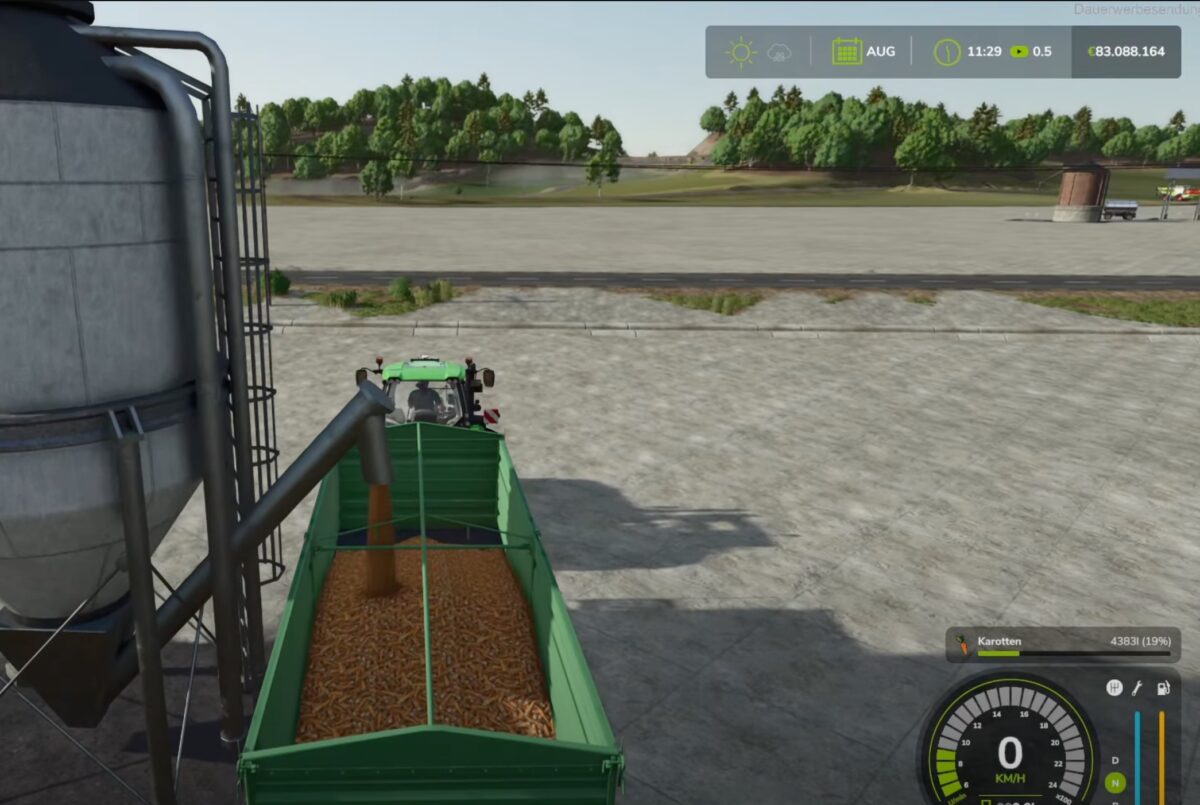
– 9 Multisilos: In addition to the normal types of grain, the Multisilos can also be used to store many other types of grain, such as peas, beans, spinach, fertilizer and more: Peas, beans, spinach, fertilizer and more can be stored. Practically everything that can be loaded by trailer
– 5 silo extensions: Increase the storage capacity of your multi silos
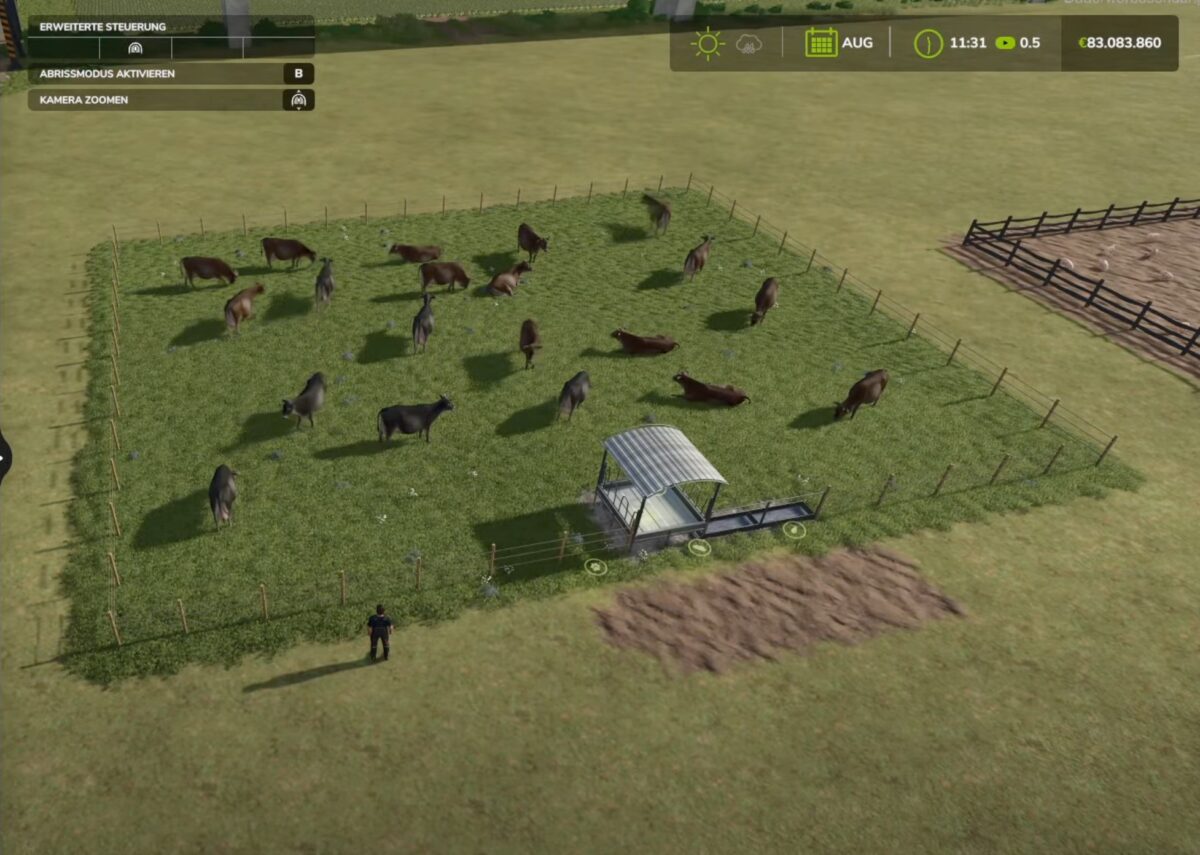
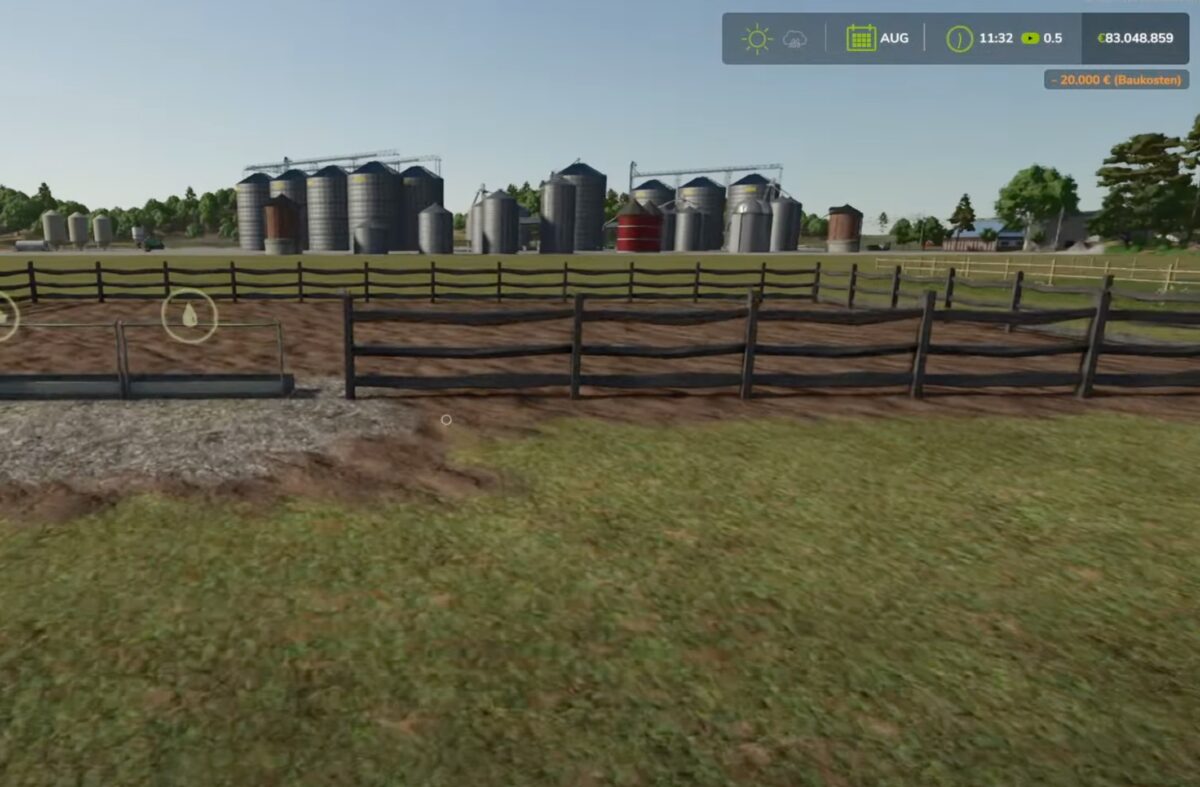
– 5 Animal pastures: Customizable pastures with more capacity for cows, chickens, pigs, sheep and goats, feed and water capacities are also significantly increased.
– 4 purchasing stations: Fertilizer, lime, poison, seeds can be purchased and stored here
– Multi purchase: Purchase of all types of grain and bulk goods
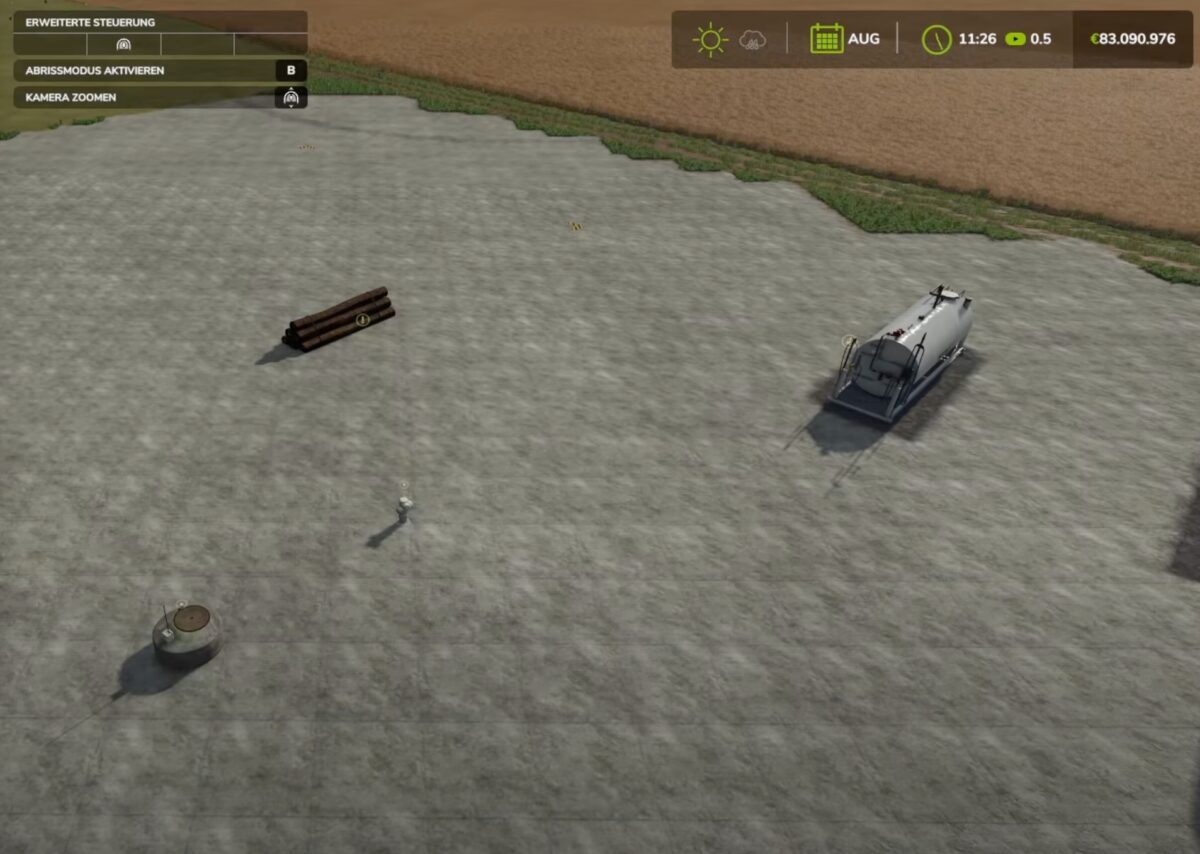
– Direct wood sales: Wood can be sold quickly and easily here
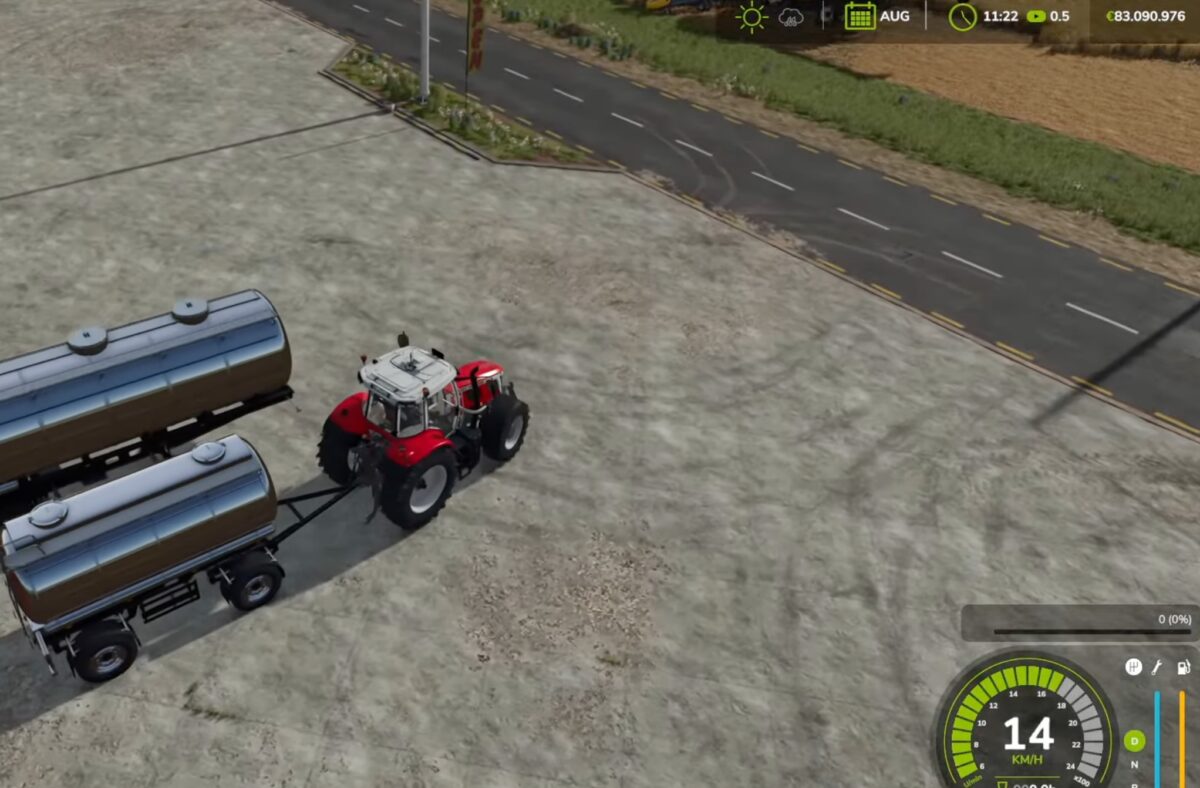
– 2 water taps: Water can be easily loaded free of charge at the field well and/or hydrant
Credits:
FedAction


