

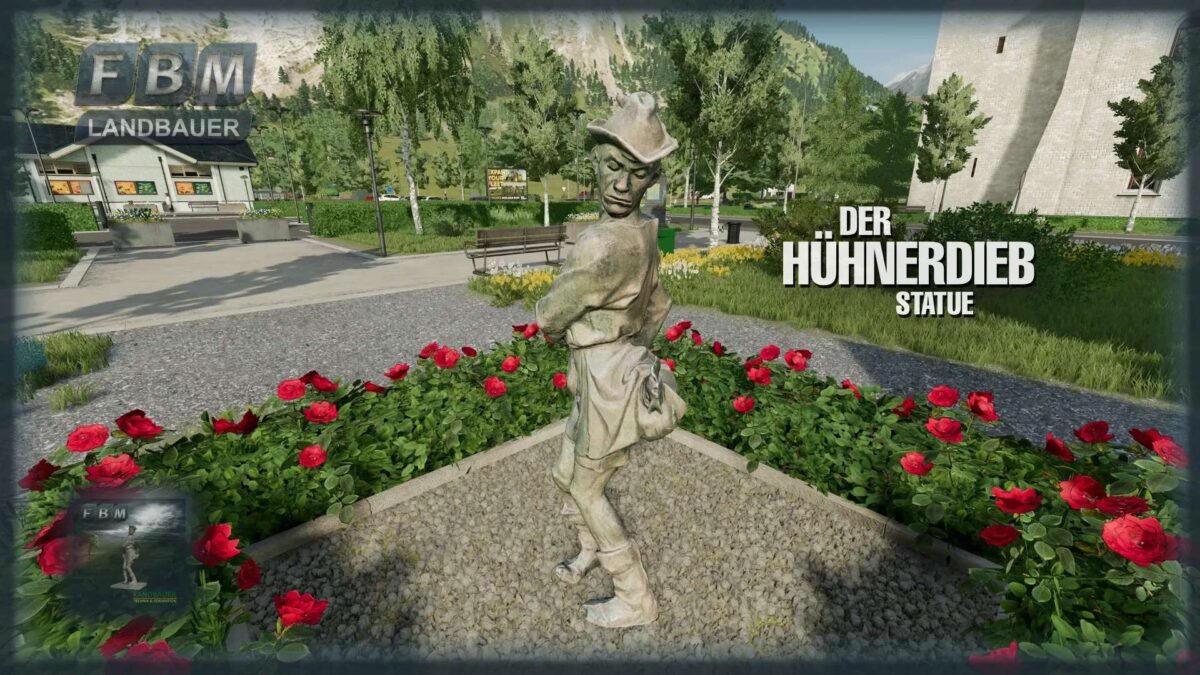
Chicken Thief v 1.0


The chicken thief, on a round plinth stands the clothed figure of a man who is just putting a chicken in his left shoulder bag, while a rooster is already caught in the right one. The position of the limbs is angled several times, the upper body is turned, together with the figure looking downwards and the hat feather pointing upwards, the result is a depiction of a moving situation. The lively story seems to stop for a moment.
Sculptor: Hermann Joachim Pagels, 1912. In 1913, Hermann Joachim Pagels exhibited the sculpture at an art exhibition in Berlin. The then mayor of Aachen, Philipp Veltmann, bought it and unveiled it at the chicken market in Aachen.
● Chicken Thief (2 different versions)
● Purchase price: 0 €
● Maintenance costs: 0 € / day
● Shop category: Building / Decoration / Miscellaneous
● Languages: German, English, French, Italian, Spanish, Polish
Credits:
Landbauer


