

Agricultural Land Map v 2.2


– On the map, you can collect a collection of toys, just like on the default one
– New crops – alfalfa, buckwheat, carrots, onions, clover, hops, flax, mustard, peas, raspberries, rye, as well as 110 new types of products
– There are 14 factories and 7 orchards
– Orchards: apple, pear, plum, peach, apricot, cherry, sweet cherry
– Bakery (9 types of bread)
– Brewery (2 types of beer and kvass)
– Plotnitskaya (Empty pallets, barrels)
– Dairy plant (Kefir, yogurt, condensed milk)
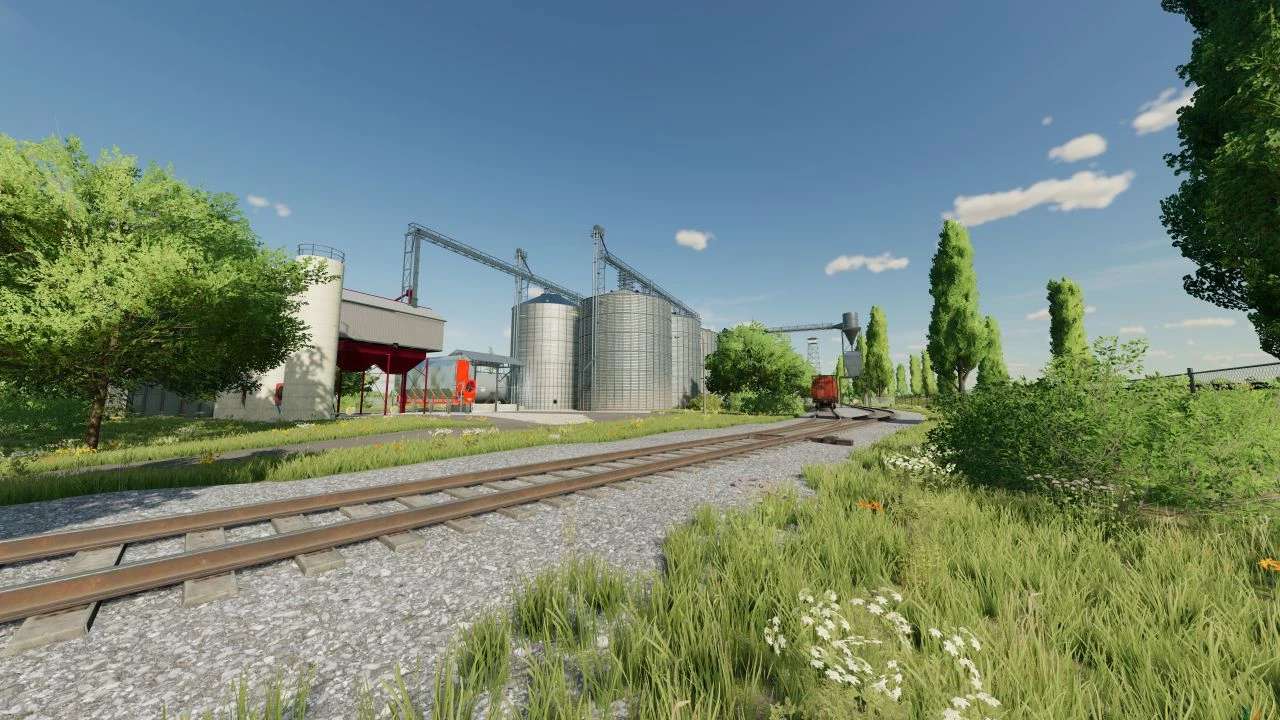
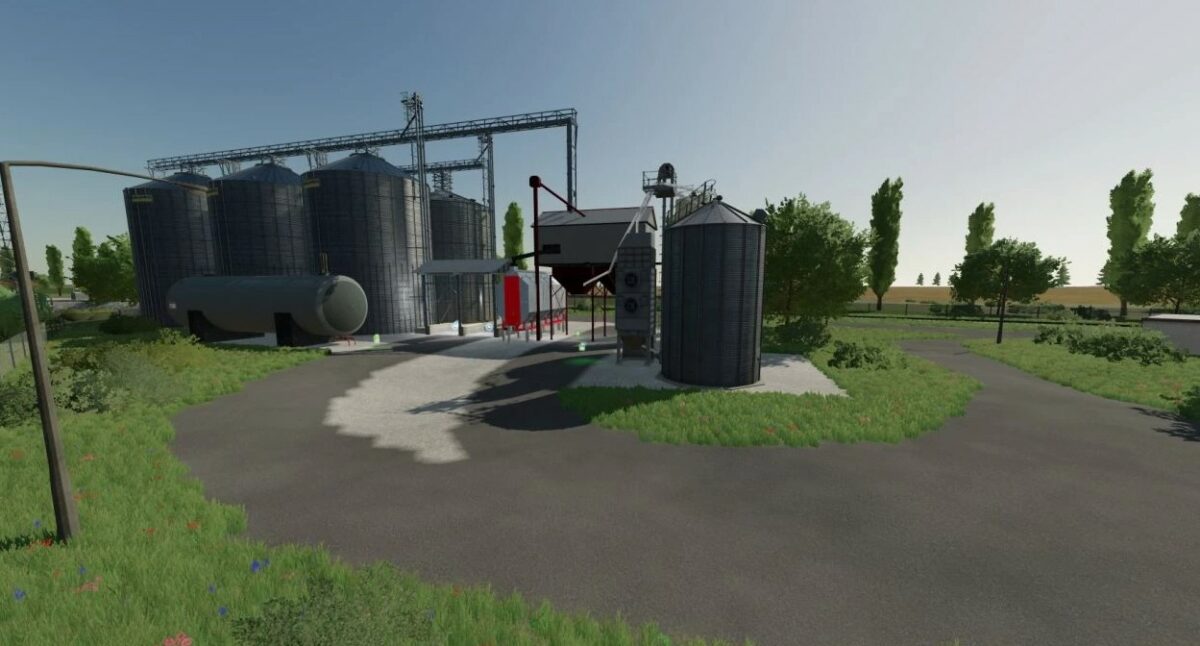
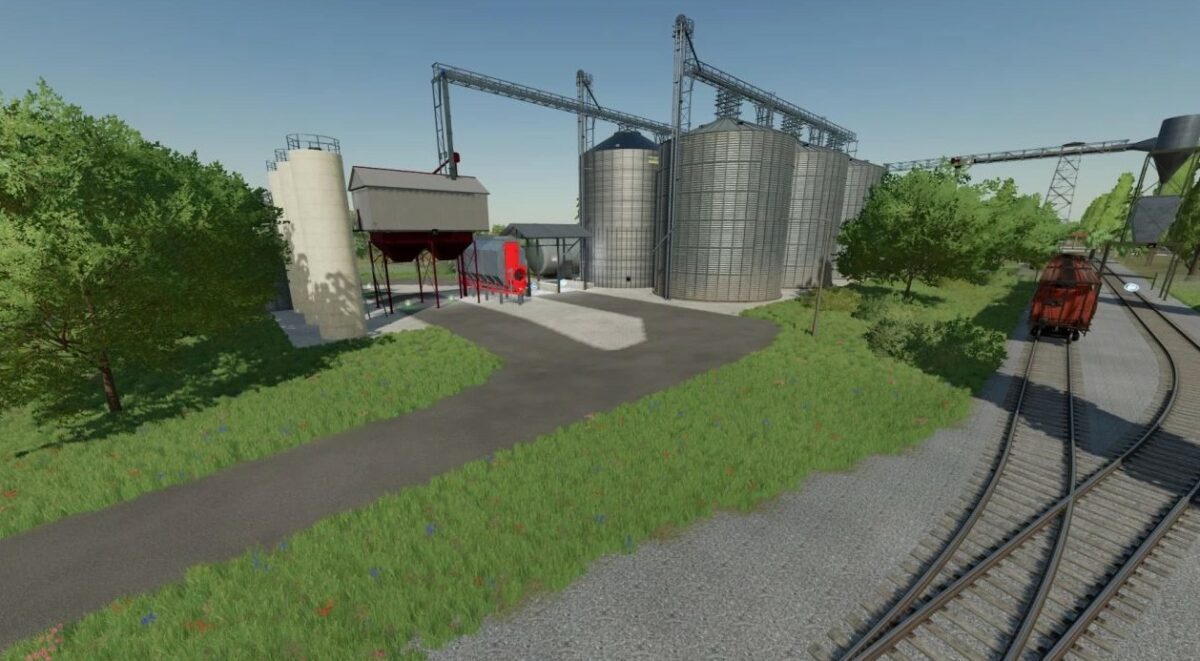
– Grain cleaning
– Grain dryer
– Flour mill (10 types of flour)
– Cereal factory (7 types of cereals, 4 types of flakes)
– Oil extraction plant (Linseed oil, cake, default oils)
– Cannery (9 types of juice)
– Sawmill (Beam, chipboard, paper)
Version 2.2:
* Fixed compatibility with the Platinum Expansion DLC, now the carrots from the add-on will work parallel to the carrots from the map
* Changed the texture of the bag of salt
* Completely rebalanced meat plant
* The warehouse for pallets has been redesigned, now it can hold 2000 pallets, regardless of what they are with, they are also visually displayed on the shelves
* Bale warehouses have been removed, now there is only one, capacity 600 bales, no matter what type (sell the old warehouses, as they will disappear)
* Sweet sorghum chaff has been added to the sugar factory, now you can make sugar from it
* Removed trees from field 35
* Added a fuel plant, diesel production from soybeans, canola, sunflower, corn, methanol, and the output of corn is also used to produce feed for pigs and waste from which compost can be made
* Some items and the harvester have been returned to the store, for the correct operation of some mods
* The lighting on the map has been adjusted, now it is not so bright from 1st person in the technique, the brightness outside has also been reduced
Credits:
bohdan538


