

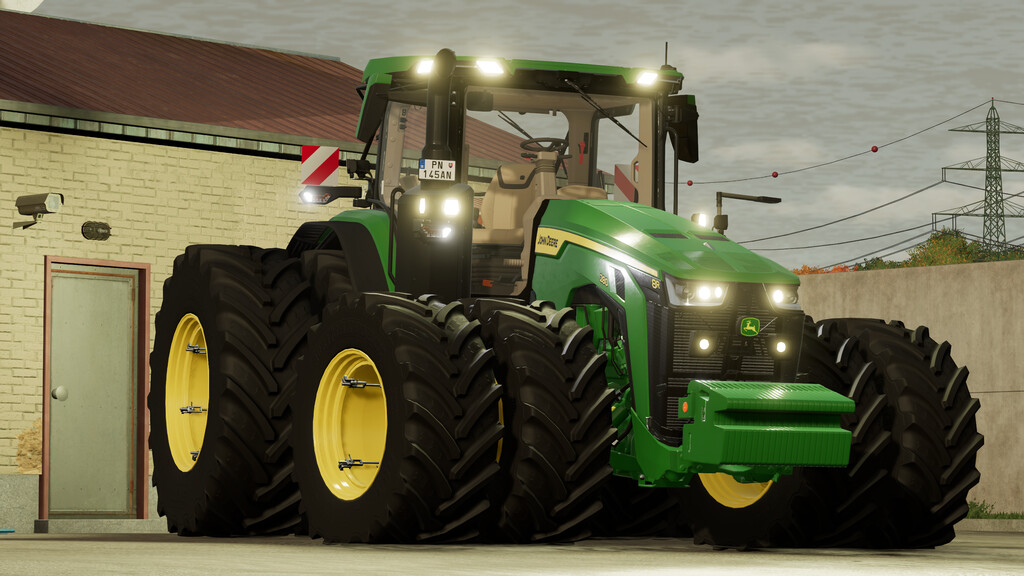
John Deere 8R Series 2020 v 1.0.0.1


UNSTOPPABLE POWER
The 8R Series is the perfect match if you need a versatile machine that excels in the field and delights on the road.
The 8R is the best mix of pulling power, low cost of ownership and all-round performance.
The bold design of the 8R Series tractors announces what they’re all about: pulling power that stops for nothing and technology that moves modern farming forward.
Model year 2020-
Max speed: 40 km/h / 50km/h
Price: 235000 $
Power: 326HP to 458HP
Configurations:
-Motor configuration
-Transmission configuration
-StarFire configuraiton
-Additional lights configuration
-Halogen or LED lights configuration
-Display configuration
-Radio system configuration
-Seat controls configuration
-Fenders configuration
-Exhaust configuration
-Warning signs configuration
-Front mount configuration
-Various wheel configurations
-Seat material configuration
-Additional equipment configuration
Realistic ILS system
Custom sounds (Thanks to FS_Pal).
Prepared for Interactive Control. (FS22_interactiveControl)
Prepared for passenger script. (FS22_Kubota DLC)
Prepared for Precision Farming DLC.
Many thanks to Chrisi136 for making prefab for StarFire 7000 and many thanks to Ossimagger for making agritechnica 2023 prefab decal.
Also many thanks to _M4Rm3 for creating model for AutoPower transmission with right hand reverser.
Version 1.0.0.1:
* Visual fixes and color corrections
* Next Gen monitors reworked and improved
* Wheel configurations reworked
* Added realistic grill on top of the bonnet
* Added new animations
* ModDesc version updated
Credits:
Dince


