

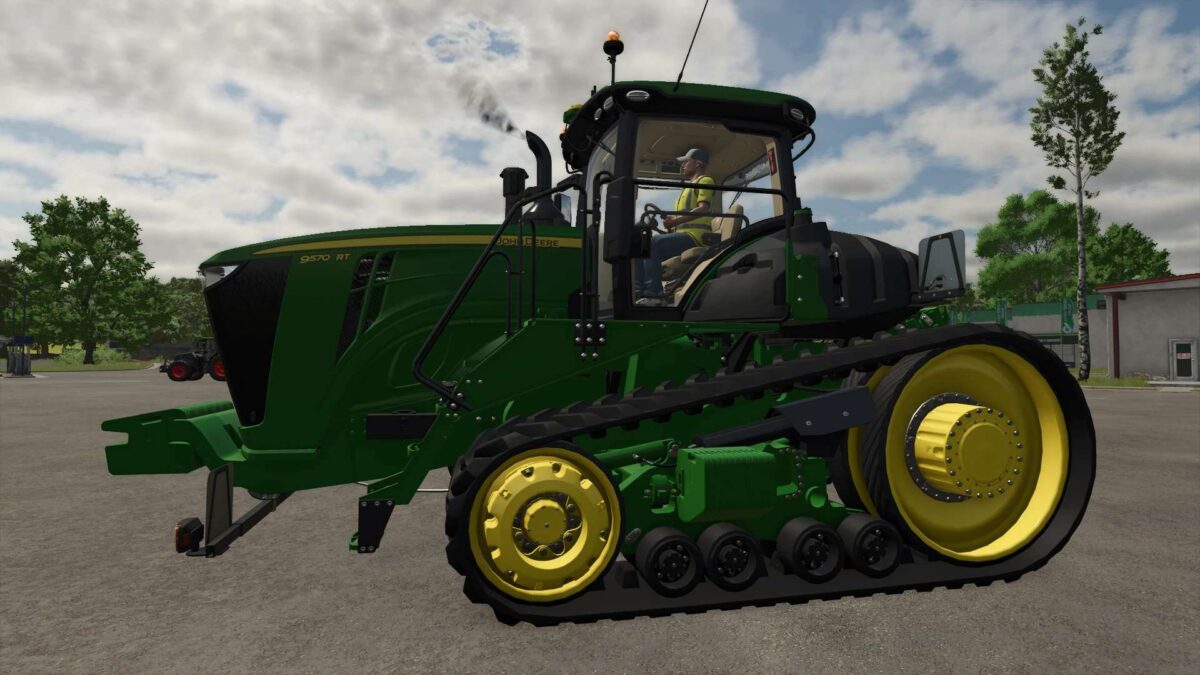
2015 John Deere 9RТ v 1.0


The 2015 John Deere 9RT mod brings an updated version of this powerful tractor to Farming Simulator 25. This mod features a selection of engine options, ranging from 517 hp to a robust 1100 hp, allowing players to choose the best performance level for their farming needs. The maximum speed is set at 50 km/h, making it efficient for transporting goods across vast fields.
Included in the mod is a redesigned gearbox that enhances the driving experience, along with numerous visual configurations that allow for customization to suit individual preferences. Additionally, this version includes a modified exhaust system that adds realism to the overall appearance of the tractor.
Converted from Farming Simulator 22, this mod maintains a clean log with no errors or warnings, ensuring a smooth gameplay experience.
– Engine options: 517 hp, 572 hp, 628 hp, 1100 hp
– Maximum speed: 50 km/h
– Redesigned gearbox
– Multiple visual configurations
– Modified exhaust system
– Clean log with no errors or warnings
Credits:
redler


