
FS25 Slurry Tanks

Kotte Garant PTR Pack v1.1.0.0

Kotte Garant PTR Pack v1.1.0.0

Kotte Garant PTR Pack v1.1.0.0

Kotte Garant PTR Pack v1.1.0.0

Kotte Garant PTR Pack v1.1.0.0

Kotte Garant PTR Pack v1.1.0.0

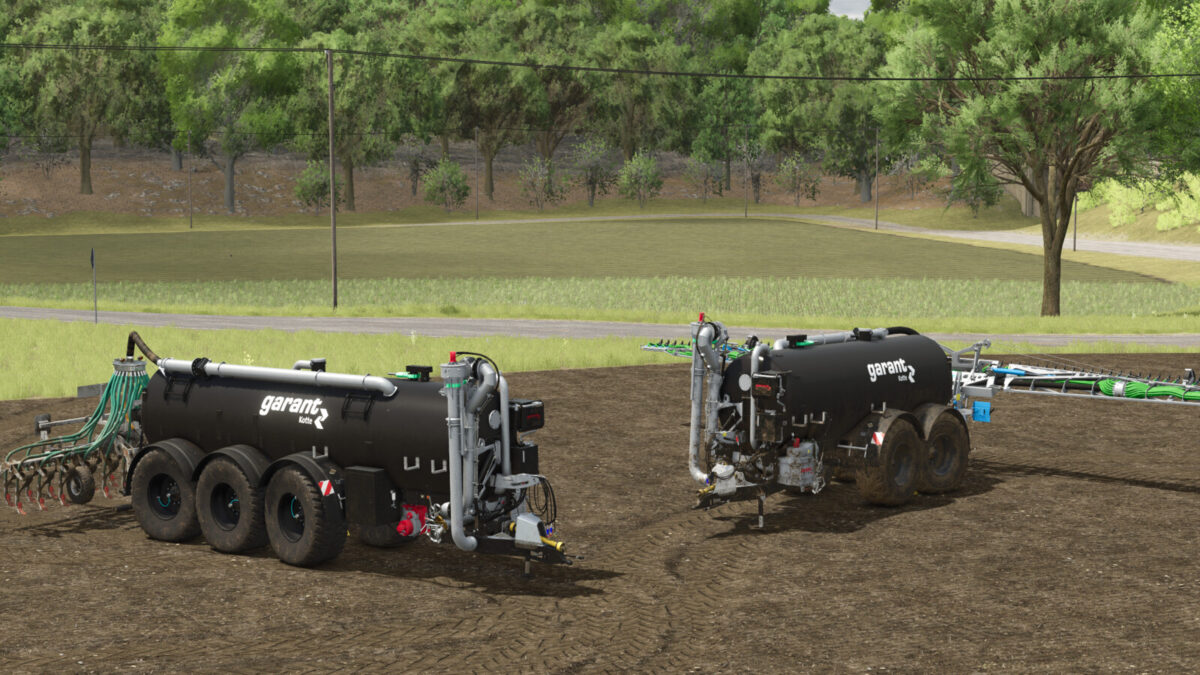
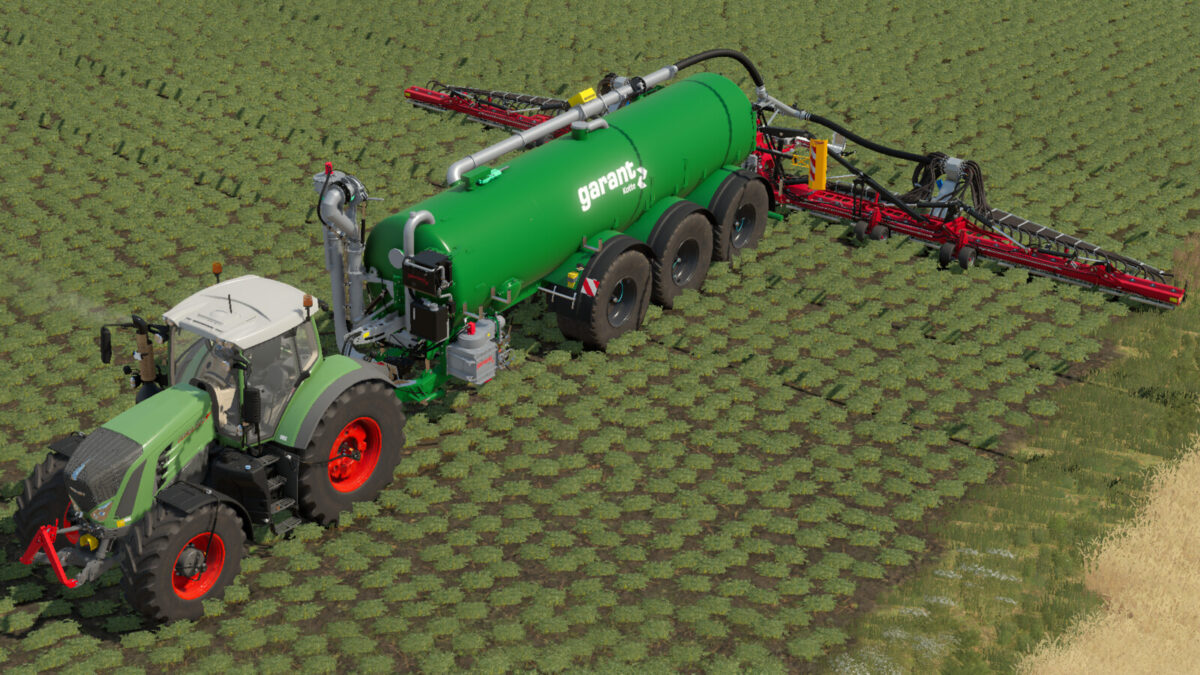
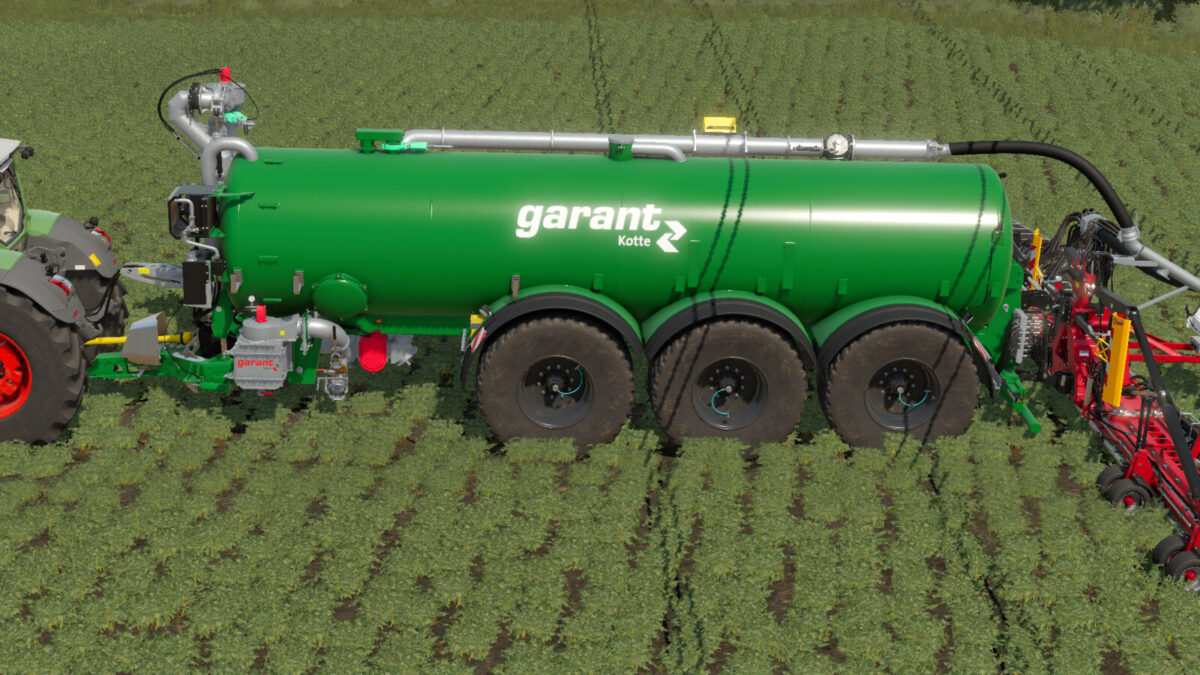
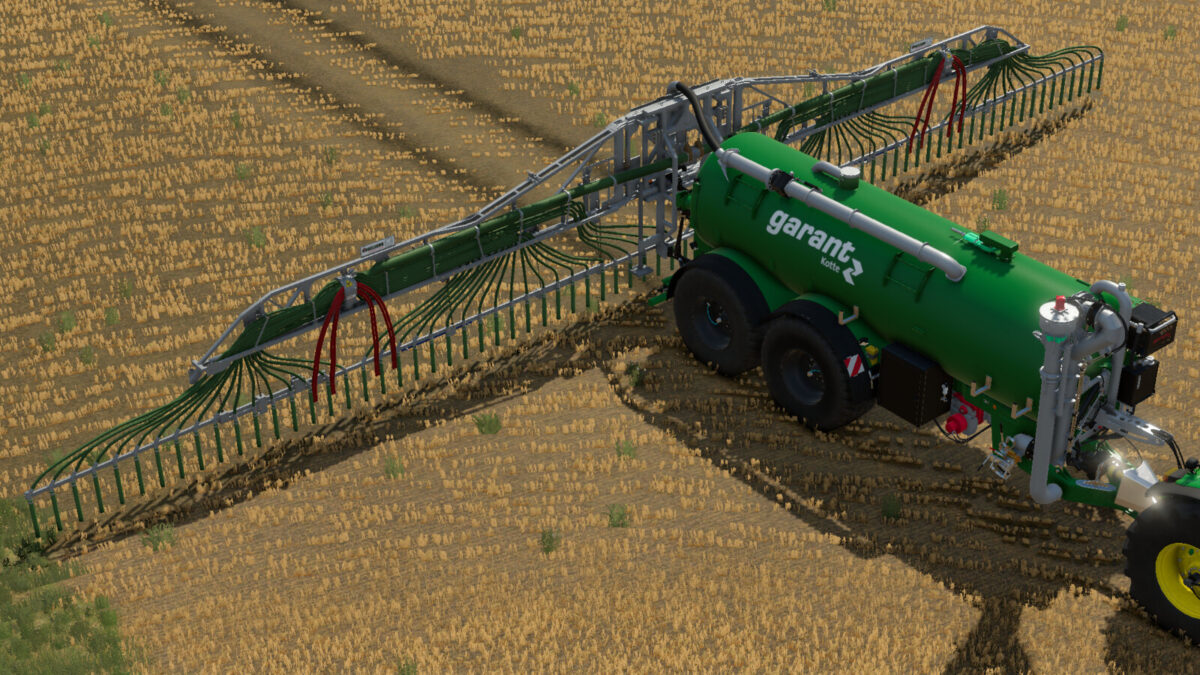
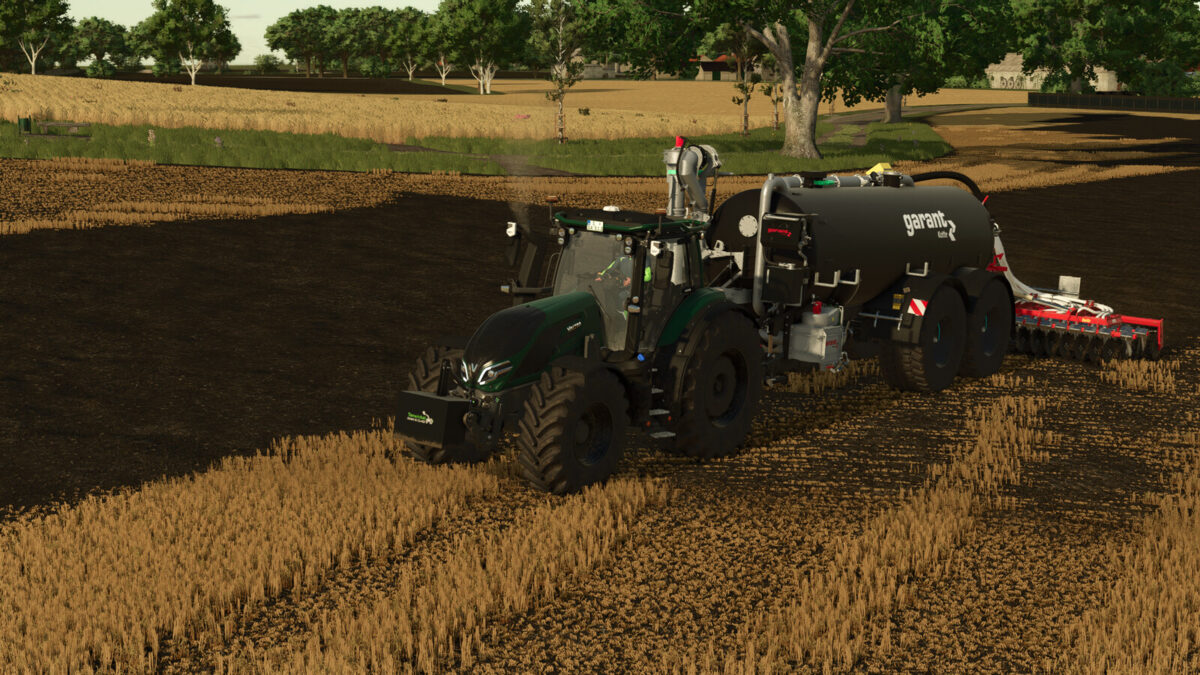
Kotte Garant PTR 20.000/30.000
With the PTR 20.000/30.000 fertilizing can be done quickly and easily. Due to the high pump capacity as well as the low ground pressure, the PTR is the perfect slurry tanker!
Technical specifications:
Ptr 20,000
Price: 129.000 $
Volume: 20000 l
Required power: 250 hp
Animated articulated tipper
Ptr 30.000
Price: 239.000 $
Volume: 30000 l
Required power: 300 hp
Animated articulated tiller
Configurations:
– Tires
– Suction arm
– Color
Changelog: 1.1.0.0
– Weetness fix
– TirePressure Script Added
– Tool Camera Added (AlexL353_modding)

Credits:

Rick Black Labele / Maurice_3001 TWD Modding

How to install FS25 Slurry Tanks?
Firstly find a mod which you like and want to download. Then download a mod to your PC. Mods are usually in .zip format file. But sometimes it can be in .rar. If a mod file is a .zip format no needed additional actions. If a file is in .rar, then you must unarchive mod with software like WinRar or Zip7. Windows 10 users no need to use software for archives, Win10 itself has a feature to unarchive files.
The next step is to find mods folder in your PC. Usually, it is in Documents/My Games/Farming Simulator 25/2025. Open the "mods" folder and put downloaded .zip archive or unarchived .rar file to this folder.
Last step. Enjoy of FS25 mods!

Leave a Reply

Your email address will not be published. Required fields are marked *