

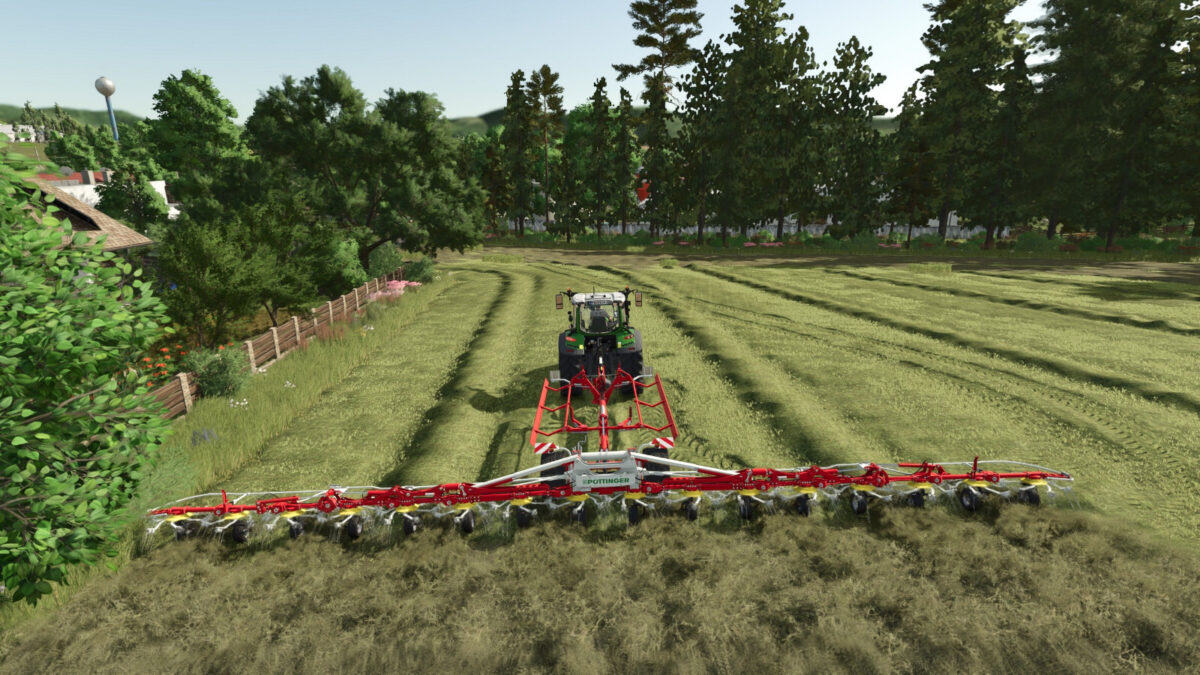
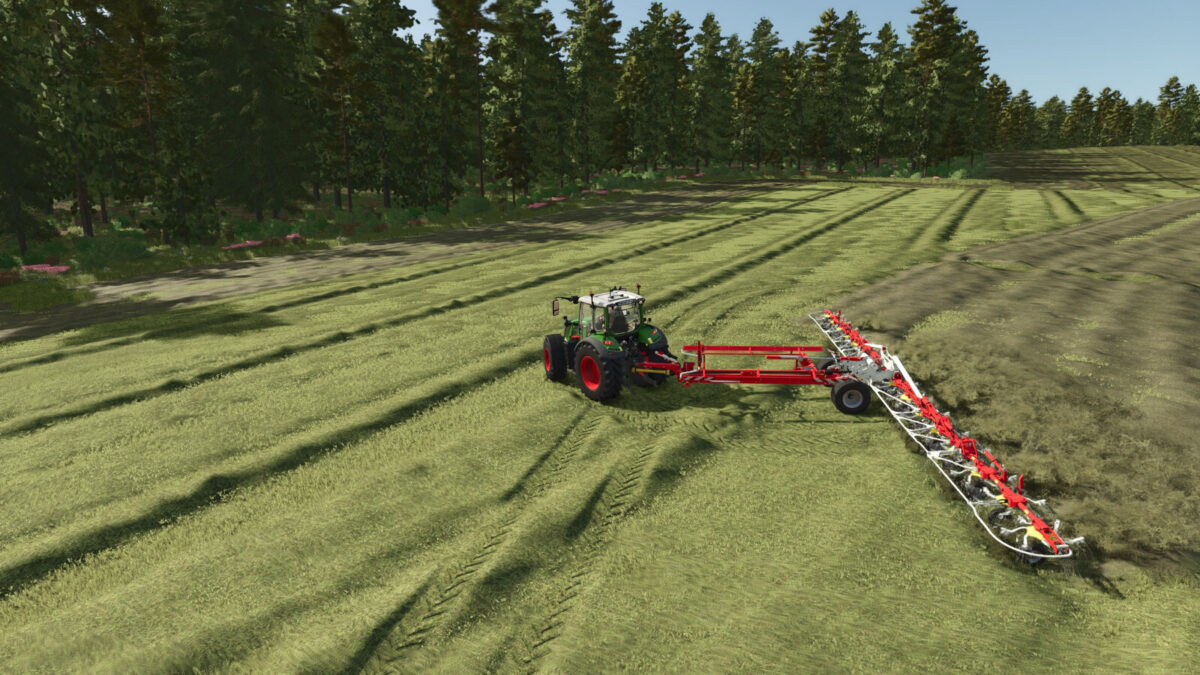
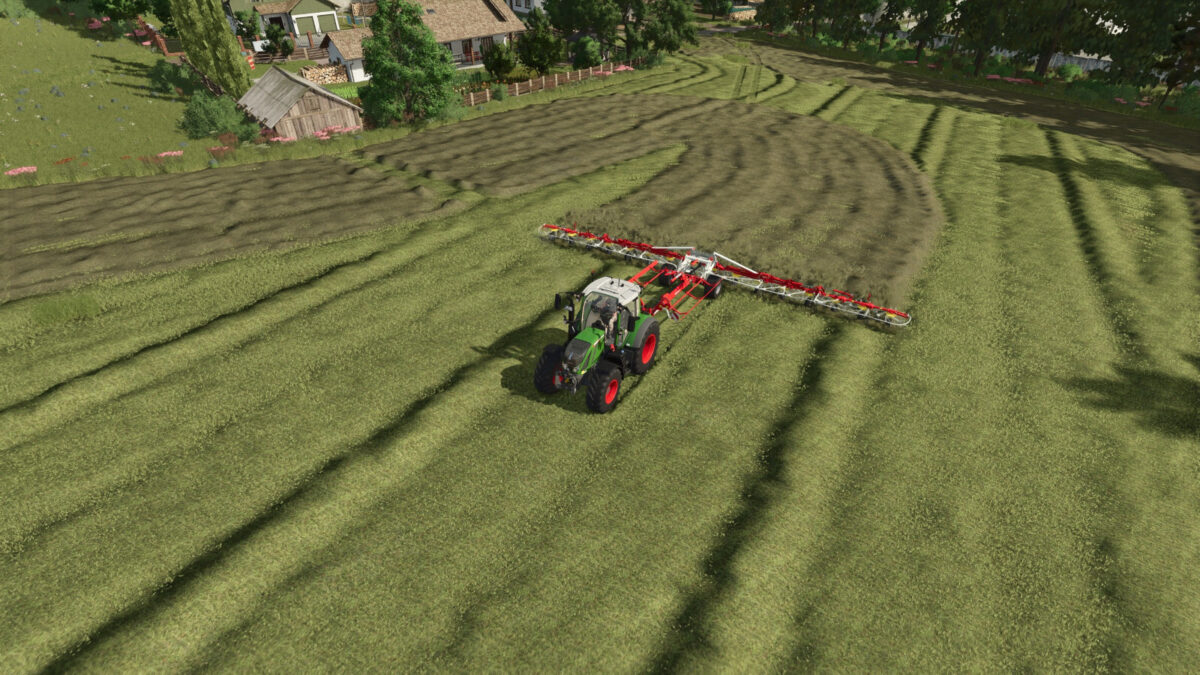
Tedder Optimisation Package v1.0.0.0


Lowers the CPU load of all tedders, from the base game and from mods, so the game runs smoother while tedding.
Several times per second the game searches the ground under every rotor pair separately for each material a tedder can handle (grass, hay, straw and on some maps alfalfa), although usually only one of them lies there. This mod first asks the ground which material is there and picks up only that. The result is unchanged: no untedded strips, the same amount of grass and hay, mixed grass and hay ground works as before.
Measured in game with PresentMon (Pöttinger HIT 16.18 T, Ryzen 7 7800X3D, frame generation off, the same pass driven with and without the mod): tedder script time −41%, average 64 → 71 FPS, 1% low 41 → 48 FPS. The FPS gain shows when the game is limited by the CPU, which is the usual case while tedding; when the graphics card is the limit, FPS stays the same.
Works automatically in single player and multiplayer, no settings.
Credits:
Morecky


