
Smart Storage Hub v1.0.0.0


Smart Storage Hub
Intelligent Storage Management for Farming Simulator 25
More overview. More control. Less effort.
Smart Storage Hub enhances storage management in Farming Simulator 25 with a modern, easy-to-read interface and practical features for handling stored goods.
Whether you are working with grain silos, pallet storage or bale storage, Smart Storage Hub helps you keep track of your inventory and choose what to retrieve and how much.
Intelligent Silo Management
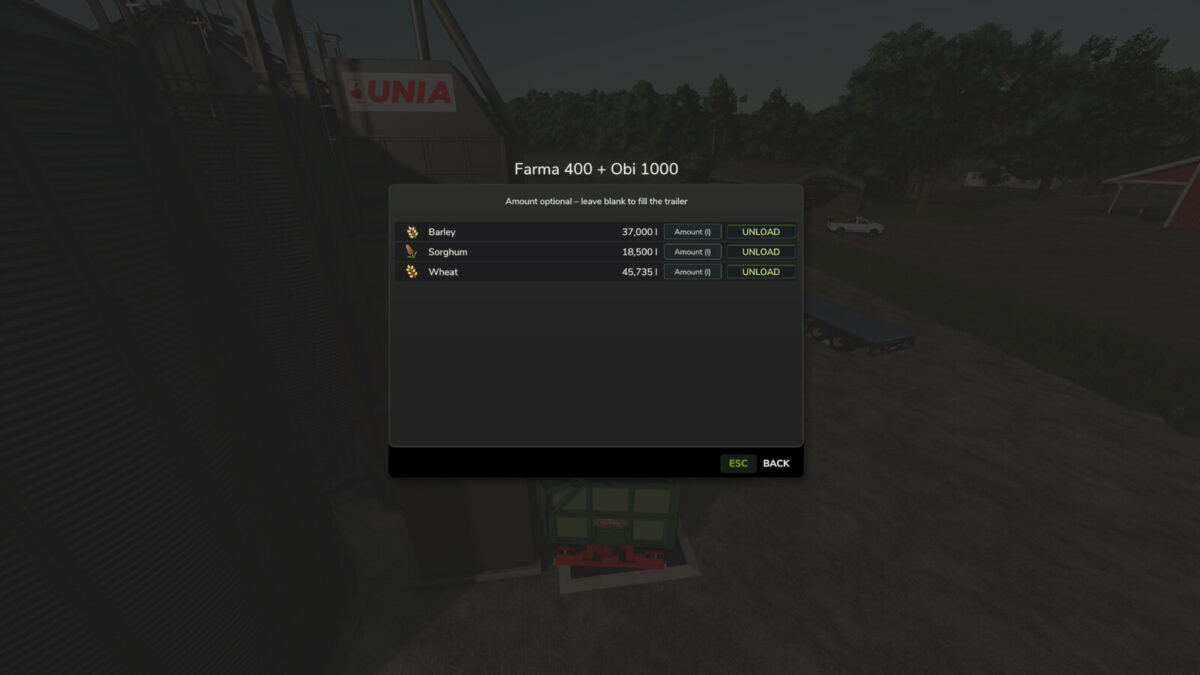
All available crops are listed clearly, with their current storage quantities and matching icons.
Simply select the desired crop and start loading. You can optionally enter an exact amount in litres. Leave the input field blank to fill your trailer as usual.
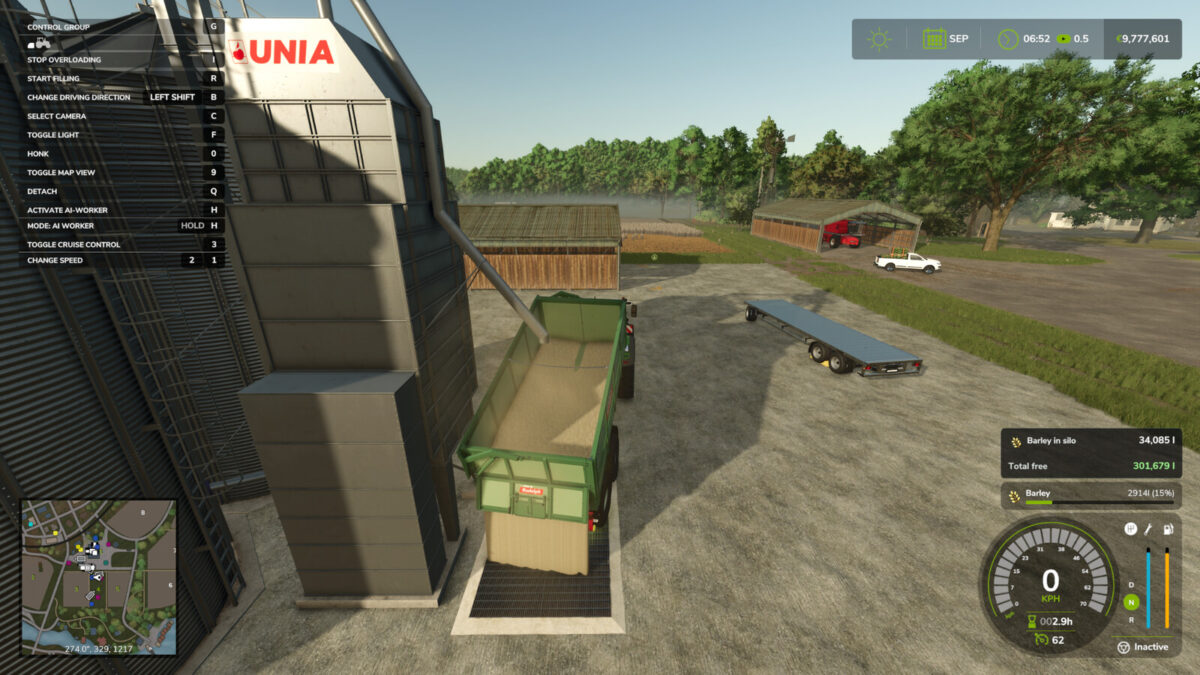
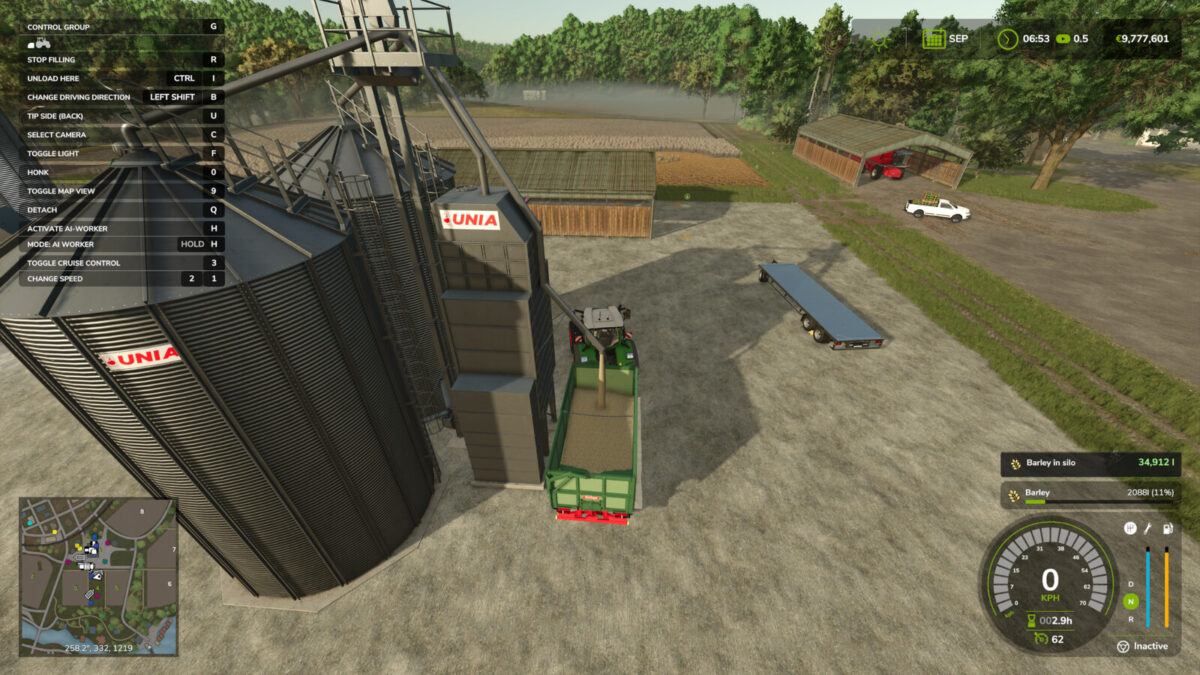
An additional live display shows current storage quantities or remaining silo capacity during loading and unloading. Colour-coded values make it easy to see how much is still available.
Pallet and Bale Storage Overview
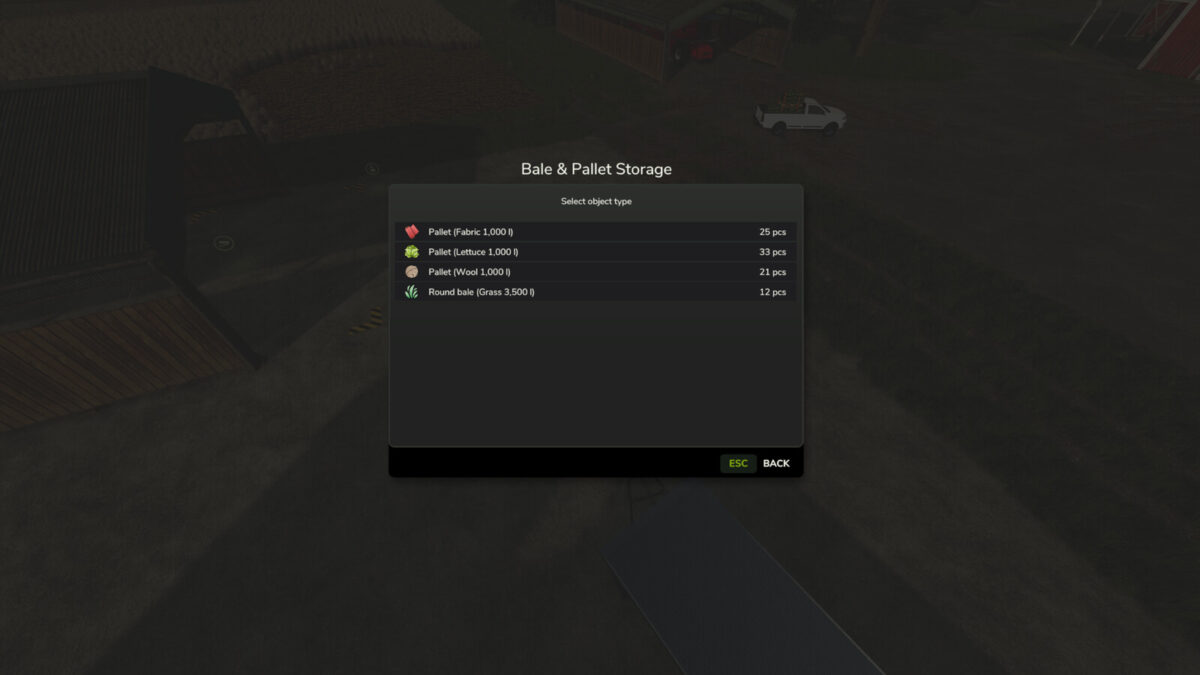
Smart Storage Hub lists stored pallet and bale types along with their current quantities.
A convenient quantity selector lets you choose how many objects to retrieve, with up to 25 objects per operation.
Inventory quantities refresh automatically while the selection menu stays open.
Convenient Access from Your Vehicle
When you are stationary with a suitable transport vehicle near a pallet or bale storage building, you can open the storage interface directly from the driver’s seat.
There is no need to leave your vehicle.
Retrieved objects continue to appear at the storage building’s designated output area.
Seamlessly Integrated into FS25
Smart Storage Hub follows the visual style of Farming Simulator 25 and enhances existing storage functions without changing the game’s core mechanics.
Buying stations and unlimited fill sources retain their usual behaviour.
Smart Storage Hub – Your storage. Your inventory. Your choice.
Credits:
EliMods