
FS25 Maps

La Landaise v1.0.0.0

La Landaise v1.0.0.0

La Landaise v1.0.0.0

La Landaise v1.0.0.0

La Landaise v1.0.0.0

La Landaise v1.0.0.0

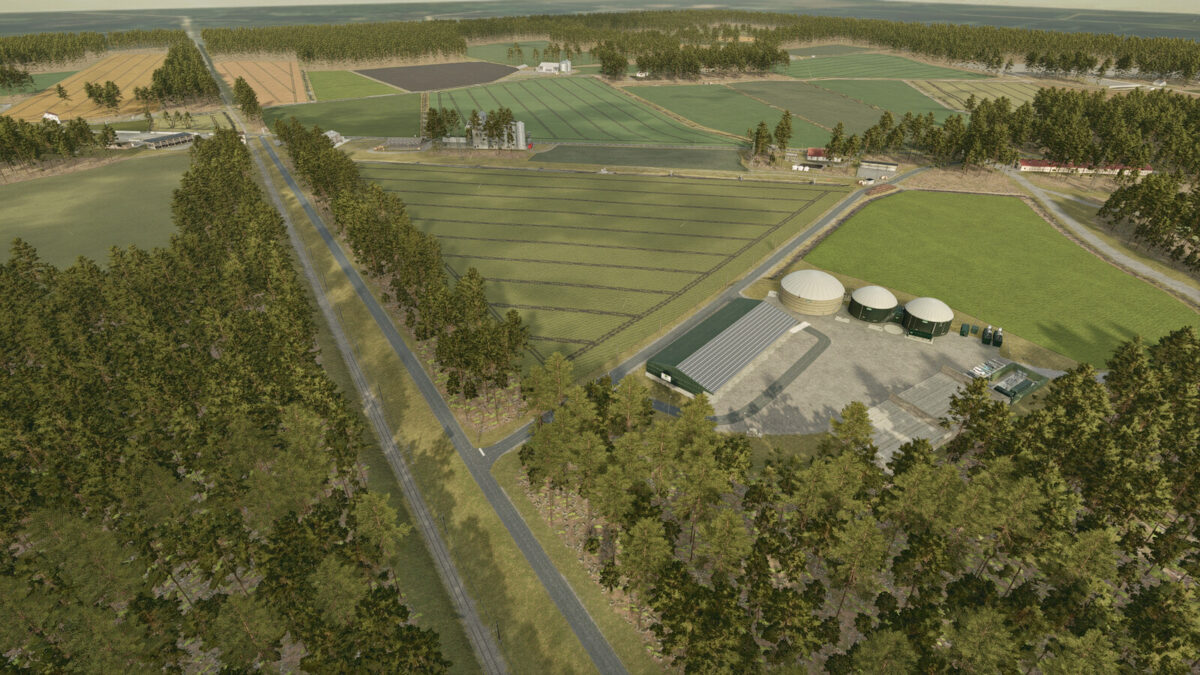
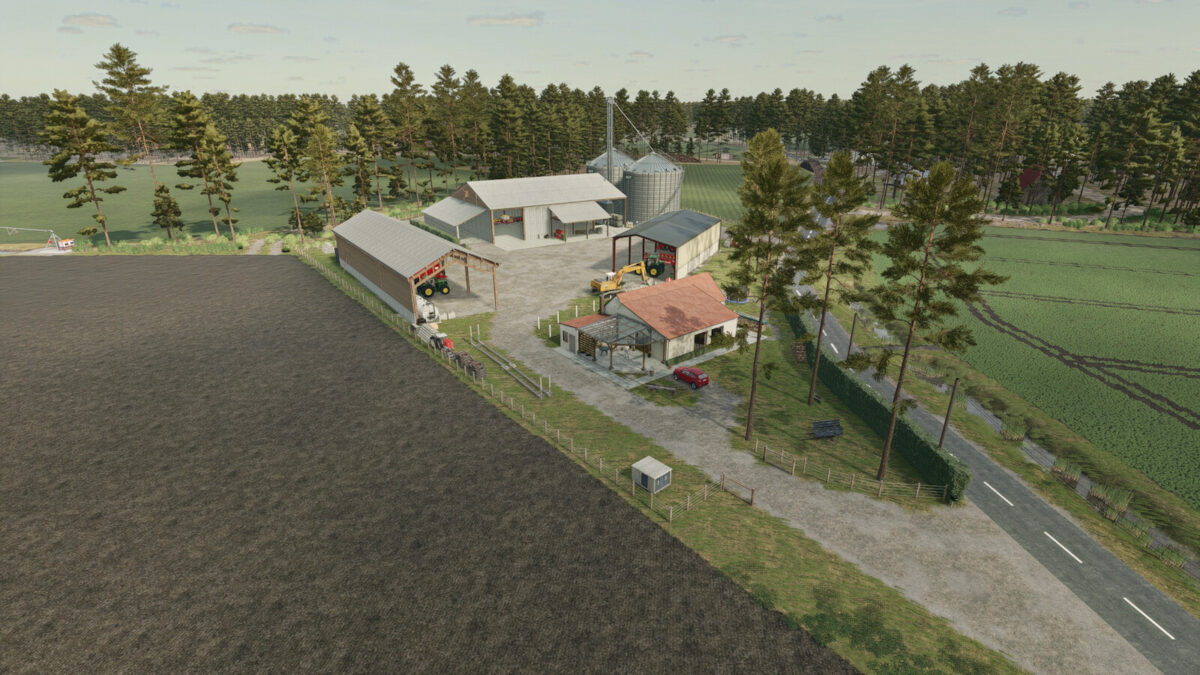
Discover an agricultural site in the heart of the Landes department.
Welcome to La Landaise, a map inspired by a corner of the Landes forest.
Start your game wherever you like:
– either on a main dairy farm,
– or on a grain farm,
– or on a building plot to create your own custom farm.
On the map you will find:
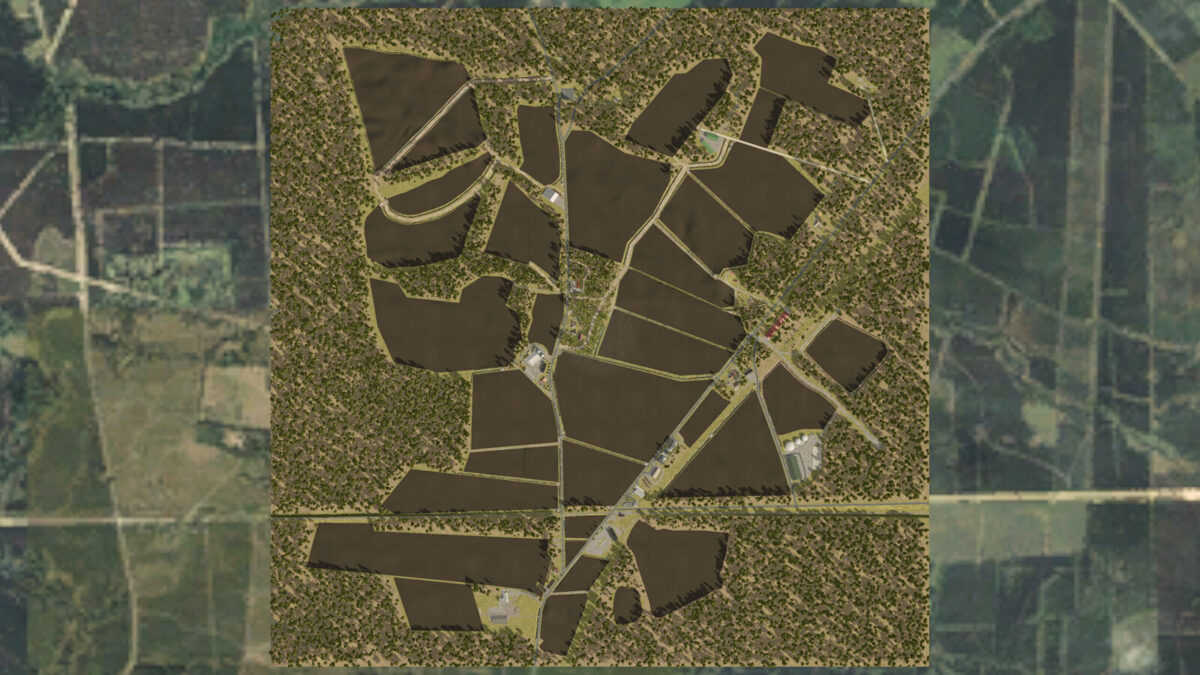
– 34 arable fields (cereals or pasture)
– 9 forest plots
– 1 building plot
– 1 main dairy farm
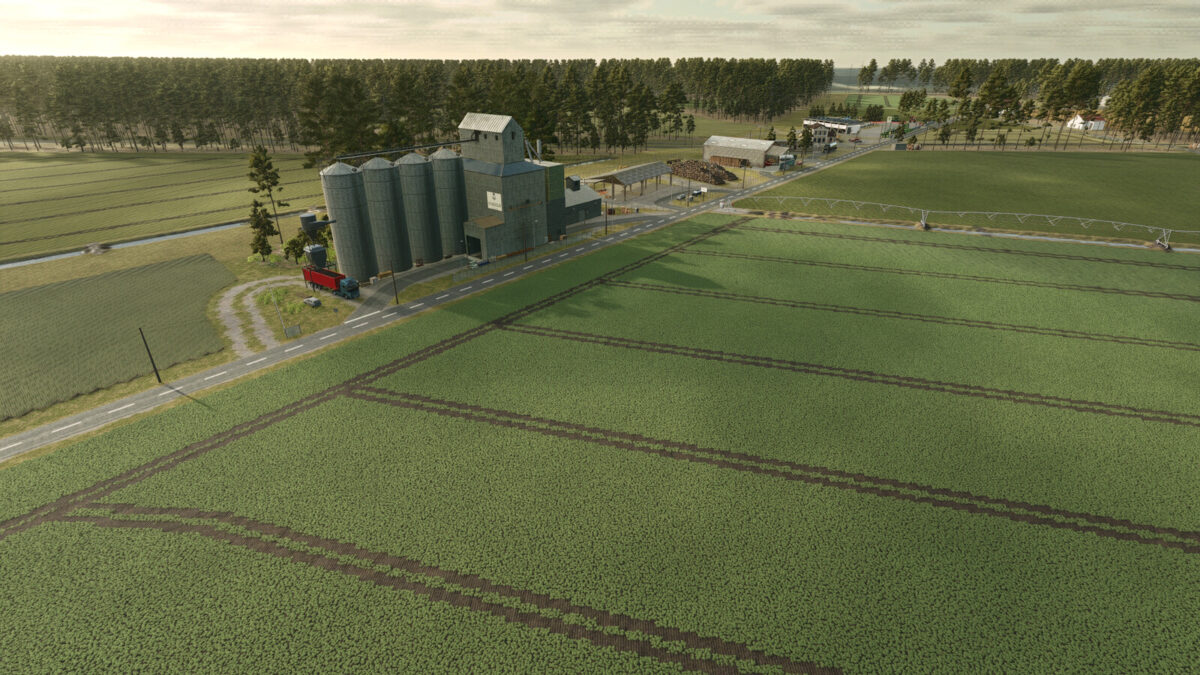
– 1 grain farm
– 2 small farms to develop
– 1 market garden
– 1 chicken farm
– 1 car dealership
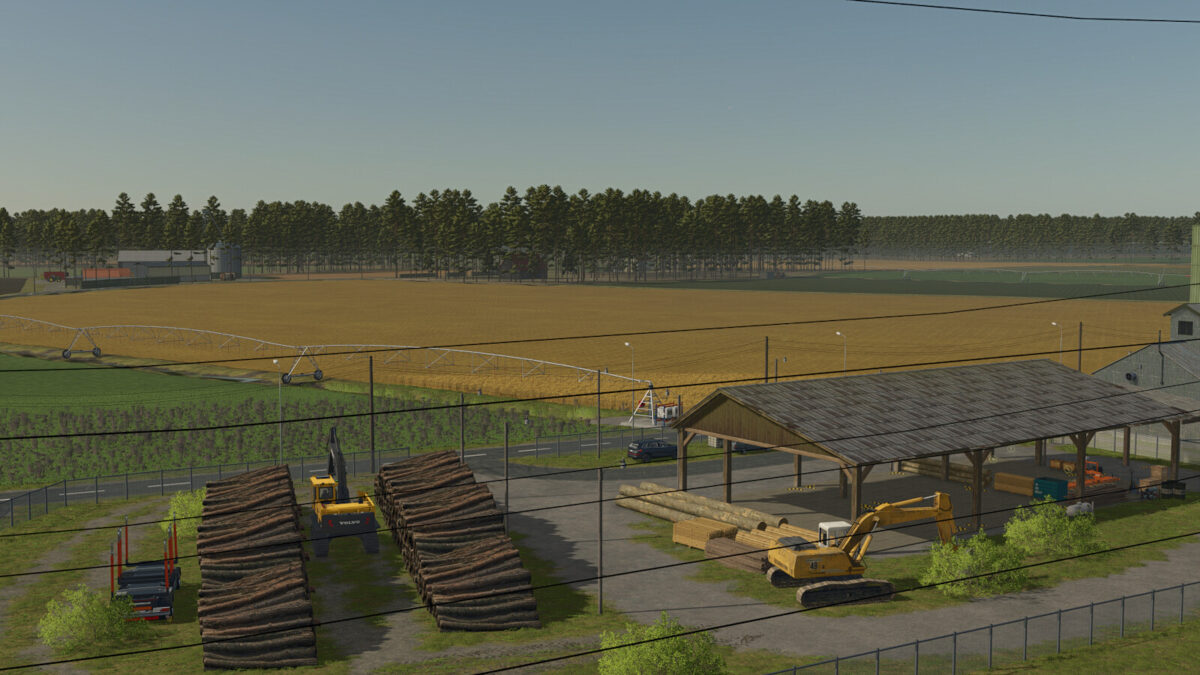
– Numerous production areas: dairy, carpentry workshop, sawmill, agricultural cooperative, egg sales, vegetable sales
The map’s terrain has been designed to offer realistic relief, optimized for tilling the soil from different angles (except for potatoes).

Credits:

Anthony40

How to install FS25 Maps?
Firstly find a mod which you like and want to download. Then download a mod to your PC. Mods are usually in .zip format file. But sometimes it can be in .rar. If a mod file is a .zip format no needed additional actions. If a file is in .rar, then you must unarchive mod with software like WinRar or Zip7. Windows 10 users no need to use software for archives, Win10 itself has a feature to unarchive files.
The next step is to find mods folder in your PC. Usually, it is in Documents/My Games/Farming Simulator 25/2025. Open the "mods" folder and put downloaded .zip archive or unarchived .rar file to this folder.
Last step. Enjoy of FS25 mods!

Leave a Reply

Your email address will not be published. Required fields are marked *