

RC World v1.1.0.0


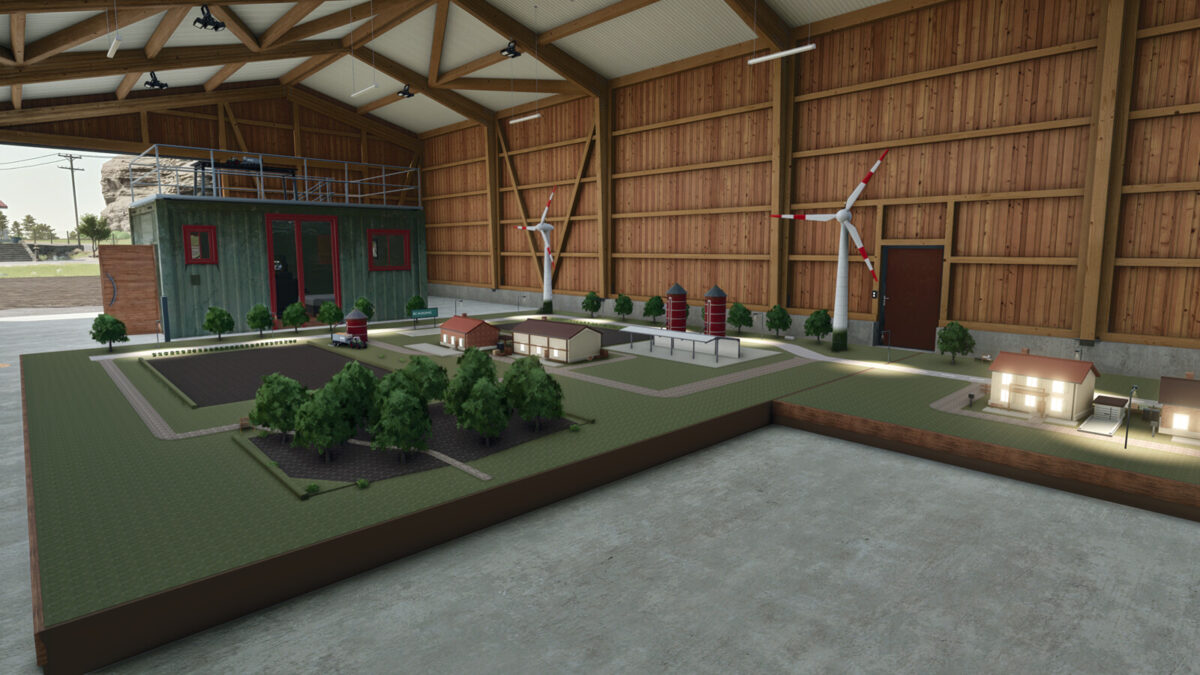
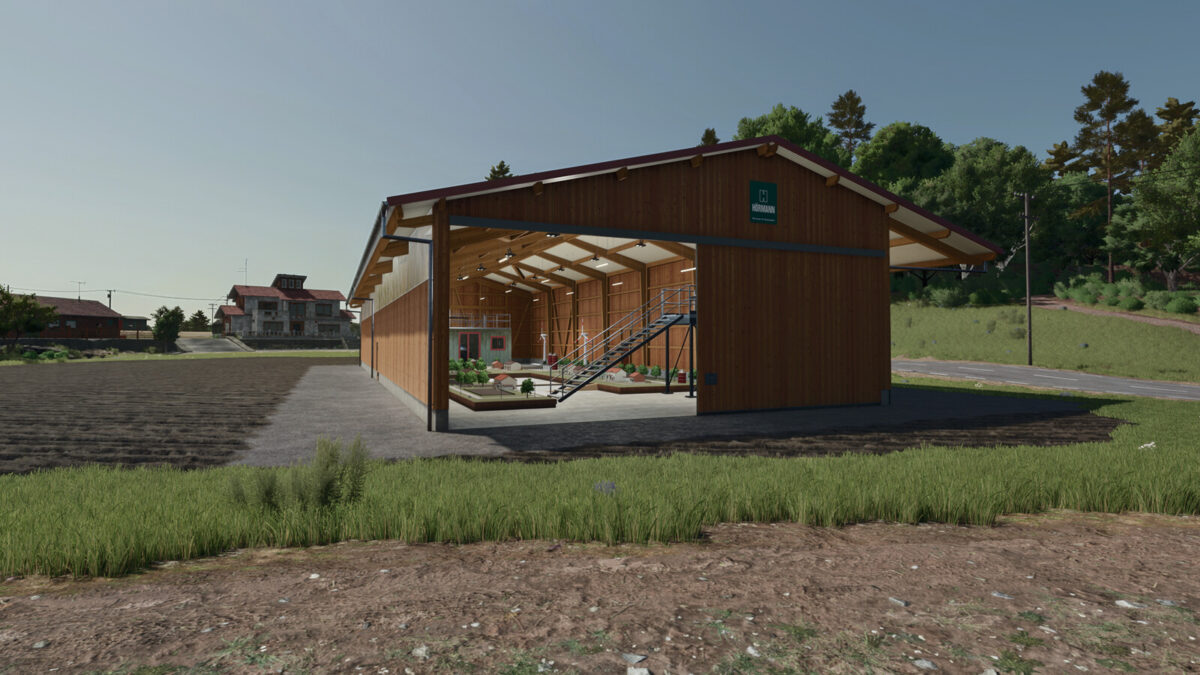
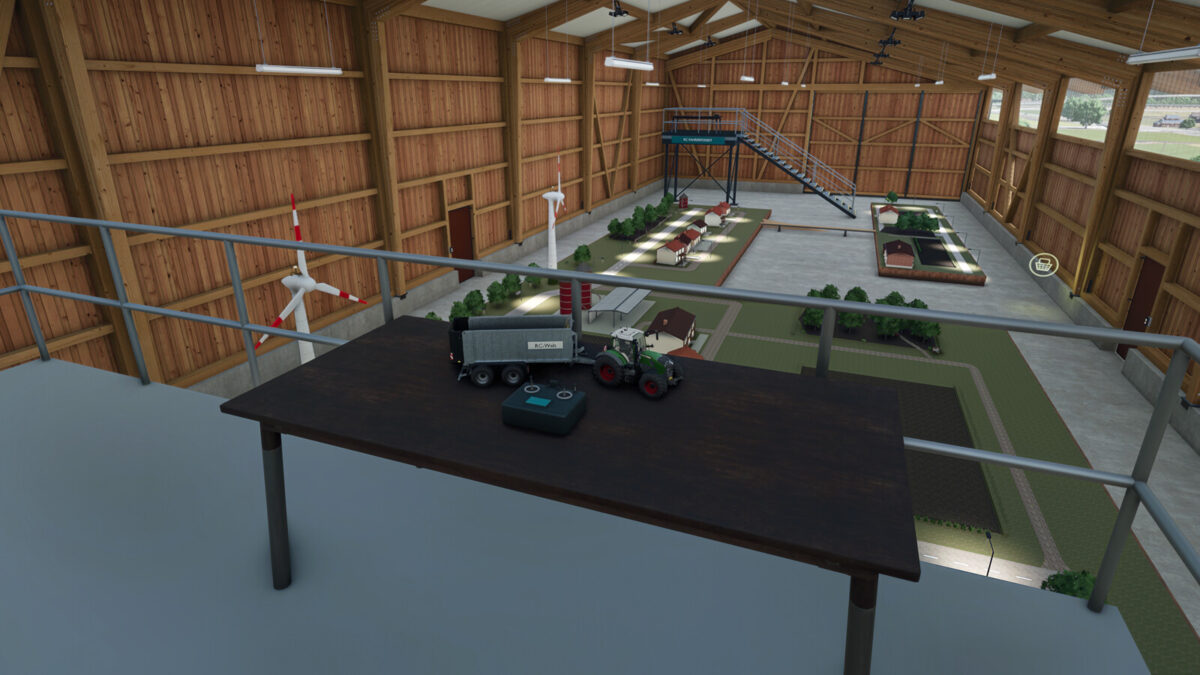
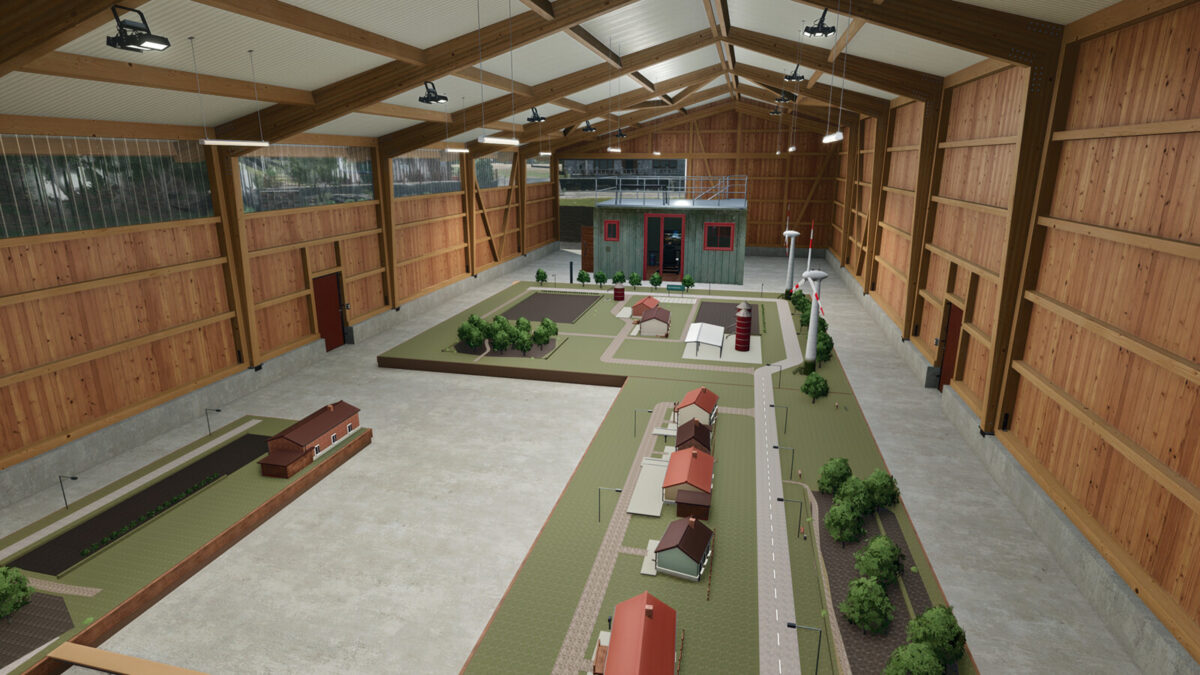
RC World brings a drivable 1:17 miniature world into a Hörmann hall. Drive the small Fendt and transport maize between two built-in silos with the Fliegl trailer.
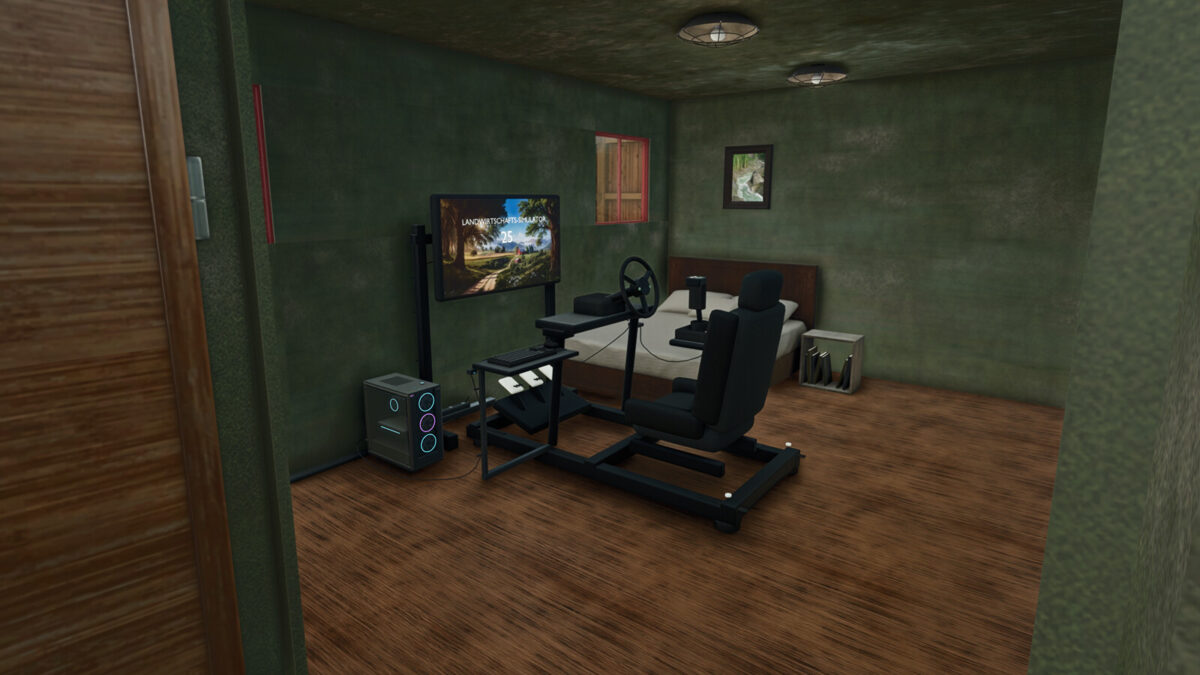
The layout includes two driver platforms with camera views, a narrow connecting bridge, a recovery ramp and a walk-in container with a sleeping area and simulator rig. Hall, container and diorama lighting can be switched separately.
Hörmann RC Hall
Shop category: Sheds
Price: $45,000
Daily upkeep: $150
Silos: 2 separate storage units, each with a capacity of 100 l of maize only
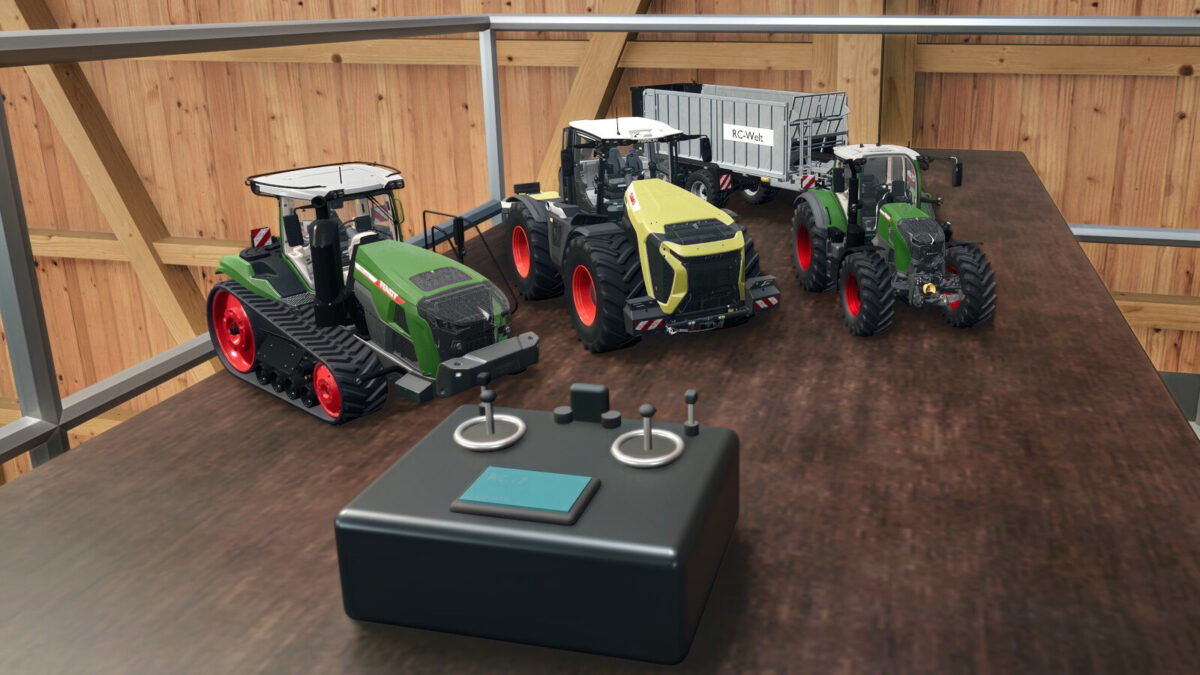
Fendt 700 RC
Shop category: Miscellaneous
Price: $350
Power: 0.02 hp
Maximum speed: 3 kph
Drivable and carryable, with an electric motor sound, a cab camera and two platform cameras
Fliegl ASW 271 RC
Shop category: Miscellaneous
Price: $250
Capacity: 2 l of maize
RC-Welt lettering
CLAAS Xerion 12 RC
Shop category: Miscellaneous
Price: $400
Power: 0.02 hp
Maximum speed: 3 kph
Drivable and carryable, with all-wheel, front-wheel and crab steering, a cab camera and two platform cameras
Fendt 1100 Vario MT RC
Shop category: Miscellaneous
Price: $399
Power: 0.02 hp
Maximum speed: 3 kph
Drivable and carryable track tractor, with a cab camera and two platform cameras
The vehicles are purchased separately. The trailer unloads at compatible stationary receiving points; ground unloading and transfer to other vehicles are disabled. Trailer lighting is intentionally disabled.
This version focuses on transport. Fields and crops are decorative; cultivation, sowing and harvesting are not included.
Changes 1.1.0.0:
– New: CLAAS Xerion 12 RC and Fendt 1100 Vario MT RC (both 1:17) in the hall’s RC shop.
– Fendt 700 RC: mirrors without reflection (plain glass), wiper in rest position.
– New: info board next to the RC shop with an overview of the diorama (maize between silo A and B).
– The “RC EXIT” sign text is now centred.
– The switch areas for “diorama on” and “hall lights on” are slightly larger.
Credits:
fitfueralles


