
FS25 Misc

Inside Cab Character Visible v1.0

Inside Cab Character Visible v1.0

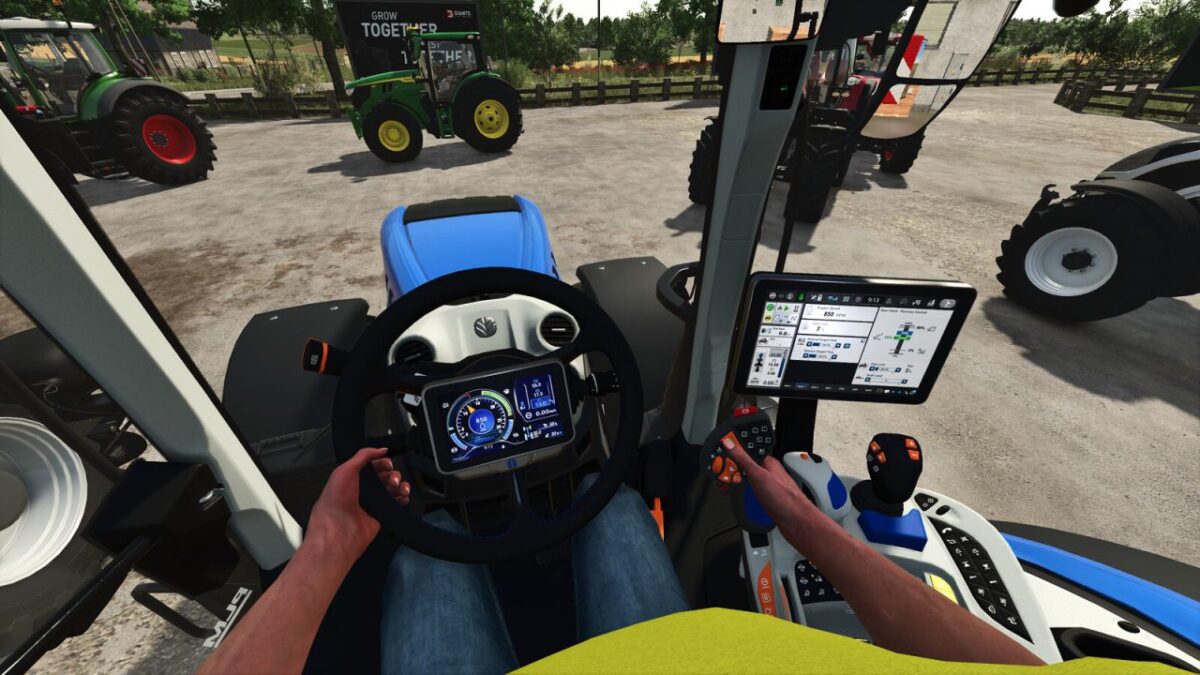
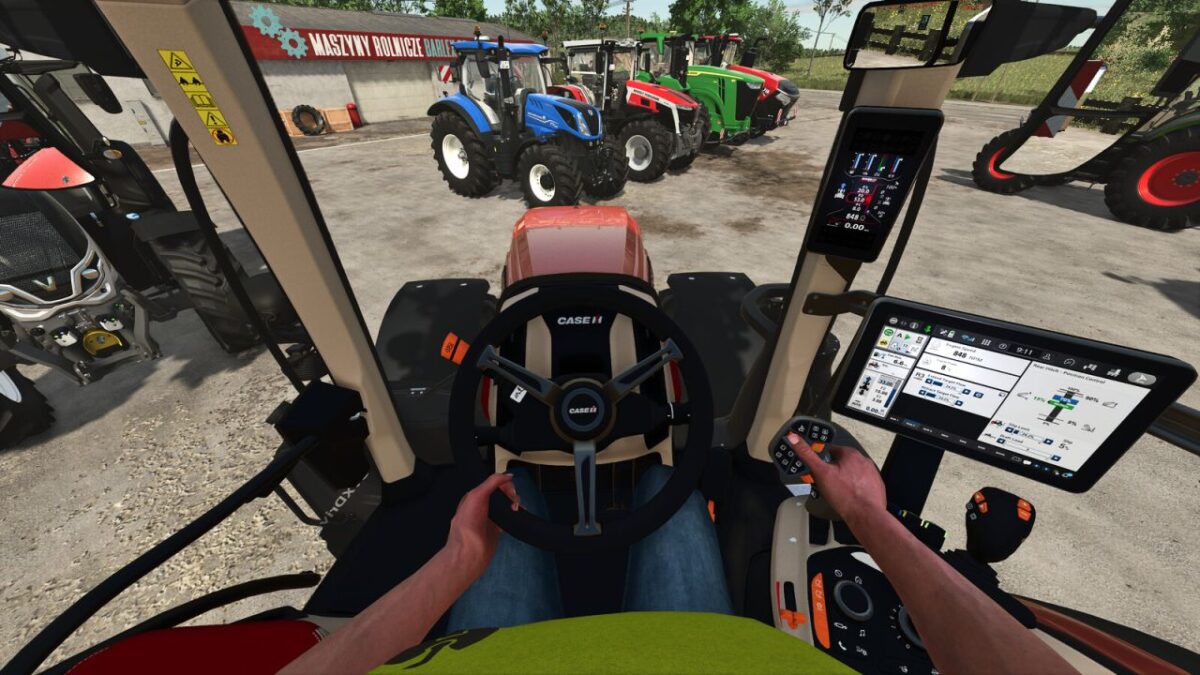
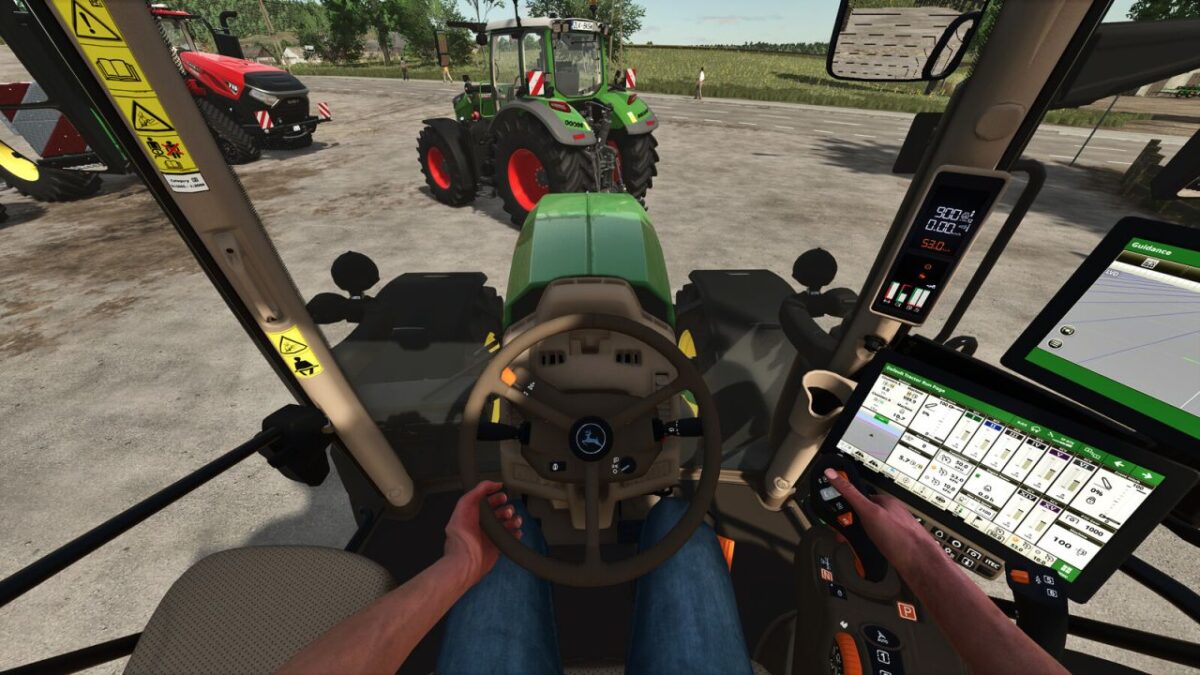
Keeps the vanilla vehicle driver character visible while using an inside vehicle camera and adds realistic cab camera movement.

The driver character remains visible in the controlled vehicle’s inside camera. Camera offsets are used to reduce strange near-camera clipping instead of hiding the character.

Cab view features:
Lean inside the cab
Limited inside-camera rotation
Small automatic lean while looking back
Interior camera FOV follows the game setting
Mouse wheel zooms the inside camera FOV in/out
Left Ctrl + mouse wheel moves the inside camera up/down
Left Alt + Arrow Up/Down moves the inside camera forward/back
Interior camera starts slightly further forward to reduce body clipping
Large tractors get a small extra upward camera offset

Credits:

Sumro Gaming

How to install FS25 Misc?
Firstly find a mod which you like and want to download. Then download a mod to your PC. Mods are usually in .zip format file. But sometimes it can be in .rar. If a mod file is a .zip format no needed additional actions. If a file is in .rar, then you must unarchive mod with software like WinRar or Zip7. Windows 10 users no need to use software for archives, Win10 itself has a feature to unarchive files.
The next step is to find mods folder in your PC. Usually, it is in Documents/My Games/Farming Simulator 25/2025. Open the "mods" folder and put downloaded .zip archive or unarchived .rar file to this folder.
Last step. Enjoy of FS25 mods!

Leave a Reply

Your email address will not be published. Required fields are marked *