

FS25 Misc

Close Bunkersilo Anytime v1.0

Close Bunkersilo Anytime v1.0

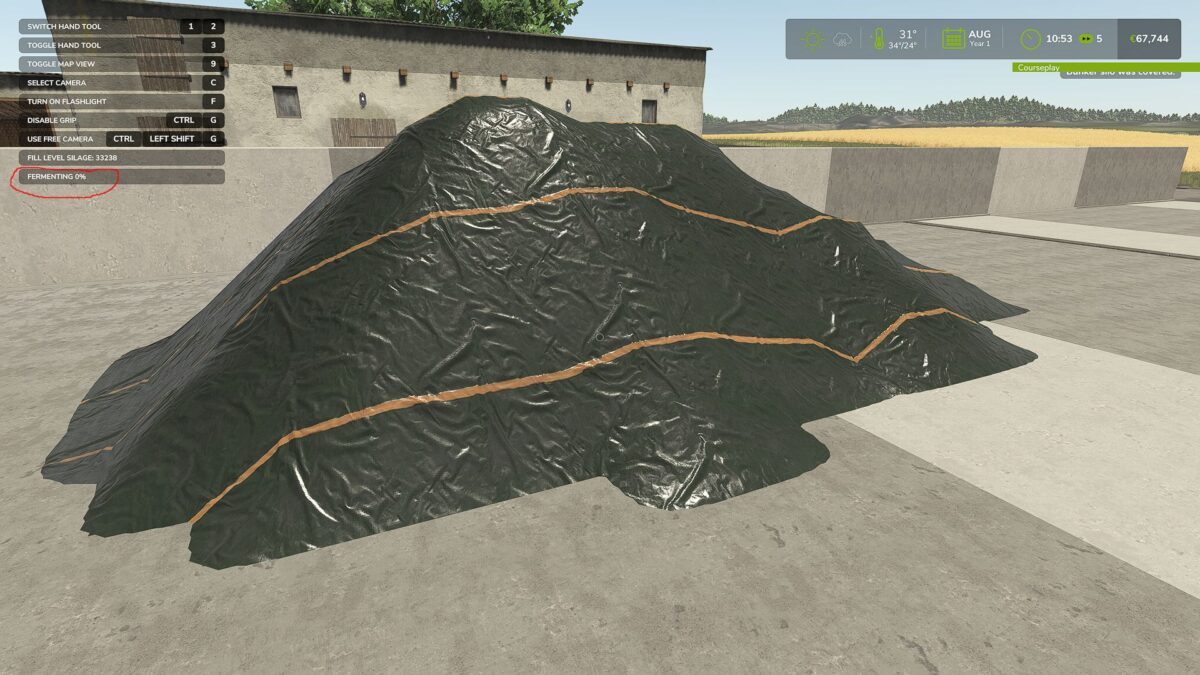
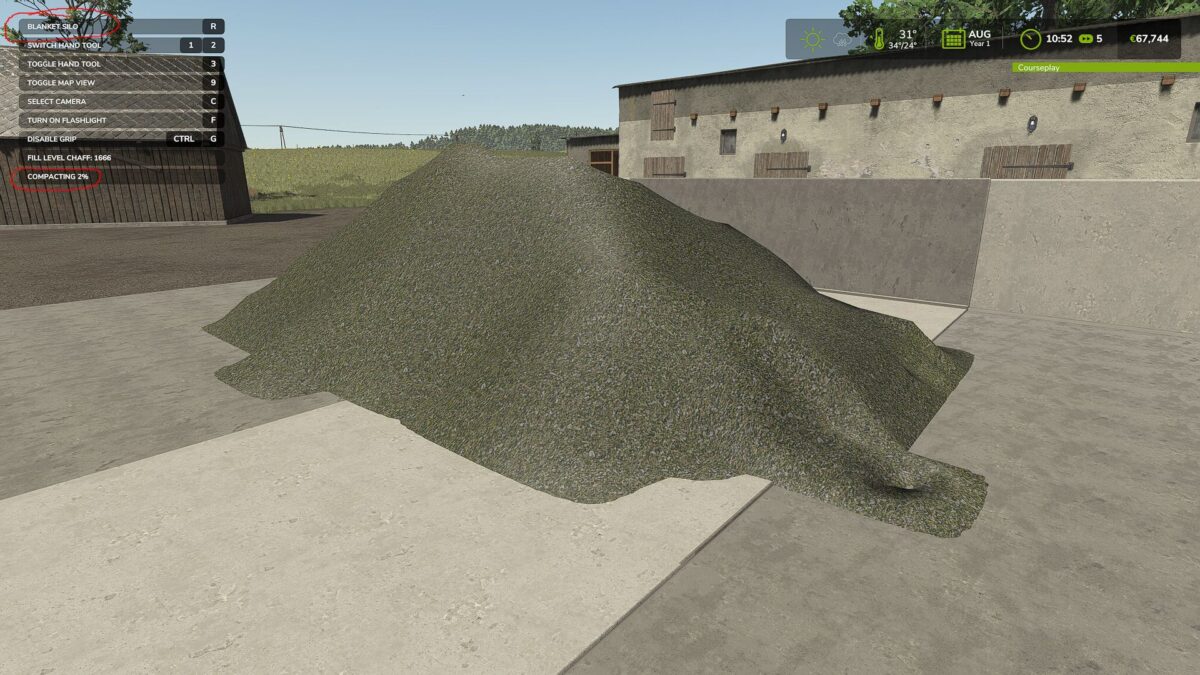
Some of you may know the feeling: you build up a silage pile in the drive-over silo and want to cover it.
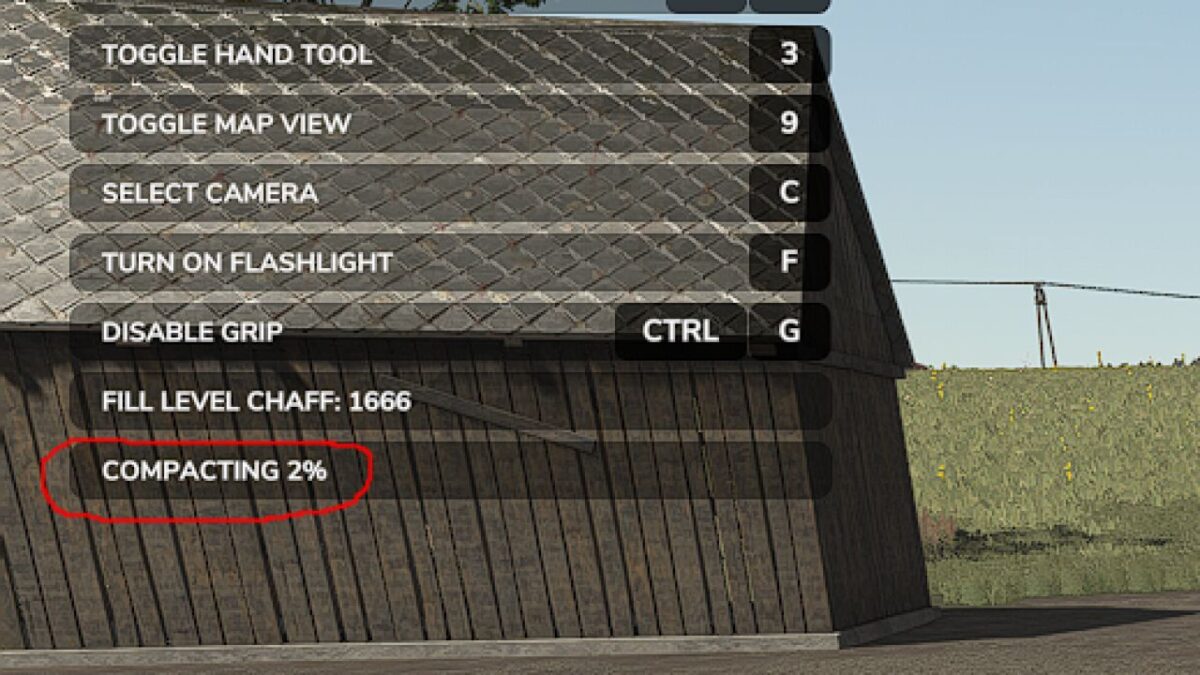
However, this is usually not possible because the silo has not yet been compacted to 100%.
With this mod, you can cover the silo even at 1% compaction and will never again have the problem of it not being compacted enough.

Credits:

NordModdingLeon

How to install FS25 Misc?
Firstly find a mod which you like and want to download. Then download a mod to your PC. Mods are usually in .zip format file. But sometimes it can be in .rar. If a mod file is a .zip format no needed additional actions. If a file is in .rar, then you must unarchive mod with software like WinRar or Zip7. Windows 10 users no need to use software for archives, Win10 itself has a feature to unarchive files.
The next step is to find mods folder in your PC. Usually, it is in Documents/My Games/Farming Simulator 25/2025. Open the "mods" folder and put downloaded .zip archive or unarchived .rar file to this folder.
Last step. Enjoy of FS25 mods!

Leave a Reply

Your email address will not be published. Required fields are marked *