

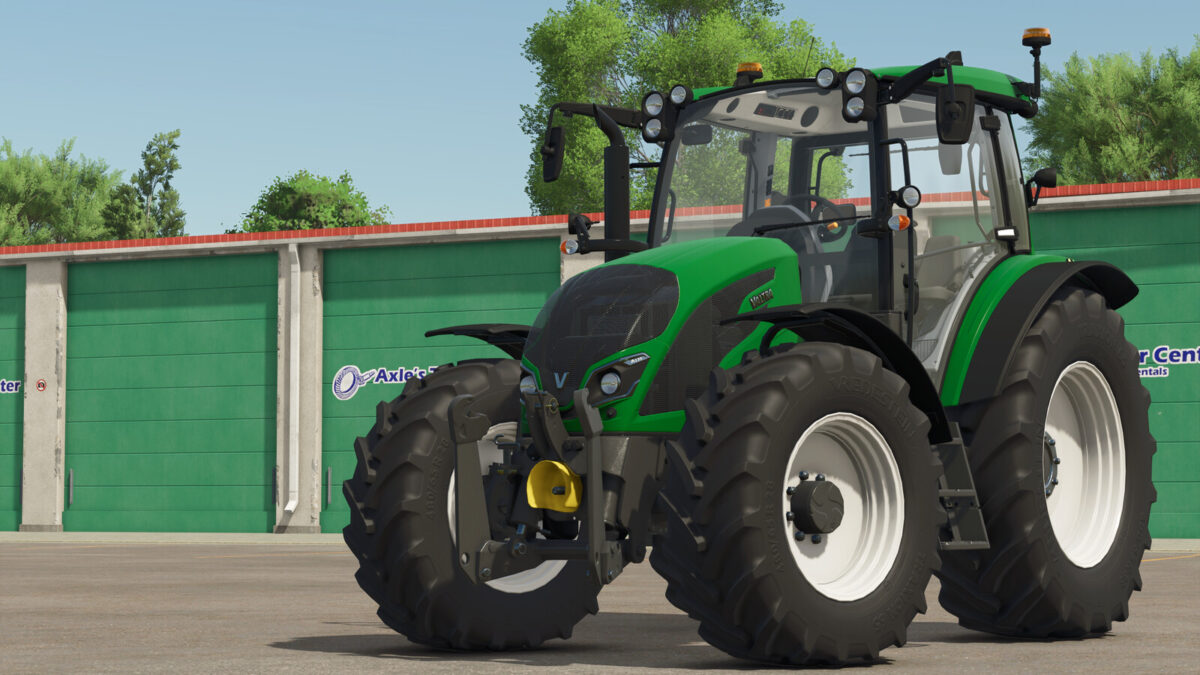
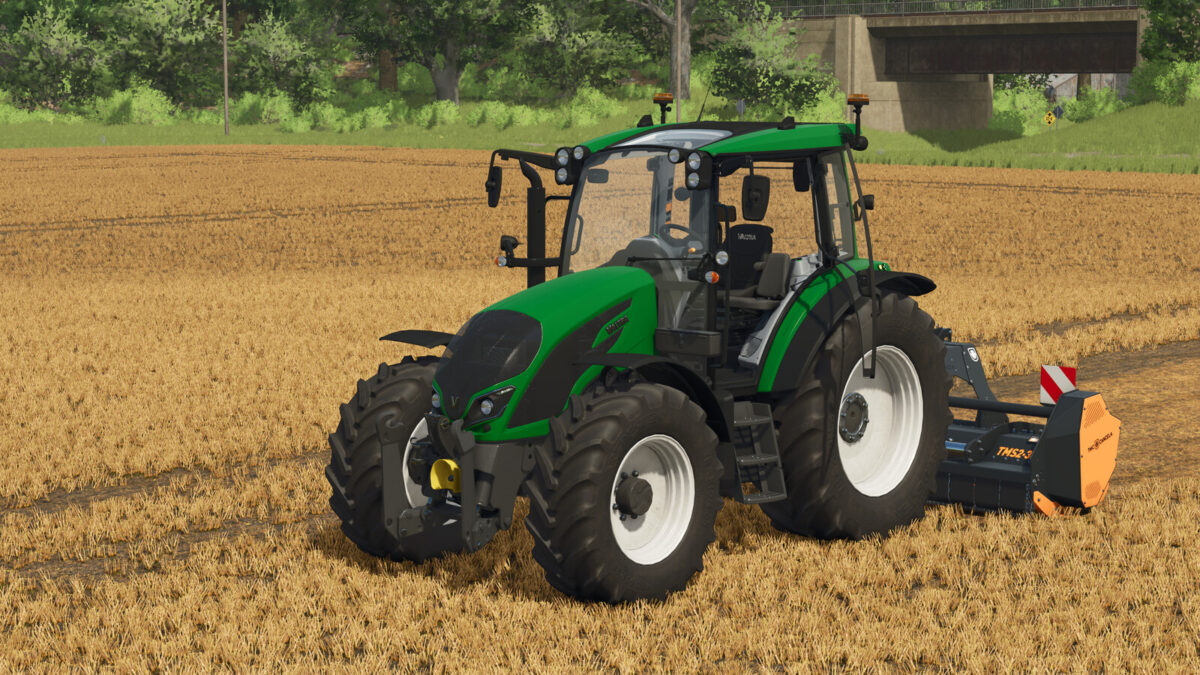
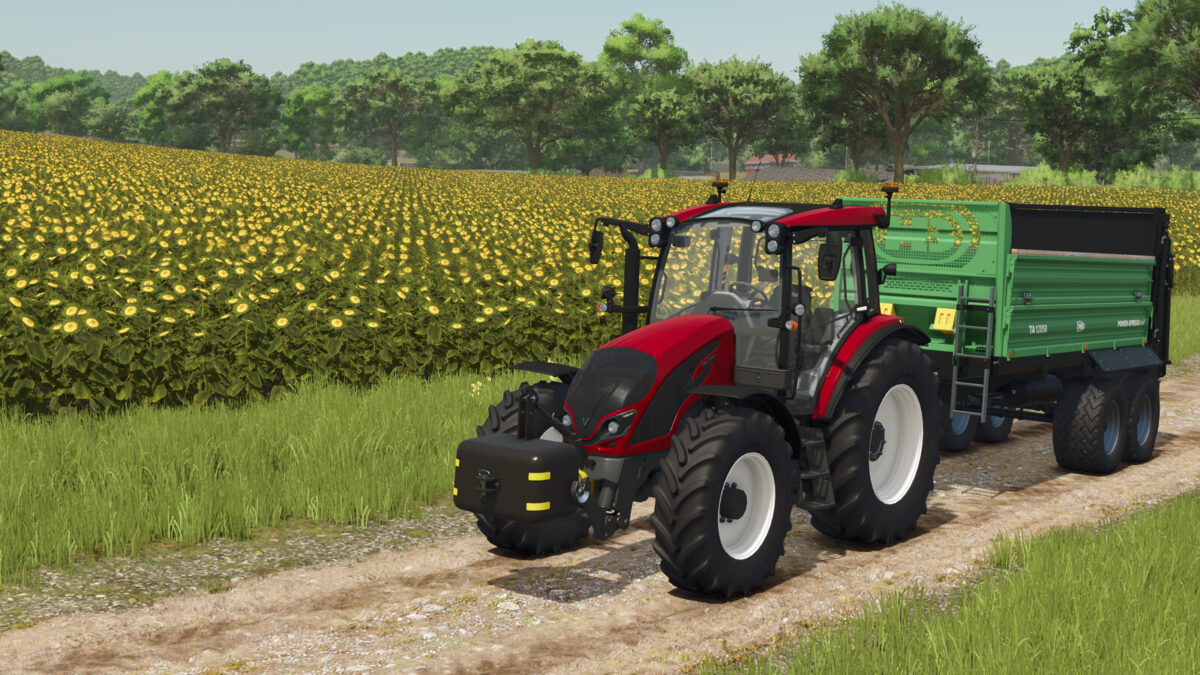
Valtra A Series v1.0.0.0


Valtra A Series
Small tractor with six engine configurations, multiple tire options and configurable front equipment.
Specifications:
– Models: A105, A115, A125 and A135 HiTech
– HiTech 4 available for the A105 and A115
– Power: 105-135 hp
– Base price: $76,500
– Speed class: 40 kph
– Diesel capacity: 175 liters
Configurations and features:
– Trelleborg, Michelin, Continental, Mitas, BKT, Vredestein and Nokian tires
– Depending on tire brand: standard, wide, narrow, communal and twin tires, plus wheel weights
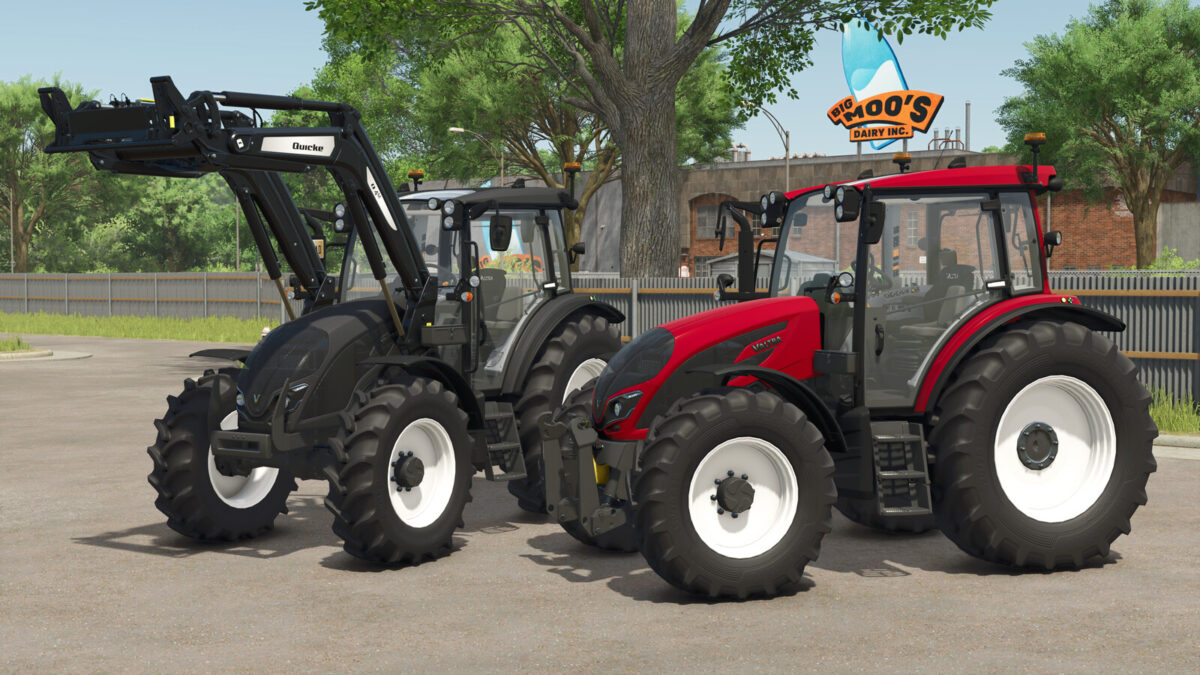
– Body and rim color selection
– Front linkage with PTO or front weight carrier; additional weights up to 600 kg
– Quicke and Hauer front loader mounts
– Animated instruments, lights, wipers and suspended cab
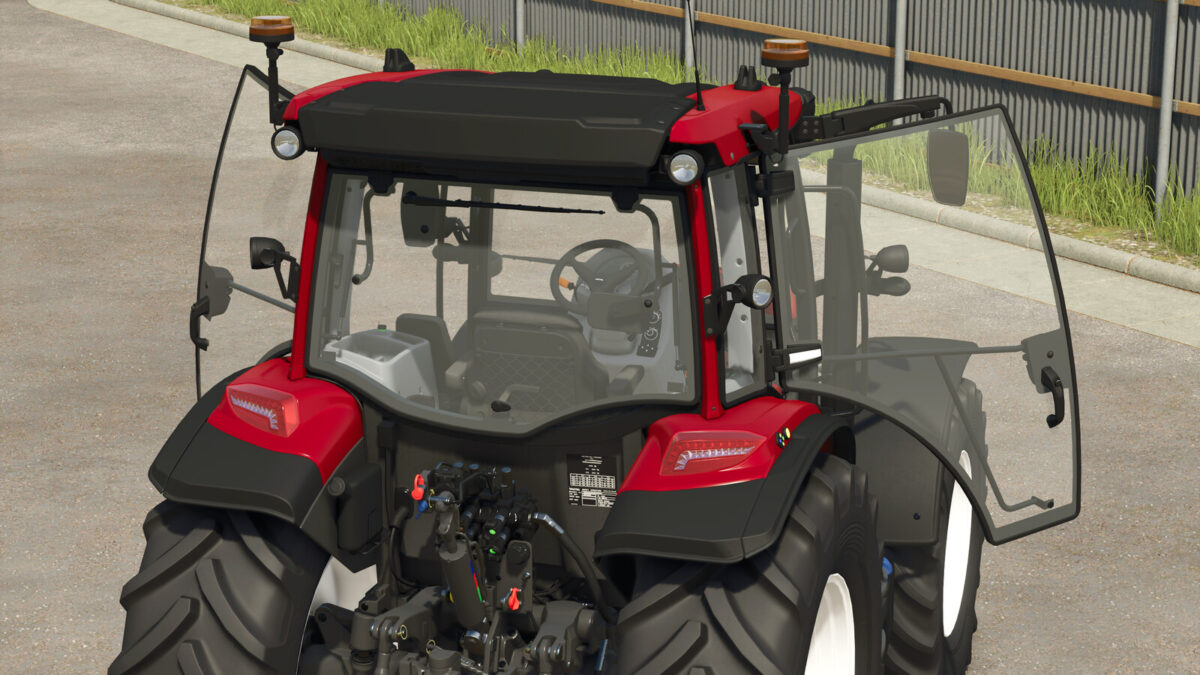
– Both doors, rear window and rear quarter windows operated through Interactive Control
– Automatic upper headlight switching for front-mounted equipment
– Double-sided 40 kph rear-window sticker with dirt support
– Animated gas struts and attached door/window fittings
– Beacon lights: None, Left, Right or Both
– Beacon lights individually foldable from outside through Interactive Control
Operating the doors, rear and quarter windows, and folding the beacon lights, requires the separately available “Interactive Control” mod. The roof hatch is fixed.
Credits:
jonas


