

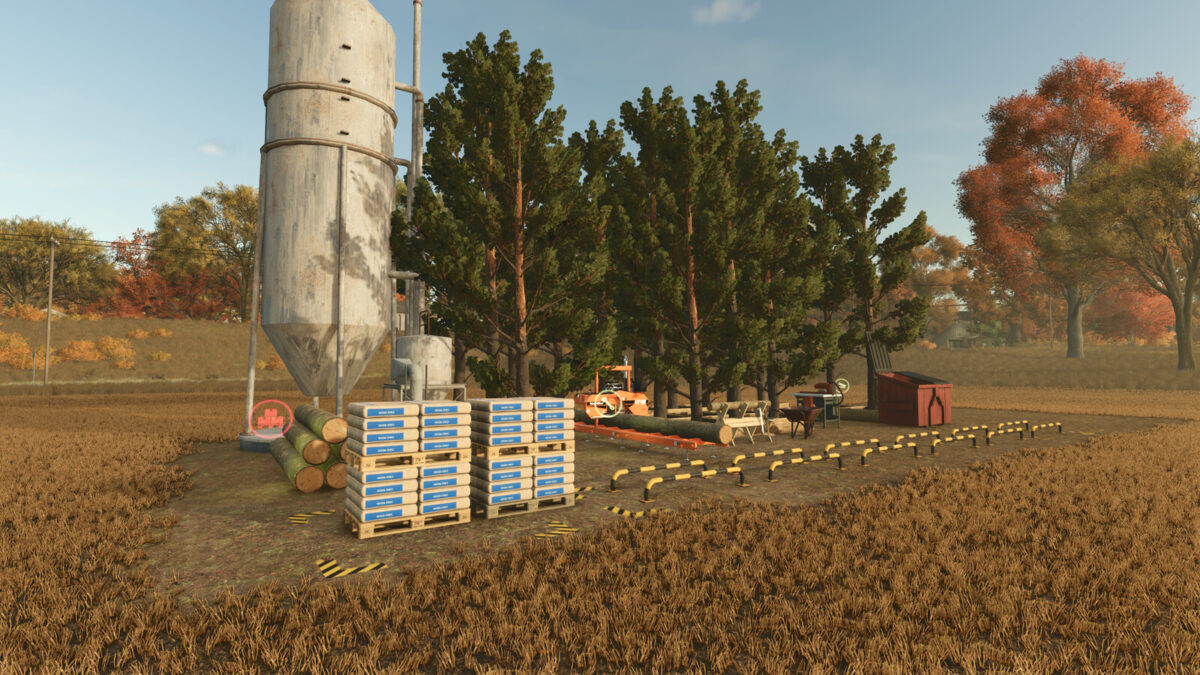
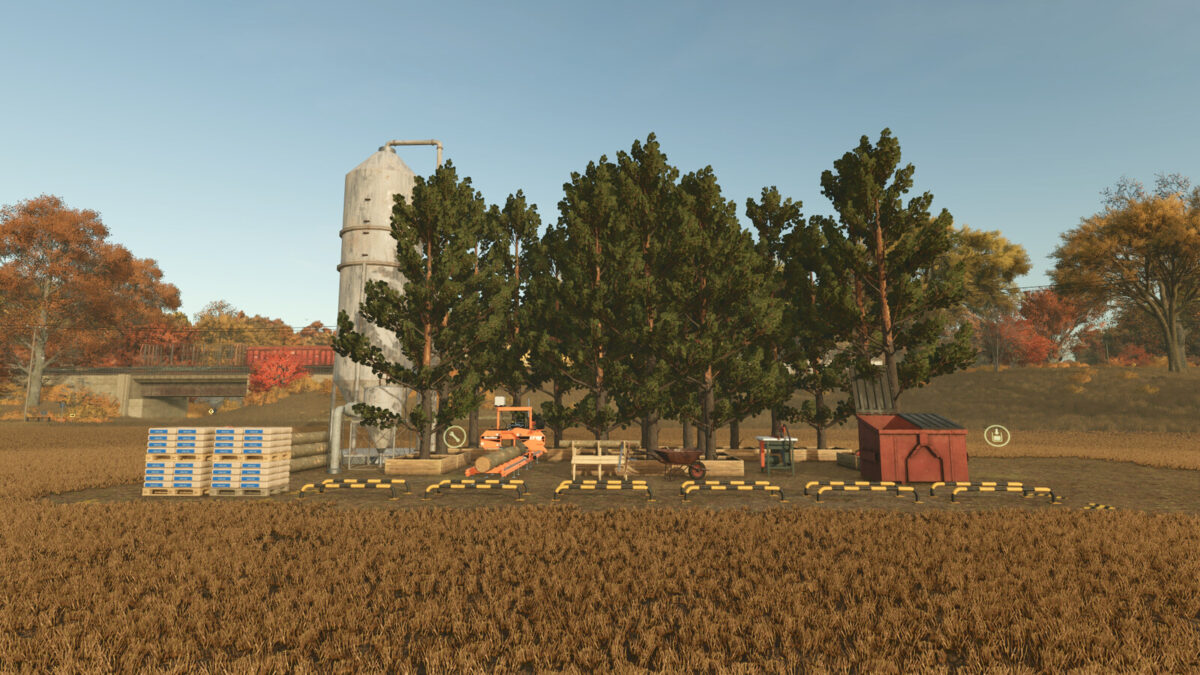
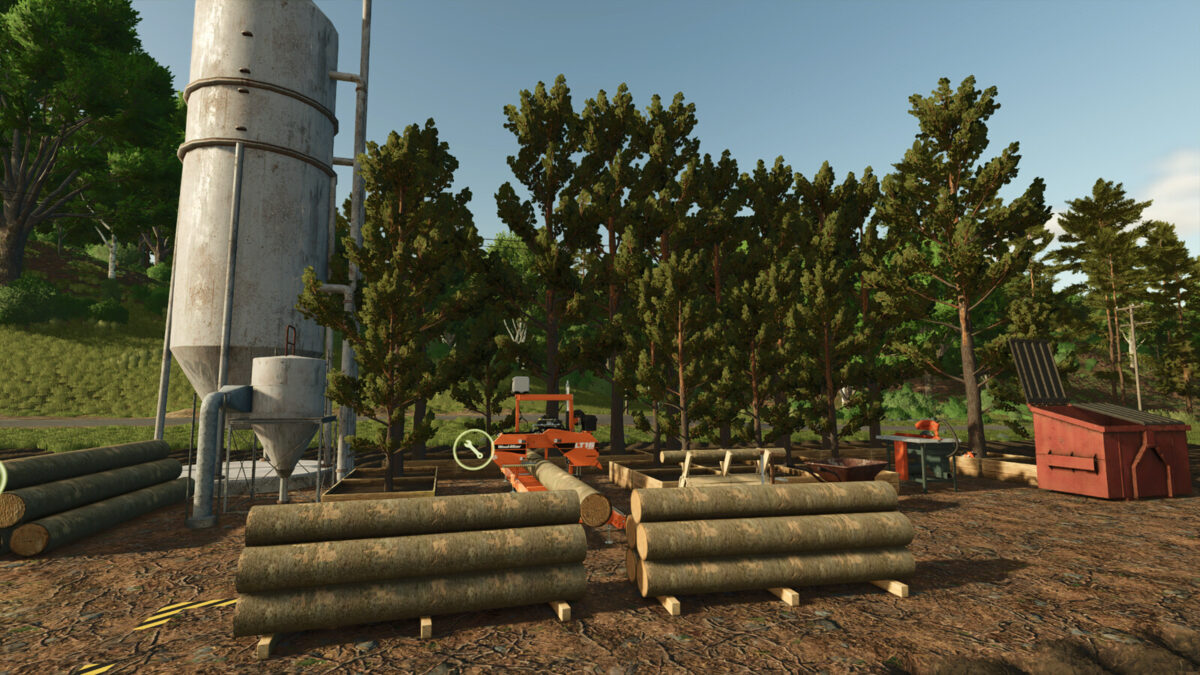
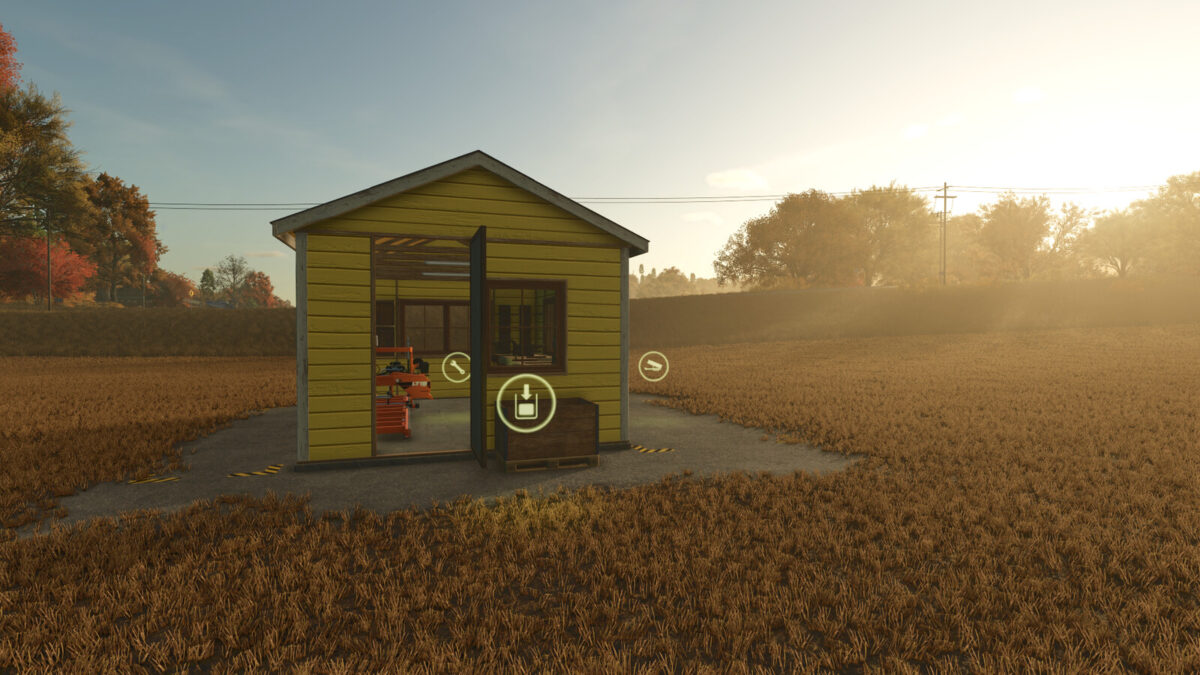
GreenHouse Wood v1.0.0.3


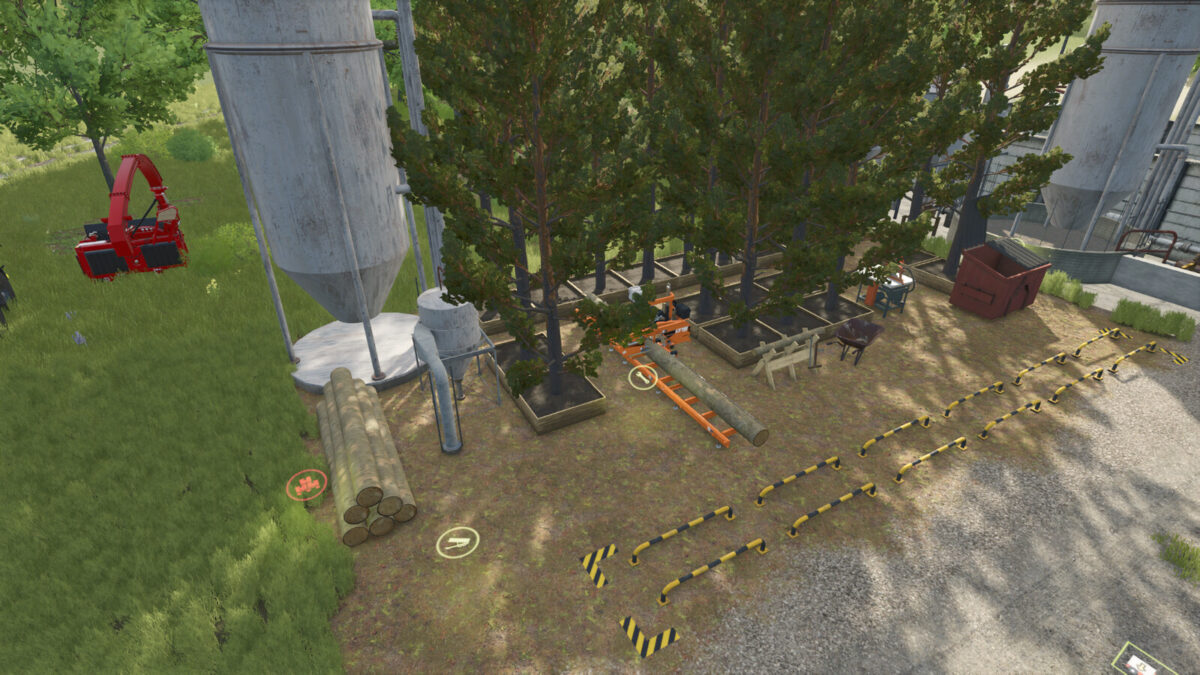
Greenhouse wood production.
Included in the mod you will find:
Greenhouse:
Category: “positionable->Productions->greenhouse”
Price: $54000
Monthly maintenance: $10
Production recipes:
Input: seeds and water,fertilizer
Output: wood, woodchips resin
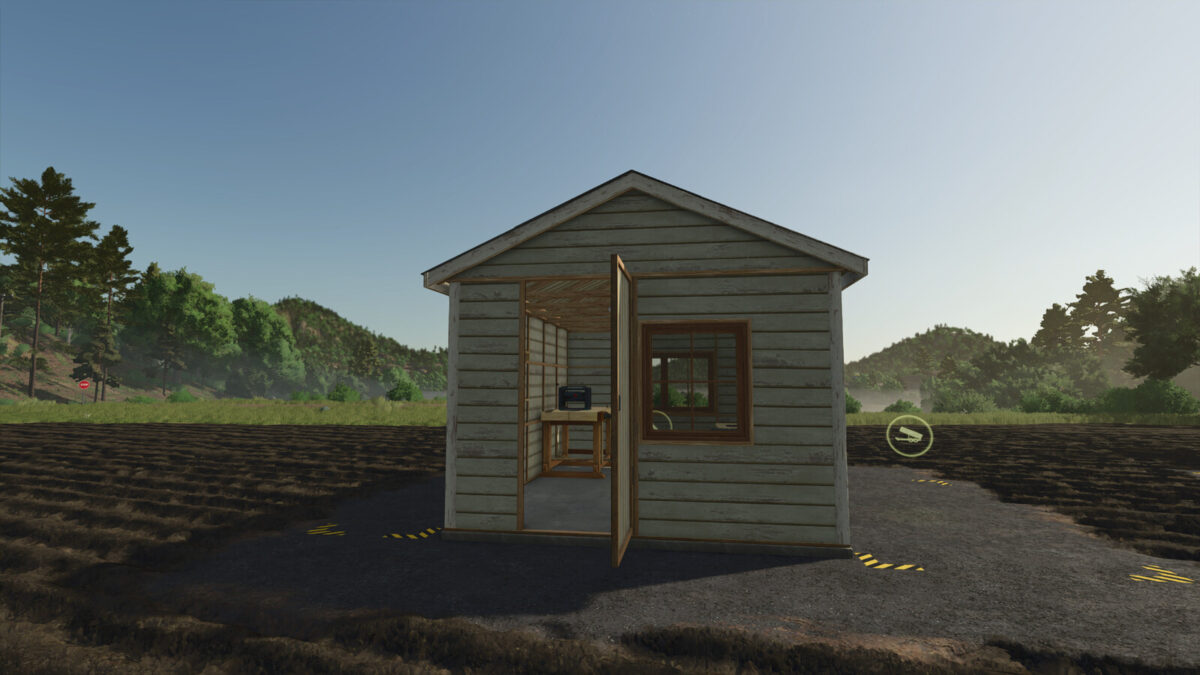
small sawmill
Category: “positionable->Productions”
Price: $20000
Monthly maintenance: $10
Input: wood
Output: boards,planks,woodbeam,prefabwall,woodchips.
small carpentry
Category: “positionable->Productions”
Price: $15000
Monthly maintenance: $10
Input: wood,boards,planks
Output:furniture.
Wood sales station
Category: “positionable->point of sale”
Price: €1000
Monthly maintenance: €5
This store sells everything on the map and also future products if well indexed at a higher price than what is indicated on the product sales menu.
Changelog
1.0.0.1
-Added pallet exit block in order to decide when to release them
-Added chip loading trigger
-added direct production of chips from self-produced wood in order to be able to put the chips in self-sale or distribution
-added information on the point of sale provided
Changelog
1.0.0.2
-Updated to game version 1.9.0.1
-Added the ability to place water tank extensions, especially for console friends who can’t have automatic water refill
-Also accepts normal wood cut in the forest, so the greenhouse can also be used in forest areas to distribute or transform freshly cut wood into pallets and wood chips.
-corrected some sawmill recipes and improved the carpentry yield
Changelog
1.0.0.3
-Updated to game version 1.25.1
-Added resin production (compatible with the Beans & Alpaca DLC, but the DLC is not required)
-Added a dedicated trigger for resin pallets to exit the greenhouse, preventing pallet blockages
-Wood chips can now only be collected in bulk; no pallets will be generated by either the greenhouse or the sawmill.
-Improved the mod and store icons.
Credits:
NazzaB82


