

Unihyd v1.4.0.0


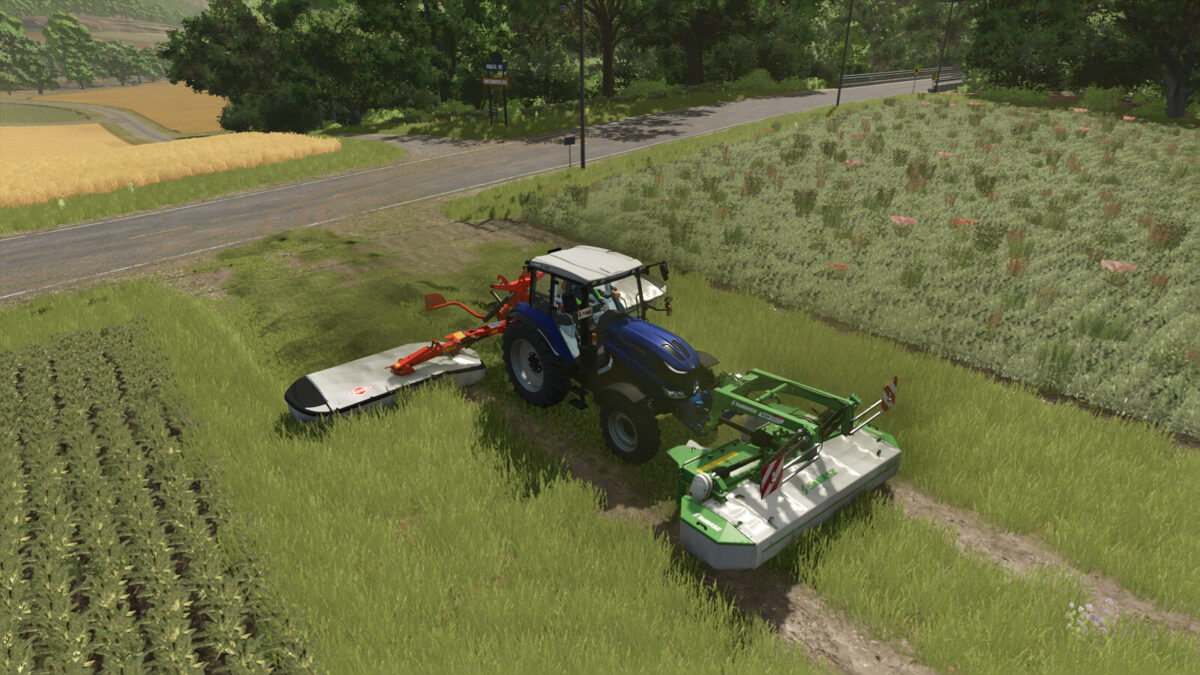
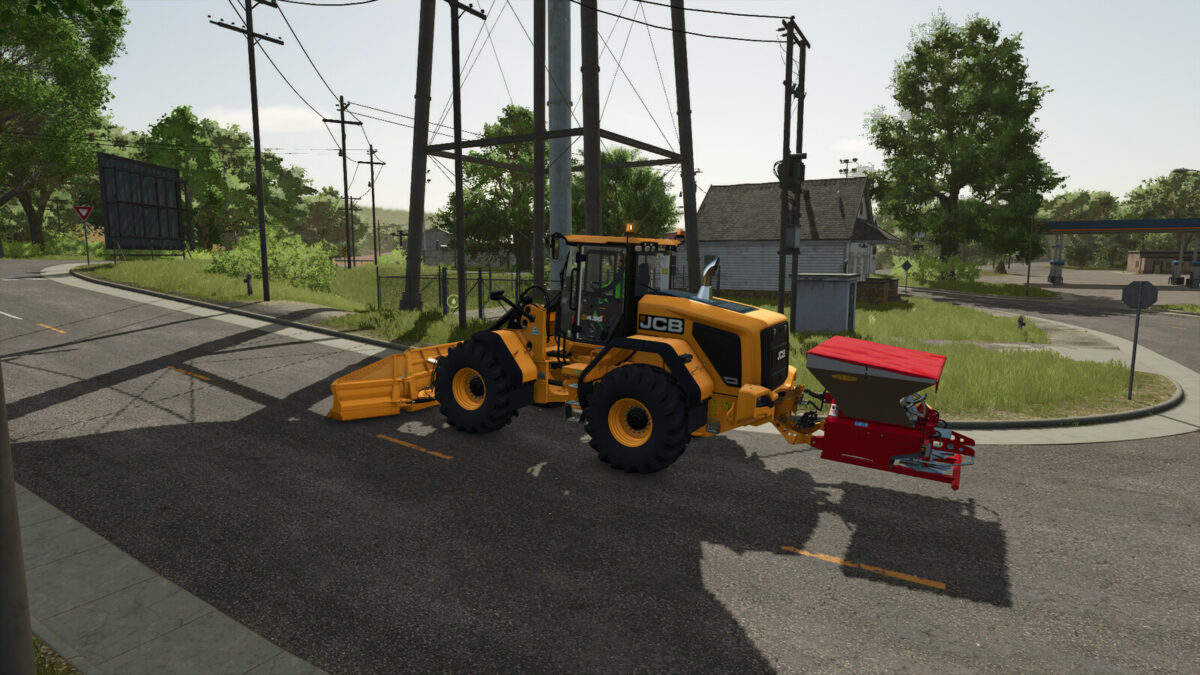
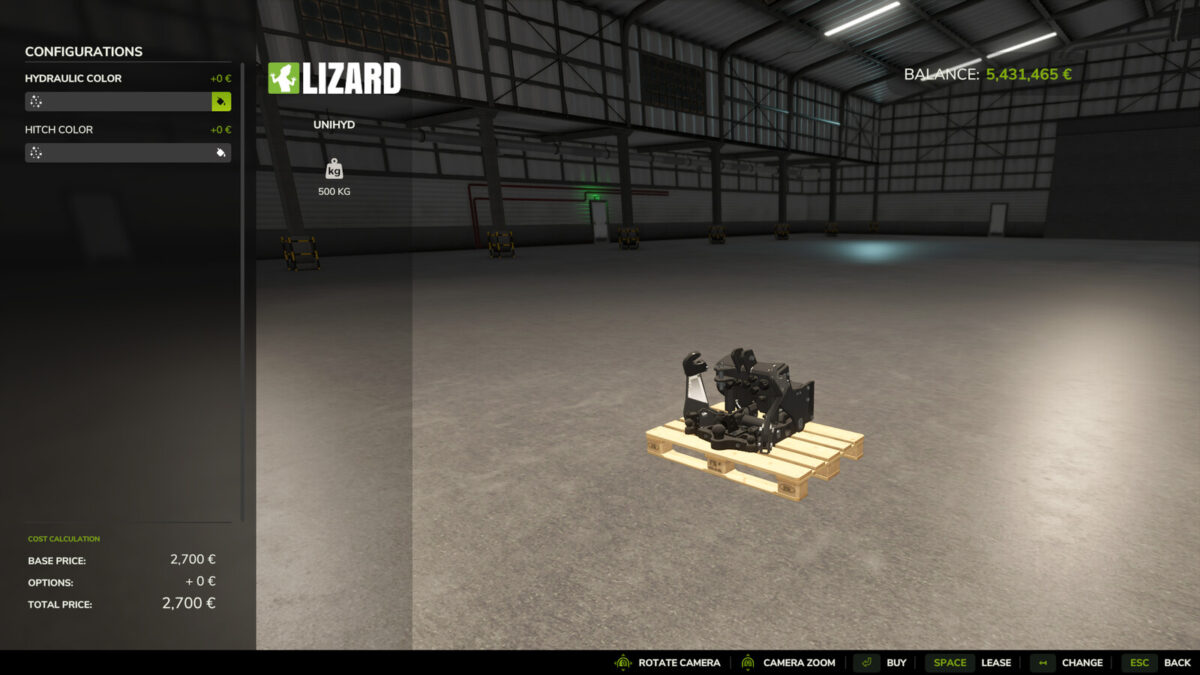
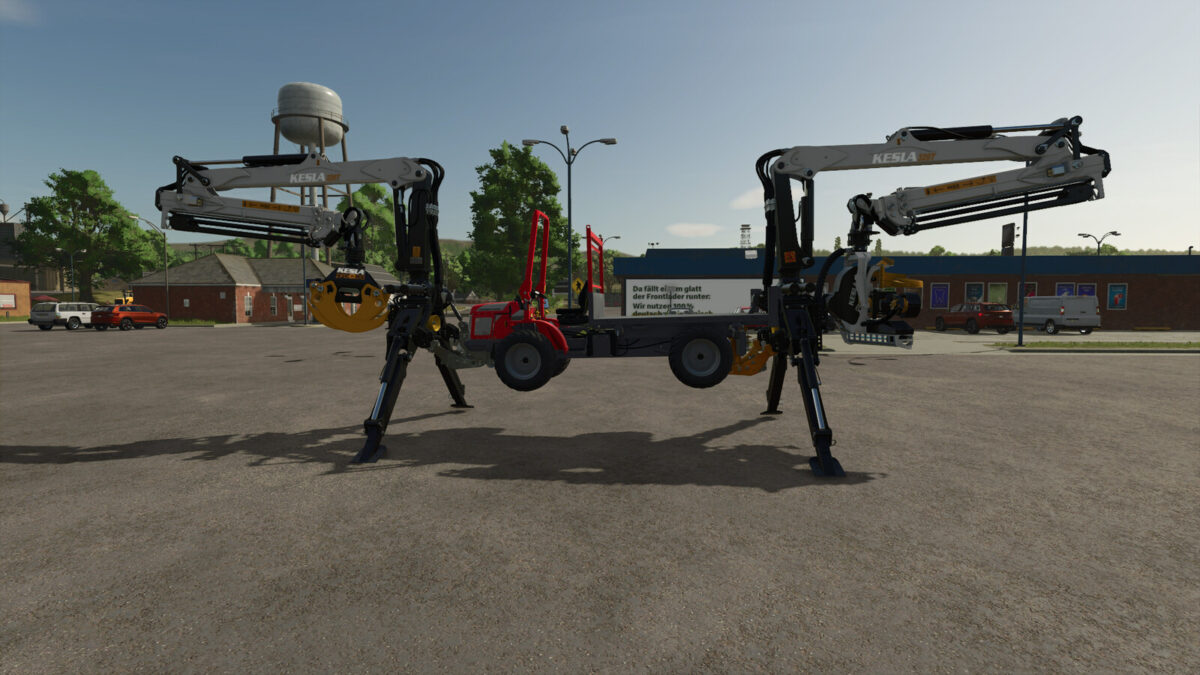
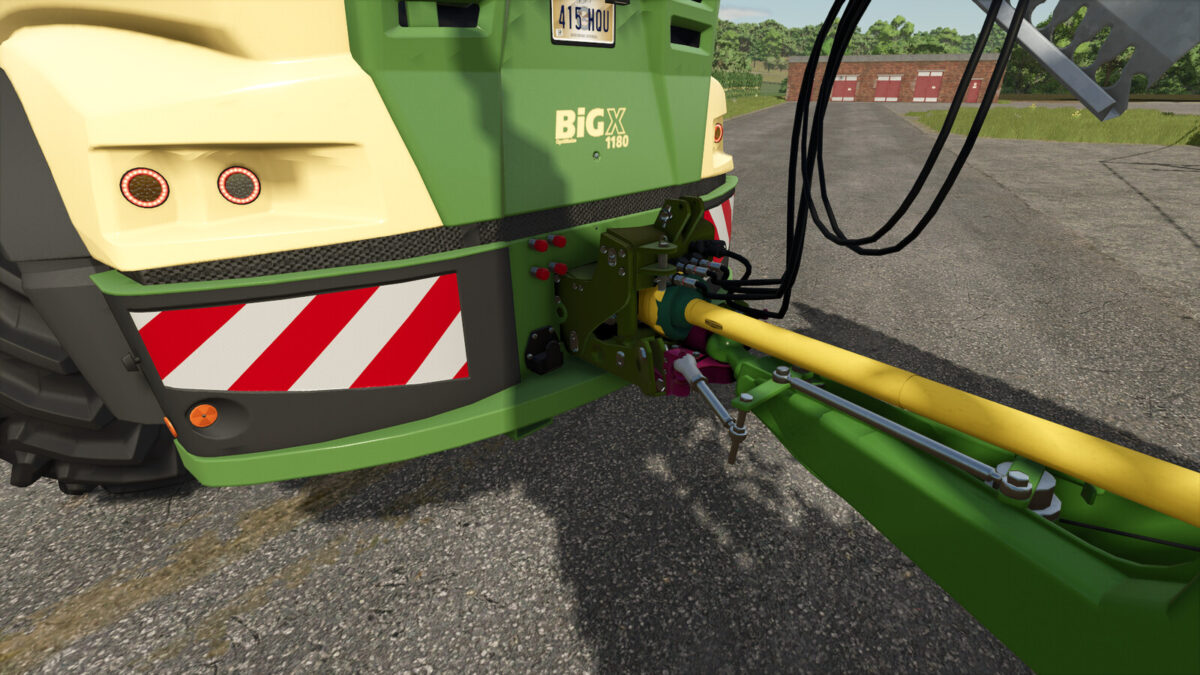
The Unihyd, short for universal hydraulics, was developed to provide tractors, forage harvesters, telehandlers, and wheel loaders that only have a trailer hitch with hydraulics for a wider range of tasks.
Unihyd:
– Price: $2,700
– Configurations: Hydraulic color and trailer hitch color
– Category: Vehicles – Other – Miscellaneous
Changelog 1.1.0.0
Fixed color issue with hydraulics
Added new start color (Unihyd Black)
Adjusted store and icon image
Fixed minor spelling errors and issues
Changelog 1.2.0.0
Minor errors in the main XML and translation have been fixed
File size reduced and unnecessary files removed
Adjusted to the latest patch
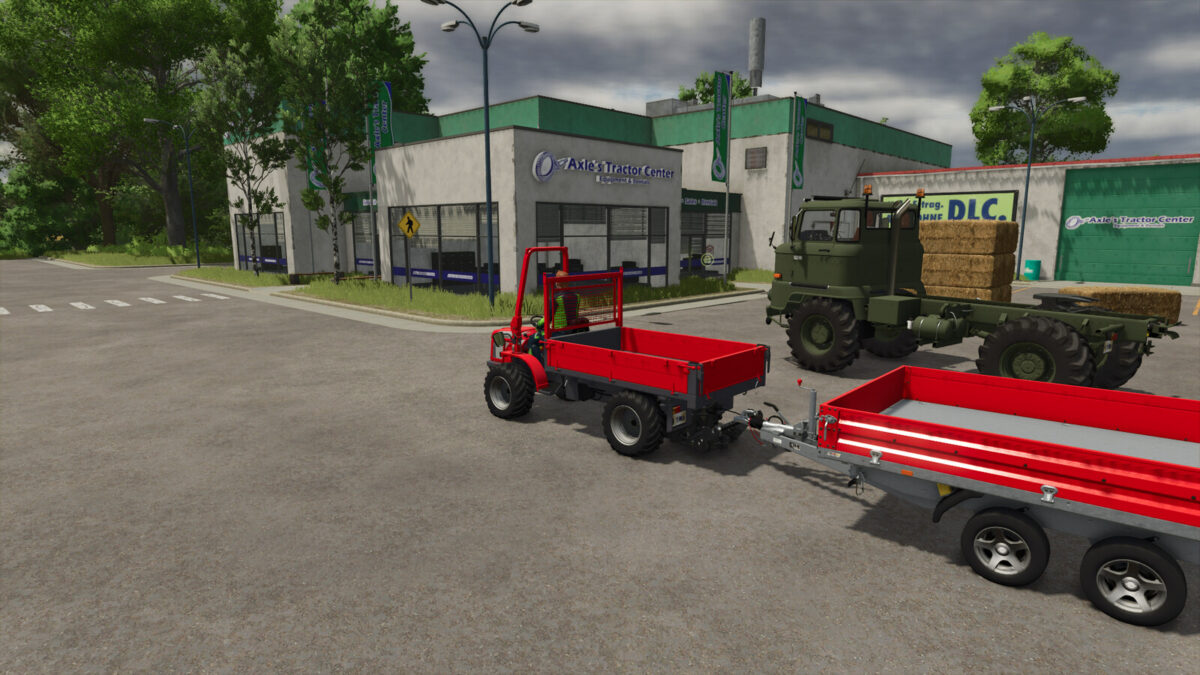
Added a car trailer attachment for using car trailers with tractors and more
Changelog 1.3.0.0
Fixed issue with showing/hiding the low-trailer hitch
Readjusted attacher (slightly misaligned after the last update)
Updated for the latest patch
Changelog 1.4.0.0
Fixed texture issues – no more flickering
Fixed attacher and PTO issues for car trailers
Updated for the current patch
Credits:
MTL Modding Team


