

Mercedes Benz Turntable Ladder 23/12 v1.0.0.6


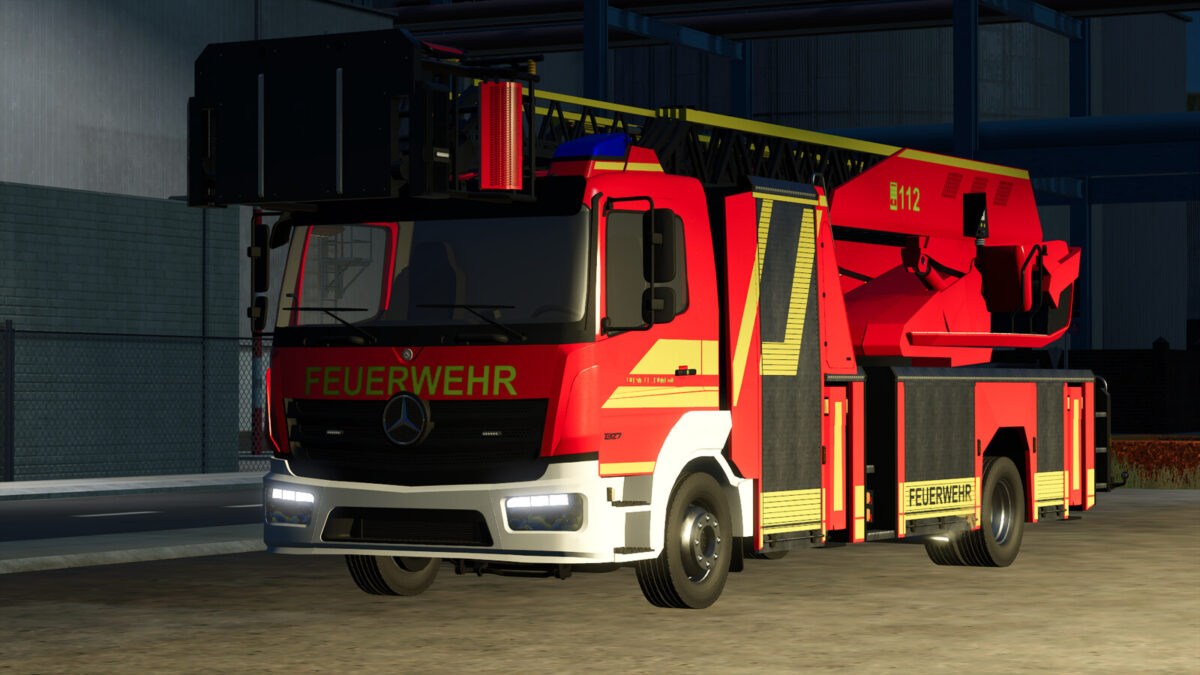
The DLK 23/12 on Mercedes-Benz is a modern and versatile emergency vehicle for Farming Simulator 25.
Due to the short length of the vehicle, it is very easy to maneuver in narrow alleys, and with its outstanding engine performance, it is both powerful and agile.
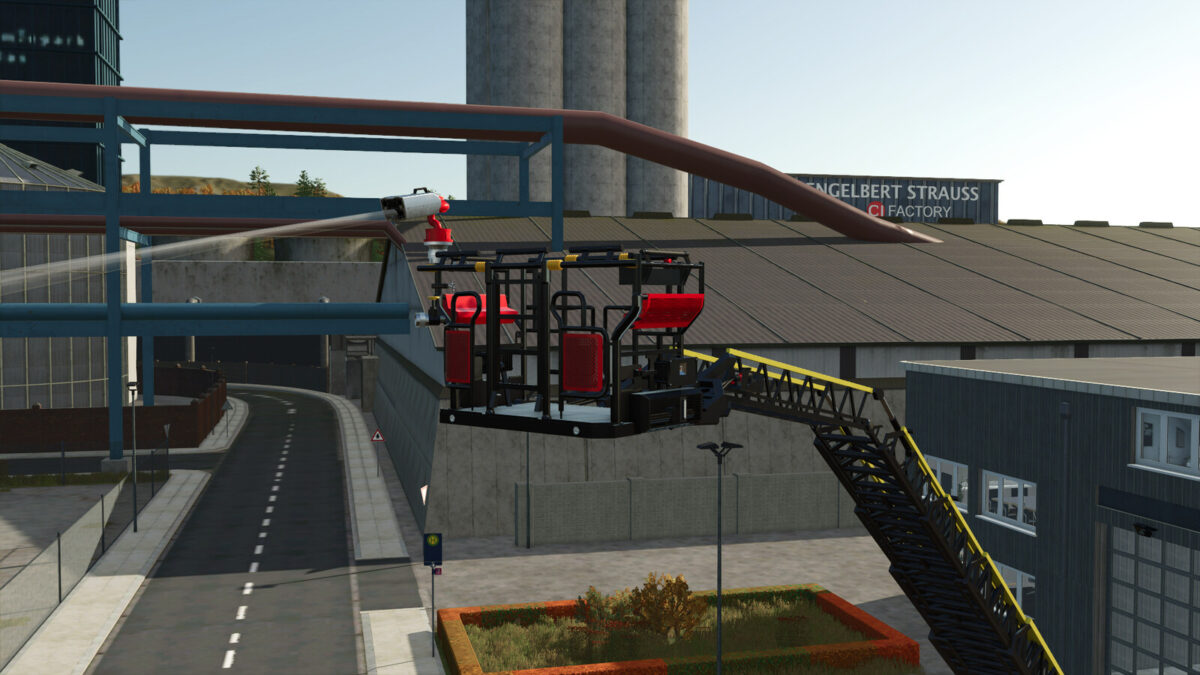
The superstructure is based on a real-life model and has been implemented with great attention to detail. The fully animated ladder park allows a rescue height of up to 32 meters and ensures realistic operations on your map.
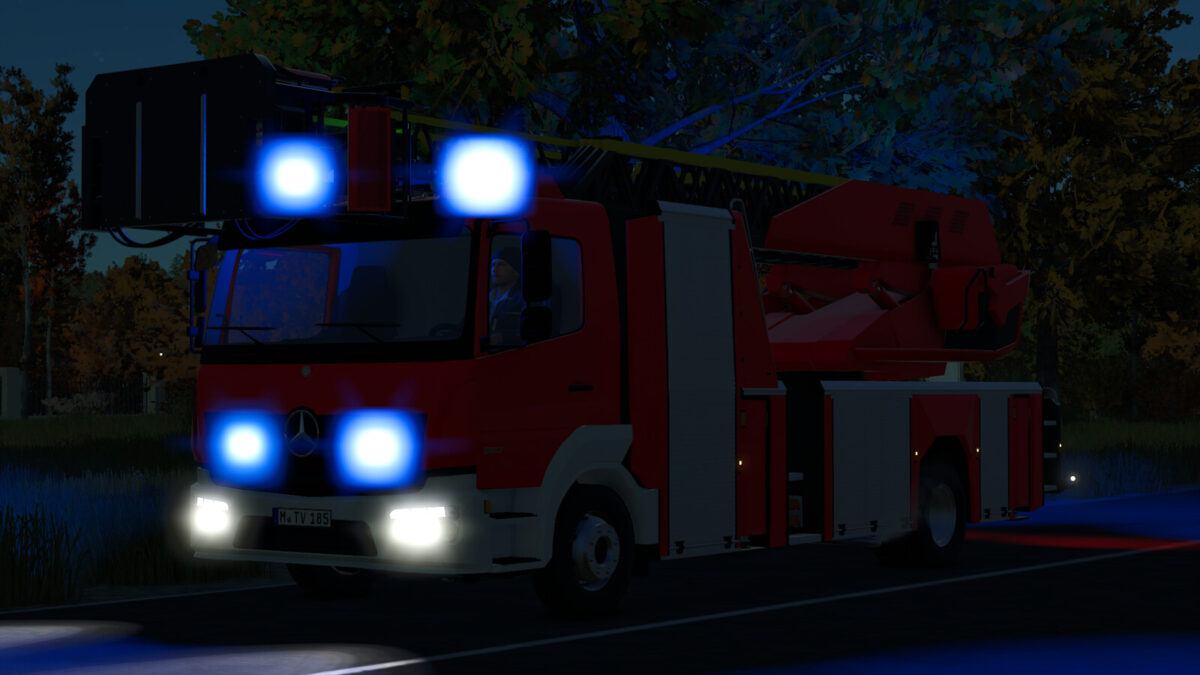
Thanks to authentic emergency lights, perimeter lighting, and high-quality textures, the turntable ladder is not only functional but also a visual highlight for every virtual fire station.
Configurations:
– Foil wrap
– Reflector color
– Front bumper
– Radiator grille
– Emergency lights
– Roller shutter color
– Rim color
– Ladder park color
– Basket strobes
Functions:
– Horn can be turned on via “Open cover”
– Rear warning beacon can be turned on via “Turn on”
– Ladder park can be unfolded / activated via “Unfold”
– Doors open via IC, or without IC with MouseControl
Maximum speed: 90 km/h
Price: €850,750
Power: 160 kW (218 hp)
Category: “Trucks”
Changelog 1.0.0.1
– Now available for all platforms
– Fixed minor errors
Changelog 1.0.0.2
– Fixed minor bugs
– Added compressed air horns to the beacons
– Added red tone configuration
– Added professional fire department foil wrap
– Added vehicle assistance system functions (PC Only)
Changelog 1.0.0.3
– Fixed minor errors
– Changed roller shutter configuration to color choice
– Beacon module no longer turns white after saving the game
– Added Emergency Pack features
Changelog 1.0.0.4
– Vehicle can be unfolded again
– Added bumper color choice
Changelog 1.0.0.5
– Changed vehicle door lettering
– Fixed bumper color choice
– Changed rim color choice
– Increased roof height at the control station
– Added translations for: Czech, Spanish, Dutch, Russian, Portuguese, Turkish
Changelog 1.0.0.6
– Fixed translation errors
Credits:
T3mok Modding


