

Weighbridge Tickets For Vehicle Scales v1.0.0.0


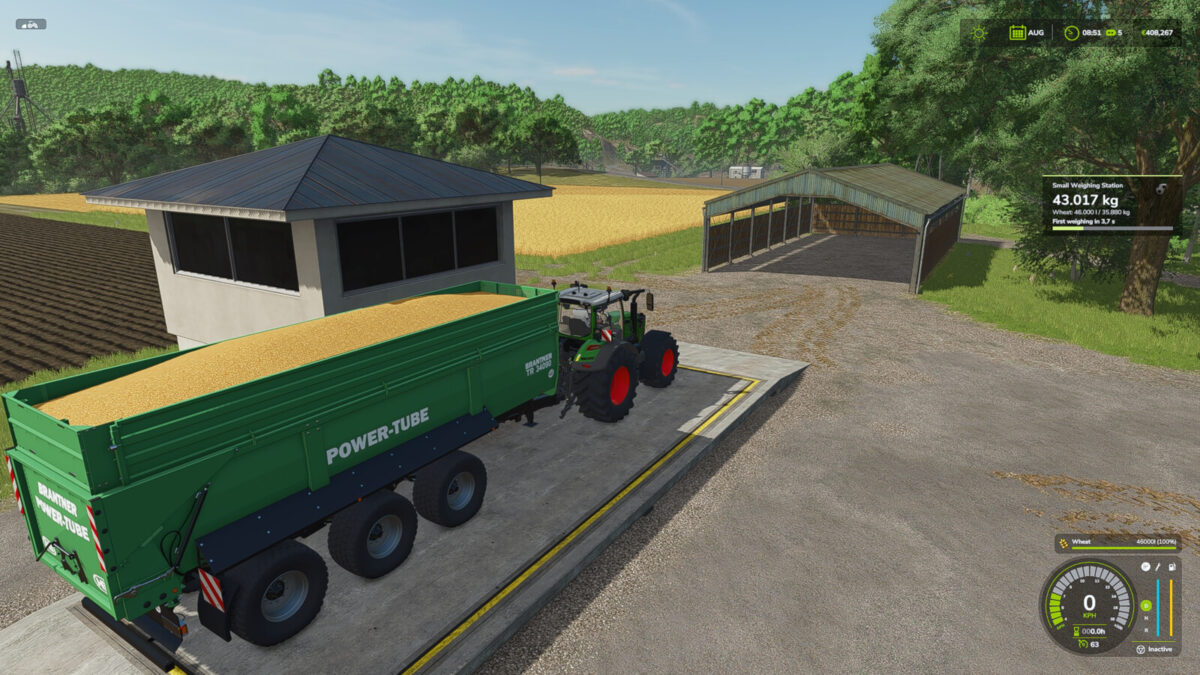
Turns every weighing station (base game, maps and mods using the placeable type “weighingStation”) into a real weighbridge:
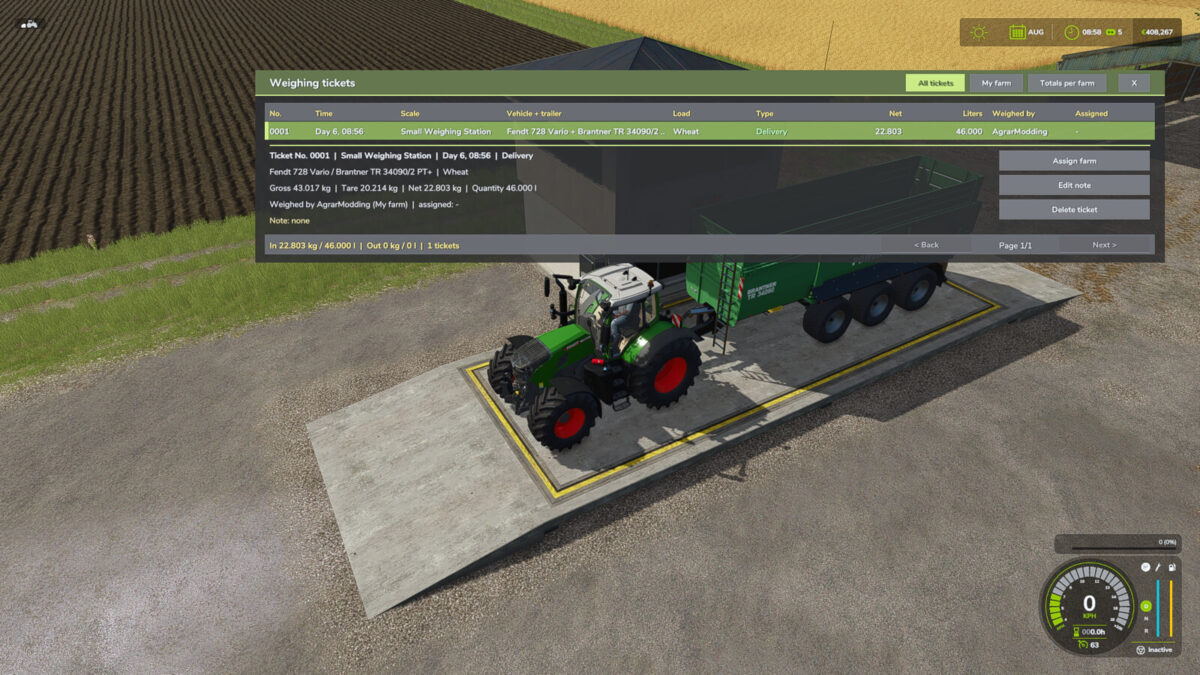
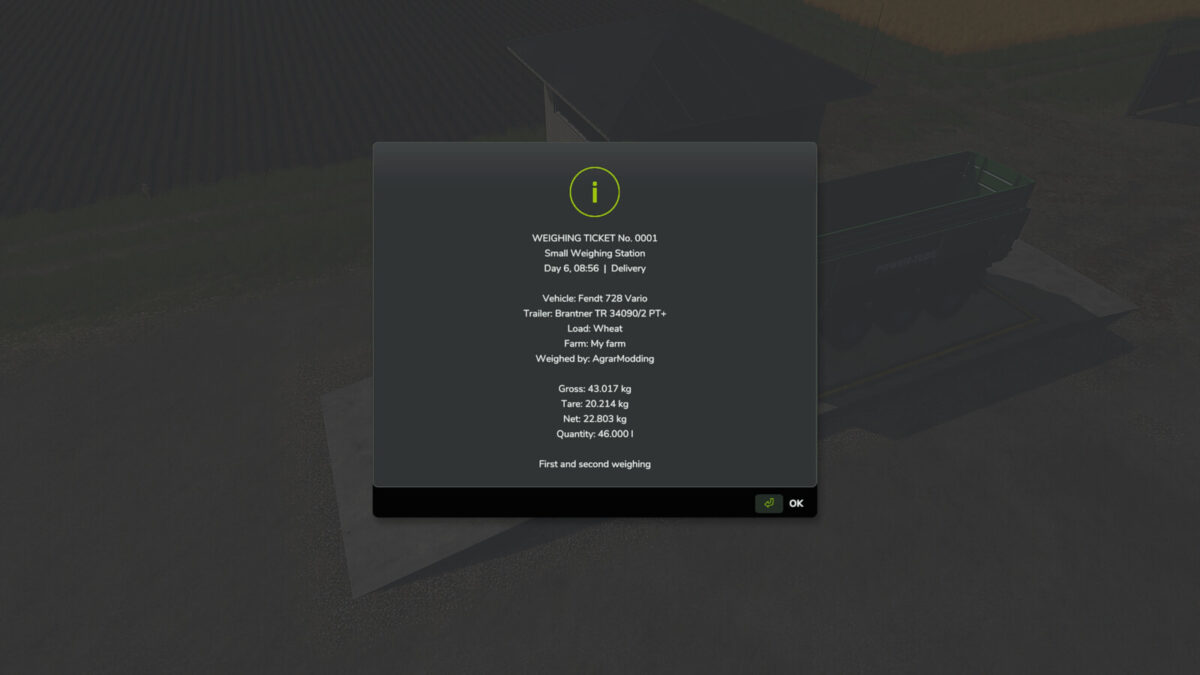
– first and second weighing with gross, tare, net and quantity in liters
– weighing tickets with vehicle, trailer, load, farm and player
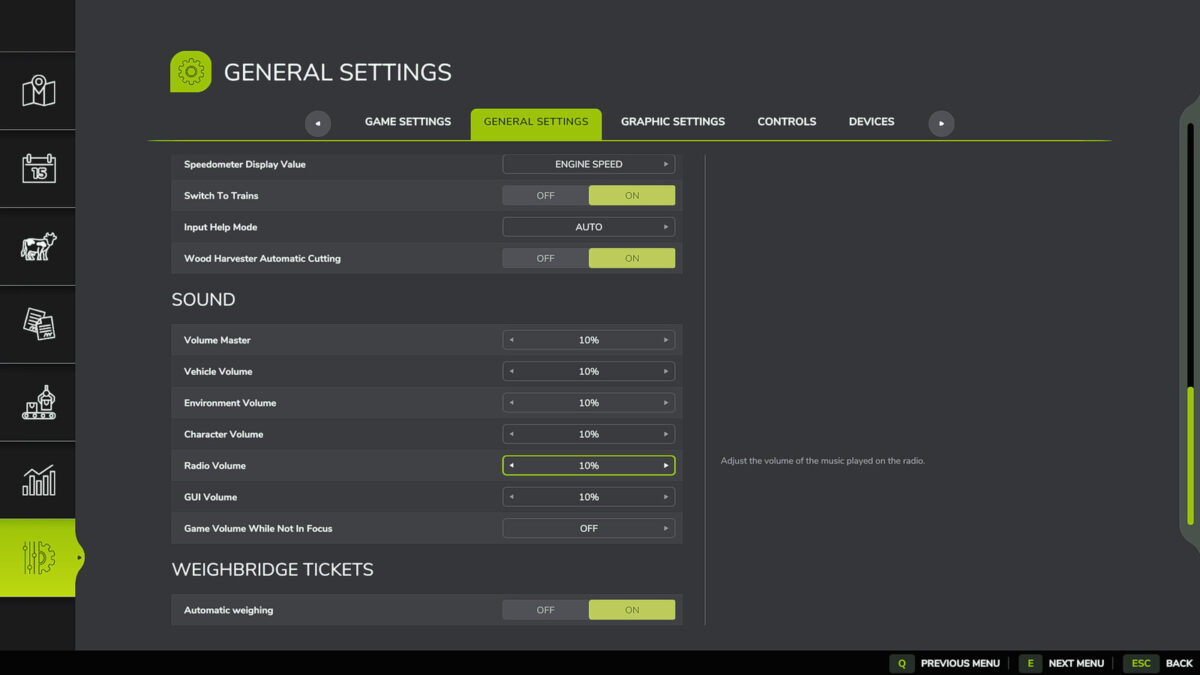
– automatic weighing after 5 seconds on the scale (can be turned off in the settings)
– stored tare per vehicle combination
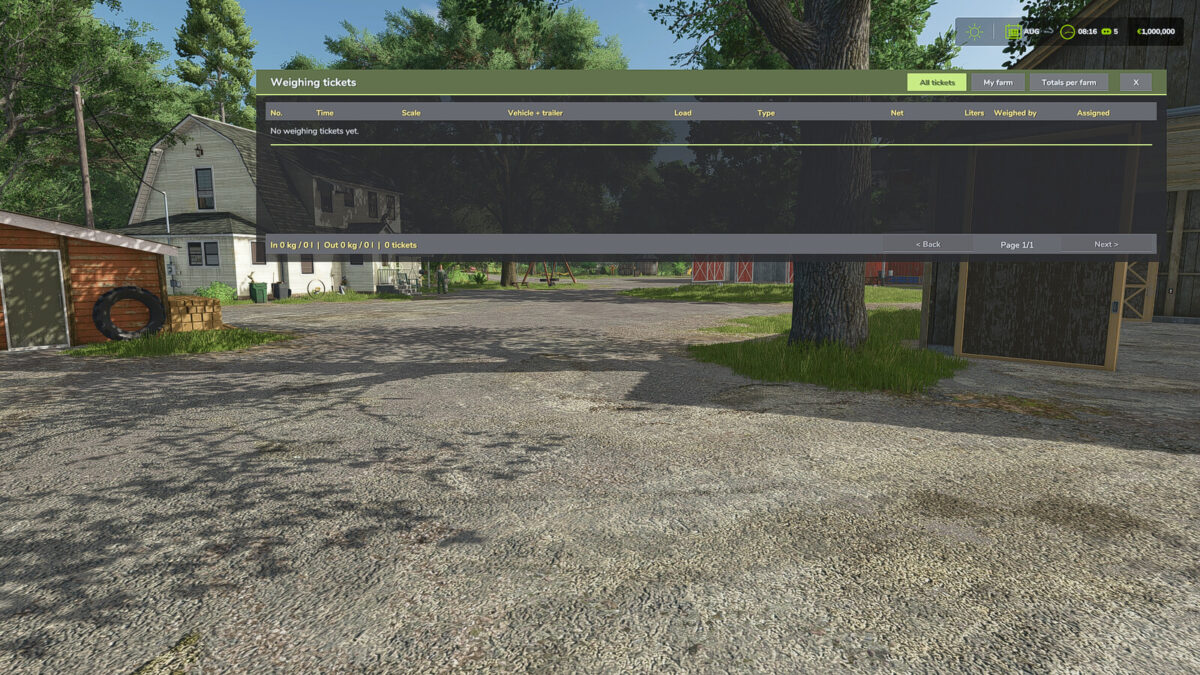
– ticket history of all scales (standard: Ctrl+K), fully usable with the mouse
– assign tickets to farms and add notes (multiplayer)
– totals per farm in kg and liters (delivered / picked up)
– live weight on the station display
– saved in its own savegame file weighbridgeTickets.xml, multiplayer ready
Usage: drive onto the scale and stop – weighing starts automatically after 5 seconds. Ctrl+J weighs immediately. Automatic weighing can be turned off under Settings > General > “Weighbridge Tickets”. All keys can be changed in the controls menu.
Credits:
AgrarModding,FarmingSimModsByFabian


