

Shop Vehicle Actions v1.1.0.0


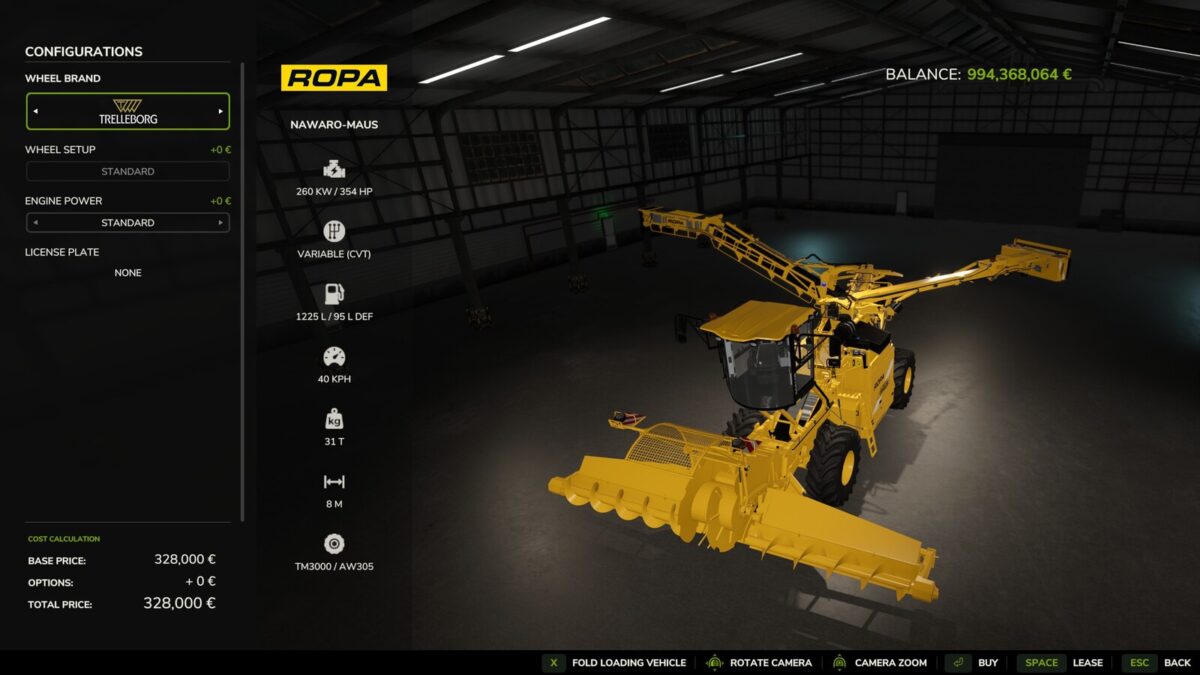
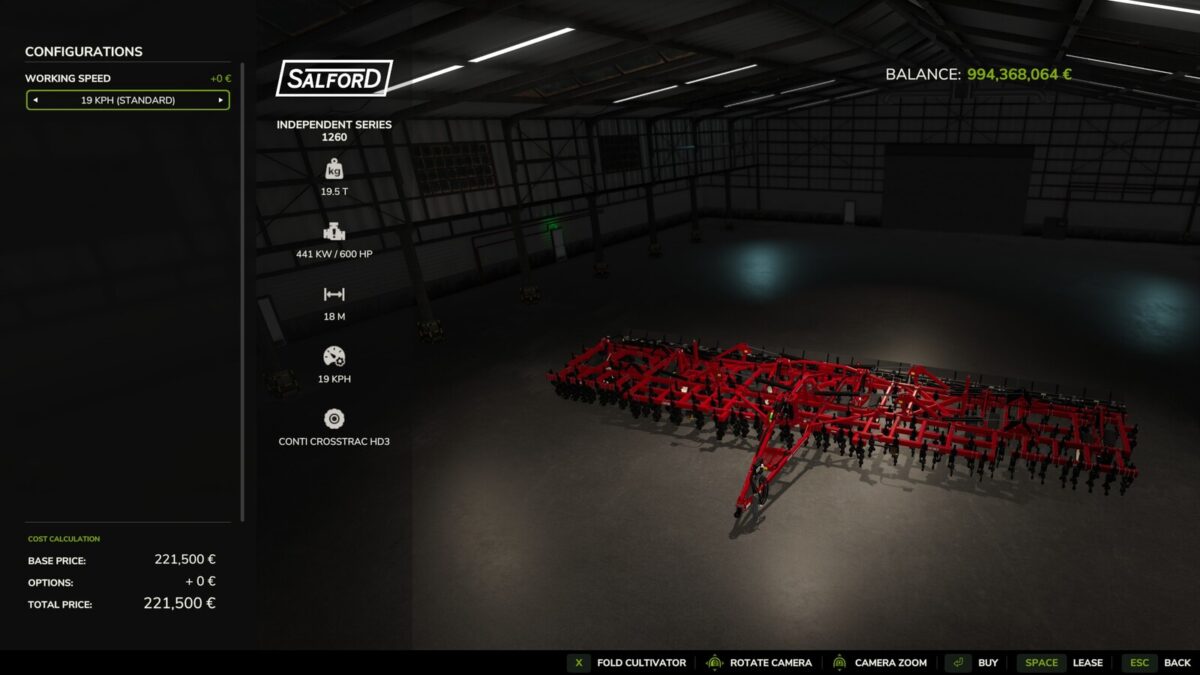
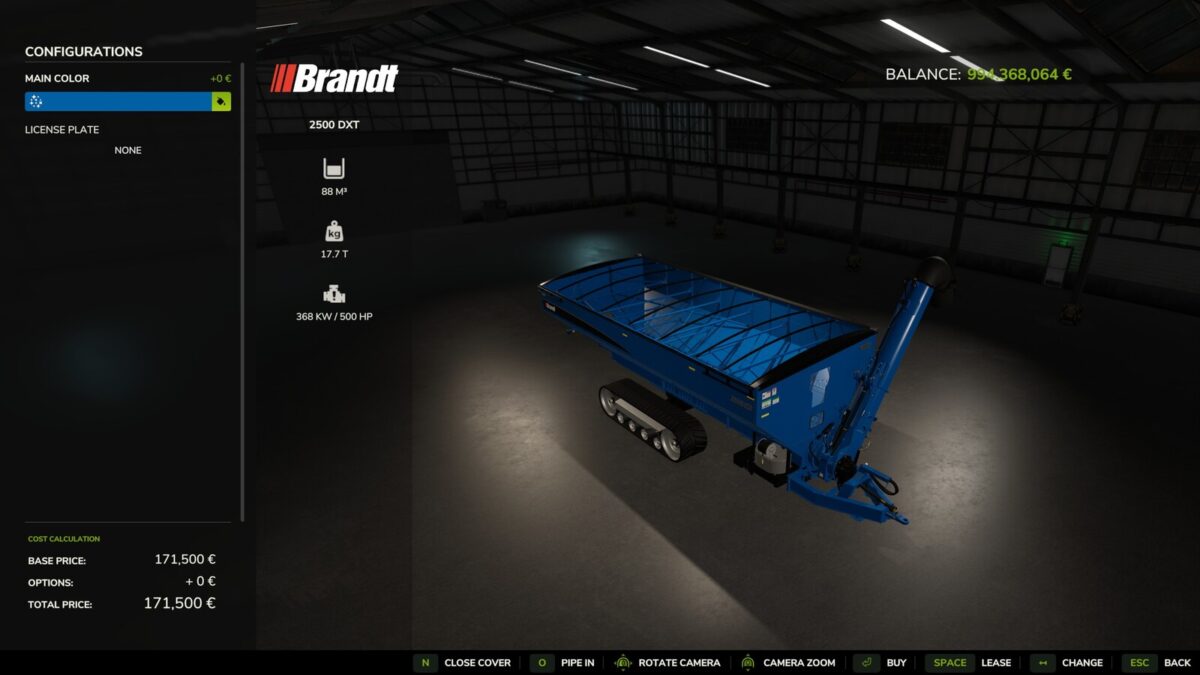
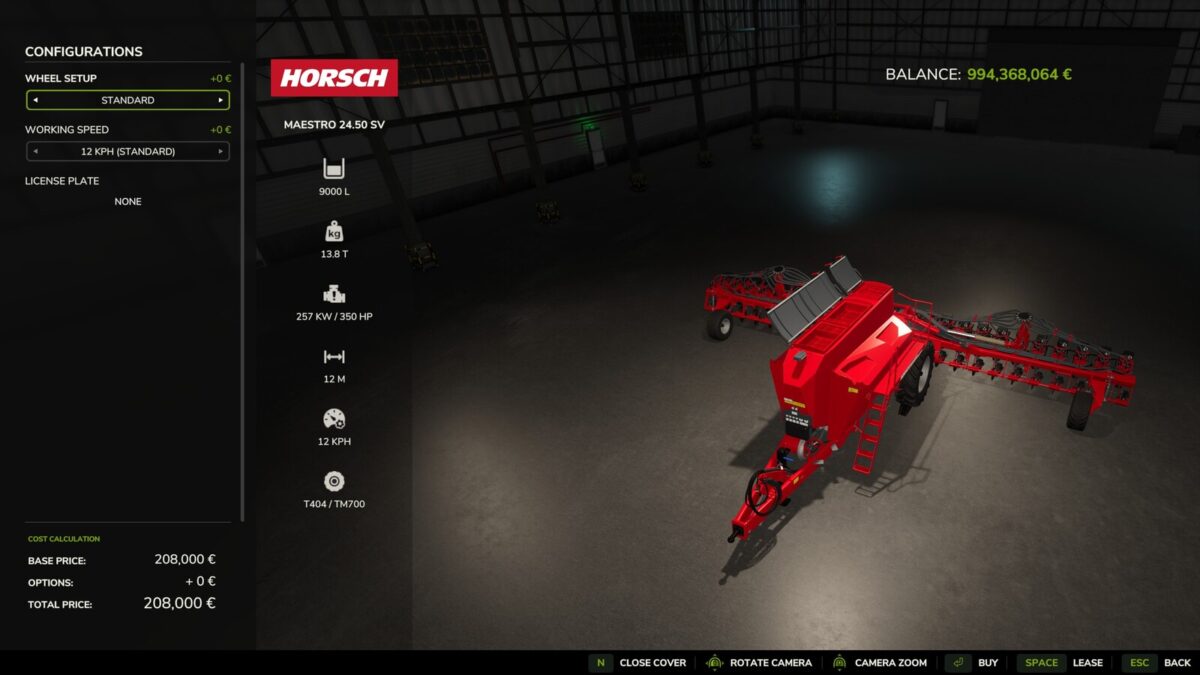
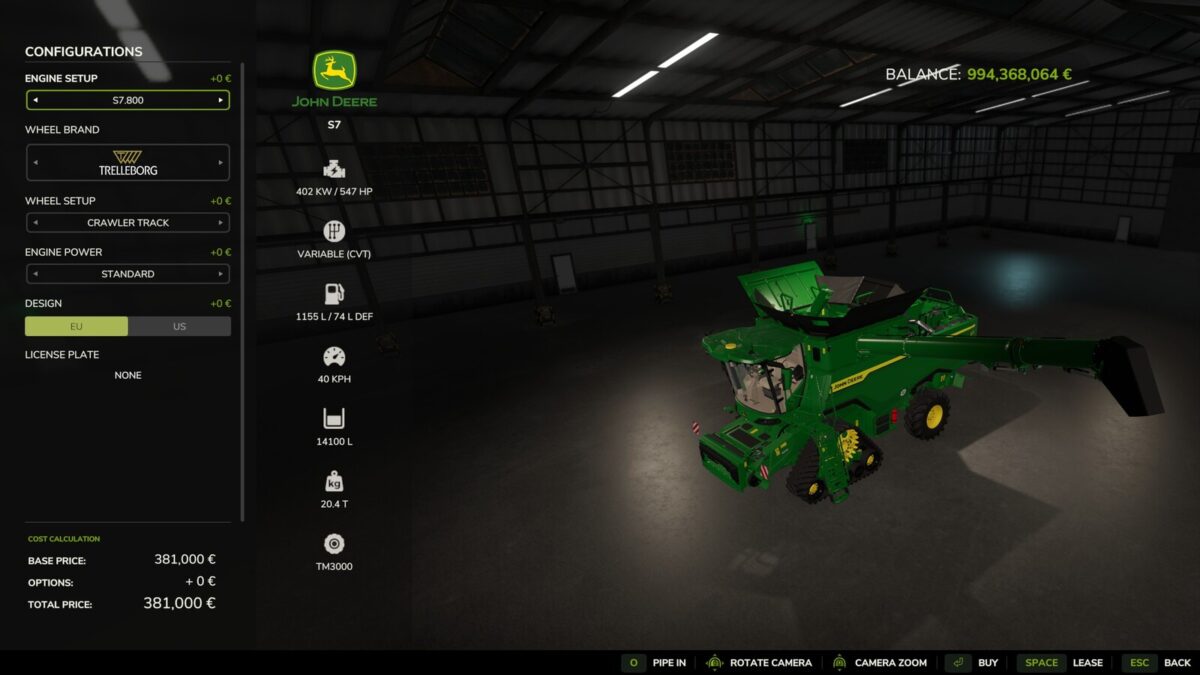
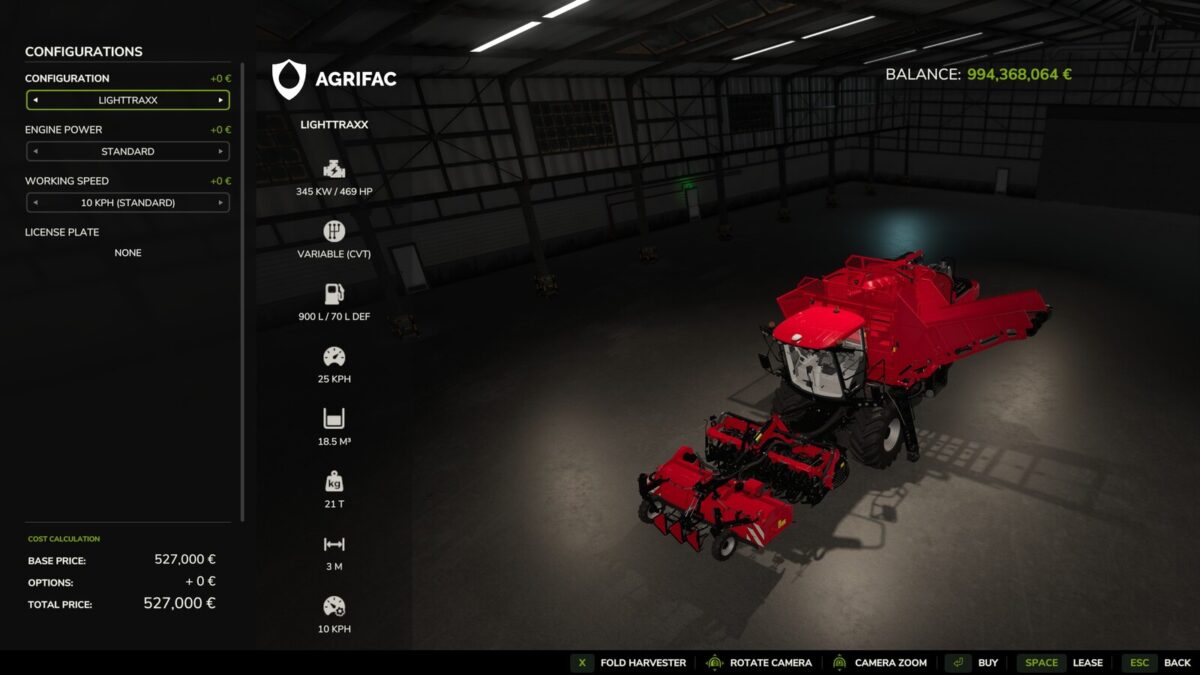
This mod adds actions to the configuration view in the shop for folding the unit and operating the pipe and cover.
It uses the same key bindings as those used for operating the equipment in-game, and any custom key bindings are also respected.
This mod is designed for anyone who wants to view the implement or vehicle in the shop in its unfolded state—with the pipe extended or the cover open—without having to purchase it first.
The current state is maintained as you continue configuring the implement or vehicle.
The mod creates a file in the “modSettings” folder where all mod devices and all DLC devices that have not yet been scanned by me that support these functions are listed.
The default path is as follows: “C:\Users\*YourUsername*\Documents\My Games\FarmingSimulator2025\modSettings\FS25_ShopVehicleActions”
If there are problems with mod devices or with future DLC devices, the unfolding can be deactivated in this file or reactivated if necessary.
Changelog 1.1.0.0
– Removed unused key from the key bindings
– Several minor logic improvements
– Following a game or mod update, the authorization for “Shop Vehicle Actions” for unknown devices is now re-evaluated once
Credits:
gsShooter


