
FS25 Trucks

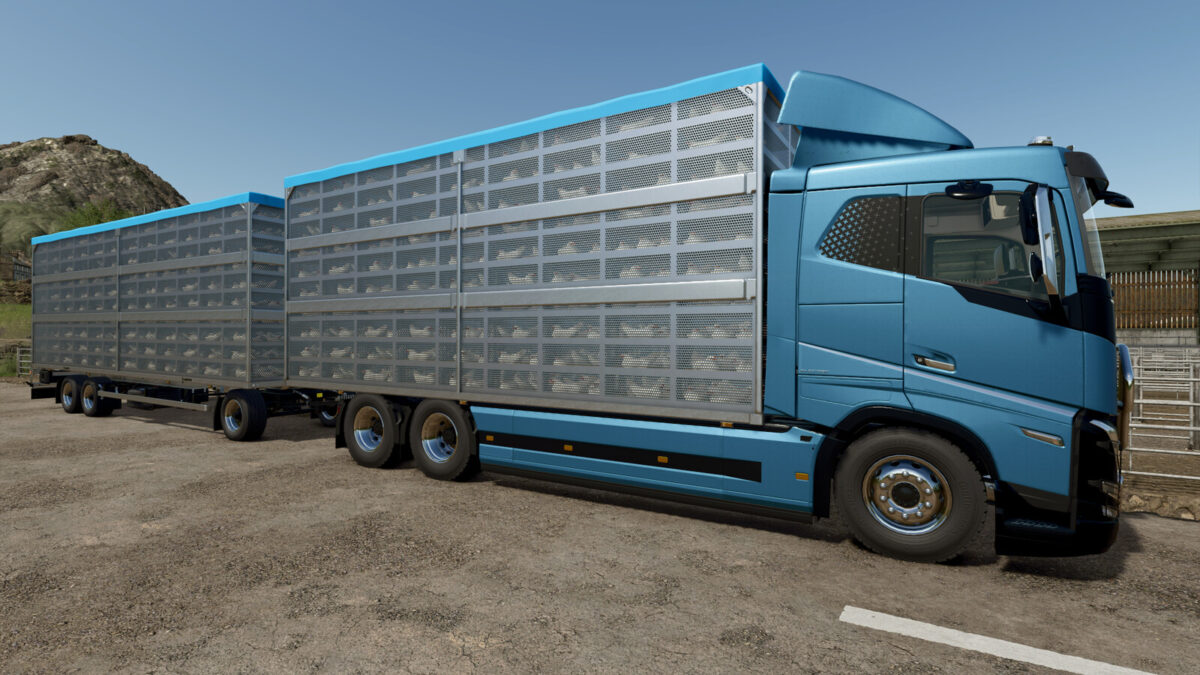
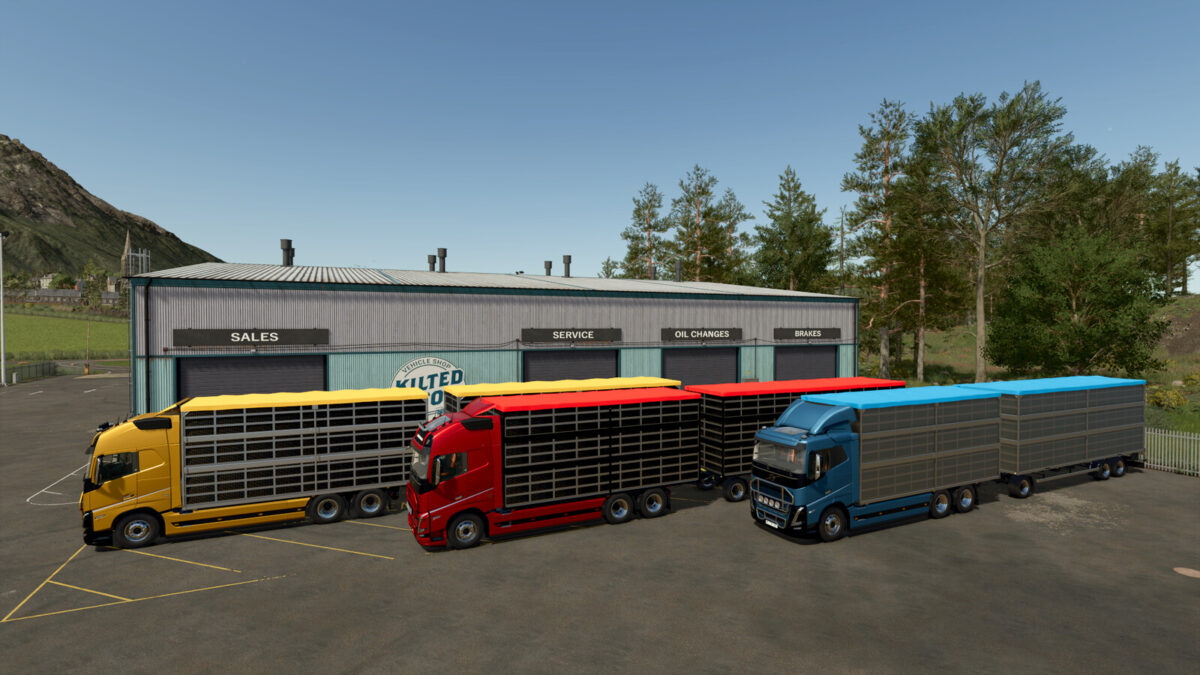
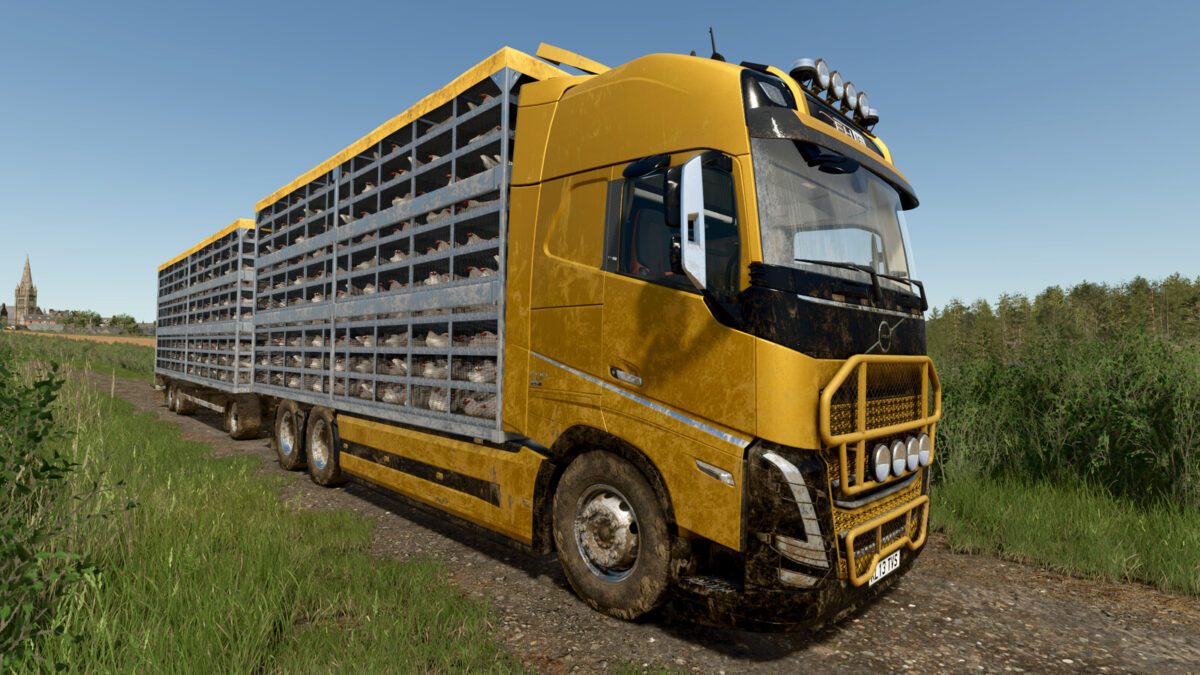
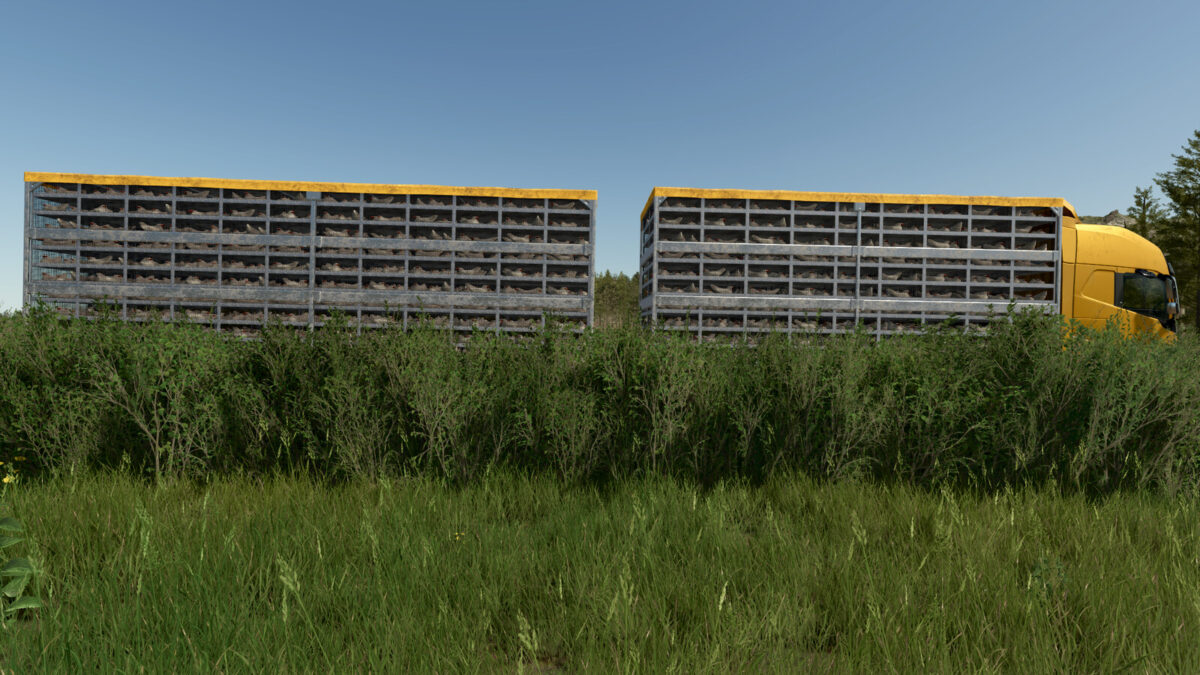
VOLVO FH16 CHICKEN TRANSPORTER v1.0.0.1

VOLVO FH16 CHICKEN TRANSPORTER v1.0.0.1

VOLVO FH16 CHICKEN TRANSPORTER v1.0.0.1

VOLVO FH16 CHICKEN TRANSPORTER v1.0.0.1

VOLVO FH16 CHICKEN TRANSPORTER v1.0.0.1

VOLVO FH16 CHICKEN TRANSPORTER v1.0.0.1

VOLVO FH16 CHICKEN TRANSPORTER v1.0.0.1

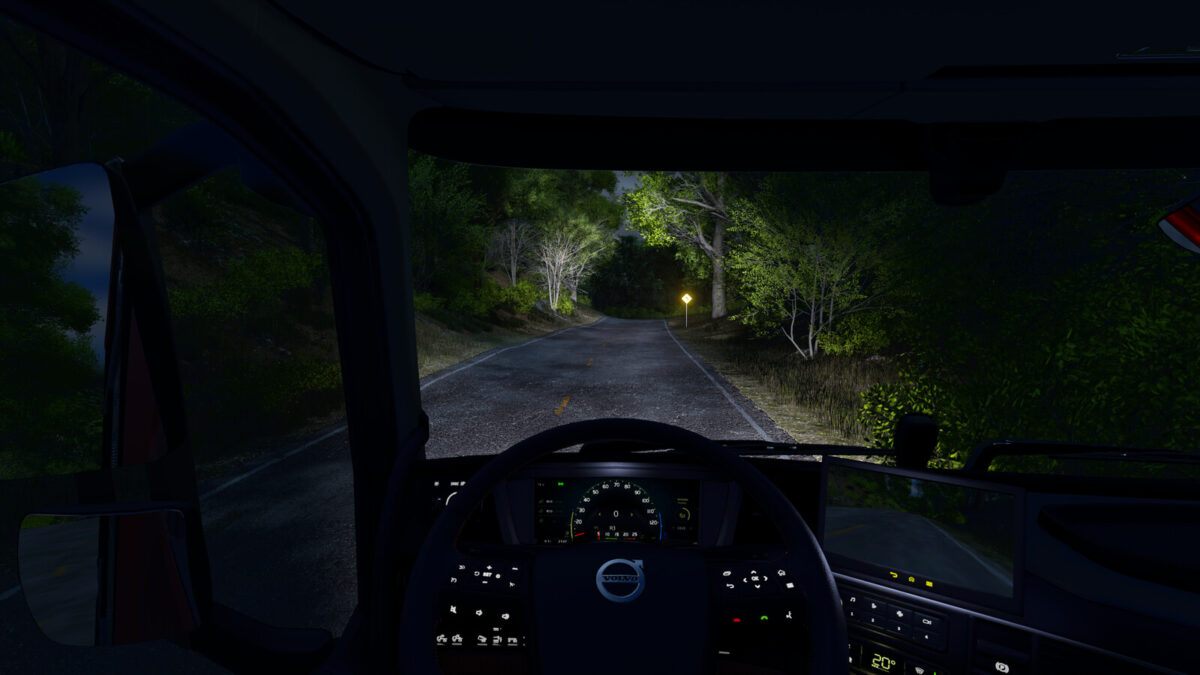
VOLVO FH16 CHICKEN TRANSPORTER
Categories: Drivables – Trucks, Animals – Animal Transport
Power (Diesel): 600 – 780 hp
Power (Electric): 330 – 662 KW (450 – 900 hp)
Max. speed: 90 – 120 kph
Capacity fuel tank: 1510 liters
Battery capacity: 810 KWh
Capacity:
Chickens: 1080 pcs.
Price: $190 000
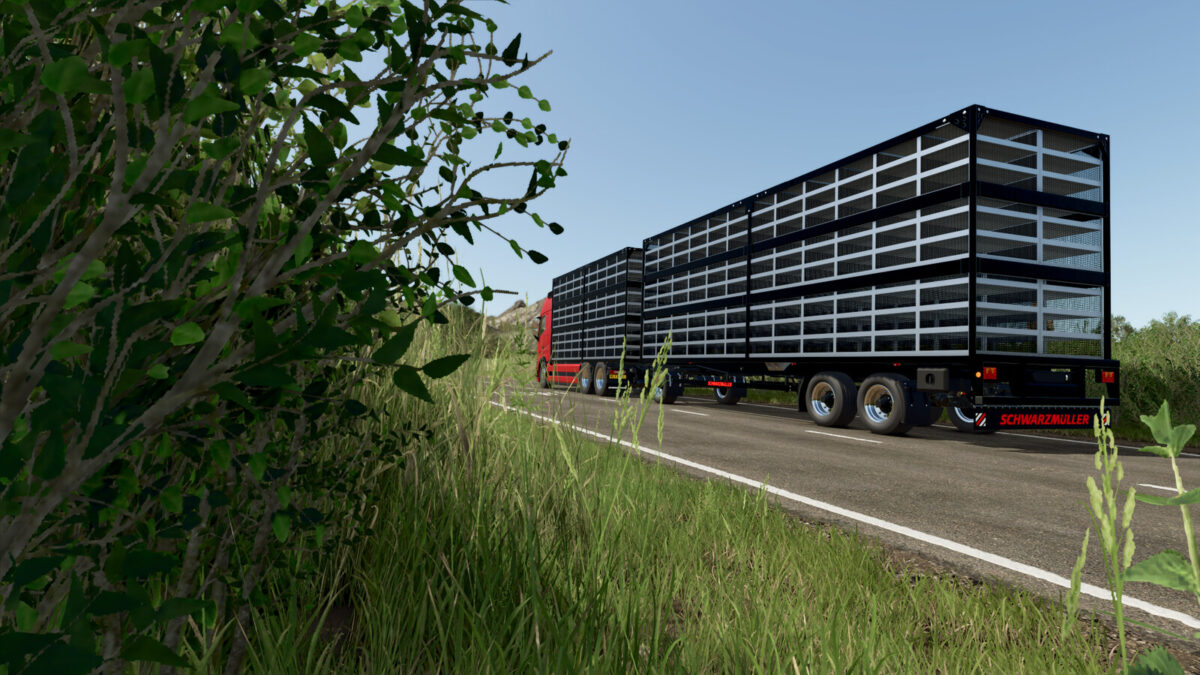
FARMTECH POULTRY TRAILER
Categories: Animals – Animal Transport
Capacity:
Chickens: 1440 pcs.
Price: $30 000
Changelog Version 1.0.0.1:
Door functionality has been reworked (“Y” key on PC, “LB + Y” on console).
Added a rear-view camera (requires the Mercedes-Benz Trucks Pack DLC to work).
Changed headlight mode switching, replaced auxiliary high beam roof-mounted lamps.
Added an option to remove the straw, which can improve FPS on lower-end systems.
Bug fixes:
Fixed collision issues.
Various graphical fixes.
Fixed localization errors and improved translations (EN, DE, FR, RU, UK, PL).

Credits:

ALXXA

How to install FS25 Trucks?
Firstly find a mod which you like and want to download. Then download a mod to your PC. Mods are usually in .zip format file. But sometimes it can be in .rar. If a mod file is a .zip format no needed additional actions. If a file is in .rar, then you must unarchive mod with software like WinRar or Zip7. Windows 10 users no need to use software for archives, Win10 itself has a feature to unarchive files.
The next step is to find mods folder in your PC. Usually, it is in Documents/My Games/Farming Simulator 25/2025. Open the "mods" folder and put downloaded .zip archive or unarchived .rar file to this folder.
Last step. Enjoy of FS25 mods!

Leave a Reply

Your email address will not be published. Required fields are marked *